
Introduction
Thank you for choosing the QZT IC Voice Recorder. This device is designed for high-quality audio recording with a compact and lightweight form factor. It features an 8GB internal memory, long battery life, and various recording and playback functions. Please read this manual carefully to ensure proper use and to maximize the device's capabilities.
Product Overview
The QZT IC Voice Recorder is a versatile audio recording device that also functions as an MP3 player. It is equipped with advanced features for clear sound capture and convenient file management.
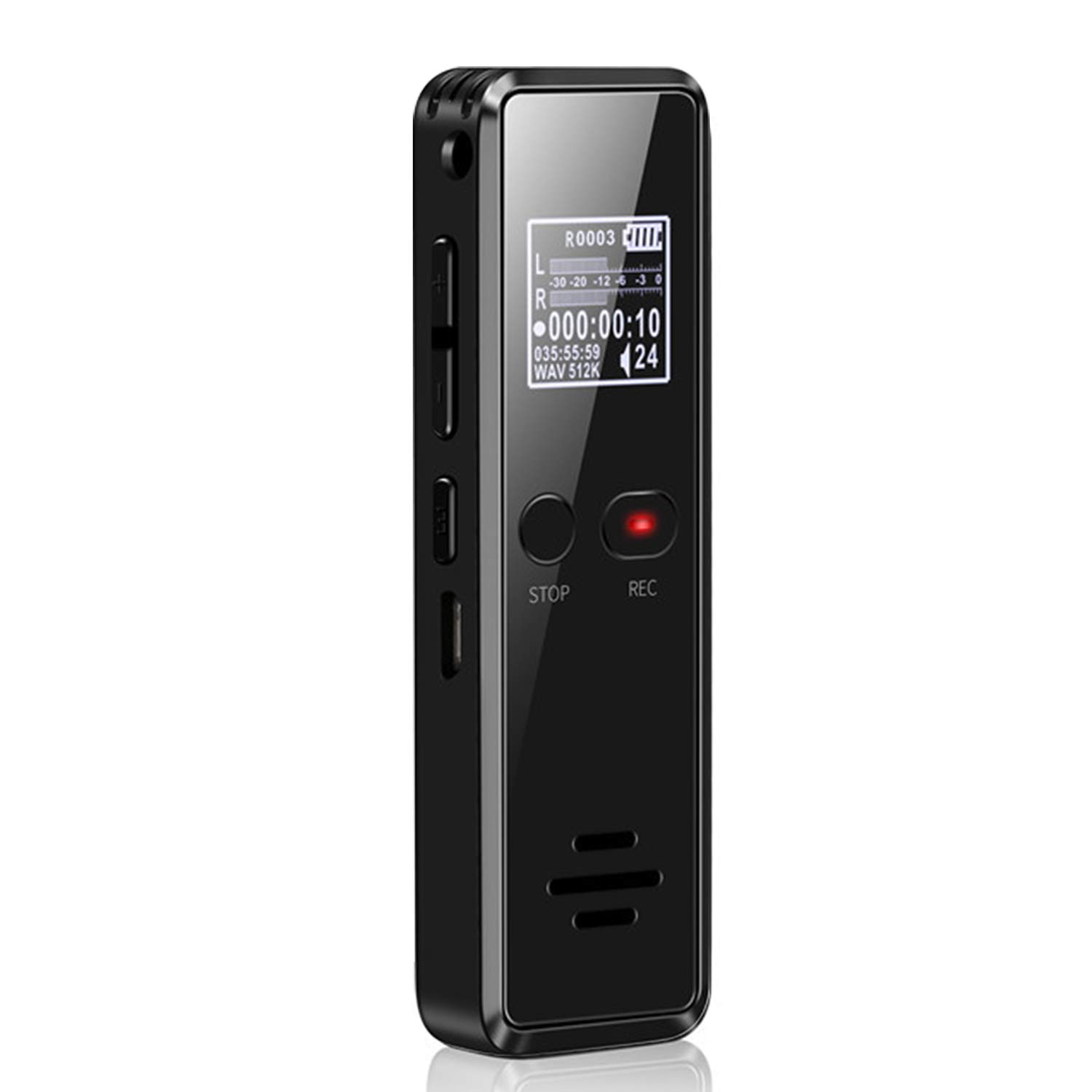
Image: Front view of the QZT IC Voice Recorder, showcasing its compact design and display.
Key Features:
- Easy One-Button Operation: Simple press-to-record functionality.
- High-Quality Recording: Up to 1536kbps audio capture with advanced noise reduction.
- Long Recording Time: Up to 569 hours of recording storage with 8GB memory.
- Multi-functional: Timed recording, voice-activated recording, A-B repeat, variable speed playback, and MP3 player capabilities.
- Data Protection: Password function to secure recorded data.
- Compact Design: Thin (approx. 11mm) and lightweight (approx. 55g) for easy portability.
Setup
Charging the Device:
Before first use, fully charge the voice recorder. Connect the device to a computer's USB port or a USB wall adapter using the provided USB cable. The charging indicator will show the charging status. A full charge provides up to 569 hours of recording time, though actual time may vary with recording quality settings.

Image: The voice recorder connected via USB cable, indicating the charging process.
Initial Power On:
Press and hold the power button until the screen illuminates. The device will boot up and display the main menu.
Operating Instructions
Basic Recording:
- To start recording, simply slide the 'REC' button upwards or press the dedicated record button. The recording indicator will light up.
- To save the recording, slide the 'STOP' button downwards or press the stop button. The file will be automatically saved with a date and time stamp for easy identification.

Image: A hand demonstrating the simple one-button recording and saving operation of the device.
High-Quality Audio Recording:
The device supports recording quality up to 1536kbps. You can adjust the recording quality settings in the device menu to suit your needs, whether for detailed sound capture or extended recording duration. The 360° stereo microphone and advanced noise reduction technology ensure clear audio even in noisy environments.
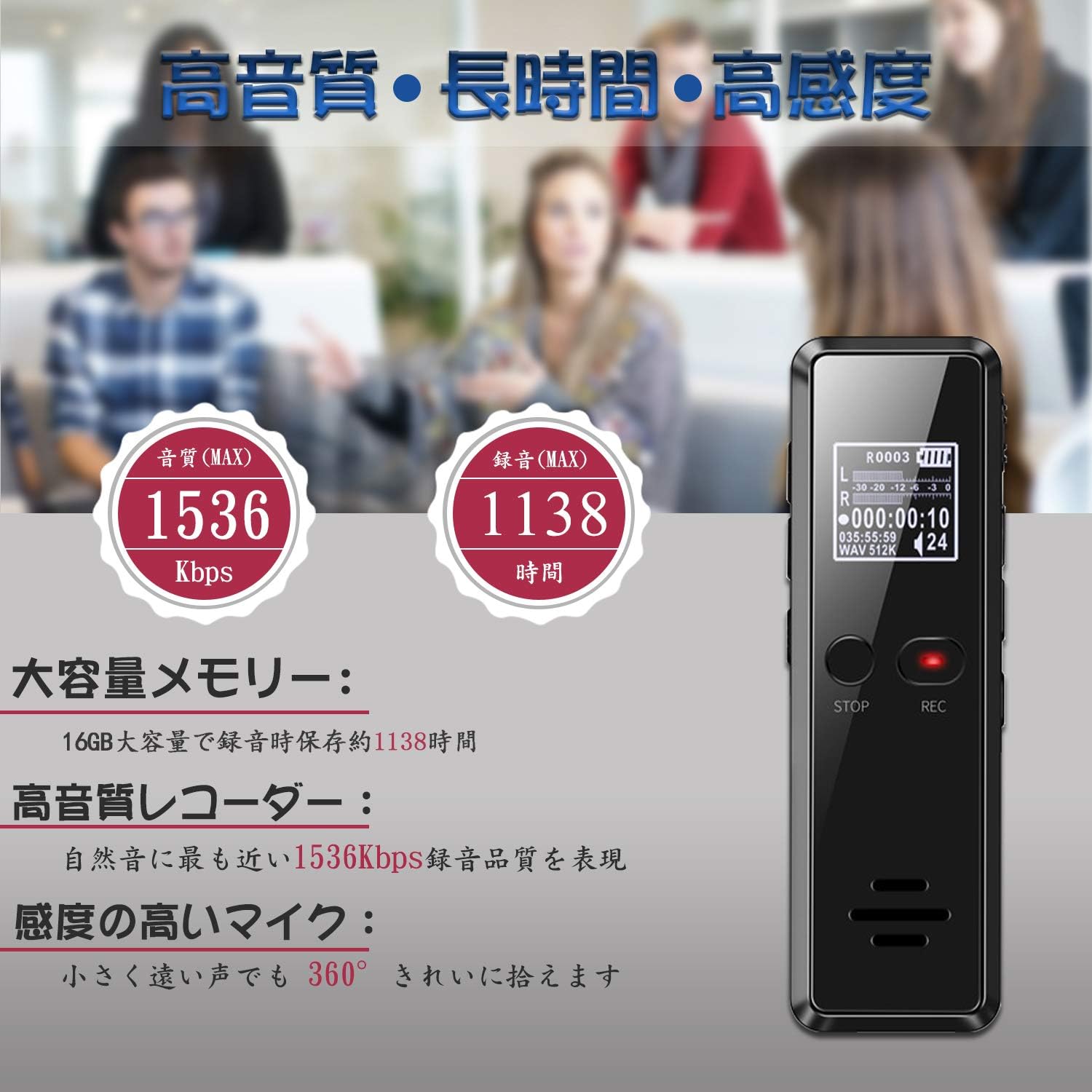
Image: Visual representation of the recorder's high-quality audio (1536Kbps), long recording capacity, and sensitive 360-degree microphone.
Timed Recording:
To prevent missing important recordings, utilize the timed recording function. Set a specific start and end time for recording through the device's menu. The recorder will automatically begin and stop recording at the scheduled times.

Image: The voice recorder displayed against a clock face, indicating its timed recording capability.
Automatic Split Recording:
This function allows the device to automatically split long recordings into smaller, more manageable files (e.g., 30, 60, or 120 minutes). This helps in organizing files and optimizing memory usage.

Image: The voice recorder with graphics of files being split into different time durations (30, 60, 120 minutes).
Playback Functions:
- Normal Playback: Navigate to your desired file and press the play button.
- A-B Repeat Playback: This feature is useful for language learning or reviewing specific sections. During playback, mark the start point (A) and end point (B) of the desired section. The device will repeatedly play this segment.

Image: The voice recorder displaying the A-B repeat function on its screen, with controls for setting repeat points.
- Variable Speed Playback: Adjust the playback speed of your recordings to match your listening pace. This is particularly useful for transcribing or language study.

Image: The voice recorder with a visual representation of speed adjustment sliders, indicating variable speed playback.
Connecting to a Computer:
Connect the recorder directly to your computer using the USB cable. The device will appear as a removable drive. You can then transfer audio files, music, or other data to and from the device, and perform backups.
Password Protection:
To protect your sensitive recordings and data, enable the password function in the device settings. This ensures that only authorized users can access the device's contents.
Maintenance
- Keep the device dry and away from extreme temperatures.
- Clean the device with a soft, dry cloth. Do not use liquid cleaners.
- Avoid dropping the device or subjecting it to strong impacts.
- Regularly back up important recordings to a computer to prevent data loss.
Troubleshooting
Device Not Turning On:
Ensure the device is fully charged. If the issue persists, try resetting the device (refer to the device's specific reset procedure, if available, or contact support).
Poor Recording Quality:
Check the microphone sensitivity settings and recording quality level in the menu. Ensure the microphone is not obstructed. Avoid recording in excessively noisy environments or position the recorder closer to the sound source.
Cannot Transfer Files to PC:
Ensure the USB cable is securely connected to both the recorder and the computer. Try a different USB port or cable. Verify that the computer recognizes the device as a removable storage drive.
Specifications
| Brand | QZT |
| Model | IC Recorder 8GB |
| Memory Storage Capacity | 8 GB |
| Battery Life (Recording) | Up to 569 Hours |
| Microphone Type | Built-in |
| Compatible Devices | PC |
| ASIN | B07M5ZBHK1 |
Warranty and Support
This QZT IC Voice Recorder comes with a one-year warranty. In the event of a malfunction or defect during this period, please contact customer support for a free replacement or refund. For any questions or technical assistance, please refer to the contact information provided with your purchase or visit the official QZT website.