
1. Introduction
This manual provides comprehensive instructions for the installation, operation, and troubleshooting of your Start-X Remote Starter Kit, Model BA-F4. This kit allows you to remotely start and stop your compatible Ford vehicle using your existing factory key fob.
Please read these instructions carefully before beginning the installation process to ensure proper functionality and to avoid potential issues.

Image 1.1: Start-X Remote Starter Kit packaging and compatible vehicles.
2. Product Overview and Compatibility
The Start-X Remote Starter Kit (Model BA-F4) is designed for specific Ford vehicles, offering a plug-and-play installation without the need for wire splicing. It integrates with your vehicle's existing systems to provide remote start functionality using your factory key fob.
2.1 Compatible Vehicles:
- Ford F-150: 2011-2014
- Ford F-250, F-350, F-450, F-550: 2011-2016
- Ford Edge: 2011-2014
- Ford Expedition: 2015-2017
- Ford Explorer: 2011-2015
- Ford Taurus: 2013-2016
- Ford Flex: 2013-2016
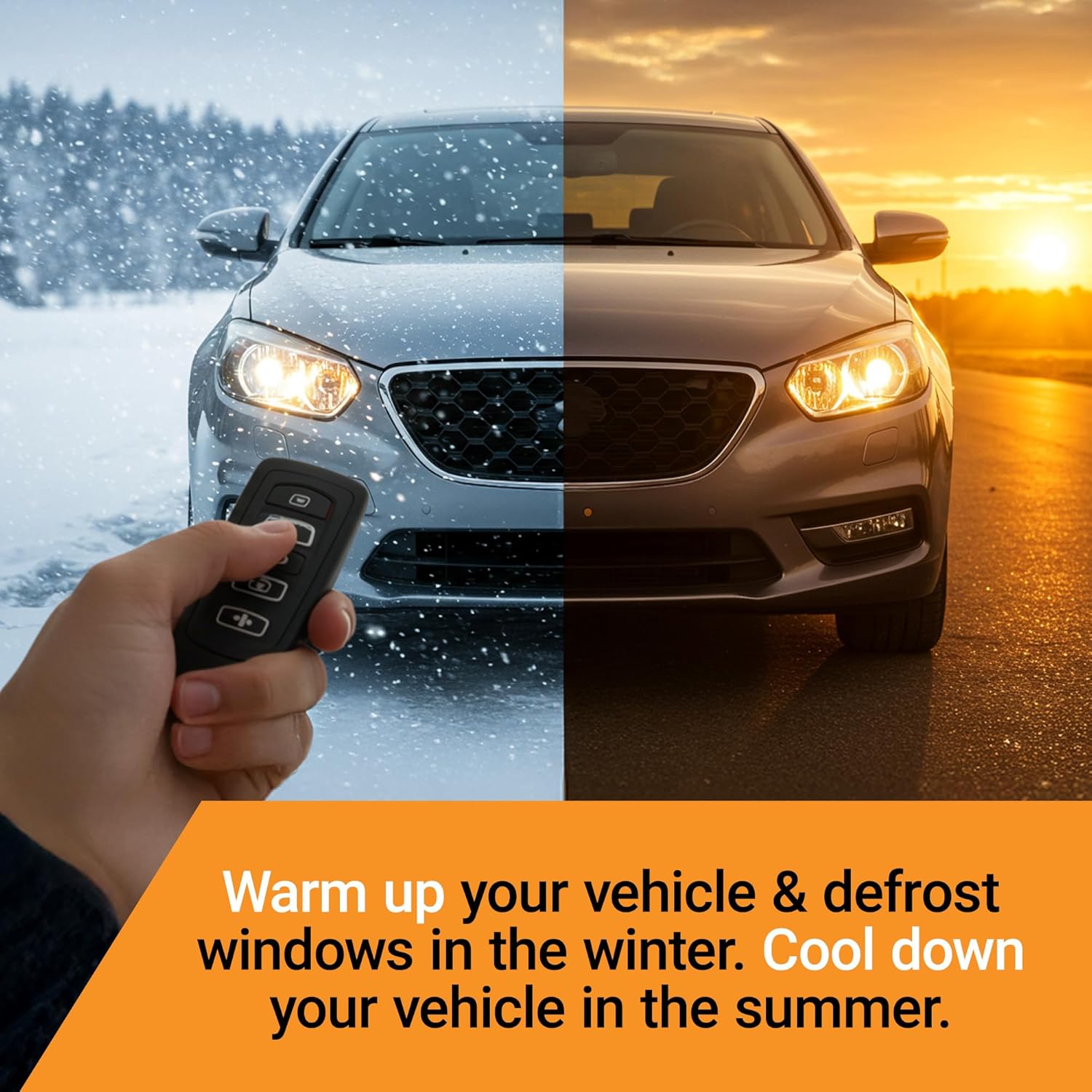
Image 2.1: Remote starting your vehicle for comfort in various weather conditions.
3. Vehicle Requirements
Before installation, ensure your vehicle meets the following criteria:
- Fuel Type: Must be a gas vehicle. This kit is not compatible with diesel vehicles.
- Transmission: Must have an automatic transmission.
- Ignition Type: Must have a traditional key start ignition. This kit is not compatible with push-to-start vehicles.
- Keys: You must have two (2) original working keys for your vehicle to complete the programming process. If you only have one key, the kit will not function.

Image 3.1: Visual representation of vehicle requirements: Automatic Transmission, Key Ignition, Gas Only.
4. Setup and Installation
The Start-X Remote Starter Kit is designed for a plug-and-play installation. While no wire splicing is required, some disassembly of your vehicle's dashboard components will be necessary. It is highly recommended to watch the official installation video specific to your vehicle model, available on the Start-X website, for detailed visual guidance.
4.1 Kit Contents:
Verify that your kit includes the following components:
- Remote Start Module
- Vehicle Connection Harness (T-Harness)
- Pry Tool
- Zip Ties
- Install Guide / Welcome Card / Warning Sticker

Image 4.1: Components included in the Start-X Remote Starter Kit.
4.2 General Installation Steps:
- Prepare Vehicle: Ensure the vehicle is turned off, the parking brake is engaged, and the battery is disconnected (optional, but recommended for safety).
- Access Ignition Area: Carefully remove the necessary dashboard panels to gain access to the vehicle's ignition cylinder and wiring harnesses. Use the provided pry tool to prevent damage.
- Connect T-Harness: Locate the vehicle's ignition harness connectors. Disconnect the factory harness and connect the Start-X T-Harness in-line. Ensure all connections are secure.
- Connect Module: Plug the T-Harness into the Start-X Remote Start Module.
- Programming: Follow the specific programming instructions provided in your kit's install guide. This typically involves a sequence of key turns and button presses using both of your original vehicle keys. Timing is critical during this step.
- Test Functionality: Before reassembling the dashboard, test the remote start functionality as described in Section 5.
- Secure Module and Wiring: Once confirmed working, use the provided zip ties to secure the module and all wiring away from moving parts or heat sources.
- Reassemble: Carefully reattach all removed dashboard panels.

Image 4.2: Connecting the remote start module during installation.
Important: Refer to the detailed, vehicle-specific installation video and guide provided by Start-X for precise instructions for your model. Incorrect installation can lead to system malfunction.
5. Operating Instructions
Your Start-X Remote Starter Kit utilizes your vehicle's factory key fob for remote start and stop functions.
5.1 Remote Starting Your Vehicle:
- Ensure your vehicle is locked.
- Press the Lock button three (3) times consecutively on your factory key fob.
- The vehicle's parking lights will flash, and the engine will start.
- The vehicle will run for a preset duration (typically 10-15 minutes) or until stopped.
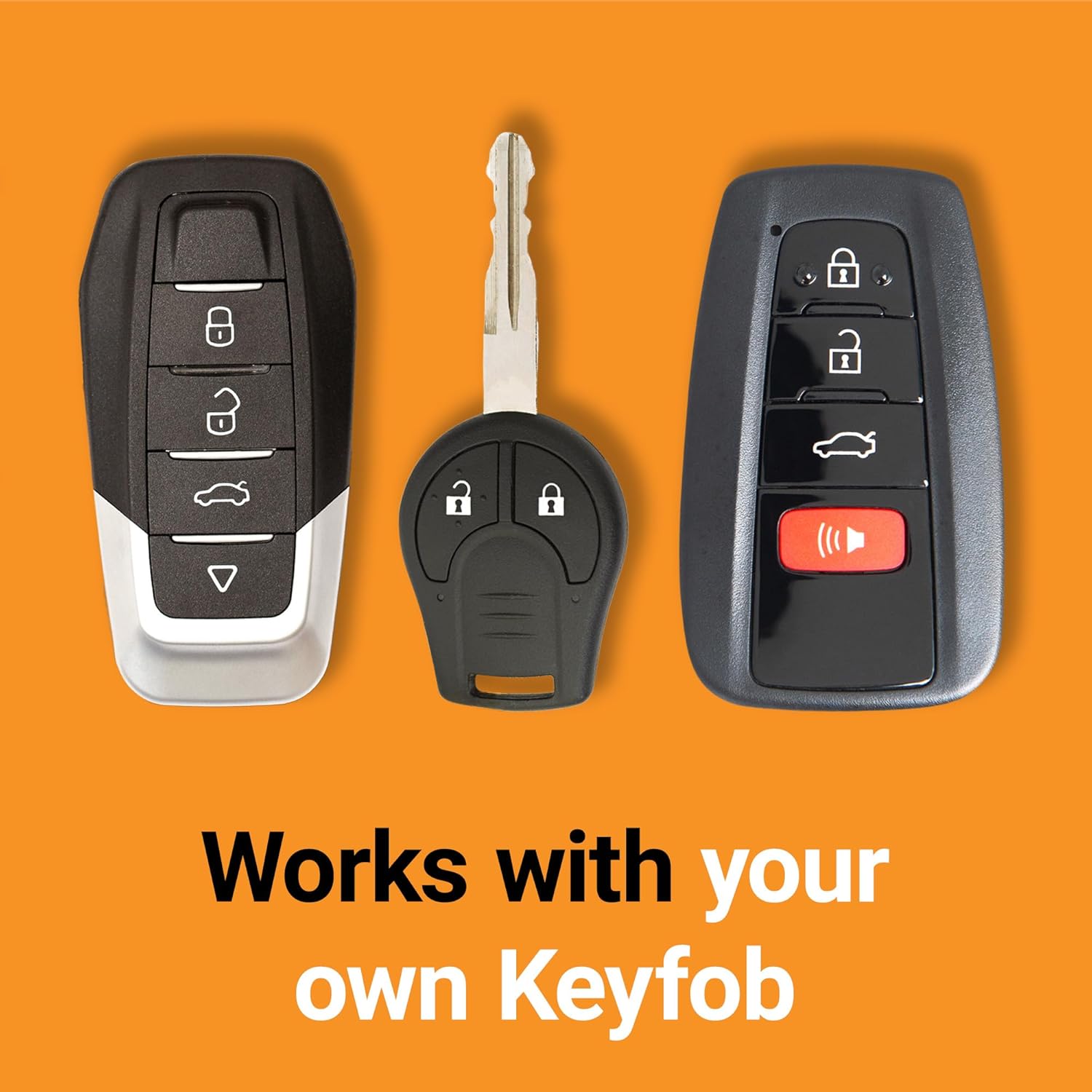
Image 5.1: The remote starter works with your existing factory key fob.
5.2 Remote Stopping Your Vehicle:
- While the vehicle is running via remote start, press the Lock button three (3) times consecutively on your factory key fob.
- The engine will shut off.
5.3 Entering the Vehicle After Remote Start:
- Unlock your vehicle using your key fob.
- Enter the vehicle. The engine will remain running.
- Insert your key into the ignition and turn it to the "ON" or "RUN" position.
- Press the brake pedal. This action transfers control from the remote start system to the ignition key, allowing you to drive normally.
- If the brake pedal is pressed before the key is turned to "ON/RUN", the engine will shut off.
6. Troubleshooting
| Issue | Possible Cause / Solution |
|---|---|
| Vehicle does not remote start. |
|
| Engine starts but immediately shuts off. |
|
| Remote start range is limited. |
|
| Cannot turn off vehicle with key after remote start. |
|
If you encounter persistent issues, please refer to the official Start-X support resources or contact their customer service for assistance.
7. Specifications
| Feature | Detail |
|---|---|
| Model Number | BA-F4 |
| Brand | Start-X |
| Installation Type | Plug-and-Play (T-Harness) |
| Wire Splicing Required | No |
| Control Method | Factory Key Fob (3x Lock Press) |
| Vehicle Compatibility | Specific Ford F-Series, Edge, Expedition, Explorer, Taurus, Flex models (see Section 2.1) |
| Vehicle Requirements | Gas engine, Automatic Transmission, Key Start Ignition, Two (2) original keys required for programming. |
| Item Weight | Approximately 1.01 pounds (0.46 kg) |
| Package Dimensions | Approximately 8.54 x 4.69 x 3.62 inches (21.7 x 11.9 x 9.2 cm) |
8. Support and Warranty
8.1 Customer Support:
For technical assistance, installation questions, or troubleshooting not covered in this manual, please visit the official Start-X website or contact their customer support team. Ensure you have your product model number (BA-F4) and vehicle information ready when seeking support.
Online resources, including vehicle-specific installation videos, are available to assist with the setup process.
8.2 Warranty Information:
Please refer to the warranty information provided with your Start-X Remote Starter Kit packaging or on the official Start-X website for details regarding product warranty, terms, and conditions.


