
Callaway 200s
Callaway 200s Slope Laser Rangefinder User Manual
Model: 200s | Brand: Callaway
1. Introduction
This manual provides detailed instructions for the proper use and maintenance of your Callaway 200s Slope Laser Rangefinder. Designed for precision and ease of use, this device measures distances with advanced slope technology, assisting golfers in making informed shot decisions. Please read this manual thoroughly before operating the device to ensure optimal performance and longevity.
2. Product Overview & Features
The Callaway 200s Slope Laser Rangefinder is a compact and lightweight device engineered to enhance your golf game. It incorporates several key features for accurate distance measurement:
- Ultra Compact, lightweight device: Easy to carry and handle on the course.
- P.A.T. (Pin Acquisition Technology): Allows you to lock onto the pin up to 275 yards away, ensuring accurate readings even with background objects.
- 6X Magnification: Provides clear and detailed views of your target.
- Measuring Range: Capable of measuring distances from 5 to 800 yards.
- Slope Technology: Measures the angle of incline/decline and calculates the slope-adjusted distance, providing a more accurate 'plays like' distance.
- Scan Landscape: Enables continuous scanning to acquire multiple targets quickly.
- Measure in Yards or Meters: Easily switch between measurement units based on your preference.

Front-angled view of the Callaway 200s Slope Laser Rangefinder, showcasing its blue body and black accents, with the Callaway logo and '200s' visible.

Front view of the rangefinder, highlighting the two optical lenses used for distance measurement.
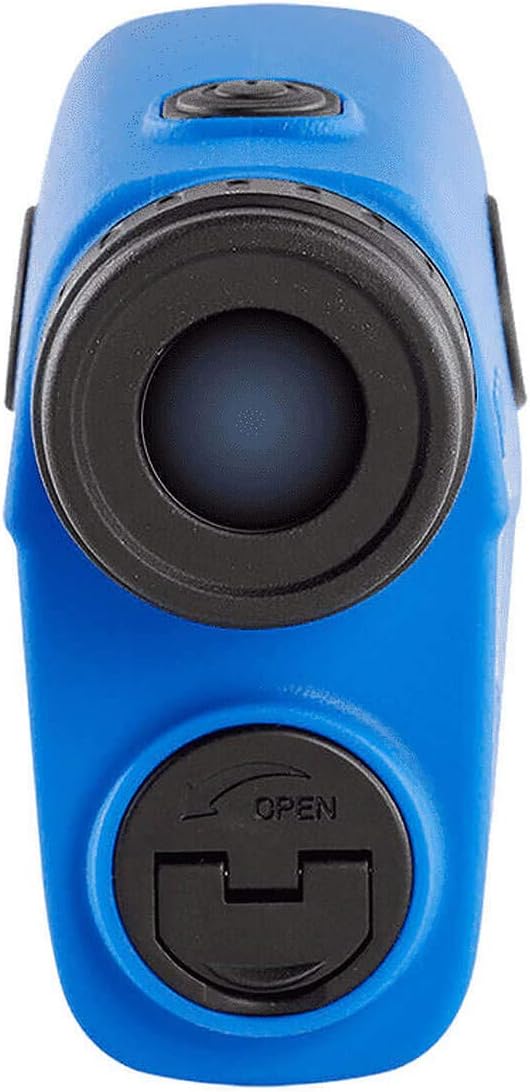
Rear view of the rangefinder, displaying the eyepiece through which the user views the target and measurement data.

Top view of the rangefinder, showing the power/measurement button and the overall compact design.
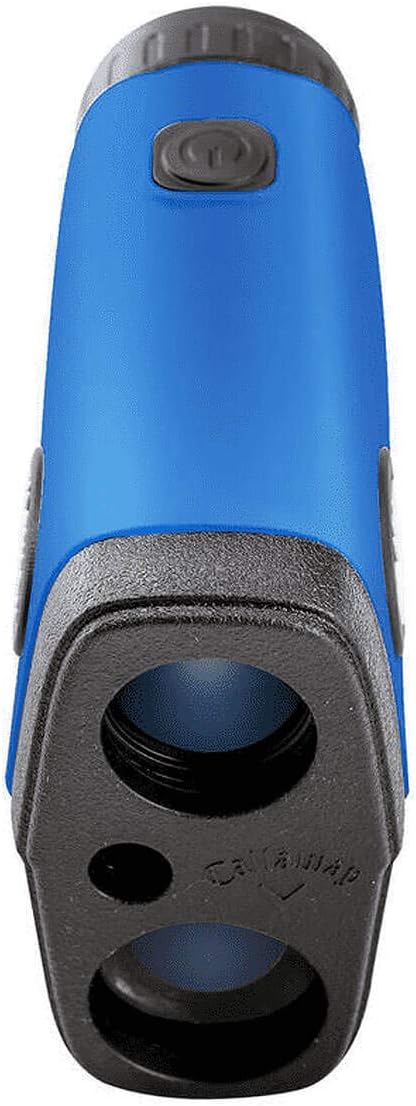
Side profile of the rangefinder, illustrating its ergonomic shape and textured grip areas.
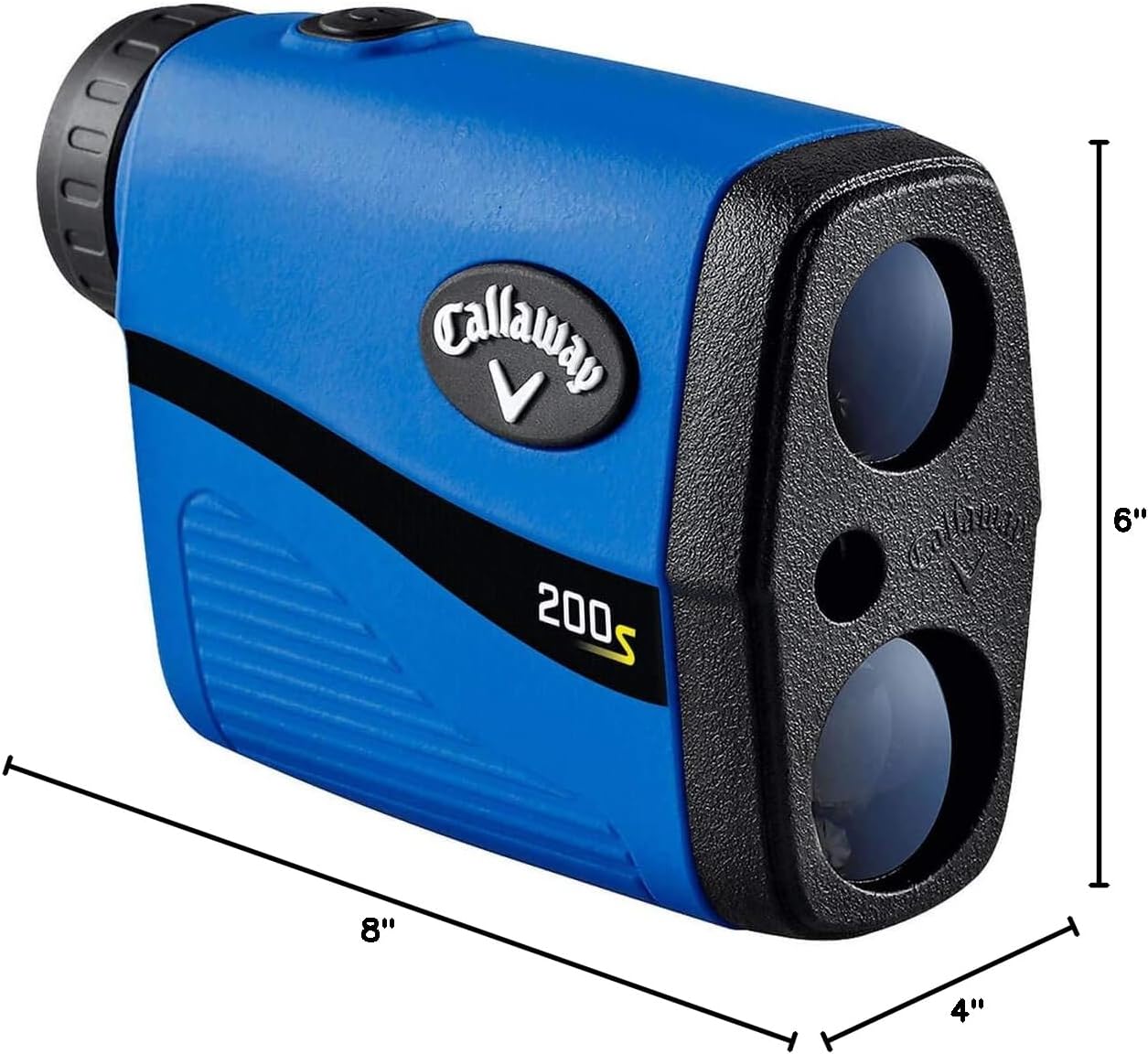
An image showing the approximate dimensions of the Callaway 200s Rangefinder: 8 inches long, 4 inches wide, and 6 inches high.
3. Setup
3.1 Battery Installation
The Callaway 200s Rangefinder requires a Lithium battery (not included). To install the battery:
- Locate the battery compartment cover, typically on the underside or side of the device.
- Twist or slide the cover to open it.
- Insert the Lithium battery, ensuring the positive (+) and negative (-) terminals are aligned correctly as indicated inside the compartment.
- Close the battery compartment cover securely.
3.2 Initial Power-On & Focus Adjustment
After installing the battery, press the power button (usually located on the top of the device) to turn on the rangefinder. To ensure a clear view:
- Look through the eyepiece.
- Rotate the diopter adjustment ring (located around the eyepiece) until the display and target appear sharp and clear to your eye.
4. Operating Instructions
4.1 Measuring Distance
To measure the distance to a target:
- Aim the crosshairs in the display at your desired target.
- Press and release the power/measurement button. The distance will be displayed instantly.
4.2 Pin Acquisition Technology (P.A.T.)
P.A.T. helps you lock onto the flagstick, even with trees or other objects in the background. To use P.A.T.:
- Aim the crosshairs at the flagstick.
- Press and hold the power/measurement button.
- Slowly pan the rangefinder across the flagstick. The device will vibrate or provide a visual indicator when it has locked onto the pin, displaying the distance.

An example of the display view through the rangefinder, showing the distance to a flagstick on a golf course, with additional information like slope-adjusted distance.
4.3 Slope Technology
The 200s model features slope technology, which automatically calculates the adjusted distance based on the incline or decline to the target. This provides a more accurate 'plays like' distance for uphill or downhill shots. The slope-adjusted distance will be displayed alongside the actual measured distance.
4.4 Scan Mode
For continuous measurement of multiple targets or to scan the landscape:
- Press and hold the power/measurement button.
- Pan the rangefinder across different targets. The distance will update continuously as you move.
4.5 Switching Measurement Units
To switch between yards and meters:
- While the device is on, press and hold the 'MODE' button (if available, or the power button for a longer duration if it doubles as mode selector) until the unit changes. Refer to the on-screen indicator for the current unit.
5. Care and Maintenance
Proper care ensures the longevity and accuracy of your rangefinder:
- Cleaning Lenses: Use a soft, clean microfiber cloth to gently wipe the lenses. Avoid using abrasive materials or excessive force, which can scratch the optical surfaces.
- Cleaning Body: Wipe the body of the rangefinder with a damp cloth. Do not use harsh chemicals or solvents.
- Water Resistance: The device has an International Protection Rating of IPX4, meaning it is waterproof and protected against splashing water from any direction. However, it is not designed for submersion. Dry the device thoroughly if it gets wet.
- Storage: Store the rangefinder in its protective case when not in use. Keep it in a cool, dry place, away from direct sunlight and extreme temperatures. Remove the battery if storing for extended periods to prevent leakage.
- Avoid Drops: While durable, repeated drops can affect internal components. Handle with care.
6. Troubleshooting
If you encounter issues with your Callaway 200s Rangefinder, refer to the following common problems and solutions:
| Problem | Possible Cause | Solution |
|---|---|---|
| Device does not power on. | Dead or incorrectly installed battery. | Check battery orientation. Replace with a new Lithium battery. |
| Inaccurate distance readings. | Dirty lenses, unstable aim, or target too far/close. | Clean lenses. Ensure steady aim. Verify target is within 5-800 yard range. |
| Difficulty locking onto the pin (P.A.T.). | Unsteady hand, too much background interference, or pin is beyond 275 yards. | Practice steadying your hand. Slowly pan across the pin. Ensure pin is within P.A.T. range. |
| Display is blurry. | Diopter not adjusted. | Rotate the diopter adjustment ring until the display is clear. |
| Unit not switching between Yards/Meters. | Incorrect button press duration. | Ensure you are pressing and holding the correct button (usually MODE or power) for the required duration. |
7. Technical Specifications
| Specification | Detail |
|---|---|
| Brand | Callaway |
| Model Number | C70156 |
| Color | Blue |
| Material | Plastic |
| Sport | Golf |
| Item Weight | 0.48 Pounds |
| Product Dimensions (LxWxH) | 8"L x 4"W x 6"H |
| Battery Type | Lithium (Not Included) |
| Water Resistance Level | Waterproof (IPX4) |
| Magnification Maximum | 6 x |
| Measuring Range | 5-800 yards |
| UPC | 689769701566 |
| Date First Available | April 21, 2019 |
8. Warranty Information
Specific warranty details for the Callaway 200s Slope Laser Rangefinder are not provided in the available product information. Please refer to the product packaging or the official Callaway website for the most current and comprehensive warranty policy.
9. Customer Support
For further assistance, technical support, or inquiries regarding your Callaway 200s Slope Laser Rangefinder, please visit the official Callaway Golf website or contact their customer service department. Contact information can typically be found on the manufacturer's website or on the product packaging.
Related documents200s


Ask a question about this manual
Ask about setup, troubleshooting, compatibility, parts, safety, or missing instructions. Manuals+ will review the question and use this page’s manual context to help answer it.