
1. Introduction
The Bewinner F920 is a versatile retractable Bluetooth earphone designed for business and sports use. It features a collar clip style, Bluetooth V4.1 connectivity, and a range of functions including call vibration, voice prompts, and an anti-lost alarm. This manual provides detailed instructions to help you get the most out of your device.
2. Package Contents
Please check the package for the following items:
- 1 x Bewinner F920 Bluetooth Headset
- 1 x USB Charging Cable
- 2 x Ear Caps (different sizes)
- 1 x Hand Rope
- 1 x User Manual (this document)

Figure 2.1: Package contents including the F920 earphone, USB charging cable, and ear caps.
3. Setup
3.1 Charging the Earphone
Before first use, fully charge the earphone. Connect the provided USB cable to the charging port on the earphone and to a DC 5V power source (e.g., a computer USB port or a USB wall adapter). The charging time is less than 2 hours. A full charge provides over 80 hours of standby time, over 5 hours of talk time, and over 4 hours of music playback.
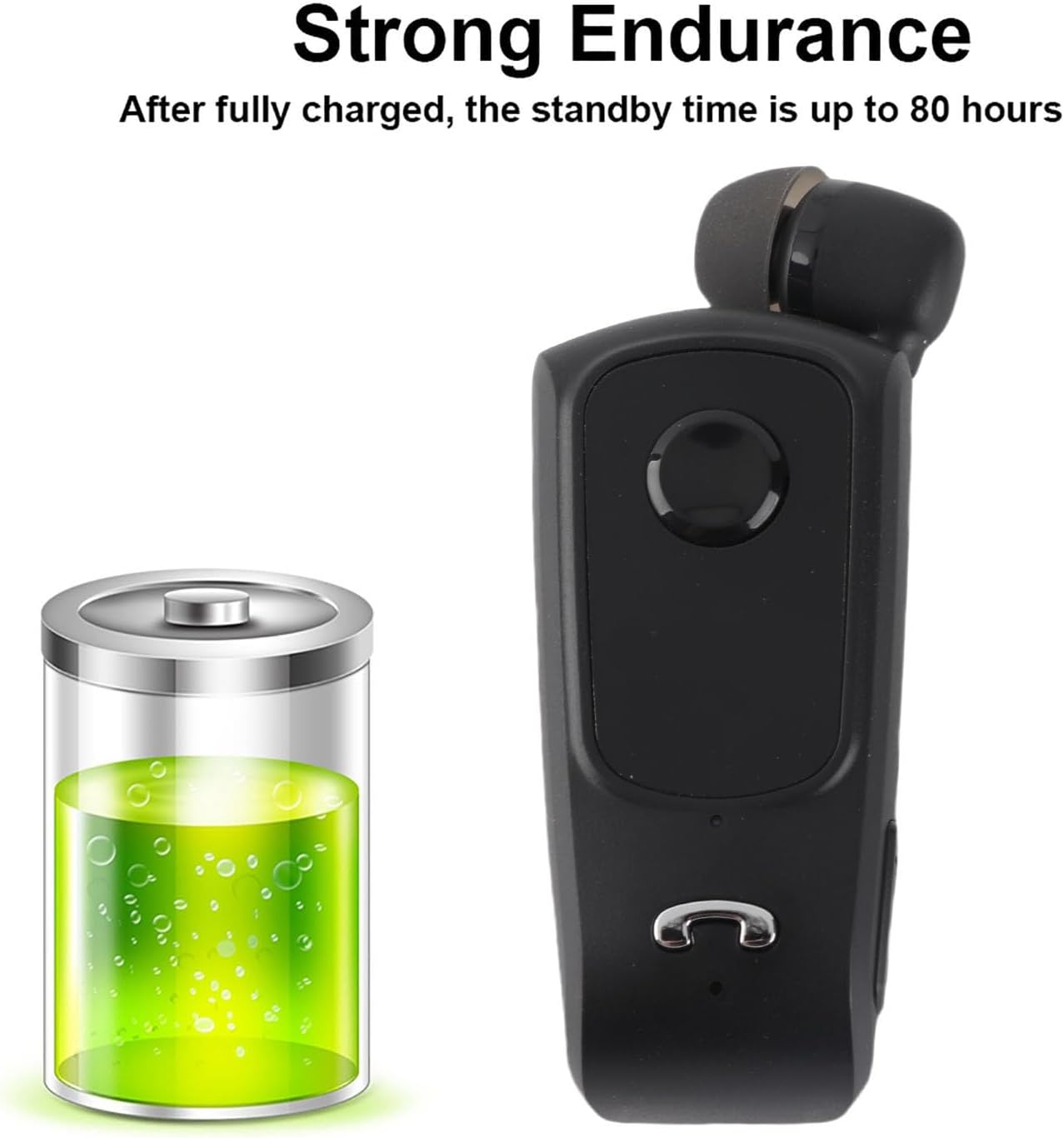
Figure 3.1: The F920 earphone offers extended battery life with up to 80 hours of standby time.
3.2 Powering On/Off
- To Power On: Press and hold the multi-function button until the indicator light flashes.
- To Power Off: Press and hold the multi-function button until the indicator light turns off.
3.3 Bluetooth Pairing
To connect your F920 earphone to a device:
- Ensure the earphone is fully charged and powered off.
- Press and hold the multi-function button for approximately 5-7 seconds until the indicator light flashes red and blue alternately, indicating pairing mode.
- On your mobile phone or Bluetooth-enabled device, enable Bluetooth and search for available devices.
- Select "F920" from the list of found devices.
- Once connected, the indicator light will flash blue slowly, and you may hear a voice prompt confirming the connection.
The F920 supports connecting to two mobile phones simultaneously. After pairing with the first device, disable Bluetooth on the first device, then pair with the second device. Re-enable Bluetooth on the first device, and the earphone should connect to both.

Figure 3.2: The F920 earphone can be connected to two mobile phones at the same time.
4. Operating Instructions
4.1 Basic Functions
- Play/Pause Music: Press the multi-function button once.
- Next Track: Press and hold the Volume + button.
- Previous Track: Press and hold the Volume - button.
- Volume Up: Press the Volume + button.
- Volume Down: Press the Volume - button.
4.2 Call Management
- Answer Call: Press the multi-function button once when a call comes in.
- End Call: Press the multi-function button once during a call.
- Reject Call: Press and hold the multi-function button for 2 seconds when a call comes in.
- Redial Last Number: Double-press the multi-function button.
The earphone features a call vibration function, ensuring you do not miss important calls. It also provides voice prompts for incoming calls.

Figure 4.1: The F920 earphone includes a call vibration function to alert you to incoming calls.
4.3 Retractable Earphone
The F920 features a retractable earphone cord. To extend the earphone, gently pull it out. To retract, press the dedicated retraction button on the side of the device, and the cord will automatically retract into the unit. This design prevents tangling and makes storage convenient.

Figure 4.2: Press the button to retract the earphone cord for tidy storage.
4.4 Anti-Lost Function
If your connected mobile phone exceeds the Bluetooth connection range (approximately 10 meters), the earphone will vibrate and sound an alarm to notify you, helping to prevent loss.
4.5 Language Switching
The earphone supports switching between Chinese and English voice prompts. Refer to the specific instructions in the quick start guide for the button combination to change the language setting.
5. Maintenance
- Cleaning: Use a soft, dry cloth to clean the earphone. Do not use harsh chemicals or abrasive materials.
- Storage: Store the earphone in a cool, dry place away from direct sunlight and extreme temperatures.
- Battery Care: To prolong battery life, avoid fully discharging the battery frequently. Charge the device regularly, even if not in use for extended periods.
- Water Exposure: This device is not waterproof. Avoid exposure to water or excessive moisture.
6. Troubleshooting
If you encounter issues with your Bewinner F920 earphone, please refer to the following common solutions:
| Problem | Possible Cause | Solution |
|---|---|---|
| Earphone does not power on | Low battery | Charge the earphone for at least 30 minutes. |
| Cannot pair with device | Earphone not in pairing mode; Bluetooth off on device; device too far | Ensure earphone is in pairing mode (red/blue flashing light). Turn on Bluetooth on your device. Move device closer to earphone (within 10m). |
| No sound during playback/calls | Volume too low; earphone not connected; incorrect audio output selected | Increase earphone and device volume. Verify earphone is connected. Check device audio settings to ensure F920 is selected as output. |
| Call vibration/anti-lost not working | Feature disabled; earphone out of range | Ensure earphone is connected. Check if the phone is within Bluetooth range for anti-lost function. |
If the problem persists after trying these solutions, please contact customer support.
7. Specifications
| Feature | Specification |
|---|---|
| Product Model | F920 |
| Product Color | Black |
| Product Chip | CSR |
| Bluetooth Version | V4.1 |
| Bluetooth Distance | Up to 10 meters (33 feet) |
| Frequency | 2.4GHz |
| Charging Voltage | DC 5V |
| Charging Time | Less than 2 hours |
| Talk Time | 5 hours or more |
| Music Time | 4 hours or more |
| Standby Time | 80 hours or more |
| Battery Capacity | 80mAH |
| Supported Agreements | Headset, Hands-Free, A2DP, AVRCP |
| Product Dimensions | 6.89 x 2.95 x 1.18 inches (17.5 x 7.5 x 3 cm) |
| Item Weight | 2.11 ounces (60 grams) |
8. Warranty Information
Specific warranty details for the Bewinner F920 earphone are not provided in this manual. Please refer to the product packaging or contact Bewinner customer support for information regarding warranty coverage and terms.
9. Customer Support
For any quality problems or questions regarding your Bewinner F920 Retractable Bluetooth Earphone, please contact our professional customer service team. We are committed to resolving your issues promptly.
You can visit the official Bewinner store for more information and support: Bewinner Store on Amazon