
Introduction
This manual provides detailed instructions for the K&F Concept KF-EFRF Lens Mount Adapter. This adapter allows you to mount Canon EF and EF-S series lenses onto Canon EOS RF mount camera bodies. It is designed for manual operation, meaning there are no electronic contacts for autofocus, automatic aperture control, or other electronic functions between the lens and the camera body.
Please read these instructions carefully before using the adapter to ensure proper installation and operation, and to prevent any potential damage to your equipment.
Installation and Initial Setup
1. Attaching the Lens to the Adapter
Hold the adapter firmly. Align the red dot on your Canon EF/EF-S mount lens with the red dot on the K&F Concept KF-EFRF adapter. Gently insert the lens into the adapter and rotate it clockwise until you hear a click, indicating it is securely locked in place.
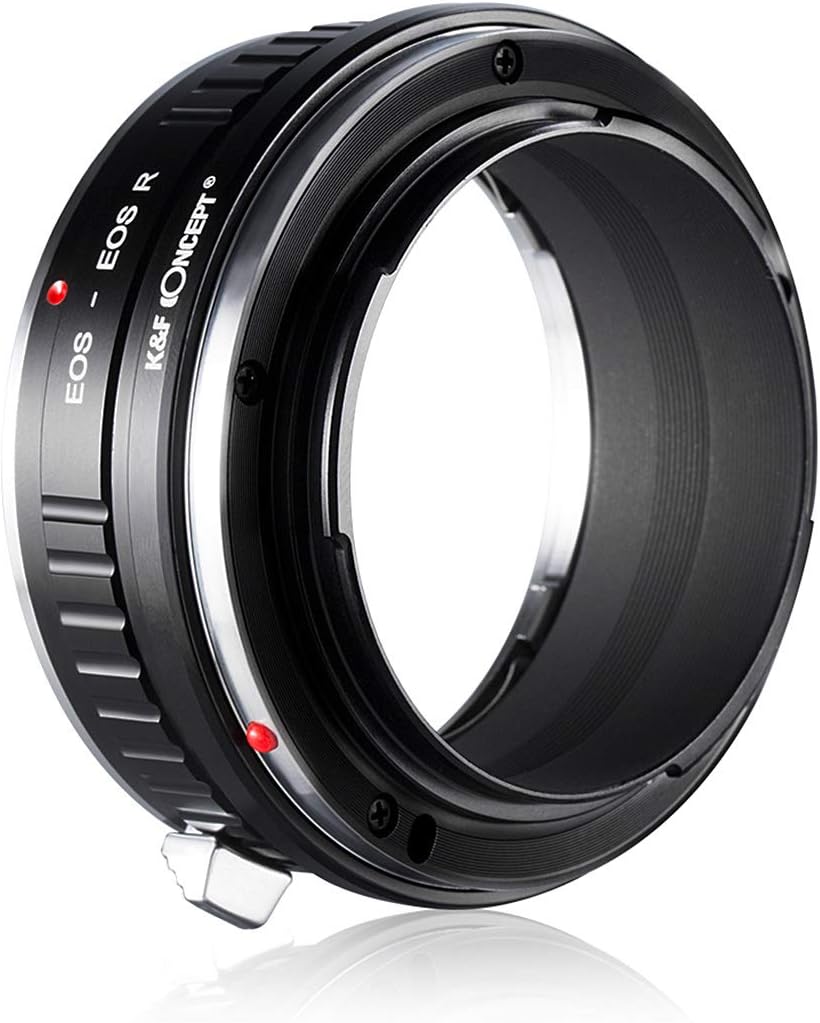
Image showing the K&F Concept KF-EFRF adapter, highlighting the red dot for lens alignment.
2. Attaching the Adapter to the Camera
Align the red dot on the assembled lens and adapter unit with the red dot on your Canon EOS RF camera body. Insert the adapter into the camera's mount and rotate it clockwise until it clicks securely into position.
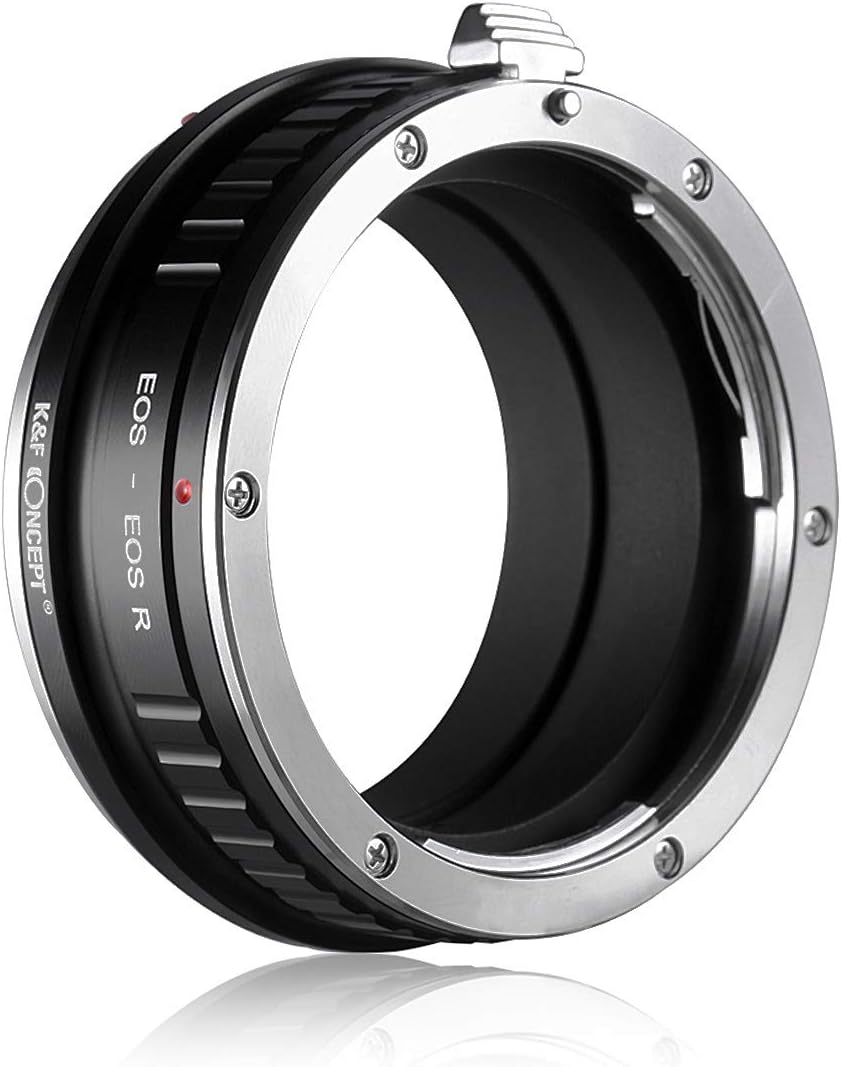
Image showing the K&F Concept KF-EFRF adapter mounted on a camera body.
3. Camera Settings
Due to the absence of electronic contacts, your camera will not detect the lens automatically. To enable shooting, you must adjust a specific camera setting:
- Access your camera's menu.
- Locate the setting typically named "Release shutter without lens" or "Shoot without lens."
- Enable this setting.
- Refer to your specific camera's instruction manual for precise menu navigation and terminology.

Image showing the K&F Concept KF-EFRF adapter from the front, ready for use.
Operating Instructions
The K&F Concept KF-EFRF adapter supports full manual operation. This means you will need to manually control several aspects of your photography:
- Manual Focus: Adjust the focus ring on your lens manually to achieve sharp focus.
- Manual Iris Adjustment: Control the lens aperture manually. If your lens has an aperture ring, use it to set the desired aperture. If not, you will need to use the camera in Aperture Priority (Av) mode and adjust the aperture on the lens itself, if it supports mechanical aperture control.
- Exposure Modes: You can shoot in Manual (M) mode or Aperture Priority (Av) mode.
- Metering: When metering, "stop-down mode" will be necessary. This involves the camera metering the light with the lens aperture set to your desired value, rather than wide open. The camera body cannot electronically control the lens's aperture through this adapter.

Image showing a close-up of the K&F Concept KF-EFRF adapter, including the lens release lever.
Care and Maintenance
- Keep the adapter clean and free from dust, dirt, and moisture.
- Use a soft, dry, lint-free cloth to clean the exterior of the adapter.
- Avoid touching the mounting surfaces to prevent the transfer of oils or debris, which could affect performance or damage your camera/lens.
- Store the adapter in a protective case or bag when not in use to prevent scratches and impacts.
- Do not attempt to disassemble the adapter. This may cause damage and void any potential warranty.
Troubleshooting
Camera Displays "Lens Not Properly Installed" or "Shoot Without Lens"
This is a normal message when using manual adapters without electronic contacts. Refer to the "Camera Settings" section under "Installation and Initial Setup" to enable the "Release shutter without lens" or "Shoot without lens" option in your camera's menu. Once enabled, the camera will allow you to take photos.
Product Specifications
| Feature | Description |
|---|---|
| Model Number | KF-EFRF |
| Compatible Lens Mount | Canon EF/EF-S Mount |
| Compatible Camera Mount | Canon EOS RF Mount |
| Material | Brass and Aluminum |
| Operation | Full Manual (No electronic communication) |
| Item Weight | 5.6 ounces |
| Package Dimensions | 3.07 x 2.99 x 1.81 inches |
| Manufacturer | K&F Concept |
Warranty and Support
For warranty information, technical assistance, or any product-related inquiries, please contact K&F Concept directly through their official website or the authorized retailer from whom you purchased this product.
Product Model: KF-EFRF
Manufacturer: K&F Concept