
1. Introduction
This manual provides detailed instructions for the assembly, operation, and maintenance of your Amazon Basics 2-Shelf Stackable Storage unit. Designed for versatility and durability, this shelving unit offers a practical solution for organizing various spaces.

Image 1.1: The Amazon Basics 2-Shelf Stackable Storage unit.
Key features of this product include:
- Two-tiered shelving unit system with modular, stackable design.
- Durable metal frame with powder-coated black finish.
- Lightweight and compact design, ideal for small spaces.
- Stackable design allows for expansion to four levels of storage.
- Includes one wire mesh shelf on the lower level and one MDF wood shelf on top.
2. Safety Information
Please read and understand all safety instructions before assembly and use. Failure to follow these instructions may result in injury or damage to the product.
- Do not exceed the maximum weight capacity per shelf (200 lbs / 90 kg) or total maximum weight (393 lbs / 180 kg).
- Ensure the unit is placed on a flat, stable, and level surface to prevent tipping.
- Distribute weight evenly on shelves to maintain stability.
- Do not allow children to climb on or play with the shelving unit.
- Keep small parts away from children to prevent choking hazards.
- Inspect the unit periodically for loose parts or damage. Tighten fasteners as needed.
3. Package Contents
Verify that all components are present before beginning assembly. If any parts are missing or damaged, please contact customer support.
| Part | Description | Quantity |
|---|---|---|
| A | Top MDF Wood Shelf | 1 |
| B | Wire Mesh Shelf | 1 |
| C | Support Poles | 4 |
| D | Leveling Feet / Caps | 4 |
4. Setup and Assembly
Assembly of the Amazon Basics 2-Shelf Stackable Storage unit is quick and easy, requiring no tools.
- Attach Leveling Feet: Screw the leveling feet (D) into the bottom of each of the four support poles (C). Ensure they are securely tightened.
- Position Lower Shelf: Slide the wire mesh shelf (B) onto the support poles (C) at your desired height. The shelf should snap into place securely. Ensure all four corners are at the same height.
- Position Top Shelf: Place the MDF wood shelf (A) on top of the support poles (C). The top shelf is designed to rest securely on the top caps of the poles.
- Check Stability: Gently shake the assembled unit to ensure it is stable and all connections are secure. Adjust leveling feet if necessary to prevent wobbling.
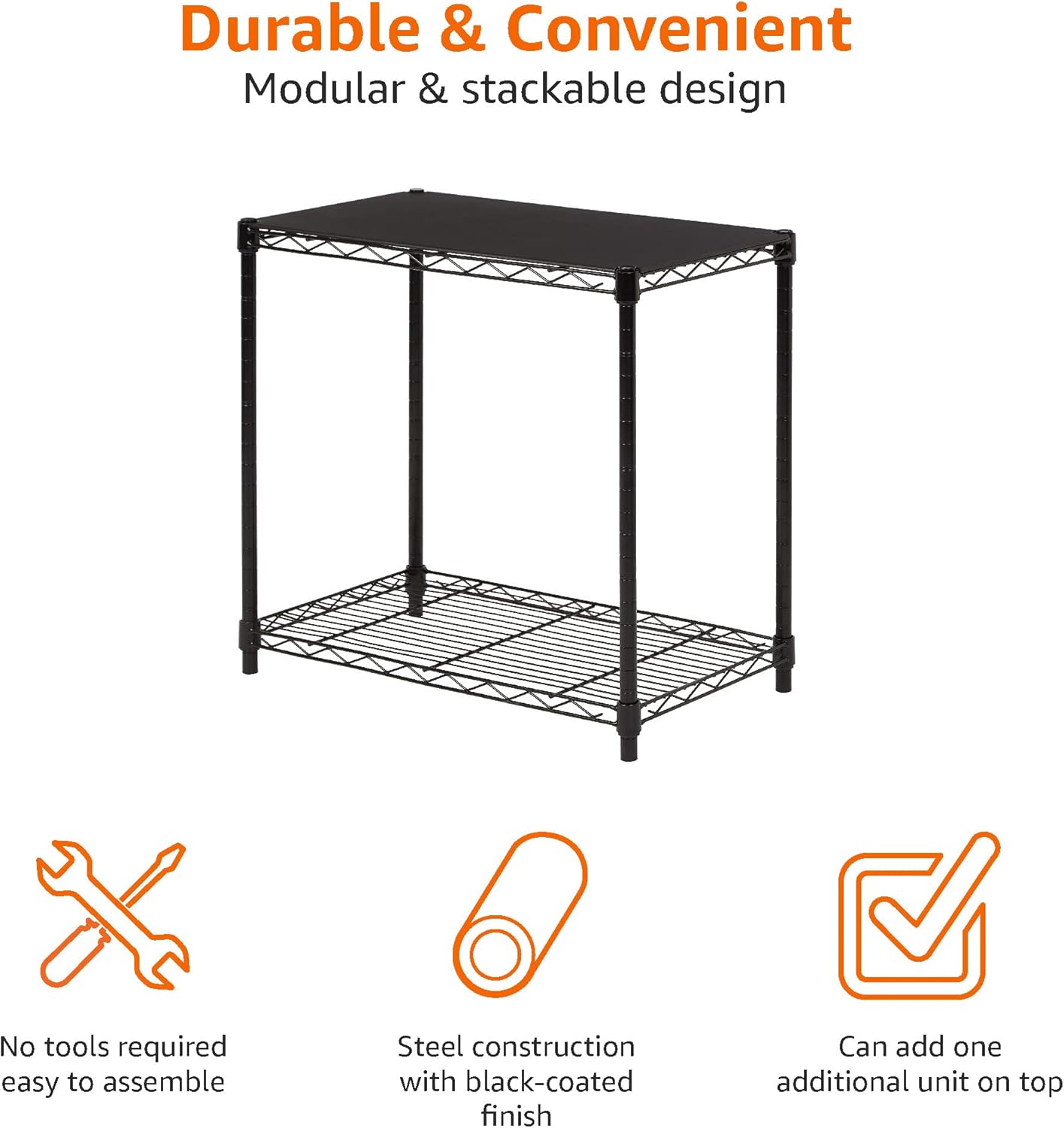
Image 4.1: The modular and stackable design allows for easy, tool-free assembly.
Stacking Multiple Units (Optional)
To create a taller storage solution, you can stack an additional Amazon Basics 2-Shelf unit on top of an existing one. Simply remove the top caps from the lower unit's poles and align the bottom of the upper unit's poles with the top of the lower unit's poles. Ensure a secure connection before loading.

Image 4.2: Example of two units stacked for increased storage height.
5. Operating Instructions
Using your Amazon Basics 2-Shelf Stackable Storage unit effectively:
- Weight Capacity: Each individual shelf can hold up to 200 lbs (90 kg). The total maximum weight capacity for the entire unit is 393 lbs (180 kg). Do not exceed these limits.
- Weight Distribution: Always distribute items evenly across the shelves to prevent imbalance and potential tipping. Place heavier items on the lower shelf for increased stability.
- Shelf Adjustment: The wire mesh shelf can be adjusted in 1-inch (2.54 cm) increments along the support poles to accommodate items of various heights.

Image 5.1: Product dimensions and maximum weight capacities.

Image 5.2: The shelves are height adjustable in 1-inch increments.
6. Maintenance
To ensure the longevity and appearance of your shelving unit:
- Cleaning: The manufacturer recommends hand washing for care. For general cleaning, wipe down the metal frame and MDF wood shelf with a soft, damp cloth. Avoid abrasive cleaners or harsh chemicals that could damage the finish.
- Inspection: Periodically check all connections and fasteners to ensure they remain tight. Re-tighten if any looseness is detected.
- Storage: If disassembling for storage, keep all parts together in a dry place to prevent rust or damage.
7. Troubleshooting
Common issues and their solutions:
- Unit is Wobbly:
- Ensure the unit is on a flat, level surface.
- Adjust the leveling feet at the bottom of each pole until the unit is stable.
- Verify that all shelves are properly seated and secured on the poles.
- Shelf Not Level:
- Check that the shelf clips (if applicable, or the shelf itself) are at the same height on all four poles.
- Ensure no items on the shelf are causing an imbalance.
- Difficulty Assembling:
- Refer back to Section 4: Setup and Assembly. Ensure you are following the steps correctly.
- Verify all parts are oriented correctly before attempting to connect them.
8. Specifications
| Feature | Detail |
|---|---|
| Brand | Amazon Basics |
| Model Number | WSF-044BK |
| Product Dimensions | 13.3"D x 23.2"W x 22.2"H (33.8 cm D x 58.9 cm W x 56.4 cm H) |
| Material | Engineered Wood (MDF top shelf), Metal (frame) |
| Color | Black |
| Number of Shelves | 2 |
| Shelf Type | Tiered Shelf (1 MDF, 1 Wire Mesh) |
| Max Capacity per Shelf | 200 lbs (90 kg) |
| Total Max Weight Capacity | 393 lbs (180 kg) |
| Item Weight | 6.4 Pounds (2.9 kg) |
| Assembly Required | Yes (Tool-free) |
| Mounting Type | Floor Mount |
9. Warranty and Support
For warranty information or customer support, please refer to the official Amazon Basics website or contact their customer service directly.
- Warranty Information: A detailed warranty document is available for download here.
- Additional Resources: The original User Manual (PDF) can be found here.
- Contact Support: Visit the Amazon Basics Store for further assistance or to explore other products.


