
1. Introduction
Thank you for choosing the Prozis Active Beats AB-1B Wireless Sport Headphones. These headphones are designed for active lifestyles, offering robust performance, elegant design, and powerful sound. They feature Bluetooth 4.1 connectivity, IPX7 water resistance, and an integrated microphone, making them ideal for sports and daily use.
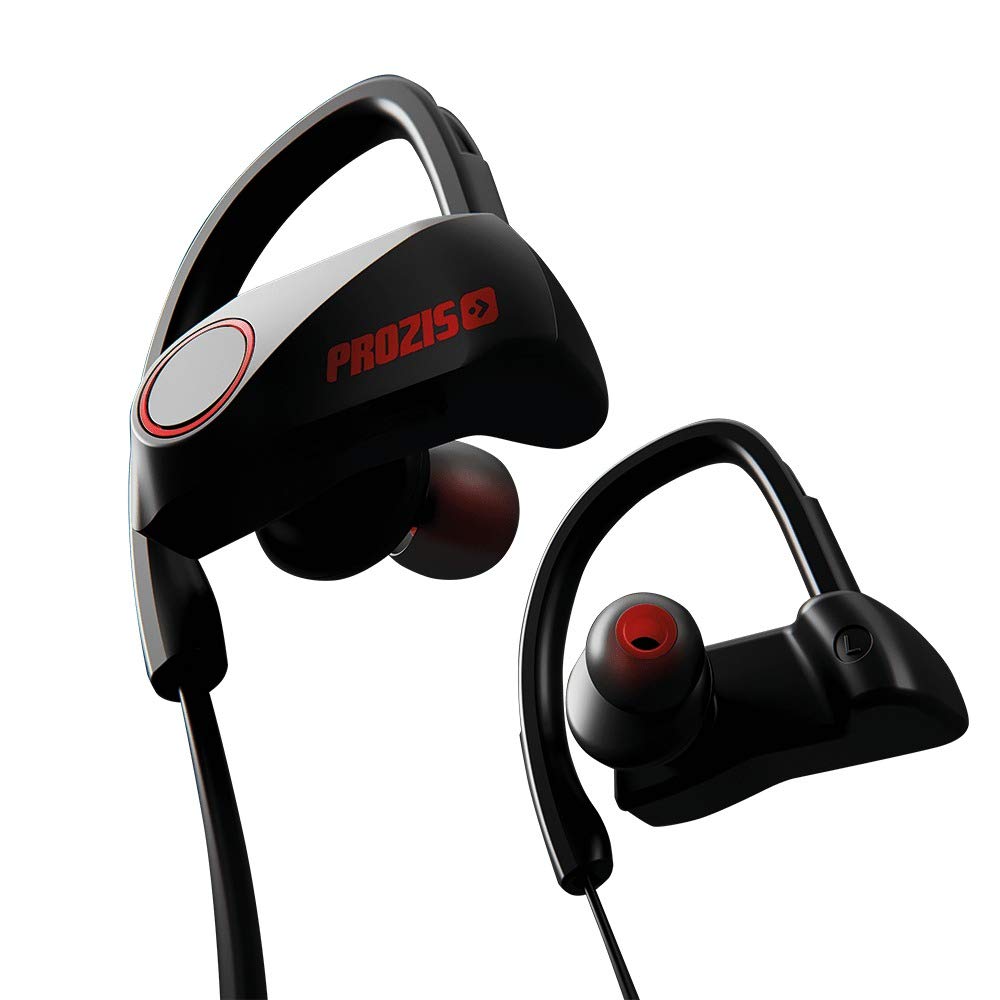
Image 1.1: Front view of the Prozis Active Beats AB-1B Wireless Sport Headphones, showcasing the ear hooks and in-ear design.
2. Setup
2.1 Charging the Headphones
Before initial use, fully charge your Active Beats AB-1B headphones. The charging time is approximately 2 hours.
- Connect the provided charging cable to the charging port on the headphones.
- Connect the other end of the cable to a USB power source (e.g., computer USB port, USB wall adapter).
- The indicator light will show the charging status. Refer to the specific light indications in the operating section.
2.2 Bluetooth Pairing
To connect your headphones to a device (smartphone, tablet, etc.):
- Ensure the headphones are fully charged and turned off.
- Press and hold the power button on the headphones until the indicator light flashes, indicating pairing mode.
- On your device, enable Bluetooth and search for available devices.
- Select "Prozis Active Beats AB-1B" from the list of found devices.
- Once connected, the indicator light on the headphones will change (e.g., solid blue or slow flashing).
- The headphones have a wireless range of up to 10 meters.
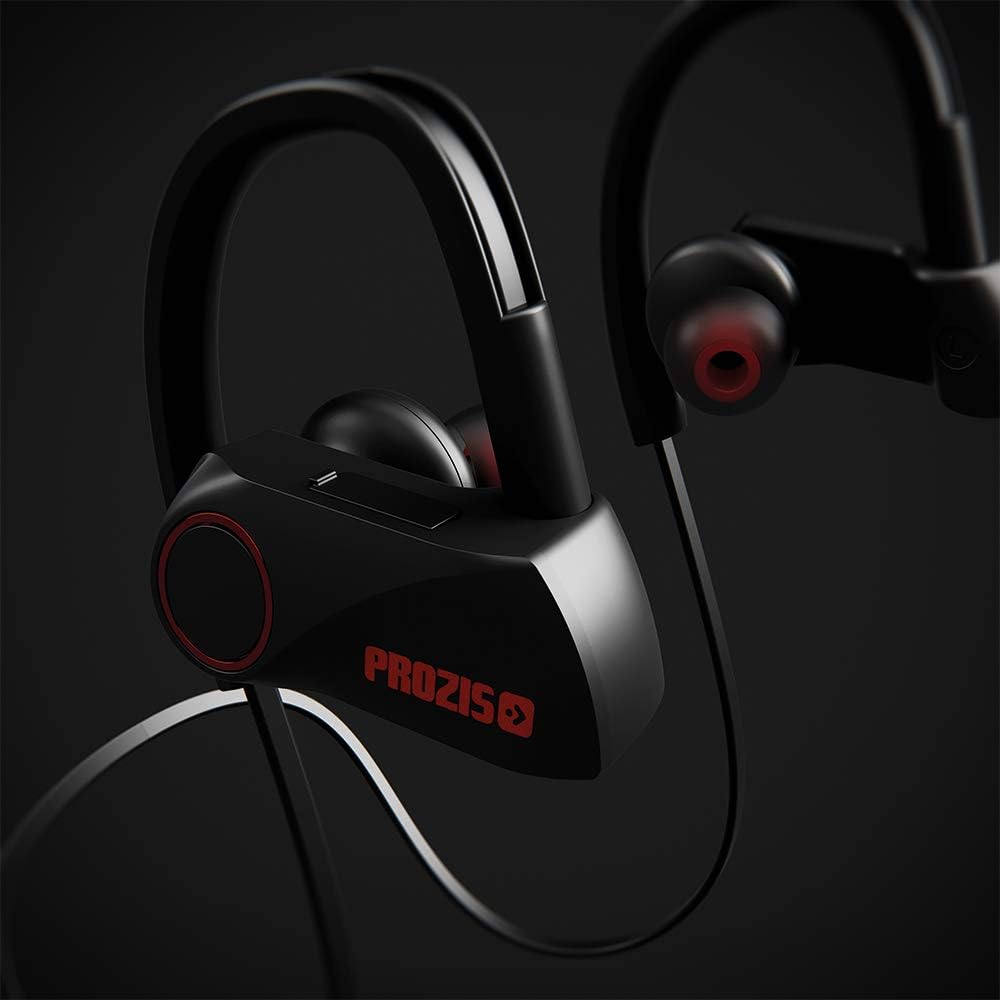
Image 2.1: Close-up of the right earbud, highlighting the control panel and brand logo, essential for power and pairing.
3. Operating Instructions
3.1 Power On/Off
- To Power On: Press and hold the power button until the indicator light illuminates.
- To Power Off: Press and hold the power button until the indicator light turns off.
3.2 Music Playback
- Play/Pause: Press the multi-function button once.
- Next Track: Press and hold the Volume Up button.
- Previous Track: Press and hold the Volume Down button.
- Volume Up: Short press the Volume Up button.
- Volume Down: Short press the Volume Down button.
3.3 Call Management
The headphones feature an integrated microphone for hands-free calling.
- Answer/End Call: Press the multi-function button once.
- Reject Call: Press and hold the multi-function button.
- Redial Last Number: Double-press the multi-function button.
3.4 Battery Life
The headphones offer approximately 7-9 hours of playback time and up to 270 hours of standby time on a full charge.

Image 3.1: Side view of an earbud, illustrating the secure fit and in-ear design for active use.
4. Maintenance
Proper maintenance ensures the longevity and optimal performance of your headphones.
- Cleaning: Wipe the headphones with a soft, dry cloth. For stubborn dirt, use a slightly damp cloth. Do not use harsh chemicals or abrasive cleaners.
- Water Resistance: The headphones are IPX7 water-resistant, meaning they can withstand immersion in water up to 1 meter for 30 minutes. However, they are not designed for swimming or prolonged submersion. Ensure the charging port cover is securely closed before exposure to water.
- Storage: Store the headphones in a cool, dry place away from direct sunlight and extreme temperatures.
- Charging: Always use the provided charging cable or a certified equivalent.

Image 4.1: The full headphones, illustrating the cable connecting the two earbuds and the ear hook design.
5. Troubleshooting
If you encounter issues with your Prozis Active Beats AB-1B headphones, refer to the following common problems and solutions:
| Problem | Solution |
|---|---|
| Headphones do not power on. | Ensure the headphones are fully charged. Connect them to a power source and allow them to charge for at least 30 minutes before attempting to power on again. |
| Cannot pair with device. |
|
| No sound or low volume. |
|
| Call quality is poor. |
|
6. Specifications
Key technical specifications for the Prozis Active Beats AB-1B Wireless Sport Headphones:
| Feature | Detail |
|---|---|
| Model Name | Active Beats AB-1B |
| Model Number | MOD00/15063600000000 |
| Connectivity Technology | Wireless (Bluetooth) |
| Bluetooth Version | 4.1 |
| Wireless Range | 10 m |
| Headphone Form Factor | In-ear |
| Water Resistance | IPX7 |
| Integrated Microphone | Yes |
| Playback Time | 7 - 9 hours |
| Standby Time | 270 hours |
| Charging Time | 2 hours |
| Frequency Range | 20 Hz - 20,000 Hz |
| Audio Driver Type | Dynamic Driver |
| Product Dimensions | 4.5 x 8.99 x 14 cm; 99.79 g |
| Compatible Devices | Desktops, car audio systems, phones, game consoles, music production equipment, smart speakers, TVs, laptops, tablets |
7. Warranty & Support
Prozis products are manufactured to high standards and undergo strict quality control. For any questions, technical assistance, or warranty claims, please contact Prozis customer service.
"Need help? Our customer service is always ready to assist you!"
Please refer to your purchase documentation or the official Prozis website for specific warranty terms and contact information.