
Introduction
Thank you for choosing the Mobility Lab ML311609 Power Bank. This device is designed to provide portable power for your smartphones, tablets, and other USB-powered devices. With a high capacity of 20,000 mAh and two 4.8A USB ports, it ensures efficient and reliable charging on the go. Please read this manual carefully before using the product to ensure safe and optimal performance.
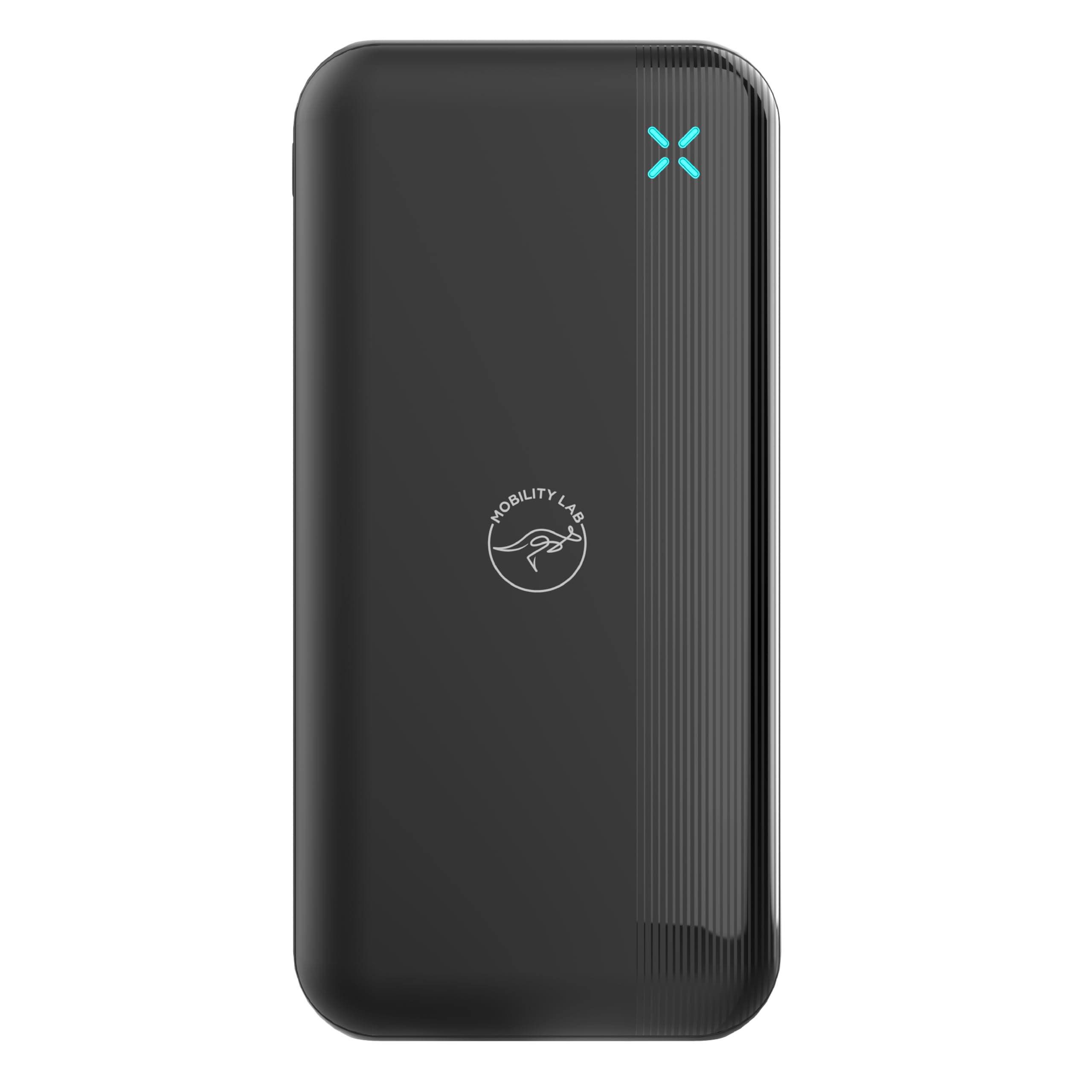
Image: Front view of the Mobility Lab ML311609 Power Bank, showcasing its sleek black design and LED indicator.
Safety Information
To prevent damage to the product or injury to yourself and others, please observe the following safety precautions:
- Do not expose the power bank to extreme temperatures (above 45°C or below -10°C).
- Do not disassemble, modify, or attempt to repair the device.
- Keep away from water, moisture, and flammable materials.
- Do not drop, hit, or subject the power bank to strong impacts.
- Keep out of reach of children.
- Use only certified charging cables and adapters.
- Dispose of the power bank responsibly according to local regulations.
Package Contents
Please check the package for the following items:
- Mobility Lab ML311609 Power Bank
- USB Charging Cable (Micro-USB)
- User Manual
Product Overview
Familiarize yourself with the components and key features of your power bank:
- USB Output Ports (x2): For charging external devices. Each port provides up to 2.4A, with a total output of 4.8A.
- Micro-USB Input Port: For charging the power bank itself.
- USB-C Input Port: For charging the power bank itself.
- LED Battery Indicator: Displays the remaining battery level.
- Power Button: Activates the power bank and checks battery level.
- Fast Charging Technology: Adapts to the connected device for optimal and quick charging.

Image: Close-up view highlighting the two USB output ports on the power bank, used for charging external devices.

Image: The Mobility Lab Power Bank displaying its fast charging capability, indicated by a blue 'X' symbol.
Setup: Charging the Power Bank
Before first use, fully charge your Mobility Lab Power Bank. It takes approximately 12 hours for a full charge.
- Connect the provided Micro-USB cable (or a USB-C cable, not included) to the corresponding input port on the power bank.
- Connect the other end of the cable to a USB wall charger (not included) or a computer's USB port.
- The LED indicator will illuminate to show the charging status. When all LEDs are solid, the power bank is fully charged.

Image: Close-up view showing the Micro-USB and USB-C input ports on the power bank, used for recharging the power bank itself.
Operating: Charging Your Devices
To charge your smartphone, tablet, or other USB-powered device:
- Connect your device's charging cable to one of the USB output ports on the power bank.
- Connect the other end of the cable to your device.
- Press the power button on the power bank to initiate charging if it doesn't start automatically.
- The LED indicator will show the remaining battery level of the power bank during charging.
- Disconnect your device once it is fully charged.
The power bank is equipped with technology that adapts to the connected device for optimal charging.

Image: The Mobility Lab Power Bank connected via cable, actively charging a smartphone, showing '99% Charged' on the phone screen.
Maintenance
- Clean the power bank with a soft, dry cloth. Do not use harsh chemicals or abrasive materials.
- Store the power bank in a cool, dry place away from direct sunlight and extreme temperatures.
- If not used for extended periods, charge the power bank at least once every three months to maintain battery health.
Troubleshooting
| Problem | Possible Cause | Solution |
|---|---|---|
| Power bank not charging | Low battery; faulty cable; faulty adapter; loose connection. | Ensure the power bank is connected to a working power source. Try a different cable or adapter. Check all connections. |
| Device not charging from power bank | Power bank battery empty; faulty cable; device not compatible; power bank not activated. | Recharge the power bank. Try a different charging cable for your device. Ensure the power bank is turned on (press the power button). |
| Slow charging | Using a low-power adapter for power bank; using a non-fast charging cable for device. | Use a 5V/2A or higher adapter to charge the power bank. Ensure your device's cable supports fast charging if applicable. |
Specifications
| Feature | Detail |
|---|---|
| Brand | Mobility Lab |
| Model Number | ML311609 (3700527311609) |
| Battery Capacity | 20,000 mAh |
| USB Output | 2 x USB-A, 4.8A total (2.4A per port) |
| Input Ports | Micro-USB, USB-C |
| Input Voltage | 5 Volt |
| Charging Time (Power Bank) | Approx. 12 hours |
| Special Features | Fast charging, LED battery indicator |
| Color | Black |
| Item Weight | 410 g |
| Dimensions (L x W x H) | 14.2 x 7.03 x 2.85 cm |

Image: Diagram illustrating the dimensions of the Mobility Lab Power Bank: 142mm length, 70.3mm width, and 28.5mm thickness.
Warranty and Support
For warranty information or technical support, please refer to the official Mobility Lab website or contact their customer service. Keep your purchase receipt as proof of purchase.
Website: www.mobilitylab.com (Example link, actual link may vary)
