
Uten EU-X0600
Uten Bluetooth Digital Bathroom Scale
Model: EU-X0600
User Instruction Manual
Introduction
Thank you for choosing the Uten Bluetooth Digital Bathroom Scale. This smart scale is designed to provide accurate measurements of your body weight and comprehensive body composition analysis, including body fat, BMI, muscle mass, bone mass, body water, BMR, and AMR. By connecting to the "Moving Life" app via Bluetooth, you can track your health trends over time. Please read this manual carefully before use to ensure proper operation and maintenance.
Safety Information
- Do not use this device if you are pregnant or have a pacemaker or other internal medical device.
- The scale is designed for home use only and should not be used for medical diagnosis or treatment.
- Always place the scale on a hard, flat surface. Using it on soft surfaces like carpet may affect accuracy.
- Do not step on the edge of the scale; always stand centrally to avoid tipping.
- The scale surface can be slippery when wet. Ensure the surface is dry before use.
- Keep the scale away from water and extreme temperatures.
- Do not disassemble or attempt to repair the scale yourself. This will void the warranty.
- Keep out of reach of children.
Package Contents
- Uten Bluetooth Digital Bathroom Scale (Model EU-X0600)
- USB Charging Cable
- User Manual (this document)
Product Overview
The Uten Bluetooth Digital Bathroom Scale features a sleek design with a tempered glass surface and four high-precision sensors. It includes an LCD display for direct weight readings and a USB charging port for convenience.

Figure 1: Uten Bluetooth Digital Bathroom Scale showing its display, charging port, and connectivity with a smartphone app.

Figure 2: The scale's capabilities, illustrating its ability to measure Weight, BMI, Hydration, Body Fat, BMR, Bone, Muscle, and AMR.

Figure 3: Detail of the USB charging port, highlighting the built-in rechargeable battery for safe and power-saving operation.
Setup
1. Initial Charging
Before first use, ensure the scale is fully charged. Connect the provided USB charging cable to the scale's charging port and a USB power source (e.g., computer, USB wall adapter). A full charge takes approximately 2 hours and can power the scale for up to 2 months.
2. Placement
Place the scale on a hard, flat, and stable surface. Avoid carpets, rugs, or uneven floors, as these can affect measurement accuracy.
Operating Instructions
1. Step-On Technology
The Uten scale features "Step-On" technology. Simply step onto the scale with bare feet to activate it and obtain an immediate weight reading. For body composition analysis, ensure your bare feet are in contact with all four metal electrodes on the scale's surface.
2. LCD Display
The scale's LCD display shows your weight. When connected to the "Moving Life" app, the display can also show different colors to represent various body types or health statuses based on your body fat percentage:
- Orange: Indicates a heavier body fat percentage.
- Yellow: Indicates a leaner body fat percentage.
- Green: Indicates a normal body fat percentage.
- Other colors may indicate specific ranges (e.g., Thin, Slim, Overweight).

Figure 4: Illustration of the 6-color LCD display, where different colors represent different body types based on body fat percentage.
App Integration: "Moving Life" App
To unlock the full potential of your Uten smart scale and track your body composition data, download the free "Moving Life" app.
1. Downloading the App
The "Moving Life" app is available on both Apple App Store and Google Play. Search for "Moving Life" or scan the QR code provided in the product packaging (if available).

Figure 5: The scale supports Bluetooth 4.0 and is compatible with the "Moving Life" app, available for free download on Google Play and Apple App Store.
2. Pairing via Bluetooth
- Ensure Bluetooth is enabled on your smartphone (Android 4.3 or iOS 7.0 or higher required).
- Open the "Moving Life" app.
- Step onto the scale. The scale will automatically attempt to connect to the app.
- Follow any on-screen prompts in the app to complete the pairing process. You may need to enter your biometric data (age, height, gender) for accurate body composition calculations.
3. Data Tracking and Multiple Users
The app will record and display your measurement history, allowing you to track your progress over time with clear trend graphs. The scale supports multiple user profiles within the app, making it suitable for family use. Each user can create their own account to track their personal data privately.
Body Composition Measurements Explained
The Uten scale utilizes advanced BIA (Bio-electrical Impedance Analysis) technology to provide 8 precise body measurements:
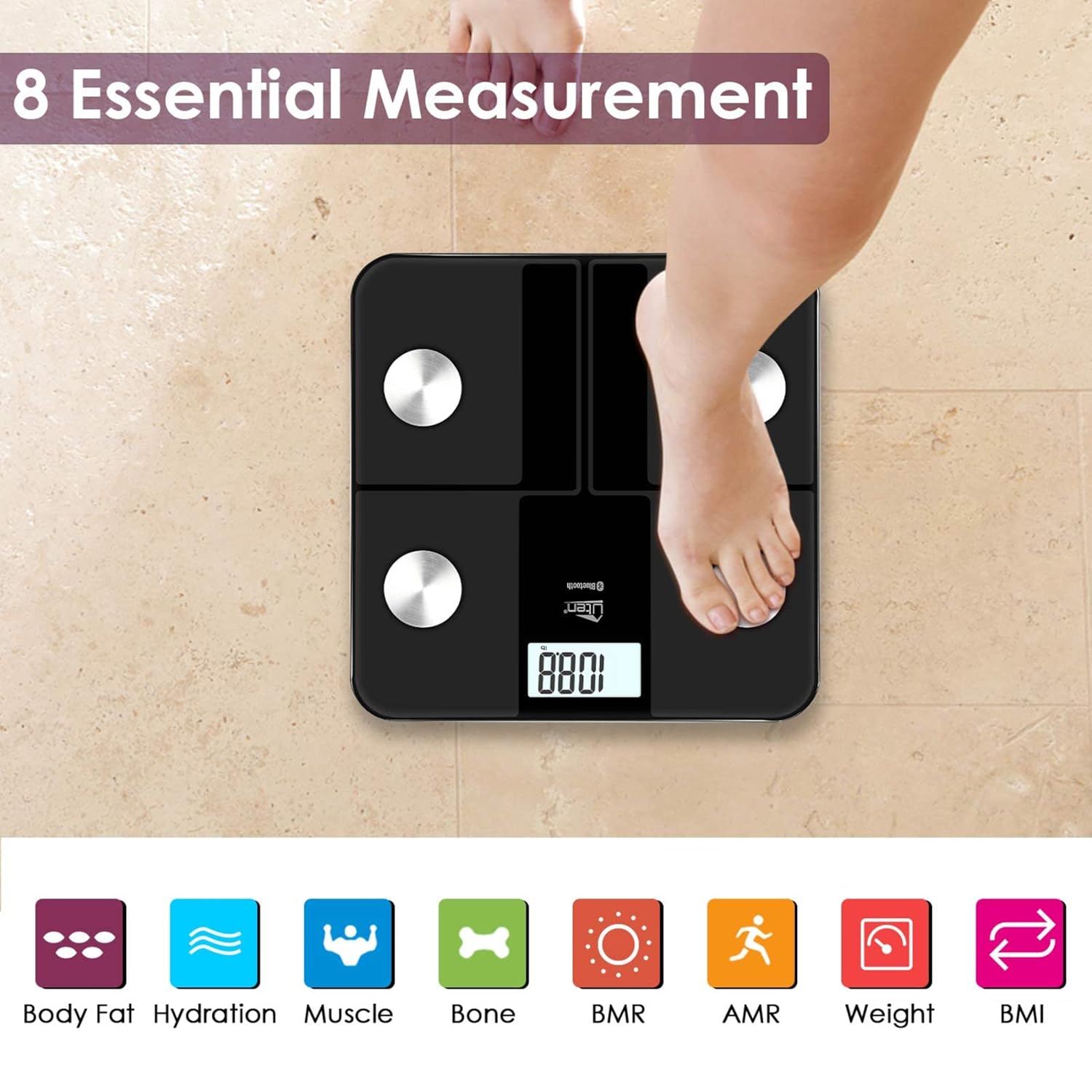
Figure 6: The 8 essential body composition measurements provided by the Uten scale: Body Fat, Hydration, Muscle, Bone, BMR, AMR, Weight, and BMI.
- Weight: Your total body mass.
- Body Fat: The percentage of fat in your body.
- Muscle Mass: The total weight of muscle in your body.
- Body Water (Hydration): The percentage of water in your body.
- Bone Mass: The total weight of bone mineral in your body.
- BMR (Basal Metabolic Rate): The number of calories your body needs to perform basic, life-sustaining functions.
- AMR (Active Metabolic Rate): The total number of calories burned in a day, including physical activity.
- BMI (Body Mass Index): A measure that uses your height and weight to work out if your weight is healthy.
Maintenance
- Cleaning: Wipe the scale surface with a damp cloth and mild detergent. Do not use abrasive cleaners or immerse the scale in water.
- Storage: Store the scale in a cool, dry place. Avoid direct sunlight or extreme temperatures.
- Battery: Recharge the scale when the battery indicator is low. Avoid fully depleting the battery for extended periods.
Troubleshooting
| Problem | Possible Cause / Solution |
|---|---|
| Inaccurate readings |
|
| Scale does not turn on |
|
| Cannot connect to "Moving Life" app |
|
| Body composition data not displayed |
|
Specifications
- Model Number: EU-X0600
- Dimensions (L x W x H): 34 x 33 x 4.5 cm (13.4 x 13 x 1.8 inches)
- Weight: 1.55 kg (3.4 lbs)
- Weight Limit: 180 kg (396 lbs)
- Material: Tempered Glass
- Display Type: LCD
- Connectivity: Bluetooth 4.0
- Power Source: Built-in Rechargeable Battery (USB charged)
- Recommended Use: Body weight and human fat measurement for fitness and health.
- Special Features: Intelligent, Lightweight, Portable, 6-color LCD display.
- Certifications: CE/FCC/ROHS
Warranty and Support
Uten offers a 2-year quality guarantee for this product. For any questions, concerns, or technical support, please contact Uten customer service. We provide 24-hour professional service to assist you.
Please refer to your purchase documentation or the official Uten website for specific contact details.
Related documentsEU-X0600


Ask a question about this manual
Ask about setup, troubleshooting, compatibility, parts, safety, or missing instructions. Manuals+ will review the question and use this page’s manual context to help answer it.