1. Introduction
Thank you for choosing the Cecotec ProClean 6110 Microwave with Grill. This appliance combines the convenience of a microwave oven with the versatility of a grill, featuring 23 liters of capacity, 800W microwave power, and a 1000W grill. Equipped with 3DWave technology for efficient heating and 8 pre-set functions, this manual provides essential information for safe and effective use, setup, operation, maintenance, and troubleshooting.

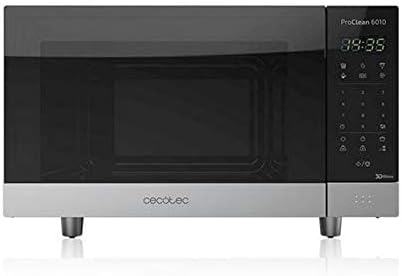
Front view of the Cecotec ProClean 6110 Microwave with Grill, showcasing its sleek design and digital display.
2. Setup and Installation
2.1 Unpacking
Carefully remove the microwave oven and all packaging materials from the carton. Check for any damage during transit. Retain the packaging for future transport or storage.
2.2 Placement
Place the microwave oven on a flat, stable, and heat-resistant surface. Ensure there is adequate ventilation around the unit. Maintain a minimum clearance of 20 cm (7.9 inches) above the oven, 10 cm (3.9 inches) at the rear, and 5 cm (2 inches) on each side for proper airflow. Do not block any ventilation openings.
Underside view of the microwave, highlighting the stable feet for proper elevation and ventilation.
2.3 Electrical Connection
Ensure your power supply voltage matches the rating label on the appliance (230 Volts). Plug the microwave into a grounded wall outlet. Do not use extension cords or adapters.
2.4 Initial Use
Before first use, wipe the interior and exterior of the oven with a damp cloth. Install the rotary plate and its support ring correctly in the center of the oven cavity. It is recommended to run the microwave empty for a few minutes on high power to eliminate any manufacturing odors.
3. Operating Instructions
3.1 Control Panel Overview
The Cecotec ProClean 6110 features a digital control panel with an LED screen and various buttons for functions, power levels, and time settings.

Detailed view of the digital control panel, showing the LED display and the 8 pre-set program options.
3.2 Basic Microwave Operation (800W)
- Place food in a microwave-safe container on the rotary plate.
- Close the oven door securely.
- Press the 'Microwave' button to select desired power level (5 levels available).
- Use the numeric keypad or time adjustment buttons to set the cooking time.
- Press 'Start' to begin cooking.
3.3 Grill Operation (1000W)
- Place food on the grill rack (if provided) or a heat-resistant dish.
- Press the 'Grill' button.
- Set the desired grilling time using the time adjustment buttons.
- Press 'Start'.
3.4 Combi Grill Function
This function combines microwave and grill cooking for faster and more even results. Refer to the control panel for specific Combi Grill program selection (Program 8).
3.5 Pre-set Programs (8 Functions)
The microwave offers 8 pre-set programs for common food items:
- 1. Popcorn
- 2. Potato
- 3. Pizza
- 4. Beverages
- 5. Reheat
- 6. Defrost
- 7. Quick Defrost
- 8. Combi Grill
To use, select the desired program number and press 'Start'.
3.6 Defrost Function
The microwave includes both a standard 'Defrost' and 'Quick Defrost' function. These functions are designed for manual defrosting based on weight or time. Consult the specific program details on the control panel for optimal results.
3.7 Timer Function
The built-in timer can be set for up to 100 minutes, allowing for precise cooking durations.
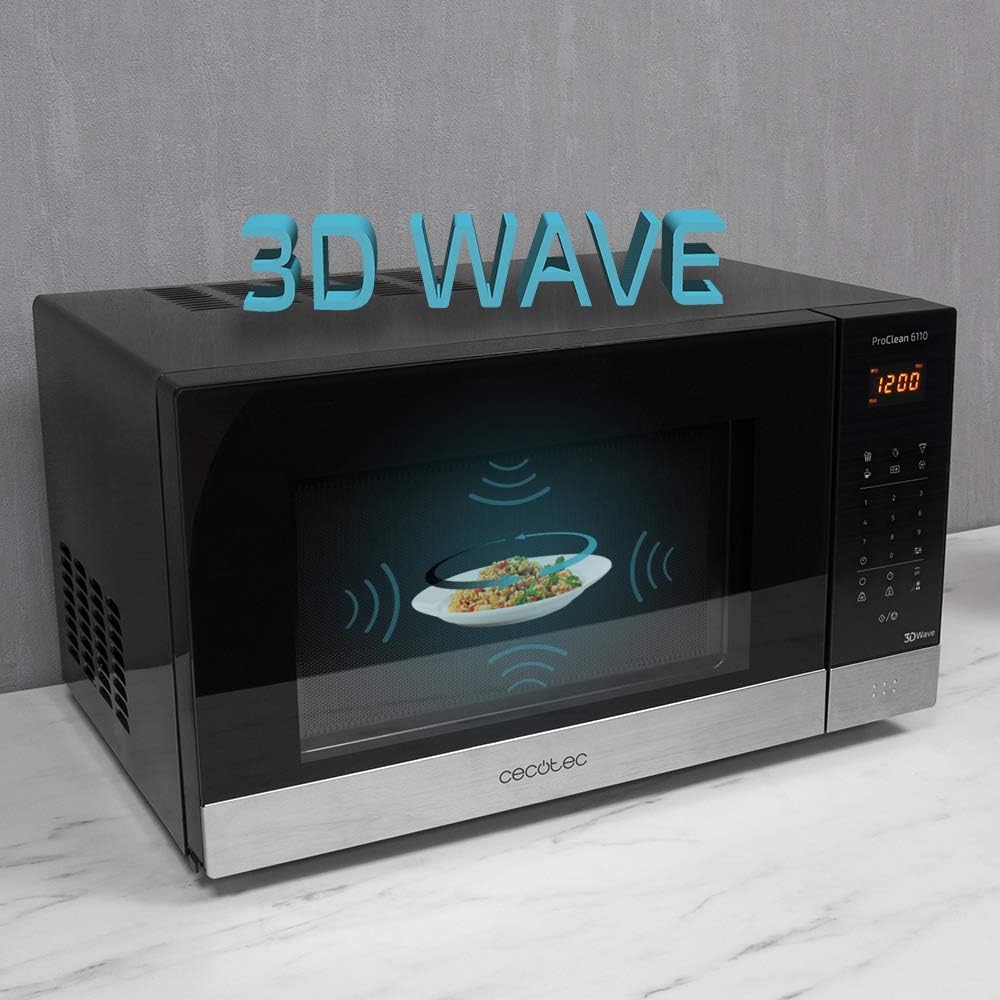
Illustration of the 3DWave technology, ensuring even heat distribution throughout the microwave cavity.
4. Maintenance and Cleaning
4.1 Cleaning the Interior
For optimal performance and hygiene, clean the microwave interior regularly. The ProClean 6110 features a 'Ready2Clean' coating for easier cleaning. Wipe the interior with a damp cloth and mild detergent after each use, especially after spills. Do not use abrasive cleaners or harsh chemicals.
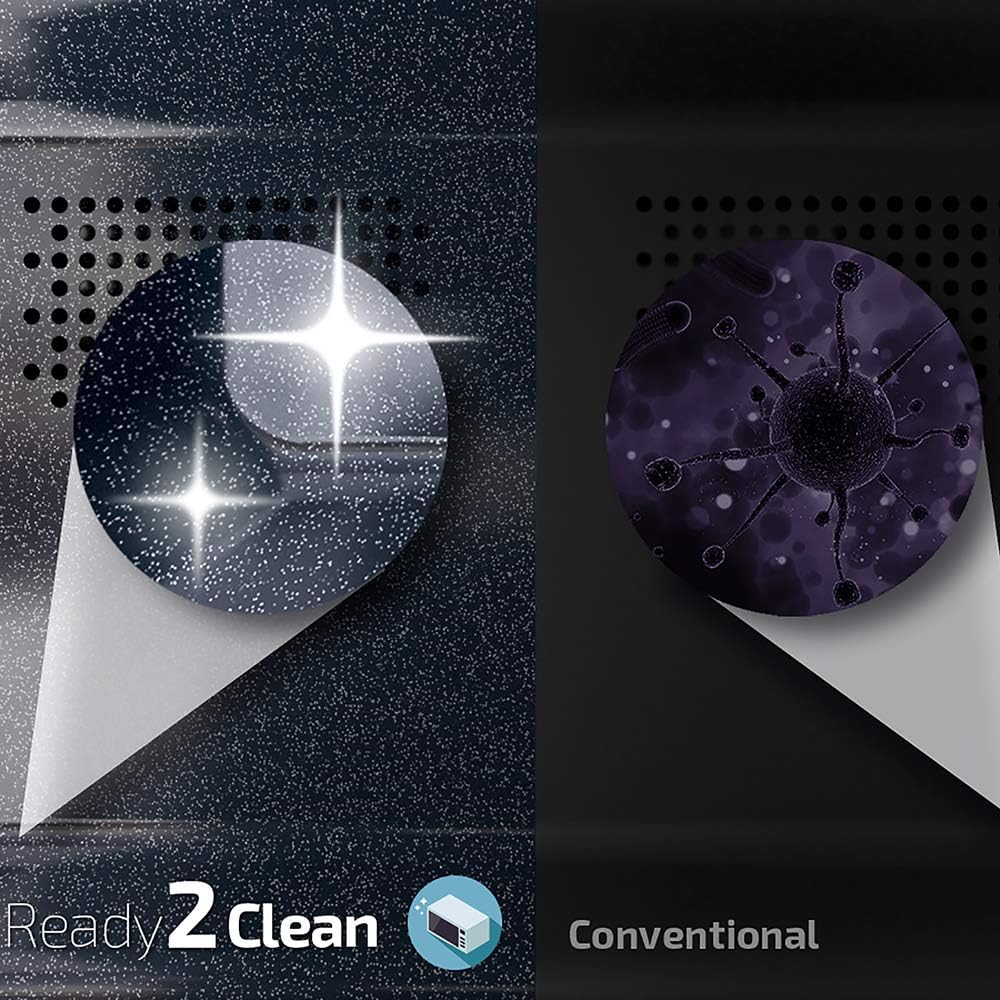
Visual comparison demonstrating the ease of cleaning with the 'Ready2Clean' interior coating versus a conventional microwave interior.
4.2 Cleaning the Exterior
Wipe the exterior surfaces with a soft, damp cloth. For stainless steel finishes, use a specialized stainless steel cleaner if necessary. Avoid spraying cleaners directly onto the control panel.
4.3 Rotary Plate Care
The glass rotary plate and its support ring can be removed for cleaning. Wash them in warm, soapy water or in a dishwasher. Ensure they are completely dry before placing them back into the microwave.
5. Troubleshooting Guide
If you encounter issues with your microwave, please refer to the following common problems and solutions before contacting customer support.
| Problem | Possible Cause | Solution |
|---|---|---|
| Microwave does not start. | Power cord unplugged; Door not closed properly; Fuse blown or circuit breaker tripped. | Ensure power cord is securely plugged in; Close door firmly; Check household fuse/circuit breaker. |
| Food not heating. | Incorrect power level or cooking time set; Door not closed properly; Using non-microwave-safe cookware. | Adjust power level and time; Ensure door is fully closed; Use only microwave-safe dishes. |
| Turntable not rotating. | Turntable not properly seated; Obstruction under turntable. | Ensure turntable and ring are correctly positioned; Remove any debris. |
| Unusual noises during operation. | Food container touching oven walls; Turntable not properly seated. | Reposition food container; Re-seat turntable and ring. |
6. Product Specifications
| Feature | Specification |
|---|---|
| Brand | Cecotec |
| Model Name | ProClean 6110 |
| Model Info | 01537 |
| Part Number | V1704569 |
| Capacity | 23 Liters |
| Microwave Power | 800 Watts |
| Grill Power | 1000 Watts |
| Voltage | 230 Volts |
| Control Type | Digital / Touch |
| Material | Stainless Steel |
| Item Weight | 13.4 Kilograms (approx. 29.5 lbs) |
| Product Dimensions (L x W x H) | 21.18 x 16.65 x 12.95 inches |
| Special Features | Defrost, Timer, 3DWave Technology, 8 Pre-set Programs |
| Included Components | Rotary Plate, Grill Rack |

Diagram illustrating the 23-liter capacity of the microwave oven.
7. Warranty and Support
7.1 Warranty Information
This product is covered by a manufacturer's warranty. Please refer to the warranty card included with your purchase for specific terms, conditions, and duration. Keep your proof of purchase for warranty claims.
7.2 Customer Support
For technical assistance, spare parts, or any questions not covered in this manual, please contact Cecotec customer support. Contact details can typically be found on the Cecotec official website or on the product packaging.


