
1. Introduction
Welcome to the SteelSeries QcK Gaming Mouse Pad instruction manual. The QcK Edge mouse pad is designed for optimal gaming performance, featuring a micro-woven cloth surface and durable stitched edges. This manual provides essential information for setup, maintenance, and specifications.
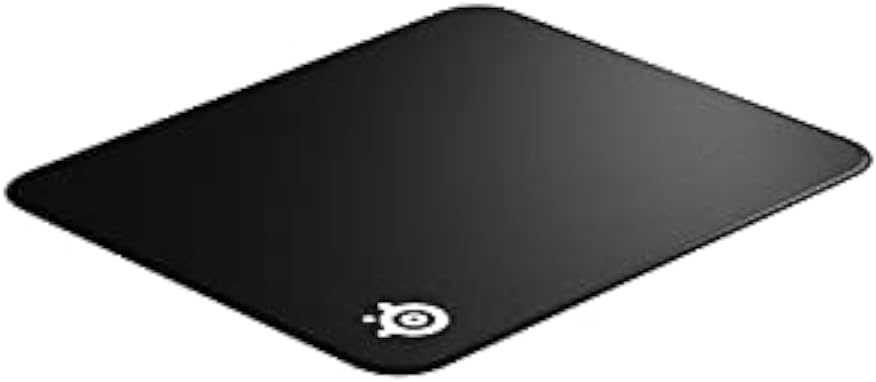
Figure 1: SteelSeries QcK Gaming Mouse Pad (top-down view).
2. Key Features
- Exclusive QcK Micro-Woven Cloth: Optimized for both low and high DPI tracking movements, providing a smooth and consistent glide for optical and laser sensors.
- Stitched Edges: Enhanced durability prevents fraying and extends the lifespan of the mouse pad.
- Non-Slip Rubber Base: Ensures the mouse pad stays firmly in place during intense gaming sessions.
- Machine Washable: Easy to clean and maintain for long-lasting performance.

Figure 2: Gaming setup featuring the SteelSeries QcK mouse pad.
3. Setup
Setting up your SteelSeries QcK Gaming Mouse Pad is straightforward:
- Unroll the Mouse Pad: Carefully unroll the mouse pad onto a clean, flat surface.
- Flatten: Allow some time for the mouse pad to flatten completely. Gentle pressure or placing heavy, flat objects on the corners overnight can help.
- Position: Place your gaming mouse and keyboard on the pad as desired. The non-slip rubber base will keep it secure.

Figure 3: The QcK mouse pad unrolled and ready for use.
4. Operating Instructions
The SteelSeries QcK Gaming Mouse Pad is designed for immediate use with any optical or laser gaming mouse. Its optimized surface ensures precise tracking and smooth movement, enhancing your gaming and computing experience.
Simply place your mouse on the pad and enjoy the consistent glide and control it provides.

Figure 4: Close-up view of mouse tracking on the QcK surface.
5. Maintenance and Cleaning
To maintain the performance and appearance of your QcK Gaming Mouse Pad:
- Regular Cleaning: For light dust or debris, gently wipe the surface with a soft, damp cloth.
- Machine Washing: The QcK Edge is machine washable. Use cold water and a gentle cycle. Do not use bleach or harsh detergents. Air dry completely; do not tumble dry.
- Avoid Folding: To prevent creases, store the mouse pad rolled up rather than folded.
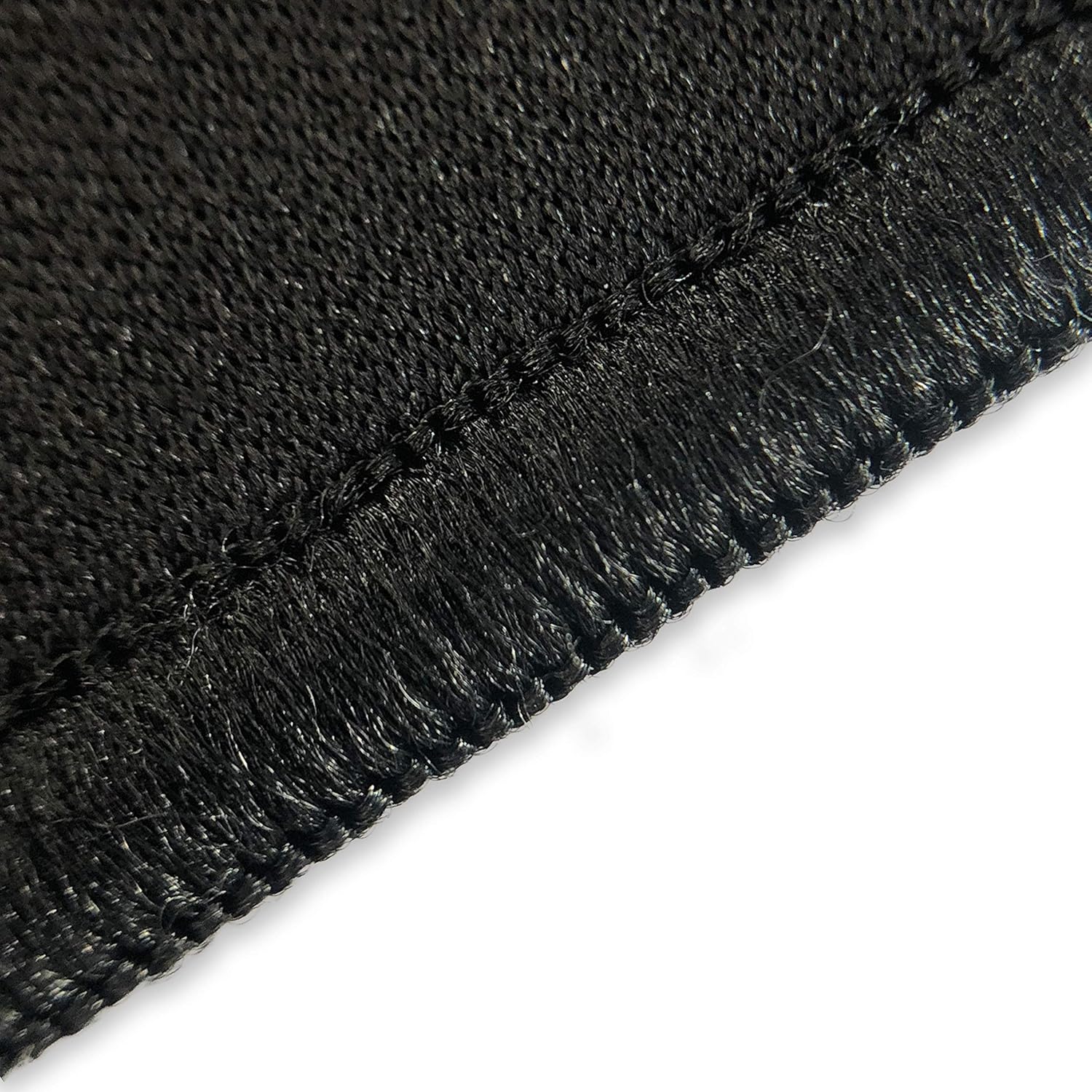
Figure 5: The QcK mouse pad can be rolled for easy storage and transport.

Figure 6: Durable stitched edges prevent fraying.
6. Troubleshooting
Most issues with a mouse pad are minor. Here are some common concerns:
| Problem | Solution |
|---|---|
| Mouse pad not lying flat | Unroll and place heavy, flat objects on it overnight. Over time, it will naturally flatten. |
| Mouse tracking issues | Ensure the mouse pad surface is clean. Check your mouse's sensor for debris. |
| Mouse pad slipping | Ensure the surface beneath the mouse pad is clean and dry. The non-slip rubber base requires a clean surface for optimal grip. |
7. Specifications
| Attribute | Detail |
|---|---|
| Model Name | QcK Edge |
| Model Number | 63823 |
| Dimensions (L x W x H) | 15.7 x 17.7 x 0.1 inches |
| Surface Material | Micro-woven Cloth |
| Base Material | Non-slip Rubber |
| Color | Black |
| Special Features | Stitched Edges, Machine Washable |
| Recommended Use | Gaming |
8. Warranty and Support
For warranty information and customer support, please visit the official SteelSeries website or contact their customer service department. Keep your purchase receipt for warranty claims.