
Introduction
Thank you for choosing the BLACK+DECKER BEW210-QS 230W Random Orbital Sander. This manual provides essential information for the safe and effective operation, maintenance, and troubleshooting of your new tool. Please read it thoroughly before use and retain it for future reference.

Image: The BLACK+DECKER BEW210-QS 230W Random Orbital Sander.
Important Safety Instructions
WARNING: Read all safety warnings, instructions, illustrations and specifications provided with this power tool. Failure to follow all instructions listed below may result in electric shock, fire and/or serious injury.
General Power Tool Safety
- Work Area Safety: Keep work area clean and well lit. Cluttered or dark areas invite accidents. Do not operate power tools in explosive atmospheres, such as in the presence of flammable liquids, gases or dust.
- Electrical Safety: Power tool plugs must match the outlet. Never modify the plug in any way. Avoid body contact with earthed or grounded surfaces.
- Personal Safety: Always wear eye protection. Use hearing protection when operating for extended periods. Wear a dust mask when sanding. Dress properly; avoid loose clothing or jewelry.
- Power Tool Use and Care: Do not force the power tool. Use the correct power tool for your application. Disconnect the plug from the power source before making any adjustments, changing accessories, or storing power tools.
Sander Specific Safety
- Always hold the sander firmly with both hands during operation.
- Ensure the workpiece is securely clamped or held to prevent movement.
- Do not sand materials containing asbestos.
- Regularly empty the dust collection bag to prevent fire hazards, especially when sanding wood.
- Ensure adequate ventilation in the work area.
Product Overview
The BLACK+DECKER BEW210-QS Random Orbital Sander is designed for efficient sanding and polishing on various materials including wood, metal, PVC, and painted surfaces. Its random orbital action ensures a smooth finish without swirl marks.
Components

Image: Labeled diagram showing the Power Switch, Handle, Motor Housing, Power Cord, Dust Collection Bag, Air Vents, and Sanding Pad.
- Power Switch: Activates and deactivates the sander.
- Handle: Ergonomically designed for comfortable grip and control.
- Motor Housing: Protects the internal motor components.
- Power Cord: Connects the tool to an electrical outlet.
- Dust Collection Bag: Gathers sanding dust for a cleaner workspace.
- Air Vents: Provide cooling for the motor during operation.
- Sanding Pad: The base where sanding discs are attached.
Key Features

Image: Graphic highlighting key features such as 125mm orbital sanding, 230W motor, 0-13000 RPM no-load speed, multipurpose usage, dust bag, and quick-fit Velcro sanding sheet attachment.
- Powerful 230W Motor: Provides fast material removal.
- Random Orbital Action: Allows safe sanding across wood grain without leaving swirl marks.
- Dust Collection System: Integrated dust bag helps keep the workspace clean.
- Quick-Fit Sanding Sheets: Velcro attachment for easy and quick paper changes.
- Versatile Application: Suitable for sanding and polishing on wood, metal, PVC, and paint.
Setup
Attaching Sanding Discs
- Ensure the sander is unplugged from the power source.
- Align the holes on the sanding disc with the holes on the sanding pad.
- Press the sanding disc firmly onto the Velcro sanding pad until it is securely attached.

Image: A user demonstrating how to attach a sanding disc to the sander's pad.
Connecting the Dust Collection Bag
- Ensure the sander is unplugged.
- Slide the dust collection bag onto the dust extraction port until it clicks securely into place.
- Verify that the bag is firmly attached to prevent dust leakage.

Image: The dust collection bag properly attached to the sander.
Operation
Powering On/Off
- Plug the sander into a suitable power outlet.
- To turn on, press the power switch to the 'I' (ON) position.
- To turn off, press the power switch to the 'O' (OFF) position.

Image: Close-up view of the power switch on the sander's handle.
Sanding Techniques
- Place the sander flat on the workpiece before turning it on.
- Apply light, even pressure and move the sander in overlapping circular motions.
- Avoid tilting the sander, as this can create uneven surfaces or gouges.
- For best results, allow the sander's weight to do most of the work.
- Always sand with appropriate grit sandpaper for the task (coarse for material removal, fine for finishing).
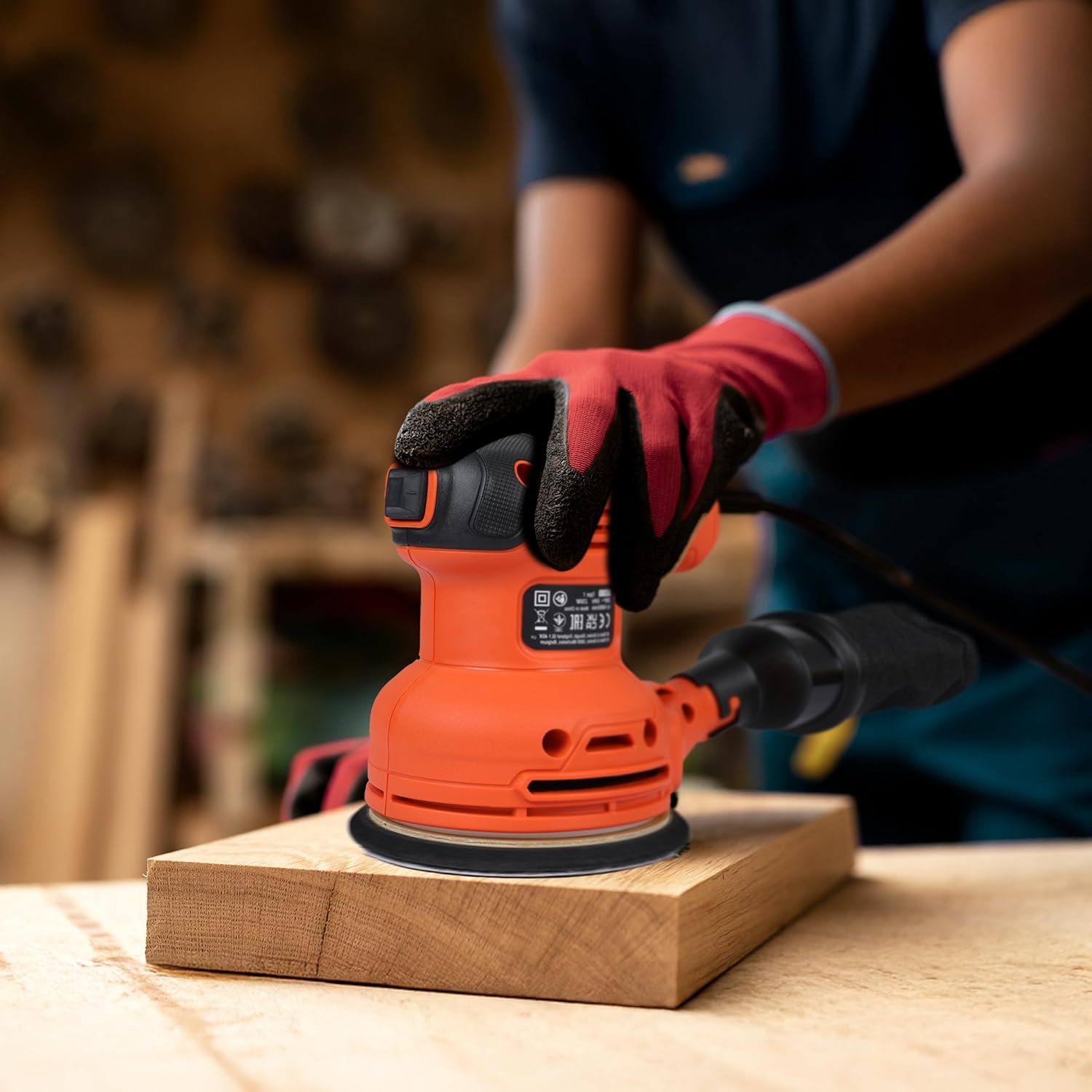
Image: A user operating the sander on a wooden board.

Image: A user sanding a wooden table outdoors.

Image: A user sanding a wooden chair outdoors.
Maintenance
Emptying the Dust Collection Bag
- Unplug the sander from the power source.
- Remove the dust collection bag from the sander.
- Empty the contents of the bag into a waste receptacle.
- Reattach the bag securely before further use.
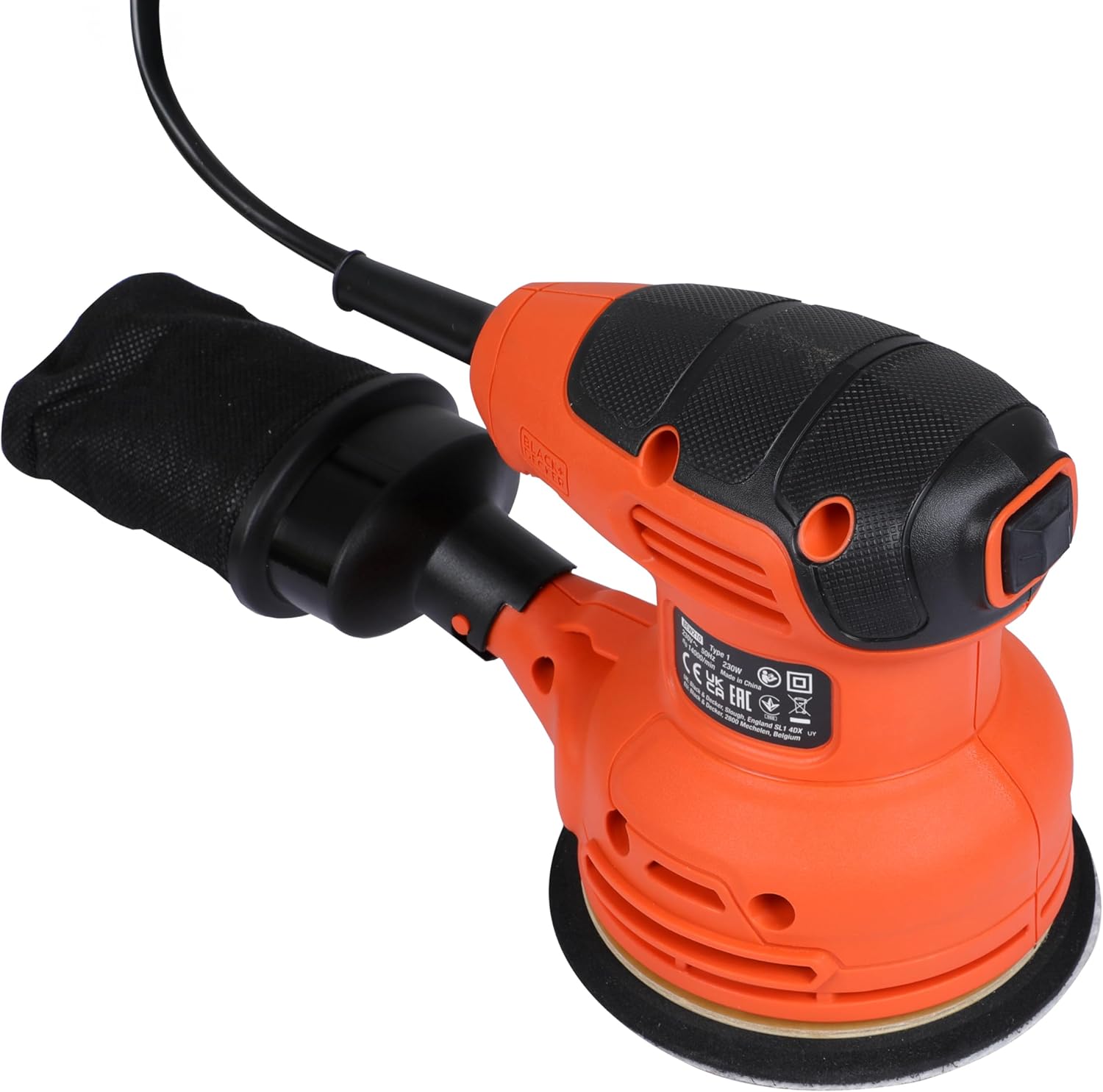
Image: A close-up view of the dust collection bag.
General Cleaning
- Keep the ventilation slots clean to prevent overheating.
- Wipe the tool's exterior with a damp cloth. Do not use harsh chemicals or abrasive cleaners.
- Inspect the sanding pad regularly for wear and tear. Replace if damaged.
Troubleshooting
| Problem | Possible Cause | Solution |
|---|---|---|
| Sander does not start | No power supply; Faulty switch | Check power cord and outlet; Contact service center if switch is faulty. |
| Poor sanding performance | Worn sanding disc; Incorrect grit; Excessive pressure | Replace sanding disc; Use appropriate grit; Apply lighter, even pressure. |
| Excessive vibration | Damaged sanding pad; Improperly attached sanding disc | Inspect and replace sanding pad if damaged; Reattach sanding disc correctly. |
| Ineffective dust collection | Dust bag full; Dust port clogged; Dust bag not properly attached | Empty dust bag; Clear dust port; Reattach dust bag securely. |
Specifications

Image: Graphic summarizing key technical specifications.
| Feature | Detail |
|---|---|
| Brand | BLACK+DECKER |
| Model Number | BEW210-QS |
| Power Source | Corded Electric |
| Wattage | 230 Watts |
| Voltage | 230 Volts |
| Maximum Rotational Speed | 13000 RPM |
| Product Dimensions | 9.06"L x 5.12"W x 5.91"H |
| Item Weight | 1.34 Kilograms (2.95 pounds) |
| Grit Type | Medium |
| Material | Wood, Metal |
Warranty and Support
BLACK+DECKER is committed to providing quality products and excellent customer service. Your BEW210-QS Random Orbital Sander comes with a standard manufacturer's warranty. Please refer to the warranty card included with your purchase for specific terms and conditions.
Customer Care Contact

Image: BLACK+DECKER Total Care information, including contact details for sales, service network, warranty, original parts, and omnichannel support.
- Phone: 1800-203-0644 (Mon-Sat, 09:00 AM - 06:00 PM IST, except government holidays)
- Email: SBD-CUSTOMER.COMMUNICATIONS@SBDINC.COM
- WhatsApp: +91 96060 55835
- Service Network: Over 500 authorized service centers available.
For further assistance or to locate an authorized service center, please use the contact information provided above.


