
1. Product Overview
The LifePro Waver Vibration Plate Exercise Machine is designed to provide a full-body vibration experience, promoting muscle contraction and activation. This device is intended to support various fitness goals, including muscle toning, improved circulation, and enhanced bone density.

Key features include:
- Full-Body Vibrations: Designed to engage muscles throughout the body.
- Multiple Benefits: Aims to improve muscle tone, metabolism, circulation, and bone density, while reducing joint stress.
- Adjustable Speed: Offers 99 speed settings for customized workout intensity.
- Preset Programs: Includes 9 pre-programmed workout routines.
- Convenient Controls: Features an easy-to-read display and a remote control for ease of use.
- Included Accessories: Comes with yoga straps and resistance bands to enhance workouts.
2. Setup Guide
Follow these steps to set up your LifePro Waver Vibration Plate Exercise Machine:
- Unboxing: Carefully remove all components from the packaging. Ensure you have the vibration plate, remote control, two loop bands, and four resistance bands.
- Placement: Place the vibration plate on a flat, stable, and non-slip surface. Ensure there is enough clear space around the machine for safe operation.
- Power Connection: Plug the power cord into a standard electrical outlet.
- Remote Batteries: Insert 2 AAA batteries into the remote control.
3. Operating Instructions
The LifePro Waver Vibration Plate is designed for user-friendly operation. Familiarize yourself with the control panel and remote control for optimal use.
3.1 Powering On/Off
- Press the Power button on the control panel or remote to turn the machine on or off.
3.2 Using the Display and Remote
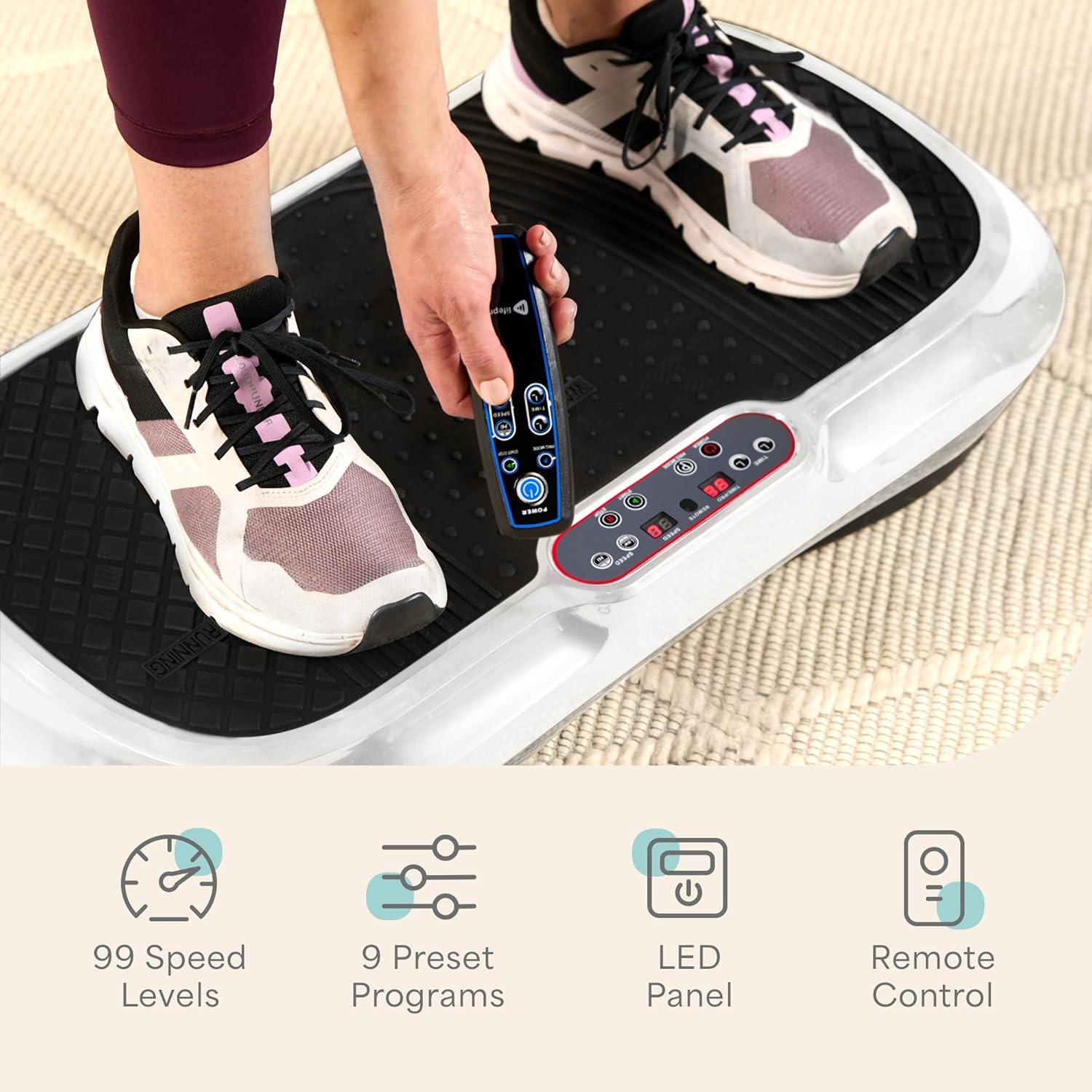
- The LCD display shows current speed, time, and program information.
- Use the Speed +/- buttons on the control panel or remote to adjust the vibration intensity from 1 to 99.
- Press the Program button to cycle through the 9 preset vibration programs. Each program offers a unique sequence of speed changes.
- The remote control allows for convenient adjustments during your workout without needing to bend down.
4. Usage and Exercises
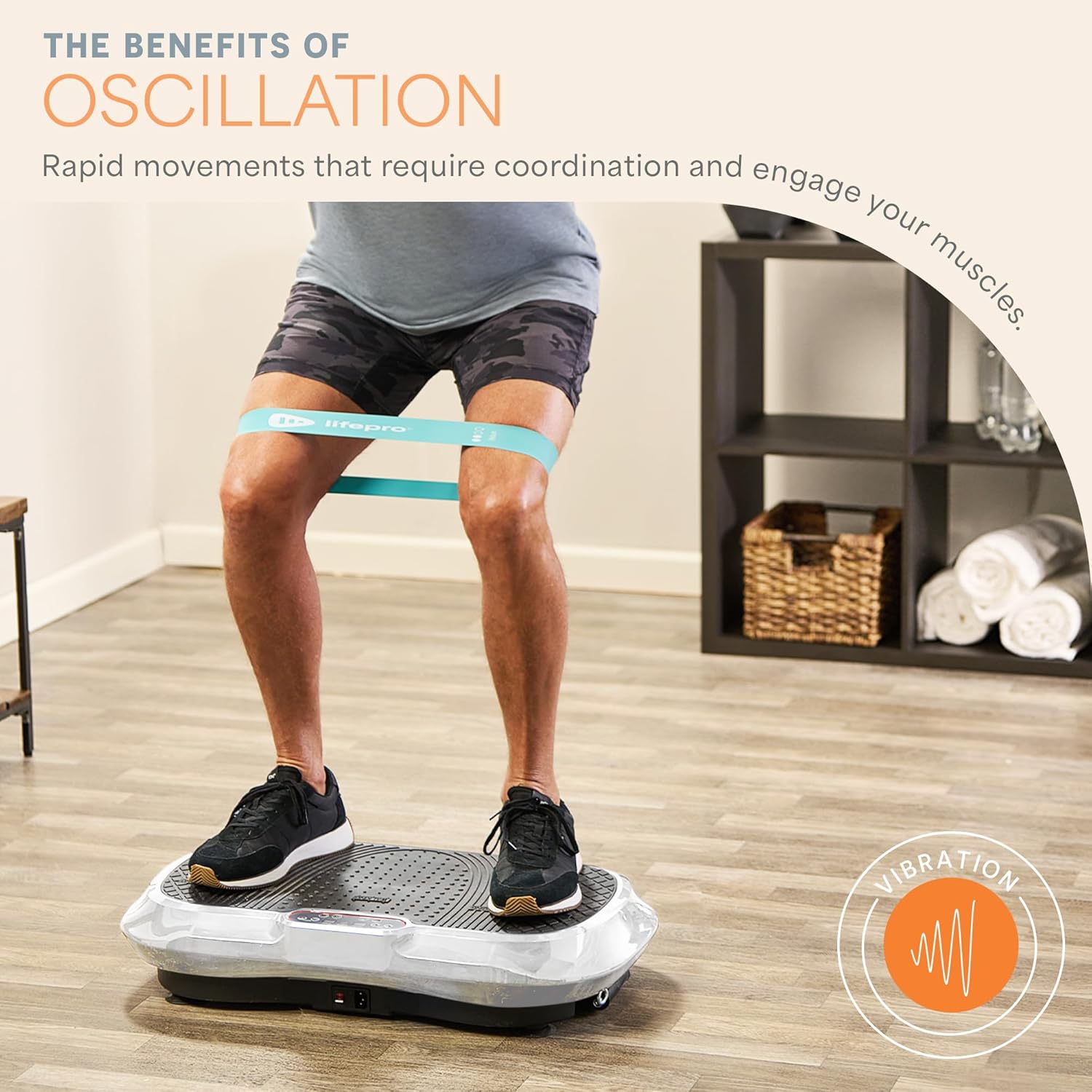
The LifePro Waver Vibration Plate can be used for a variety of exercises to target different muscle groups and achieve various fitness benefits. Adjust your stance on the plate to modify the intensity of the vibration.
- Walking Stance: Feet closer together for a milder vibration, suitable for warm-ups or cool-downs.
- Jogging Stance: Feet slightly wider apart for moderate intensity, engaging more muscles.
- Running Stance: Feet at the widest points of the plate for maximum intensity, ideal for advanced users and muscle activation.
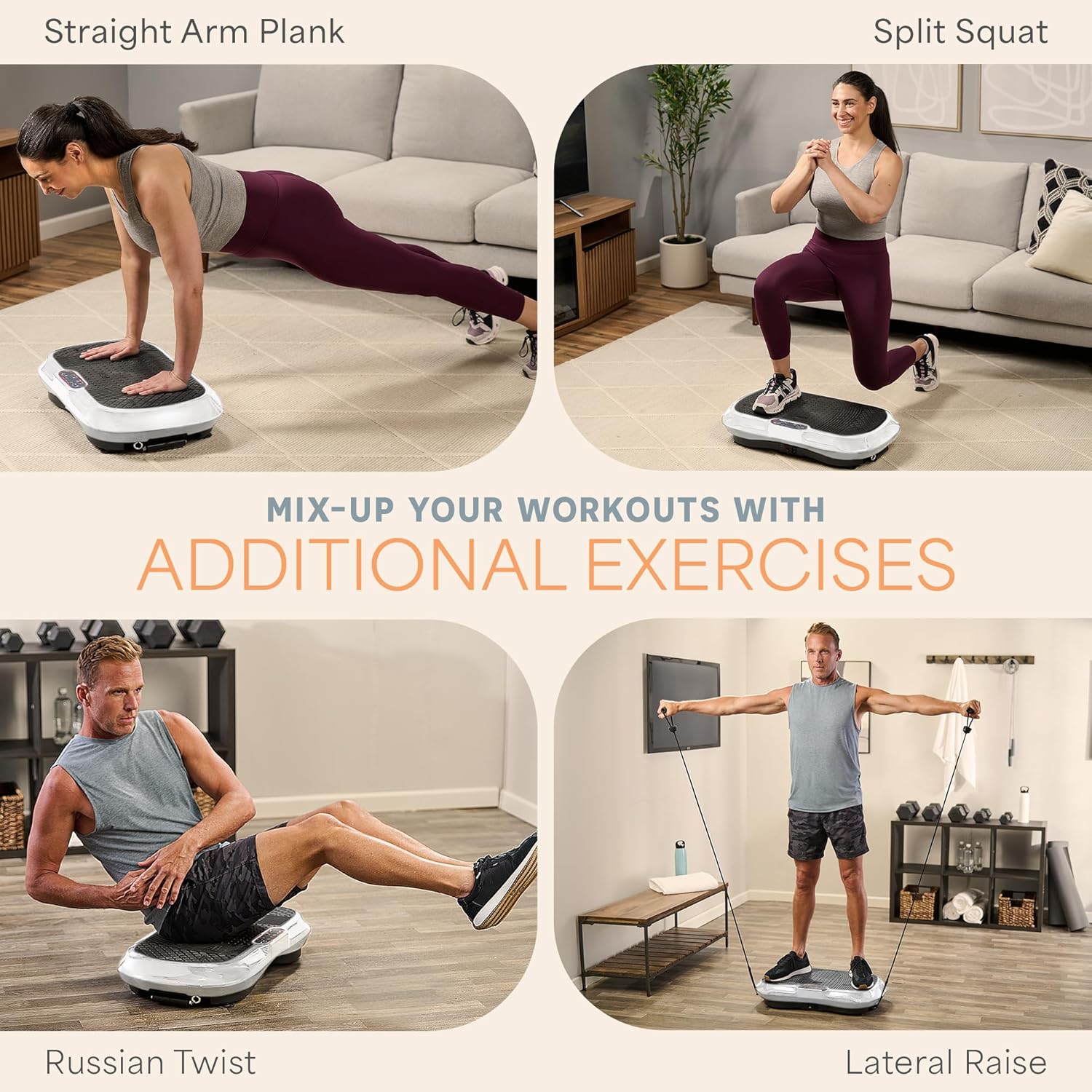
4.1 Recommended Exercises
Incorporate the included resistance bands and loop bands to enhance your workouts.


5. Maintenance
Proper maintenance ensures the longevity and optimal performance of your LifePro Waver Vibration Plate.
- Cleaning: Wipe down the surface of the machine with a soft, damp cloth after each use. Avoid using abrasive cleaners or solvents.
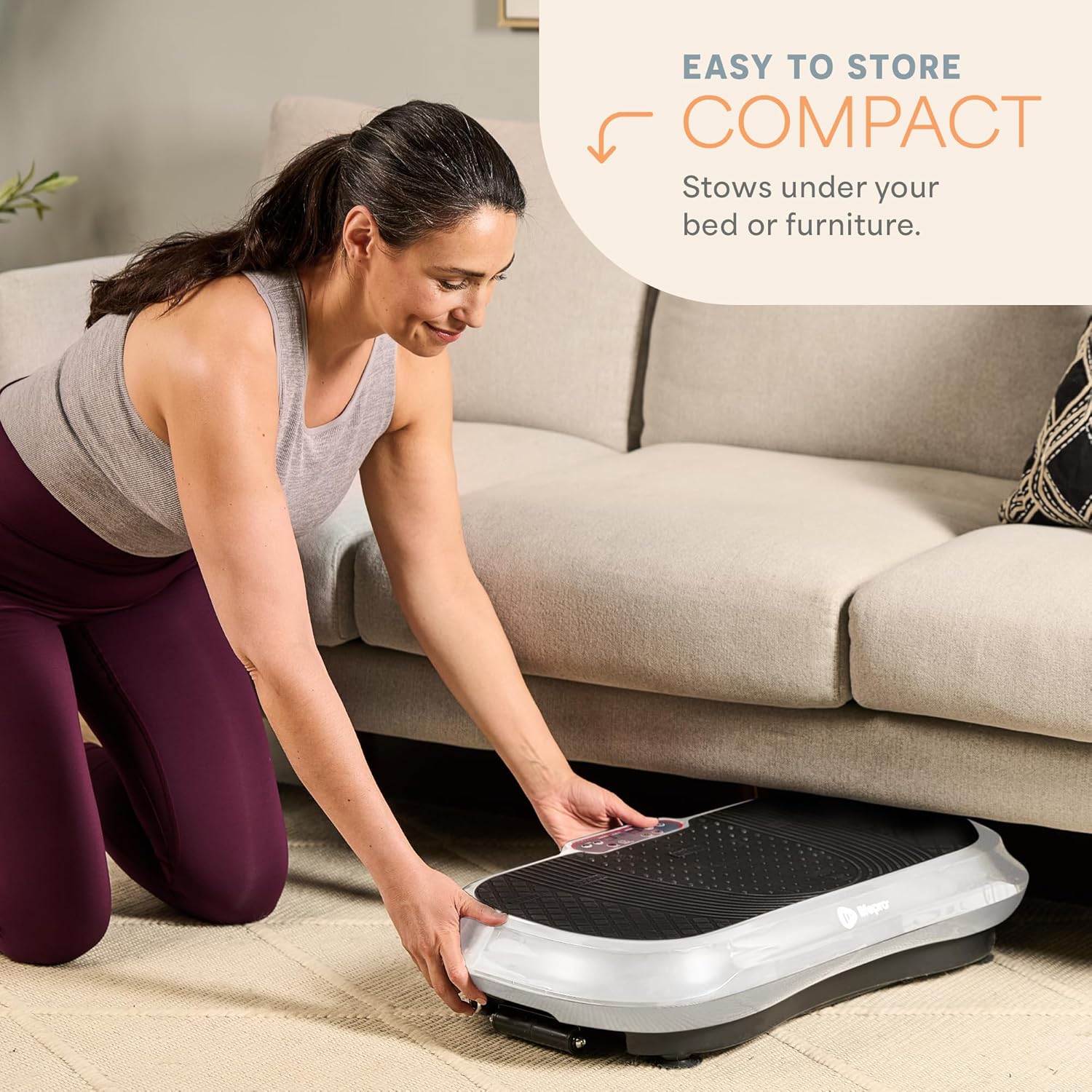
- Storage: Store the machine in a cool, dry place away from direct sunlight and moisture. Its compact design allows for easy storage under beds or furniture.
- Inspection: Periodically check the power cord and all connections for any signs of wear or damage.

6. Troubleshooting
If you encounter any issues with your LifePro Waver Vibration Plate, refer to the following common troubleshooting tips:
- Machine Not Turning On: Ensure the power cord is securely plugged into both the machine and a working electrical outlet. Check if the power switch is in the 'On' position.
- Remote Not Responding: Verify that the batteries in the remote control are correctly inserted and are not depleted. Replace batteries if necessary. Ensure there are no obstructions between the remote and the machine's sensor.
- Unusual Noises or Vibrations: Stop using the machine immediately. Check for any loose parts or foreign objects. If the issue persists, contact customer support.
- Display Not Working: If the display is blank or flickering, try unplugging the machine for a few minutes and then plugging it back in. If the problem continues, it may indicate an internal issue.
For issues not covered here, please refer to the support section.
7. Specifications
Detailed specifications for the LifePro Waver Vibration Plate Exercise Machine:

| Feature | Specification |
|---|---|
| Model Number | LP-WVR-WHT |
| Maximum Weight Recommendation | 149.69 kg (330 Pounds) |
| Product Dimensions | 40.64 x 69.6 x 14.22 cm (16 x 27.4 x 5.6 inches) |
| Item Weight | 12.2 kg (27 Pounds) |
| Controls Type | Remote |
| Display Type | LCD |
| Maximum Speed | 99 RPM (Levels) |
| Minimum Speed | 1 RPM (Level) |
| Number of Programs | 9 |
| Power Source | Corded Electric |
| Wattage | 200 watts |
| Batteries Required for Remote | 2 AAA batteries |
| Material | Plastic |
8. Warranty and Support
LifePro is committed to customer satisfaction and product quality.
- Warranty: The LifePro Waver Vibration Plate Exercise Machine comes with a Lifetime Warranty. Please refer to the warranty card included with your product for full details and registration instructions.
- Customer Support: For any questions, technical assistance, or support, please contact LifePro customer service.
- Online Resources: Access free professional online workout videos and join the LifePro community for additional guidance and motivation. Details on how to access these resources are typically provided with your purchase or can be found on the official LifePro website.