1. Introduction
This manual provides essential information for the safe and efficient operation of your HJM RFC2000 2000W Electronic Thermostat. Please read these instructions carefully before installation and use, and retain them for future reference. This electronic thermostat is designed to provide comfortable and controlled heating for your space.
2. Safety Information
Always observe basic safety precautions when using electrical appliances to reduce the risk of fire, electric shock, and injury.
- Ensure the power supply voltage matches the rating label on the appliance.
- Do not cover the heater, as this can lead to overheating.
- Keep flammable materials away from the heater.
- Do not operate the heater with a damaged cord or plug.
- Avoid placing the heater near water or in excessively damp environments.
- This appliance is not intended for use by persons (including children) with reduced physical, sensory, or mental capabilities, or lack of experience and knowledge, unless they have been given supervision or instruction concerning use of the appliance by a person responsible for their safety.
- Children should be supervised to ensure that they do not play with the appliance.
3. Package Contents
Upon opening the package, verify that all components are present and undamaged:
- 1 x HJM RFC2000 2000W Electronic Thermostat Unit
- 1 x Wall Mounting Kit (screws, anchors)
- 1 x User Manual (this document)
4. Product Overview
The HJM RFC2000 is a modern electronic thermostat designed for efficient heating. It features a digital display and controls for precise temperature management.
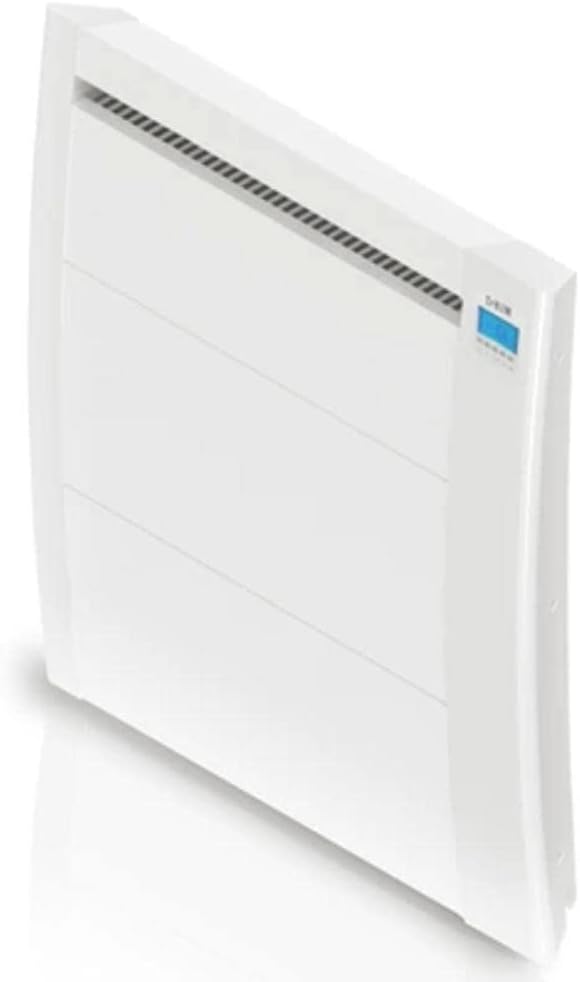
Figure 4.1: Angled view of the HJM RFC2000 electronic thermostat, showcasing its sleek design and integrated digital display on the upper right side.
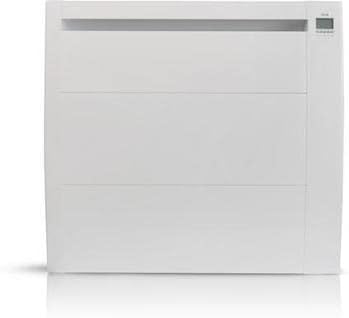
Figure 4.2: Front view of the HJM RFC2000 electronic thermostat, highlighting the clean white finish and the air outlet grille at the top.
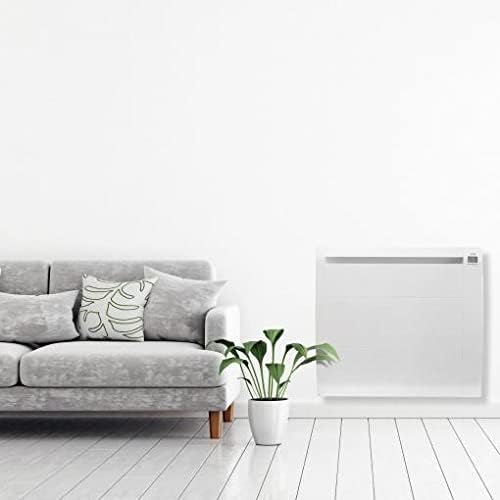
Figure 4.3: Side profile of the HJM RFC2000 electronic thermostat, illustrating its slim depth and curved edges.
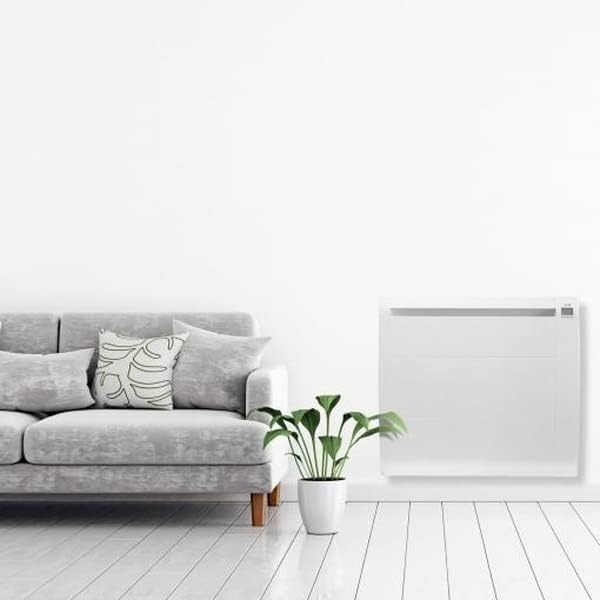
Figure 4.4: The HJM RFC2000 electronic thermostat installed on a wall in a living room setting, demonstrating its discreet integration into home decor.
5. Setup and Installation
The HJM RFC2000 electronic thermostat is designed for wall mounting. Professional installation is recommended for optimal safety and performance.
5.1 Wall Mounting
- Choose Location: Select a suitable wall location, away from direct sunlight, drafts, and heat sources, and at a height that allows for accurate temperature sensing and easy access to controls. Ensure there is sufficient clearance around the unit for proper air circulation.
- Mark Drilling Points: Use the provided mounting bracket (if applicable) or the unit itself as a template to mark the drilling points on the wall.
- Drill Holes: Drill holes at the marked points using an appropriate drill bit for your wall type. Insert wall anchors if necessary.
- Secure Bracket/Unit: Attach the mounting bracket or the unit directly to the wall using the provided screws. Ensure it is level and securely fastened.
- Electrical Connection: Connect the unit to a suitable electrical outlet. Ensure the connection is secure and complies with local electrical codes. If hardwiring, consult a qualified electrician.
5.2 Initial Power-Up
Once installed and connected to power, the unit will typically display its default settings or prompt for initial setup. Refer to the operating instructions for setting the time and desired temperature.
6. Operating Instructions
The HJM RFC2000 features an intuitive digital interface for setting and controlling your heating preferences.
6.1 Power On/Off
Locate the main power button or switch on the unit. Press or toggle it to turn the heater on or off. The display will illuminate when the unit is powered on.
6.2 Setting the Temperature
- Press the 'SET' or 'MODE' button to enter temperature adjustment mode.
- Use the '+' and '-' buttons (or up/down arrows) to increase or decrease the desired temperature.
- Confirm your selection by pressing 'SET' again or waiting a few seconds for the setting to automatically save.
6.3 Operating Modes (if applicable)
Your thermostat may offer various operating modes such as:
- Comfort Mode: Maintains a comfortable temperature.
- Economy Mode: Maintains a lower, energy-saving temperature.
- Frost Protection Mode: Prevents the room temperature from dropping below a critical level (e.g., 5°C).
- Program Mode: Allows scheduling different temperatures for different times of the day or week. Refer to the on-screen prompts or specific manual sections for detailed programming instructions.
Use the 'MODE' button to cycle through available modes and select your preference.
7. Maintenance
Regular maintenance ensures the longevity and efficient operation of your HJM RFC2000 thermostat.
7.1 Cleaning
- Always disconnect the unit from the power supply before cleaning.
- Wipe the exterior surfaces with a soft, damp cloth. Do not use abrasive cleaners, solvents, or harsh chemicals.
- Ensure no water enters the internal components.
- Periodically clean the air intake and outlet grilles to prevent dust buildup, which can impede airflow and efficiency. Use a soft brush or vacuum cleaner.
7.2 Storage
If storing the unit for an extended period, ensure it is clean, dry, and stored in a cool, dry place, protected from dust and direct sunlight.
8. Troubleshooting
If you encounter issues with your HJM RFC2000, refer to the following common problems and solutions:
| Problem | Possible Cause | Solution |
|---|---|---|
| Unit does not power on | No power supply; Power switch off; Blown fuse/tripped breaker | Check power outlet; Ensure power switch is ON; Check household fuse/breaker |
| Unit is on but not heating | Temperature setting too low; Overheat protection activated; Faulty heating element | Increase desired temperature; Unplug, wait 30 mins, plug back in; Contact customer support |
| Inaccurate temperature reading | Sensor obstructed; Unit placed in unsuitable location | Ensure sensor is clear; Relocate unit away from drafts/heat sources |
| Display not working correctly | Temporary software glitch; Power issue | Turn off and on again; Check power connection |
If the problem persists after attempting these solutions, please contact HJM customer support.
9. Specifications
| Feature | Specification |
|---|---|
| Model | RFC2000 (IDRA 2000) |
| Power Output | 2000 W |
| Type | Electronic Chronothermostat |
| Batteries Required | No |
| Number of Pieces | 1 |
| Item Model Number | 8425120097082 |
| ASIN | B07K8PHSMZ |
10. Warranty and Support
HJM products are manufactured to high-quality standards. For warranty information, please refer to the warranty card included with your purchase or visit the official HJM website. For technical support, spare parts, or service inquiries, please contact HJM customer service through their official channels. When contacting support, please have your model number (RFC2000) and serial number (if applicable) ready.


