1. Product Overview
The VELOCIFIRE M87 is an 87-key mechanical keyboard designed with a Mac layout, featuring tactile brown switches and white LED backlighting. It offers a comfortable and precise typing experience, optimized for Mac users but also compatible with Windows systems.

Figure 1: VELOCIFIRE M87 Mac Layout Mechanical Keyboard.
2. Package Contents
- VELOCIFIRE M87 Mac Layout Mechanical Keyboard
- USB Cable
- Keycap Puller
- User Guide (this manual)
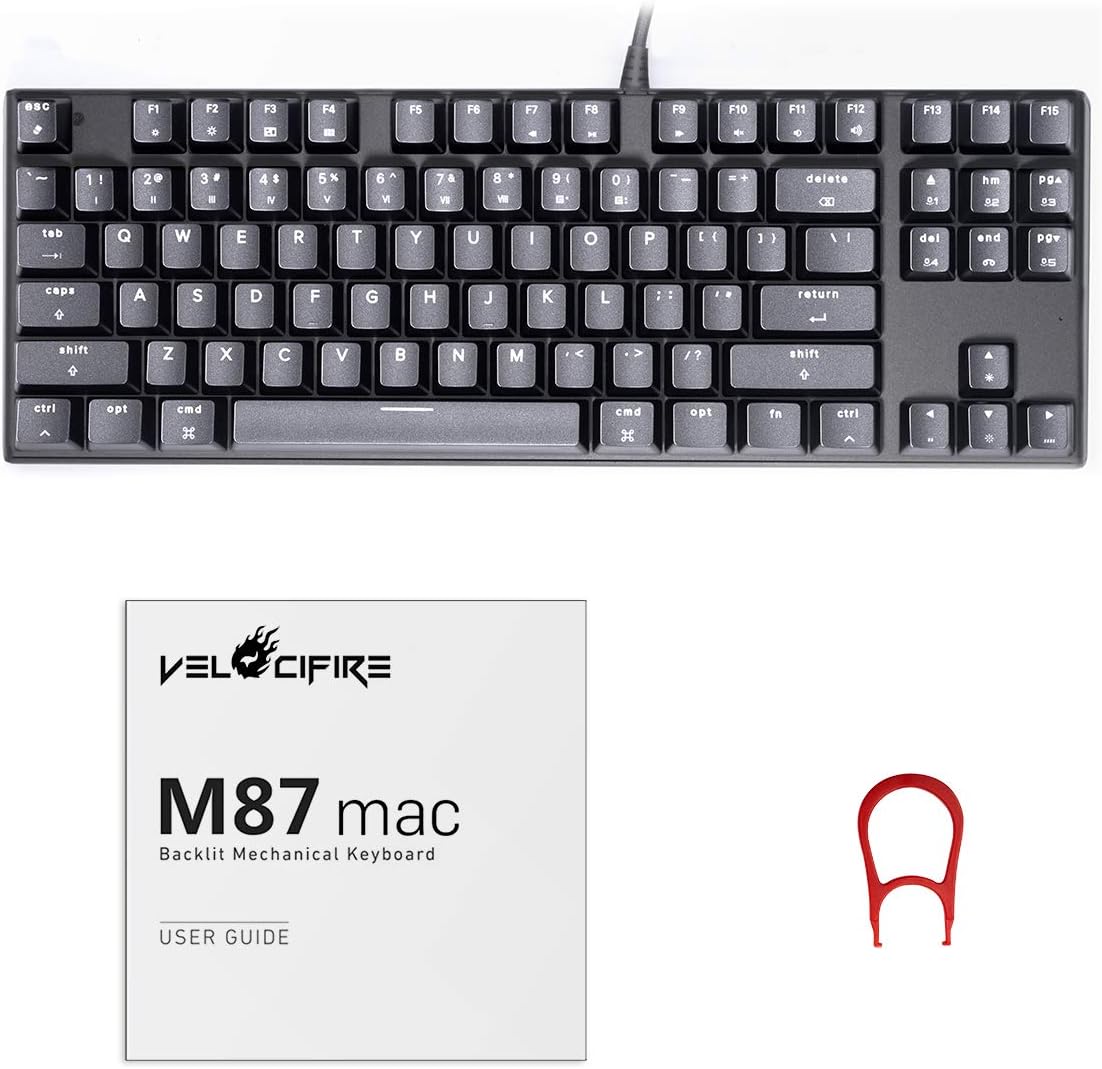
Figure 2: VELOCIFIRE M87 packaging and included accessories.
3. Setup
3.1 Connecting the Keyboard
- Locate the USB-C port on the keyboard and the USB-A port on your computer.
- Connect the provided USB cable to both the keyboard and your computer.
- The keyboard will automatically pair with your Mac or be recognized by your Windows system.
3.2 Initial Use with Mac
The M87 keyboard is designed with a Mac layout and firmware, allowing for native function key controls without additional software. This includes media controls, brightness adjustment, Launchpad, and Mission Control functions directly from the function row.

Figure 3: The M87 keyboard seamlessly integrates with Mac systems.
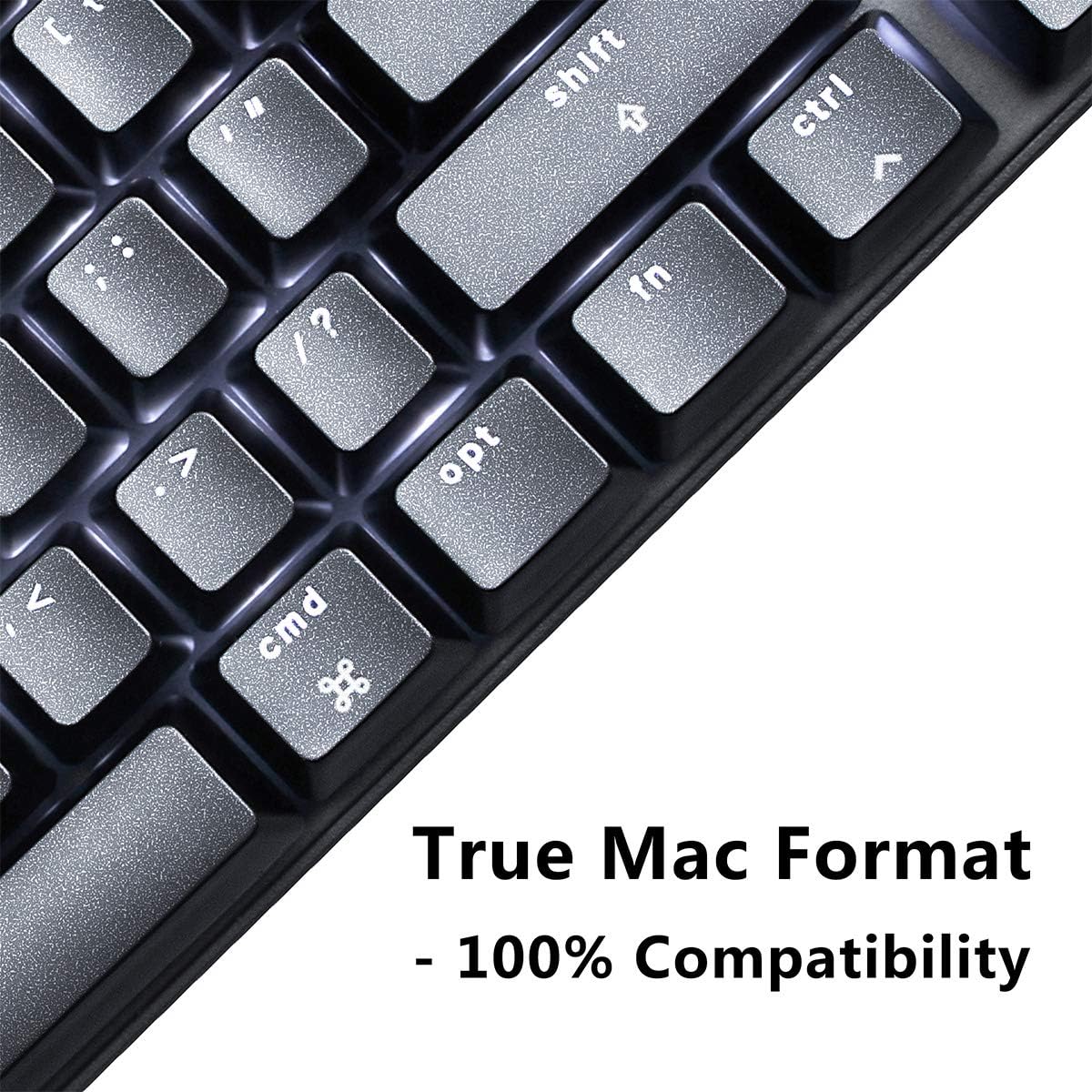
Figure 4: Dedicated Command (Cmd) and Option (Opt) keys for Mac users.
3.3 Initial Use with Windows
While optimized for Mac, the M87 keyboard is also compatible with Windows. Standard keyboard functions will work immediately upon connection. Some key remapping may be desired for optimal Windows usage, which can typically be configured through your operating system settings.
4. Operating Instructions
4.1 Function Keys (F1-F15)
The top row of keys (F1-F15) provides quick access to various system functions. These include:
- Brightness Control: F1 (Decrease), F2 (Increase)
- Mission Control: F3
- Launchpad: F4
- Media Controls: F7 (Previous Track), F8 (Play/Pause), F9 (Next Track)
- Volume Control: F10 (Mute), F11 (Volume Down), F12 (Volume Up)
- Additional Keys: Dedicated Delete, Home, Page Up, Page Down, and CD Eject keys are also available.
4.2 Backlighting Control
The M87 features white LED backlighting with multiple patterns and brightness levels. Use the designated function key combinations to cycle through lighting modes and adjust brightness.
Video 1: Demonstration of the VELOCIFIRE M87's white LED backlighting patterns and brightness adjustments.
4.3 Tactile Brown Switches
The keyboard is equipped with tactile brown switches, providing a noticeable bump during actuation without an audible click. This offers a balanced typing experience suitable for both typing and gaming.

Figure 5: Tactile brown switches provide a responsive and comfortable typing feel.
5. Maintenance
5.1 Cleaning the Keyboard
To maintain optimal performance and appearance, regularly clean your keyboard:
- Use a can of compressed air to remove dust and debris from between the keycaps.
- Wipe the keycaps and keyboard surface with a soft, damp cloth. Avoid harsh chemicals.
- For deeper cleaning, use the provided keycap puller to carefully remove keycaps and clean the switches and plate.
5.2 Keycap and Switch Care
The M87 uses standard keycaps that can be replaced. When removing keycaps, use the keycap puller to avoid damaging the switches. Ensure stabilizers (especially on larger keys like Spacebar, Shift, Enter) are properly seated to prevent rattling.
Video 2: Detailed look at keycap removal, switch type, and internal PCB components, highlighting potential areas for maintenance or modification.
6. Troubleshooting
6.1 Keyboard Not Responding
- Ensure the USB cable is securely connected to both the keyboard and the computer.
- Try connecting the keyboard to a different USB port on your computer.
- Test the keyboard on another computer to rule out a computer-specific issue.
6.2 Backlighting Issues
- Verify that the backlighting is not turned off or set to the lowest brightness level using the function keys.
- If specific keys are not lighting up, contact customer support.
6.3 Key Input Problems
- If a key is not registering, try removing the keycap and cleaning the switch area.
- Ensure keycaps are properly seated on the switches.
- For persistent issues, contact customer support.
7. Specifications
- Model: M87
- Brand: VELOCIFIRE
- Keyboard Description: Mechanical
- Key Switches: Tactile Brown Switch
- Layout: 87-Key Mac Layout
- Backlighting: White LED, Single Color
- Connectivity Technology: USB-C (Wired)
- Compatible Devices: Mac, PC
- Product Dimensions: 13 x 4 x 1 inches (13"L x 4"W x 1"H)
- Item Weight: 1.42 pounds
- Manufacturer: VELOCIFIRE
- First Available: November 1, 2018

Figure 6: Physical dimensions of the VELOCIFIRE M87 keyboard.
8. Warranty and Support
For warranty information and customer support, please refer to the documentation included with your product or visit the official VELOCIFIRE website. Keep your purchase receipt for warranty claims.