
Introduction
The iGPSPORT iGS50E is a high-sensitivity GPS bike computer designed to track your cycling data with precision. It supports ANT+ sensors for additional data like cadence and heart rate, and features a large, anti-glare screen for clear visibility in various conditions. This manual provides detailed instructions for setting up, operating, and maintaining your iGS50E device.
Package Contents
- iGS50E GPS Bike Computer x 1
- Micro USB Cable x 1
- Standard Bike Mount x 1
- User Manual x 1
Setup
1. Mounting the Device
Attach the standard bike mount to your bicycle's handlebars. Ensure it is securely fastened. The iGS50E device can then be twisted onto the mount until it clicks into place.
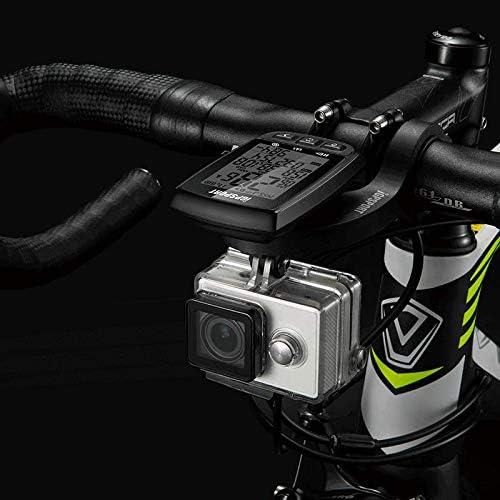
Figure 1: iGS50E GPS Bike Computer mounted on a bicycle handlebar. The device is positioned centrally on the handlebars, providing a clear view for the rider. A small action camera is also visible below the computer.
2. Initial Power On and GPS Acquisition
Press and hold the power button (usually the leftmost button) to turn on the device. Upon first use or after a long period of inactivity, the device will search for GPS satellites. This process may take a few moments. Ensure you are in an open area for faster satellite acquisition.
Operating Instructions
Button Functions
The iGS50E features three primary buttons at the bottom of the device. Their functions vary based on the device's state (e.g., powered on, recording, settings menu).
- Left Button (Power/Record/Pause):
- Short press: Power on iGS50E.
- Short press (during ride): Record/Pause.
- Long press (2 seconds): Power off.
- Long press (10 seconds): Forced shutdown.
- Middle Button (Switch Pages/Enter Settings):
- Short press: Switch display pages.
- Long press (2 seconds): Enter the setting mode.
- Right Button (Lap/Save):
- Short press (under record mode): Lap, short press again to lap+1.
- Long press (under record mode): Save current ride data.

Figure 2: Detailed view of the iGS50E screen showing various real-time data fields and the functions of the three control buttons at the bottom.
Motion Detection and Auto Wake-up
The iGS50E features a millisecond motion detection system. When the device detects no motion for a period, it automatically enters a static sleep mode to conserve power. It will automatically wake up and resume operation upon detecting movement.

Figure 3: Illustration of the motion detection feature, showing the device transitioning between static sleep and active mode based on movement.
Data Display and ANT+ Sensor Connection
Real-time Data Display
The iGS50E displays up to 13 types of real-time data on its 2.2-inch anti-glare LCD screen. This screen is designed for high brightness and contrast, ensuring readability even in direct sunlight.
- Speed (SPD)
- Average Speed (AV SPD)
- Maximum Speed (SPD MX)
- Riding Time (TIME)
- Distance Traveled (DST)
- Total Distance (ODO)
- Altitude (ALT)
- Gradient (GRA)
- Temperature (TEM)
- Current Time (TIME)
- Date (DATE)
- Calories (CAL)
- Lap (LAP)

Figure 4: The iGS50E's 2.2-inch anti-glare screen showing clear data display in an outdoor, sunny environment.
ANT+ Sensor Compatibility
The iGS50E supports ANT+ sensors from various brands, allowing you to expand your data tracking capabilities. To connect an ANT+ sensor, ensure the sensor is active and within range, then long-press the middle button on the iGS50E to enter settings and initiate the pairing process.
Supported ANT+ data includes:
- Current Cadence
- Average Cadence
- Maximum Cadence
- Current Heart Rate
- Average Heart Rate
- Maximum Heart Rate

Figure 5: The iGS50E device illustrating its connectivity with GPS satellites and various ANT+ sensors such as heart rate monitors, speed sensors, and cadence sensors.
Application Connection and Data Synchronization
The iGS50E connects to the iGPSPORT smartphone application via Bluetooth 4.0 for data synchronization and analysis. Note that the device does not directly support Bluetooth connection to other sensors; Bluetooth is solely for app communication.
Downloading the iGPSPORT App
- For Android: Search for "iGPSPORT" in the Google Play Store.
- For iPhone: Search for "iGPSPORT" in the Apple App Store.
Synchronizing Data
Once the app is installed and your iGS50E is paired (follow in-app instructions for pairing), you can synchronize your ride data from the bike computer to your smartphone. The app allows for detailed analysis of your rides and supports uploading data to platforms like Strava and MapMyRide.
Maintenance
Water Resistance (IPX7)
The iGS50E has an IPX7 waterproof rating, meaning it can withstand immersion in water up to 1 meter for 30 minutes. It is suitable for use in rainy conditions. If the USB plug is exposed to water, ensure it is dried immediately after use to prevent damage.
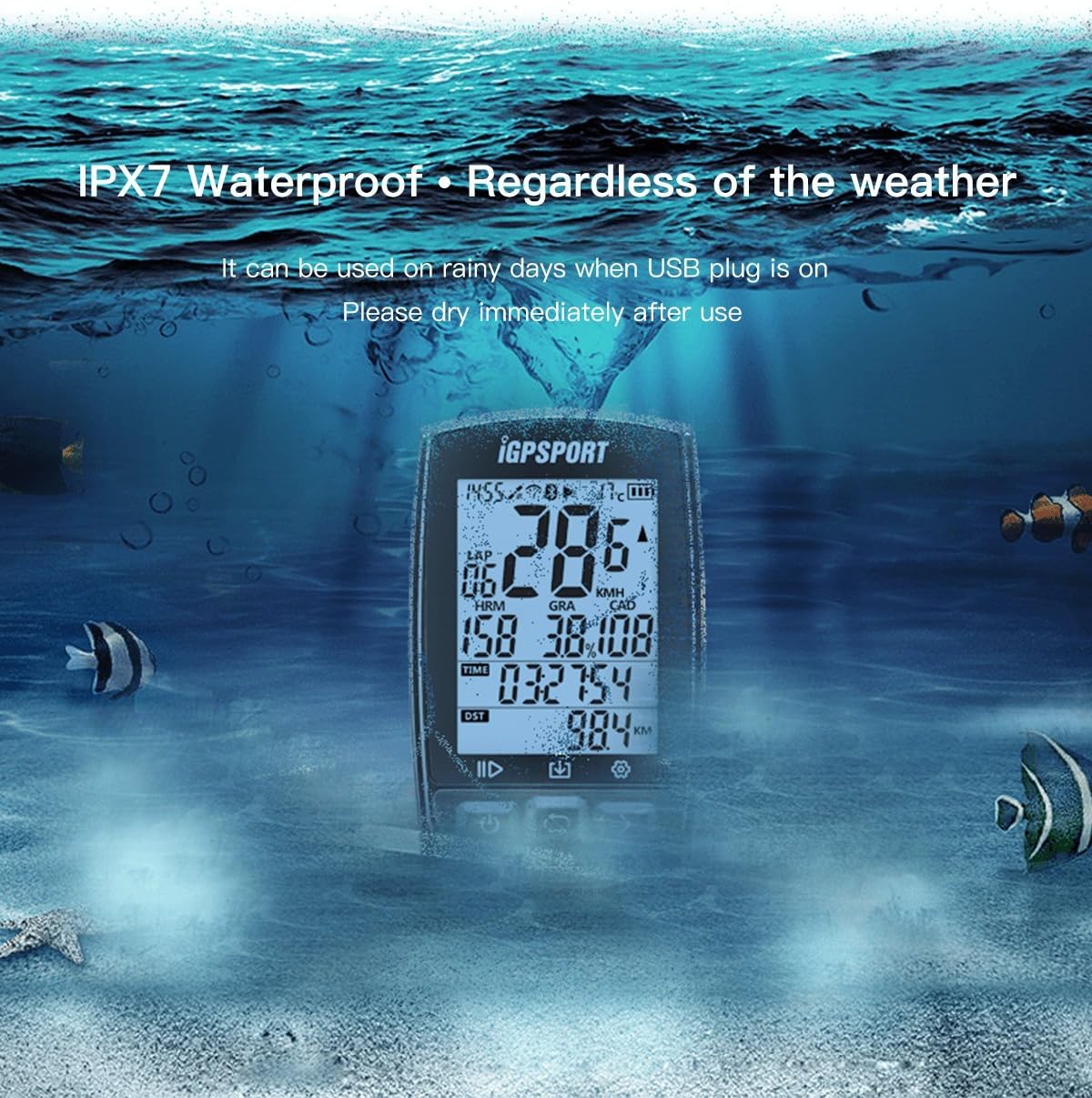
Figure 6: The iGS50E device shown underwater, highlighting its IPX7 waterproof capability, suitable for all weather conditions.
Charging
Charge the device using the provided Micro USB cable. The battery capacity is 1200mAH, offering approximately 40 hours of endurance on a full charge. A battery indicator on the screen will show the current charge level.
Cleaning
Wipe the device with a soft, damp cloth. Avoid using harsh chemicals or abrasive materials that could damage the screen or casing.
Troubleshooting
- Slow GPS Acquisition: Ensure you are in an open outdoor area with a clear view of the sky. Initial GPS lock may take longer. If acquisition remains slow, try restarting the device.
- App Connection Issues:
- Ensure Bluetooth is enabled on your smartphone.
- Verify the iGPSPORT app is installed and updated.
- Try restarting both the iGS50E and your smartphone.
- If data synchronization fails, try removing and re-pairing the device within the app.
- Inaccurate Data Readings (Altitude/Gradient): GPS-based altitude and gradient can sometimes be affected by environmental factors like dense tree cover or tall buildings. For optimal accuracy, ensure clear line of sight to satellites.
- Device Not Responding: If the device becomes unresponsive, perform a forced shutdown by pressing and holding the power button for 10 seconds. Then, restart the device.
Specifications
| Model Number | iGS50E |
| Physical Dimension | 86 x 54 x 18 mm |
| Screen Size | 2.2 inches (36 x 49 mm) |
| Display Type | High brightness, high contrast, anti-glare LCD |
| Waterproof Rating | IPX7 |
| Memory | Approximately 200 hours of riding data |
| Battery Type | Lithium-ion |
| Battery Endurance | Up to 40 hours |
| Wireless Transmission | Bluetooth 4.0 (for APP connection), ANT+ (for sensors) |
| Supported Sensors | ANT+ Heart Rate Sensor, ANT+ Speed Sensor, ANT+ Cadence Sensor |
| Mounting Type | Handlebar Mount |
Warranty and Support
The iGPSPORT iGS50E comes with a 2-year warranty and lifetime support from iGPSPORT. For any technical assistance, warranty claims, or product inquiries, please refer to the official iGPSPORT website or contact their customer service directly.
Official iGPSPORT website: www.igpsport.com


