
1. Introduction
Thank you for choosing the Bajaj Popular Ultra 1400W Induction Cooktop. This manual provides essential information for the safe and efficient operation, maintenance, and troubleshooting of your new appliance. Please read it thoroughly before first use and keep it for future reference.

Figure 1: Overview of the Bajaj Popular Ultra 1400W Induction Cooktop, showcasing its LED display, 7 auto cook menus, 1400W power, variable temperature and time selection, and tactile push buttons.
2. Important Safety Information
WARNING: To reduce the risk of fire, electric shock, injury to persons, or damage to the appliance, read and follow all instructions carefully.
- Always ensure the cooktop is placed on a stable, flat, and heat-resistant surface.
- Do not immerse the appliance, cord, or plug in water or other liquids.
- Keep the appliance out of reach of children and pets.
- Use only induction-compatible cookware. Non-compatible cookware will not heat.
- Do not touch the hot surface immediately after cooking. The ceramic plate retains residual heat.
- Ensure proper ventilation around the cooktop during operation.
- Individuals with cardiac pacemakers or similar medical devices should consult their physician before using an induction cooktop.
- Unplug the appliance from the power outlet when not in use and before cleaning.
- Do not operate the appliance with a damaged cord or plug. Contact authorized service personnel for repairs.
3. Product Features
The Bajaj Popular Ultra Induction Cooktop is designed with advanced features for convenient and efficient cooking:
- 1400 Watts Power: Provides rapid heating for quick cooking.
- Pan Sensor Technology: Automatically detects induction-compatible cookware and starts heating only when a suitable pan is placed on the surface, ensuring safety and energy efficiency.
- Voltage Pro Technology: Protects the appliance from voltage fluctuations, enhancing durability and lifespan.
- LED Display: Clear digital display for easy monitoring of settings and cooking status.
- 7 Auto Cook Menus: Pre-programmed settings for common dishes, simplifying cooking with optimal temperature and time.
- Variable Temperature & Time Selection: Allows precise control over cooking temperature and duration for customized results.
- Tactile Push Buttons: User-friendly control panel for easy operation.

Figure 2: Detailed view of the control panel, showing the LED display, power button, and various auto-cook menu buttons.
4. Components Included
Upon unpacking, ensure you have received the following item:
- 1 x Bajaj Popular Ultra 1400W Induction Cooktop
5. Specifications
| Specification | Detail |
|---|---|
| Model Number | 740069 |
| Brand | Bajaj |
| Wattage | 1400 Watts |
| Voltage | 230V-50Hz |
| Material | Acrylonitrile Butadiene Styrene (ABS) / Crystal |
| Colour | Black |
| Product Dimensions (D x W x H) | 39D x 39W x 9H Centimeters |
| Heating Elements | 1 |
| Controls Type | Knob / Push Button |
| Item Weight | 3 kg (3000 Grams) |
6. Setup
- Unpacking: Carefully remove the induction cooktop from its packaging. Retain the packaging for future storage or transport.
- Placement: Place the cooktop on a dry, stable, non-metallic, and heat-resistant surface. Ensure there is adequate space (at least 10-15 cm) around the appliance for proper ventilation. Do not place it near heat sources or on metal surfaces.
- Power Connection: Plug the power cord into a grounded electrical outlet with the correct voltage (230V-50Hz). Ensure the outlet can handle the 1400W power requirement.
- Initial Cleaning: Before first use, wipe the ceramic surface with a soft, damp cloth.
7. Operating Instructions
- Power On: Place an induction-compatible pan containing food or liquid on the center of the ceramic plate. Press the 'ON/OFF' button to turn on the cooktop. The LED display will illuminate.
- Manual Cooking: After powering on, select your desired temperature or power level using the 'UP' and 'DOWN' buttons. The cooktop will begin heating.
- Auto Cook Menus: To use a pre-programmed setting, press the button corresponding to one of the 7 auto cook menus (e.g., Deep Fry, Pressure Cook, Heat Milk, Rice, Water, Curry, Soup, Roti). The cooktop will automatically adjust the power and time for that specific dish.
- Adjusting Temperature/Time: During manual cooking, use the 'UP' and 'DOWN' buttons to adjust the temperature or power. For auto-cook menus, some settings may allow minor adjustments.
- Timer Function: Use the 'Pre/Timer' button to set a cooking duration. Once the set time expires, the cooktop will automatically switch off.
- Power Off: After cooking, press the 'ON/OFF' button to turn off the cooktop. Remove the pan. The LED display may show 'H' indicating residual heat.
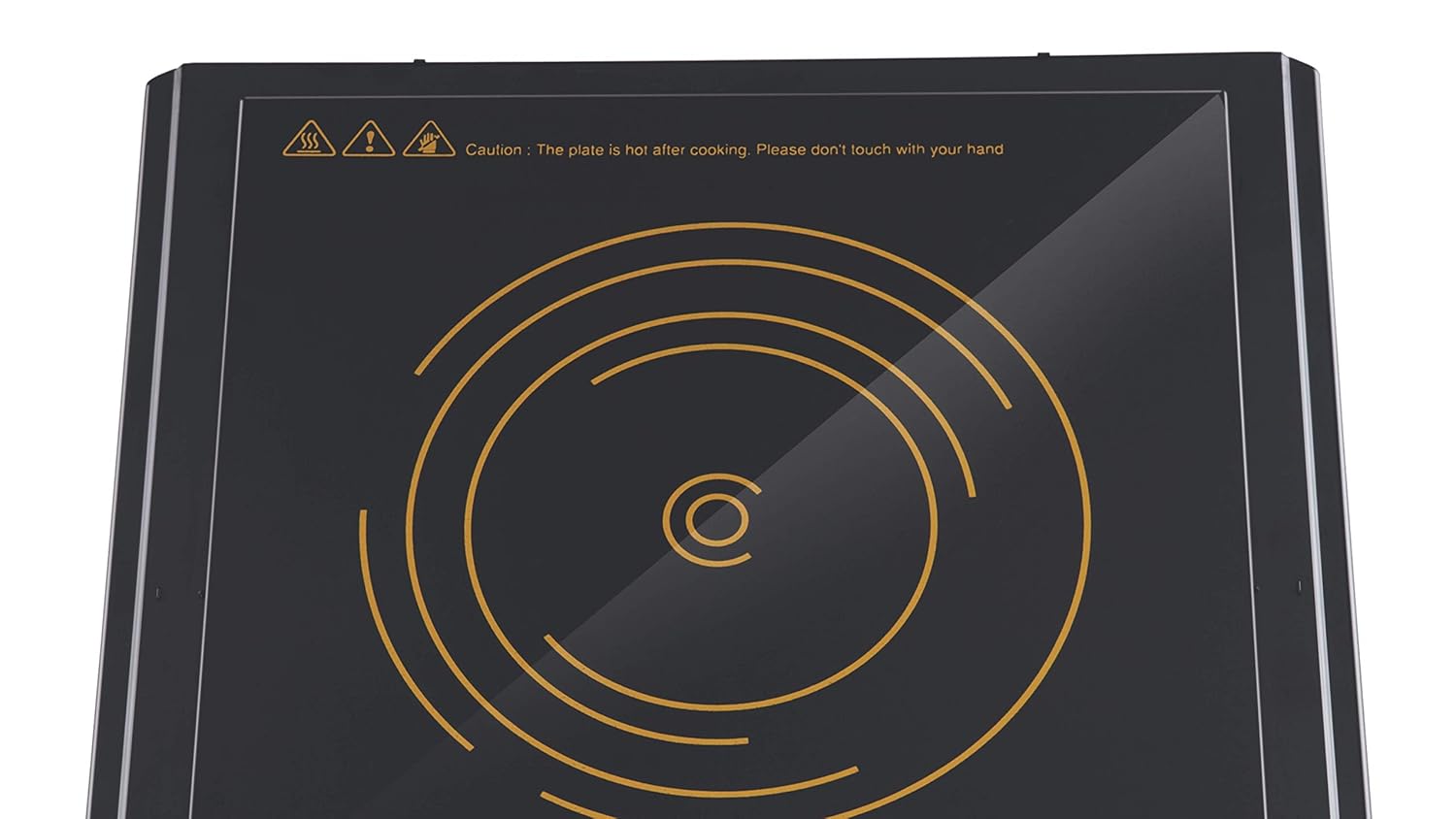
Figure 3: The ceramic cooking surface with a caution message indicating that the plate is hot after cooking and should not be touched.
8. Maintenance
Regular cleaning and maintenance will ensure the longevity and optimal performance of your induction cooktop.
- Cleaning the Surface: After each use, allow the cooktop to cool completely. Wipe the ceramic surface with a soft, damp cloth and mild detergent. For stubborn stains, use a non-abrasive ceramic cooktop cleaner. Do not use abrasive pads, harsh chemicals, or steel wool.
- Cleaning the Body: Wipe the exterior body with a soft, damp cloth. Do not allow water to enter the internal components.
- Ventilation Openings: Ensure the ventilation openings on the bottom and sides of the cooktop are free from dust and debris to prevent overheating.
- Storage: When not in use for extended periods, unplug the cooktop and store it in a dry, safe place.
9. Troubleshooting
If you encounter issues with your induction cooktop, refer to the following common problems and solutions:
| Problem | Possible Cause | Solution |
|---|---|---|
| Cooktop does not turn on. | No power supply. | Check if the power cord is securely plugged in and the outlet is functioning. |
| No heating, but display is on. | Non-compatible cookware or no pan detected. | Use induction-compatible cookware. Ensure the pan is centered on the cooking zone. |
| Cooktop switches off during operation. | Overheating or voltage fluctuation. | Ensure proper ventilation. Check for stable power supply. Allow to cool before restarting. |
| Unusual noise during operation. | Normal fan operation or pan vibration. | A slight humming sound from the cooling fan is normal. Some pans may vibrate slightly. |
If the problem persists after attempting these solutions, please contact Bajaj customer support.
10. Warranty and Support
Your Bajaj Popular Ultra 1400W Induction Cooktop comes with a 1-year warranty from the date of purchase. This warranty covers manufacturing defects under normal use conditions.
For warranty claims, technical support, or service inquiries, please contact Bajaj customer service. Keep your purchase receipt as proof of purchase.