
1. Introduction
Thank you for choosing the Nobsound NS-20G Mini Digital Power Amplifier. This compact yet powerful amplifier is designed to deliver clear, high-fidelity audio with versatile connectivity options, including Bluetooth 5.0 and AUX input. It also features a dedicated headphone amplifier and supports a 2.1 channel audio system setup. This manual provides essential information for safe and efficient use of your device.

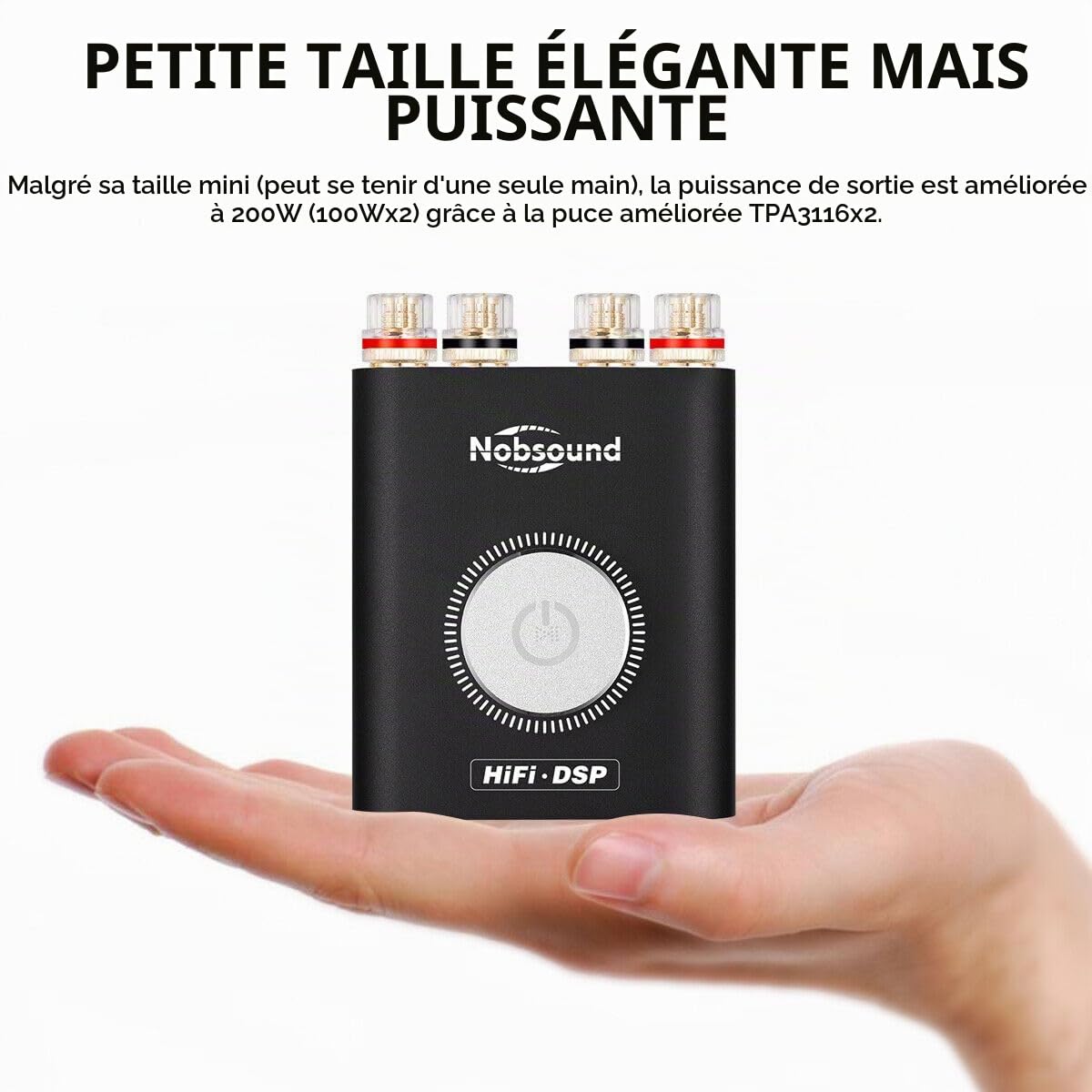
Image 1.1: The Nobsound NS-20G Mini Digital Power Amplifier, highlighting its key features: 100W+100W high power, Bluetooth 5.0+EDR, Hi-Fi audio, and DSP technology.
2. Safety Information
- Do not expose this device to rain or moisture.
- Ensure proper ventilation to prevent overheating. Do not block ventilation openings.
- Use only the provided power adapter (19V) or a compatible power supply within the specified voltage range (DC 9V-24V).
- Avoid placing the device near heat sources or in direct sunlight.
- Do not disassemble or modify the device. Refer all servicing to qualified personnel.
- Keep out of reach of children.
3. Package Contents
Please check the package for the following items:
- 1 x Nobsound NS-20G Amplifier
- 1 x 19V Power Adapter
- 1 x 3.5mm Audio Cable
- 1 x RCA Audio Cable
- 1 x User Manual

Image 3.1: Contents of the Nobsound NS-20G package, including the amplifier, power supply, and various audio cables. The image also shows the compact dimensions of the amplifier (90mm x 78mm x 23mm) and its net weight of 160g.
4. Product Overview
The NS-20G amplifier features a compact aluminum chassis with a multi-function knob and an LED volume display. It integrates advanced audio technologies for superior sound quality.
4.1 Key Features
- Compact Design: Ideal for home and office setups, measuring 90mm x 78mm x 23mm.
- High Power Output: Equipped with two TPA3116 chips, delivering up to 200W (100W x 2) output.
- HiFi Sound: Provides clear audio with no audible noise, enhanced by Digital Signal Processing (DSP).
- Bluetooth 5.0 + EDR: Ensures stable, lossless wireless audio transmission up to 15 meters.
- Headphone Amplifier: Supports headphones with impedance between 15-32Ω.
- Versatile Inputs: Bluetooth and AUX inputs for various devices like smartphones, TVs, MP3 players, and CD players.
- 2.1 Channel System Support: Can form a 2.1 audio system by connecting an active subwoofer via Bluetooth and passive speakers to the speaker outputs.
- Gold-Plated Terminals: Enhanced corrosion resistance and high-quality signal transmission.
4.2 Front and Rear Panel Layout

Image 4.1: Diagram illustrating the front and rear panels of the NS-20G amplifier, showing all input/output ports and controls.
- Front Panel:
- Multi-function Knob: Power ON/OFF, Volume control, Play/Pause.
- LED Display: Shows current volume level (0-31).
- AUX Input (3.5mm): For wired audio sources.
- PHONE Output (3.5mm): Headphone jack.
- Rear Panel:
- DC 9V-24V IN: Power input port.
- Speaker Outputs (R/L): For connecting passive speakers.



5. Setup
5.1 Connecting Speakers
- Ensure the amplifier is powered off before making any connections.
- Connect your passive speakers to the R (Right) and L (Left) speaker output terminals on the rear panel. Ensure correct polarity (red to red, black to black).
5.2 Connecting Power
- Connect the provided 19V power adapter to the DC 9V-24V IN port on the rear panel.
- Plug the power adapter into a suitable wall outlet.

5.3 Connecting Audio Sources
- AUX Input: Use the 3.5mm audio cable to connect your audio source (e.g., smartphone, CD player) to the AUX input on the front panel.
- Bluetooth: For wireless connection, refer to the Bluetooth pairing instructions in the Operating section.
5.4 2.1 Channel System Setup
To create a 2.1 channel audio system, connect an active subwoofer via Bluetooth and your passive speakers to the amplifier's speaker outputs. This configuration enhances bass effects significantly.

Image 5.2: The NS-20G amplifier connected to speakers, illustrating a typical home audio setup.
6. Operating Instructions
6.1 Power On/Off
- Power On: Long press the multi-function knob for 2 seconds. The LED display will light up.
- Power Off: Long press the multi-function knob for 2 seconds. The LED display will turn off.
- Automatic Power On: The NS-20G automatically powers on when first connected to the power adapter, or after subsequent disconnections and reconnections. To reactivate after a direct power cut, long press the knob after reconnecting the power adapter.
6.2 Volume Control
- Rotate the multi-function knob clockwise to increase volume.
- Rotate the multi-function knob counter-clockwise to decrease volume.
- The volume level (0-31) is shown on the LED display. The display blinks when music is paused.

6.3 Input Selection and Playback
- Bluetooth Mode: The amplifier defaults to Bluetooth mode upon power-on. The LED display will indicate Bluetooth readiness.
- AUX Mode: When an audio cable is connected to the AUX input, the amplifier automatically switches to AUX mode.
- Play/Pause: Short press the multi-function knob to play or pause audio playback (in Bluetooth mode).
6.4 Bluetooth Pairing
- Ensure the amplifier is in Bluetooth mode (LED display indicates readiness).
- On your device (smartphone, tablet, etc.), enable Bluetooth and search for available devices.
- Select "NS-20G" from the list to pair. A confirmation sound will indicate successful pairing.
- Once paired, you can stream audio wirelessly to the amplifier.

6.5 Headphone Use
Connect your headphones (15-32Ω impedance) to the PHONE output on the front panel. Audio will be routed to the headphones.
7. Maintenance
- Cleaning: Use a soft, dry cloth to clean the exterior of the amplifier. Do not use liquid cleaners or solvents.
- Storage: When not in use for extended periods, disconnect the power adapter and store the amplifier in a cool, dry place.
- Ventilation: Ensure the ventilation holes are free from dust and obstructions to maintain optimal performance and prevent overheating.
8. Troubleshooting
| Problem | Possible Cause | Solution |
|---|---|---|
| No sound output. |
|
|
| Bluetooth not connecting. |
|
|
| Distorted or poor sound quality. |
|
|
9. Specifications
| Brand | Nobsound |
| Model Number | DZ045_DE (NS-20G) |
| Power Output | 200 Watts (100W x 2) |
| Number of Channels | 2 |
| Voltage | 19 Volts (DC 9V-24V) |
| Bluetooth Version | 5.0 + EDR |
| Headphone Impedance | 15-32Ω |
| Dimensions (L x W x H) | 90mm x 78mm x 23mm (approx. 3.54 x 3.07 x 0.91 inches) |
| Weight | 610 grams (approx. 1.34 lbs) |
| Certifications | CE, RoHS |
10. Warranty and Support
Nobsound products are designed for reliability and performance. For warranty information, technical support, or service inquiries, please refer to the official Nobsound website or contact your retailer.
You can also visit the Nobsound brand store for more information and product updates: Nobsound Brand Store