
1. Important Safety Information
Please read and understand all safety instructions before using this product. Failure to follow these instructions may result in electric shock, fire, or serious injury.
- Ensure the charging station is connected to a properly grounded 220V or 240V NEMA 10-30 outlet.
- Do not use the charger if the cable, plug, or EV connector is damaged.
- Keep children away from the charging area during operation.
- Avoid submerging the control box or EV connector in water. The control box has an IP65 rating, and the EV connector has an IP67 rating, indicating resistance to water splashes and temporary immersion, respectively.
- This product is equipped with multiple safety protections including lightning-proof, leakage, overvoltage, overheat, and overcurrent protection.

Image: Charging Protection Features. This diagram highlights the safety features integrated into the charger, such as ETL certification, overheat, leakage, over-current, and over-voltage protections, ensuring safe operation.
2. Product Overview
The MUSTART Level 2 Portable EV Charger is designed to provide efficient and reliable charging for your electric vehicle. It features a 25 Amp charging capacity, a 25-foot cable, and a NEMA 10-30P plug for connection to a 240 Volt outlet.

Image: MUSTART Level 2 Portable EV Charger. This image displays the complete charging unit, including the main control box, the EV connector, and the NEMA 10-30P power plug, connected by the charging cable.
Key Features:
- Fast Charging: Up to 25 Amps, providing faster charging compared to Level 1 chargers.
- Universal Compatibility: Works with all SAE J1772 standard electric vehicles. (A SAE J1772 adapter is required for Tesla vehicles).
- Portable Design: Compact size and 25-foot cable for flexible use and easy storage.
- Advanced Safety: Built-in protections against overcurrent, overvoltage, overheating, leakage, and lightning.
- Informative Display: LED screen on the control box shows real-time charging status.
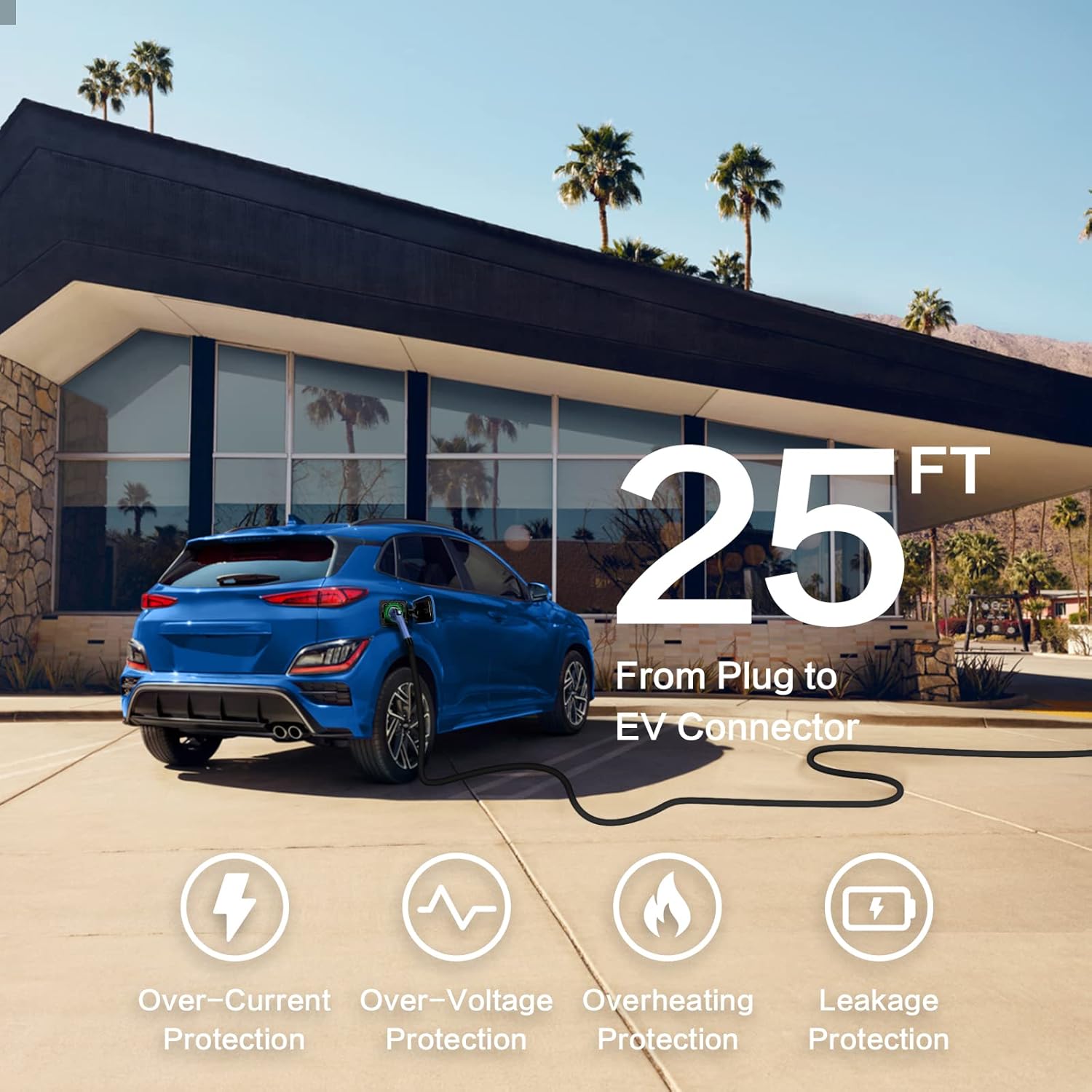
Image: SAE J1772 EV Compatibility. This visual confirms the charger's compatibility with a wide range of electric vehicles adhering to the SAE J1772 charging standard.
3. Setup Instructions
Follow these steps to set up your MUSTART Level 2 Portable EV Charger:
- Choose a Location: Select a dry, well-ventilated area near a dedicated 220V or 240V NEMA 10-30 outlet. Ensure the 25-foot cable can comfortably reach your vehicle's charging port.
- Inspect the Charger: Before each use, visually inspect the charging cable, control box, and EV connector for any signs of damage or wear.
- Connect to Power Outlet: Plug the NEMA 10-30P plug firmly into the compatible 220V/240V NEMA 10-30 wall outlet. The control box display should illuminate, indicating power.
- Prepare for Charging: Ensure your vehicle is parked and turned off. Open the charging port cover on your electric vehicle.

Image: Cable Length and Protections. This image illustrates the 25-foot cable length, emphasizing the reach and flexibility for installation, alongside icons representing the charger's built-in safety protections.
4. Operating Instructions
To charge your electric vehicle using the MUSTART Level 2 Portable EV Charger:
- Connect to Vehicle: Firmly insert the EV connector into your vehicle's charging port. You should hear a click, indicating a secure connection.
- Initiate Charging: The charger will automatically begin the charging process. The control box display will show real-time charging information, including current, voltage, power, and charging duration. The LED indicators will also change to reflect the charging status.
- Monitor Charging Status: Refer to the LED Light Status table below and the control box display for current charging information.
- Complete Charging: Once your vehicle's battery is fully charged, the charger will automatically stop. The display will indicate "Charge Complete."
- Disconnect from Vehicle: Press the release button on the EV connector and pull it out from the vehicle's charging port.
- Disconnect from Power (Optional): If not needed for extended periods, unplug the NEMA 10-30P plug from the wall outlet.
LED Light Status Indicator:

Image: LED Light Status. This table provides a guide to understanding the charger's operational status through its LED indicators, detailing different light patterns for various conditions like ready, connected, charging, and fault.
5. Maintenance
Proper maintenance ensures the longevity and safe operation of your MUSTART EV Charger:
- Cleaning: Use a soft, dry cloth to clean the control box and cables. Do not use abrasive cleaners or solvents. Ensure the charger is unplugged before cleaning.
- Storage: When not in use, coil the cable neatly and store the charger in a dry, cool place. The portable design allows for easy storage in a trunk or hanging on a wall.
- Environmental Conditions: The charger is designed to operate in various weather conditions, with an IP65 rating for the control box and IP67 for the EV connector. However, prolonged exposure to extreme conditions should be minimized.
- Regular Inspection: Periodically check the cable, plug, and connector for any signs of damage, fraying, or discoloration. If any damage is found, discontinue use immediately and contact customer support.

Image: Indoor and Outdoor Use. This visual demonstrates the charger's versatility for both indoor and outdoor environments, highlighting the IP65 rating for the control box and IP67 for the EV connector, ensuring durability against environmental elements.
6. Troubleshooting
If you encounter issues with your charger, refer to the following common problems and solutions:
- Charger Not Powering On:
- Ensure the NEMA 10-30P plug is fully inserted into a functional 220V/240V outlet.
- Check the circuit breaker for the outlet to ensure it has not tripped.
- Charging Not Initiating:
- Verify the EV connector is securely plugged into the vehicle's charging port.
- Check the vehicle's charging settings to ensure it is ready to accept a charge.
- Refer to the LED Light Status table for any fault indications.
- Fault Indication (Yellow/Red LED):
- A yellow or red LED, or a fault message on the display, indicates an error. Unplug the charger from both the vehicle and the wall outlet. Wait a few minutes, then reconnect.
- If the fault persists, consult the LED Light Status table for specific error types (e.g., PC Error, Fault).
- If the issue cannot be resolved, contact MUSTART customer support.
7. Specifications
| Feature | Specification |
|---|---|
| Model Number | MT-AASJDT1N1030-25A25FT |
| Charging Level | Level 2 |
| Input Voltage | 240 Volt |
| Charging Current | 25 Amp |
| Power Plug Type | NEMA 10-30P |
| EV Connector Type | SAE J1772 |
| Cable Length | 25 feet |
| Control Box IP Rating | IP65 |
| EV Connector IP Rating | IP67 |
| Item Weight | 10.87 pounds |
| Package Dimensions | 15.98 x 13.7 x 5.91 inches |
| Manufacturer | MUSTART |

Image: Cable Parameters. This diagram details the internal wiring specifications for the charger's cable, showing the gauge and length for both the plug and EV connector sections.
8. Warranty and Support
MUSTART provides a two-year warranty for this Level 2 Portable EV Charger. This warranty covers defects in materials and workmanship under normal use.
- For warranty claims or technical assistance, please contact MUSTART customer support.
- Keep your purchase receipt as proof of purchase for warranty service.
If you have any questions or require further assistance, please visit the official MUSTART website or contact their customer service department.