
Introduction
This manual provides detailed instructions for the setup, operation, and maintenance of your TCL 55S425 55 inch 4K Smart LED Roku TV. This television combines 4K Ultra HD picture clarity with High Dynamic Range (HDR) for a lifelike viewing experience. It features built-in Roku streaming, offering access to over 500,000 movies and TV episodes across various streaming channels. The TV is compatible with Alexa and Google Assistant and includes dual-band Wi-Fi and an Ethernet port for connectivity.
Important Safety Instructions
- Read all instructions before operating the appliance.
- Keep these instructions for future reference.
- Do not use this apparatus near water.
- Clean only with a dry cloth.
- Do not block any ventilation openings. Install in accordance with the manufacturer's instructions.
- Do not install near any heat sources such as radiators, heat registers, stoves, or other apparatus (including amplifiers) that produce heat.
- Protect the power cord from being walked on or pinched, particularly at plugs, convenience receptacles, and the point where they exit from the apparatus.
- Only use attachments/accessories specified by the manufacturer.
- Unplug this apparatus during lightning storms or when unused for long periods of time.
Package Contents
- TCL 55S425 55 inch 4K Smart LED Roku TV
- Remote Control (requires 2 AAA batteries, included)
- TV Stands (2)
- Power Cord
Initial Setup
Attaching the TV Stands
Carefully place the TV face down on a soft, clean surface. Attach the two included tripod legs to the designated slots on the bottom of the TV. Secure them with the provided screws. Ensure the stands are firmly attached before placing the TV upright.
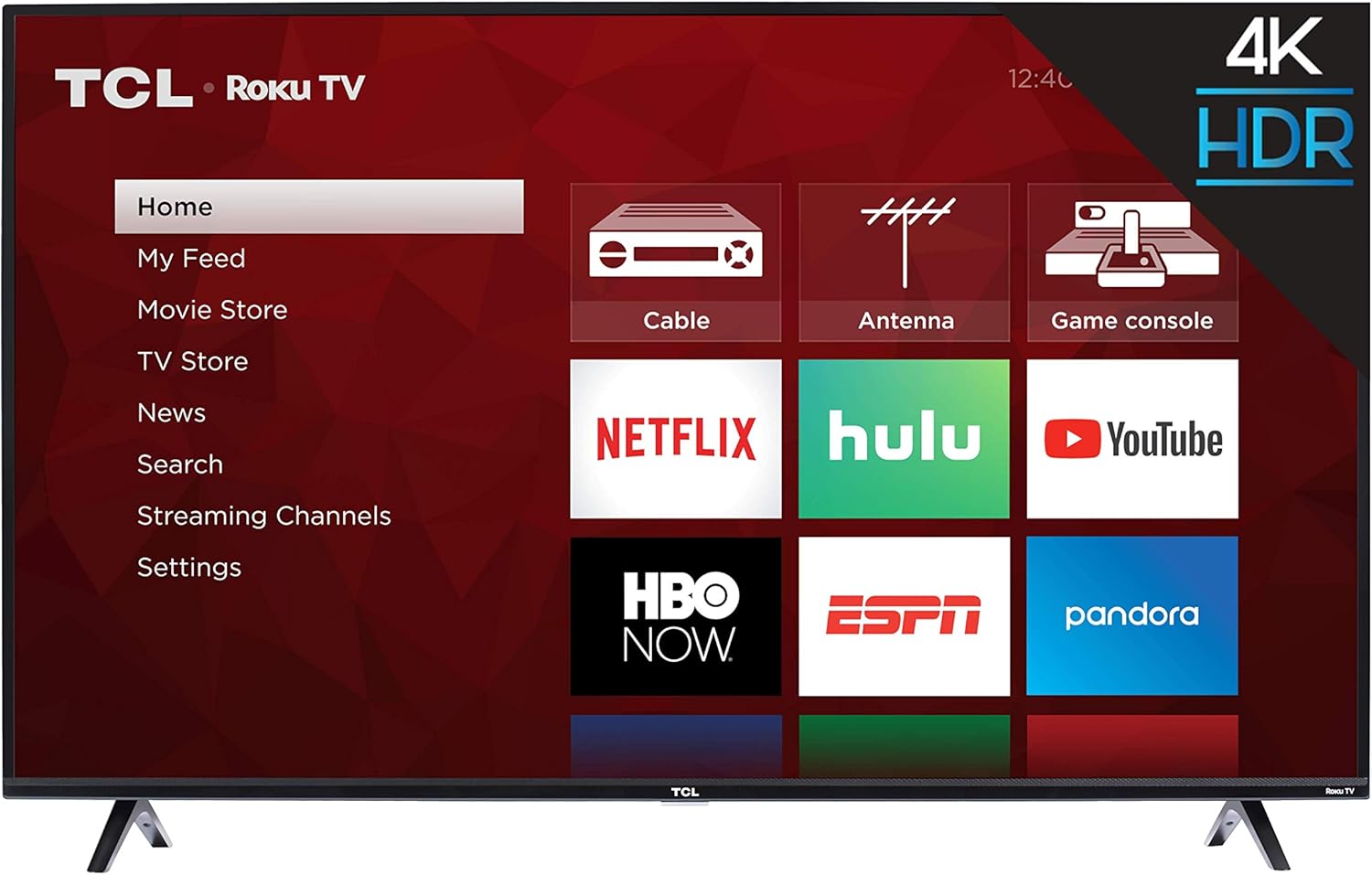
Image: Front view of the TCL 55S425 55 inch 4K Smart LED Roku TV, showing the TV with its stands attached and the Roku home screen.
Wall Mounting (Optional)
The TCL 55S425 TV is VESA compatible with a 200mm x 200mm mounting pattern. For wall mounting, ensure you use a compatible wall mount kit (sold separately) and follow the instructions provided with the mount. The TV dimensions without the stand are approximately 49 inches (W) x 28.4 inches (H) x 3.1 inches (D).
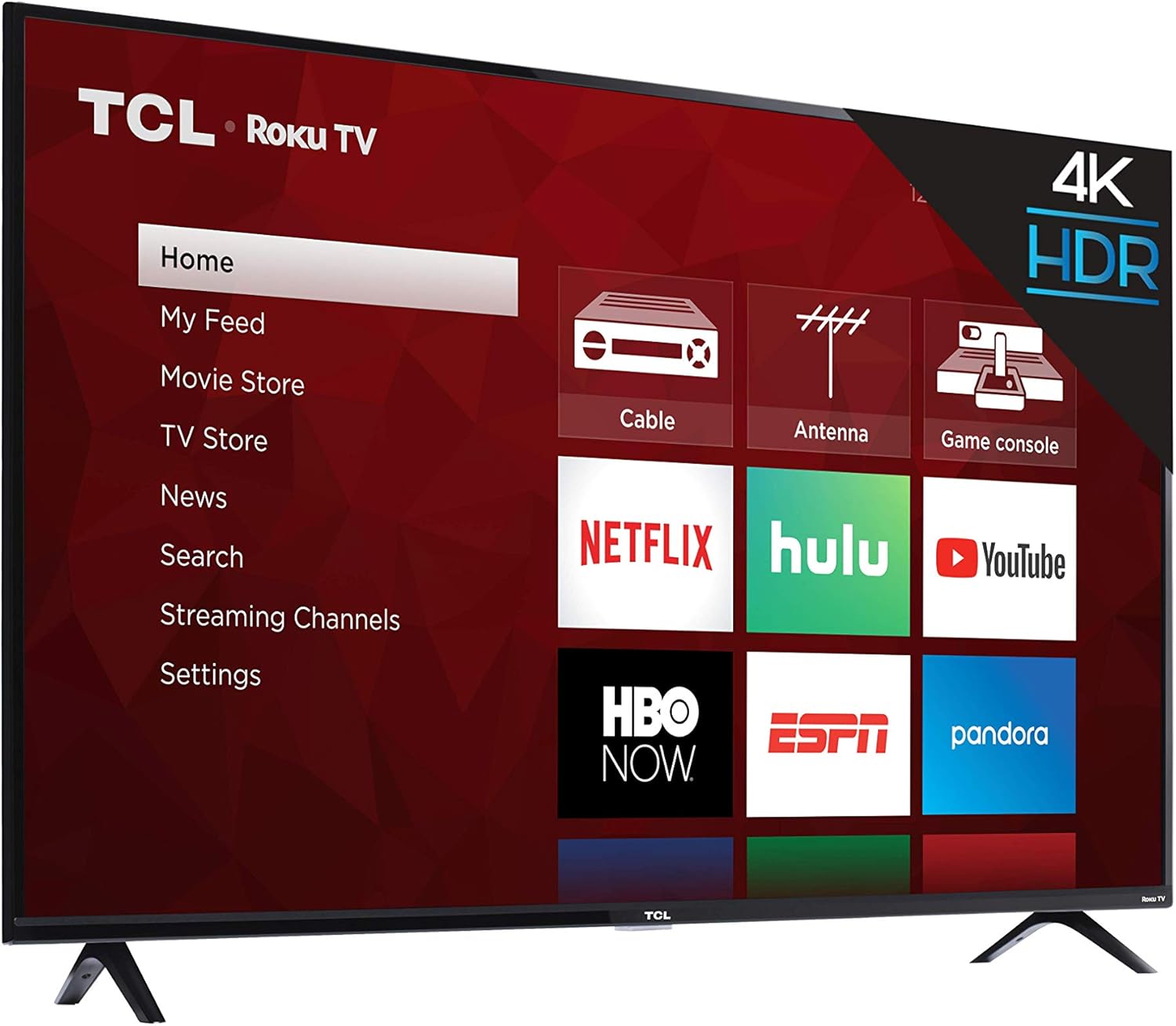
Image: Side profile of the TCL 55S425 4K Smart LED Roku TV, illustrating its slim design for potential wall mounting.
Connecting Devices
Your TV offers multiple ports for connecting external devices:
- HDMI Inputs (3): Connect Blu-ray players, game consoles, cable boxes, etc. One HDMI port supports ARC (Audio Return Channel).
- USB Input (1): For media playback from USB drives.
- Ethernet Port (1): For a wired internet connection.
- RF Input (1): Connect an antenna for over-the-air broadcasts.
- SPDIF Digital Audio Optical (1): For high-quality audio output to a sound system.
- Audio Output Headphone (1): For connecting headphones.
- AV Input (1): Composite Video plus Left and Right Audio In for older devices.

Image: Close-up view of the side-mounted input/output ports on the TCL 55S425 TV, detailing connections for USB, Ethernet, HDMI, RF, and audio.
Power On and Network Connection
Connect the power cord to the TV and a wall outlet. Press the power button on the remote control to turn on the TV. Follow the on-screen instructions for the Roku TV guided setup, which will assist you in connecting to your home Wi-Fi network or a wired Ethernet connection.
Operating Your TCL Roku TV
The Roku TV Interface
The Roku TV home screen provides easy access to all your entertainment. Navigate through streaming channels, live TV options, and connected inputs using the remote control's directional pad.

Image: The TCL 55S425 Roku TV home screen, showing a selection of streaming applications including Prime Video and Hulu.
Using the Remote Control
The included remote control is designed for simplicity and efficiency. It features dedicated buttons for popular streaming services such as Netflix, Sling, and Hulu, allowing for quick access. Use the directional pad and OK button to navigate menus and make selections. Volume controls are located on the side of the remote.

Image: The TCL Roku TV remote control, highlighting its intuitive layout and quick-access buttons for streaming services.
Picture and Audio Settings
Access the TV's settings menu to customize your viewing and listening experience. Adjust picture modes (e.g., Standard, Movie, Sports) to suit different content types. The 4K Ultra HD resolution and High Dynamic Range (HDR) technology provide vibrant colors and sharp detail. For audio, select from various sound modes (e.g., Normal, Speech, Big Bass) to enhance clarity or impact.
Smart Features
The TCL 55S425 is a smart TV with built-in Roku functionality. It supports dual-band Wi-Fi for reliable streaming and is compatible with voice assistants like Amazon Alexa and Google Assistant, allowing for hands-free control of your television.
Maintenance
Cleaning the Screen
Gently wipe the screen with a soft, lint-free cloth. For stubborn marks, lightly dampen the cloth with water or a screen-specific cleaning solution. Avoid harsh chemicals or abrasive materials.
Cleaning the Cabinet
Wipe the TV cabinet with a soft, dry cloth. Do not use liquid cleaners directly on the cabinet.
Software Updates
Ensure your TV is connected to the internet to receive automatic software updates, which provide new features and performance improvements.
Troubleshooting
No Power
- Check that the power cord is securely plugged into both the TV and a working electrical outlet.
- Ensure the power outlet is active by testing it with another device.
No Picture or Sound
- Verify that the correct input source is selected on the TV.
- Check all HDMI or AV cable connections to ensure they are secure.
- Confirm that the volume is not muted or set too low.
Network Connectivity Issues
- Ensure your Wi-Fi router is powered on and functioning correctly.
- Restart your router and modem.
- Check the TV's network settings to confirm it is connected to the correct network and the signal strength is adequate.
- If experiencing occasional lagging, consider moving the TV closer to the router or using a wired Ethernet connection.
Remote Not Responding
- Replace the batteries in the remote control (requires 2 AAA batteries).
- Ensure there are no obstructions between the remote and the TV's sensor.
Technical Specifications
| Feature | Detail |
|---|---|
| Brand Name | TCL |
| Model Number | 55S425 |
| Screen Size | 55 Inches |
| Display Technology | LED |
| Resolution | 4K (3840 x 2160) |
| Refresh Rate | 120 Hz CMI |
| Product Dimensions (without stand) | 49 inch W x 28.4 inch H x 3.1 inch D |
| Product Dimensions (with stand) | 49 inch W x 30.6 inch H x 8 inch D |
| Item Weight | 27.1 pounds |
| Color | Black |
| Aspect Ratio | 16:9 |
| Connectivity Technology | HDMI, USB, Wi-Fi |
| HDMI Inputs | 3 (one with ARC) |
| USB Ports | 1 |
| Ethernet Port | 1 |
| RF Input | 1 |
| SPDIF Digital Audio Optical | 1 |
| Audio Output Headphone | 1 |
| AV Input | Composite Video plus L and R Audio In |
| Wall Mount VESA | 200mm x 200mm |
Warranty Information and Customer Support
For detailed warranty information, product registration, and technical assistance, please visit the official TCL website or contact their customer support directly. Keep your purchase receipt for warranty claims.
Product Visuals
Product Images


Official Product Videos
No official product videos from the seller are available for embedding in this manual.


