
1. Introduction
Thank you for choosing the Retevis RT622 PMR446 Two-Way Radio. This manual provides essential information for the safe and efficient operation of your device. Please read it thoroughly before use and retain it for future reference. The Retevis RT622 is a lightweight, compact, and robust two-way radio designed for clear and reliable communication across various environments.

Figure 1: Retevis RT622 Two-Way Radios with 6-Way Charger
2. Product Overview
2.1 Key Features
- Lightweight and Compact: Weighs only 113g and measures 2.14cm wide (including battery), making it easy to carry.
- PMR446 Frequencies: Operates on PMR446 frequencies with 16 channels and CTCSS/DCS codes for clear communication and interference avoidance.
- VOX Function: Voice-activated transmission for hands-free operation.
- Robust Design: High-quality PC plastic casing provides durability and resistance to drops.
- Long-Distance Communication: Strong anti-interference and anti-dust capabilities with good signal penetration.
- Squelch Function: Reduces background noise for clear audio output.
- Efficient 6-Way Charger: Safe and reliable multi-unit charger (5V/4A) for simultaneous charging of multiple radios.
2.2 Package Contents
Upon unpacking, please verify that all items are present and in good condition:
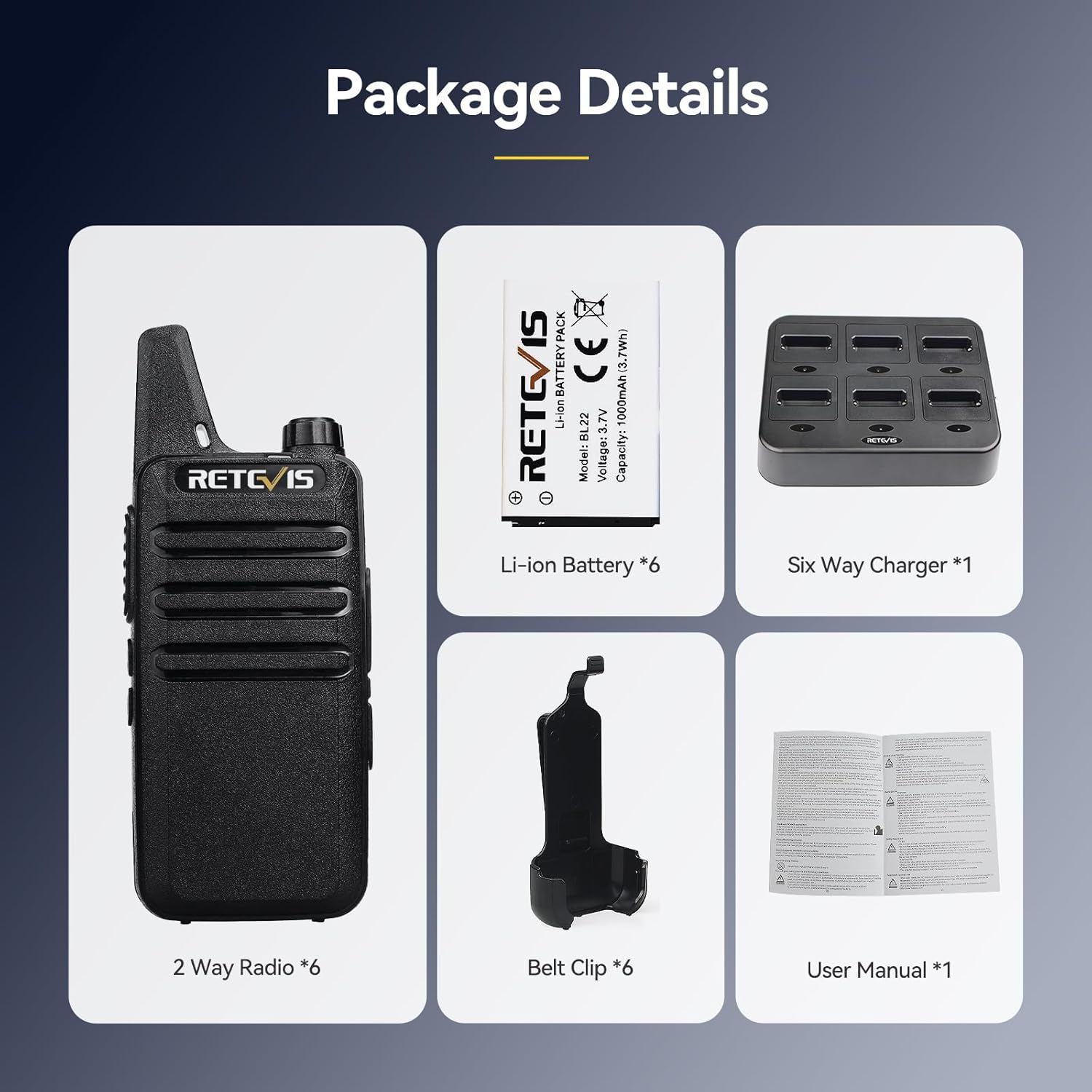
Figure 2: Package Contents
- Retevis RT622 Two-Way Radio (quantity as purchased)
- Li-ion Battery (quantity matching radios)
- Belt Clip (quantity matching radios)
- 6-Way Multi-Unit Charger (1 unit)
- Power Adapter for Charger (1 unit)
- User Manual (this document)
2.3 Physical Characteristics

Figure 3: Compact Size of the RT622 Radio
The RT622 radio is designed for portability and ease of use. Its dimensions are approximately 13.6 cm (height) x 5.6 cm (width) x 2.1 cm (depth), and it weighs around 113g with the battery installed. It features an all-inclusive removable back clip for convenient attachment to clothing or belts.

Figure 4: Removable Belt Clip for Easy Carrying
3. Setup
3.1 Battery Installation
- Ensure the radio is powered off.
- Locate the battery compartment cover on the back of the radio.
- Slide the cover down or unlatch it according to the radio's design.
- Insert the Li-ion battery, ensuring the contacts align correctly.
- Replace the battery compartment cover and secure it.
3.2 Charging the Radios
The Retevis RT622 radios are charged using the provided 6-way multi-unit charger.

Figure 5: 6-Way Multi-Unit Charger in Use
- Connect the power adapter to the 6-way charger and plug it into a standard electrical outlet.
- Place the RT622 radios into the charging slots. Ensure each radio is seated correctly.
- Observe the independent pilot lamps for each slot:
- Red Light: Indicates the radio is currently charging.
- Green Light: Indicates charging is complete.
- Once fully charged, remove the radios from the charger.

Figure 6: Charger Pilot Lamp Indicators
4. Operating Instructions
4.1 Power On/Off
To power on the radio, rotate the power/volume knob clockwise until you hear a click. To power off, rotate the knob counter-clockwise until it clicks.
4.2 Channel Selection
The RT622 has 16 channels. Use the channel selector knob (usually located near the antenna) to choose your desired channel. Ensure all radios you wish to communicate with are set to the same channel.
4.3 Adjusting Volume
Rotate the power/volume knob clockwise to increase the volume and counter-clockwise to decrease it.
4.4 Push-to-Talk (PTT) Button
To transmit, press and hold the PTT button (located on the side of the radio). Speak clearly into the microphone. Release the PTT button to listen for a response.
4.5 VOX Function (Voice-Activated Transmission)
The VOX function allows for hands-free transmission. When activated, the radio will transmit automatically when it detects your voice, without needing to press the PTT button.

Figure 7: VOX Function for Hands-Free Communication
To activate VOX:
- Turn the radio off.
- Set the channel selector to channel 7.
- While holding down the "+" button (if present, or refer to specific radio button for VOX activation), turn the power knob clockwise to power on the radio.
- The radio will indicate VOX activation (e.g., a voice prompt or specific LED pattern).
To deactivate VOX, repeat the activation steps or power cycle the radio normally.
4.6 Squelch Function
The squelch function automatically mutes the speaker when no signal is received, reducing background noise and static. This ensures that you only hear clear transmissions.
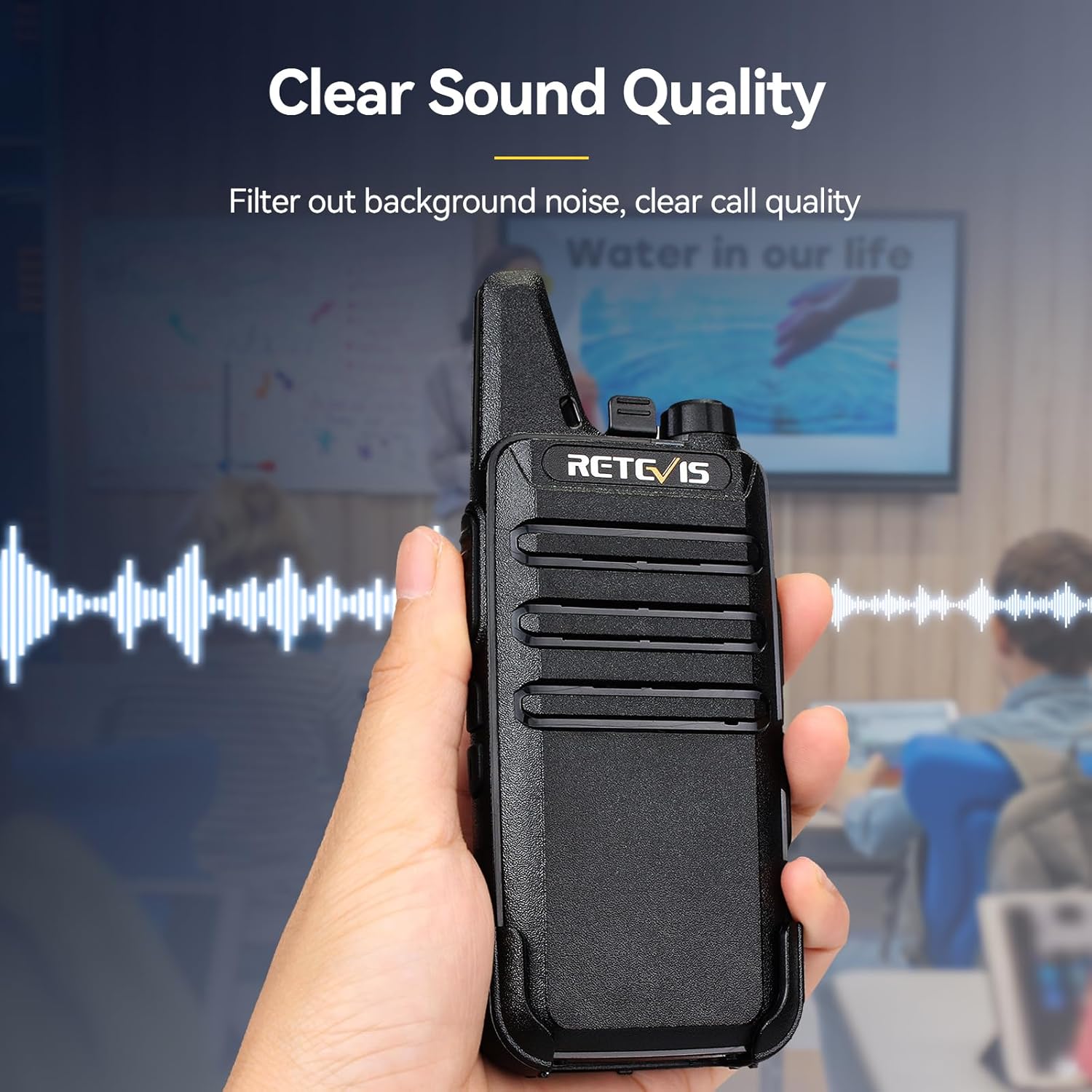
Figure 8: Clear Sound Quality with Squelch
5. Maintenance
- Cleaning: Use a soft, damp cloth to clean the radio's exterior. Do not use harsh chemicals or solvents.
- Battery Care: Fully charge batteries before initial use. For long-term storage, charge batteries to about 50% and store in a cool, dry place. Avoid overcharging or completely draining the battery.
- Storage: Store the radio in a dry, dust-free environment away from direct sunlight and extreme temperatures.
- Water Resistance: The RT622 is not waterproof. Avoid exposing it to water or high humidity.
6. Troubleshooting
| Problem | Possible Cause | Solution |
|---|---|---|
| Radio does not power on | Battery is low or not installed correctly | Charge the battery or re-install it correctly. |
| Cannot transmit or receive | Incorrect channel selected; out of range; battery low | Ensure all radios are on the same channel. Move closer to other radios. Charge battery. |
| Poor sound quality or static | Out of range; interference; squelch level too high | Move closer to other radios. Change channel. Adjust squelch if programmable (refer to advanced programming guide if applicable). |
| VOX not working | VOX not activated; microphone too far | Activate VOX as per instructions. Speak closer to the microphone. |
If the problem persists after attempting these solutions, please contact Retevis customer support.
7. Specifications
| Feature | Specification |
|---|---|
| Brand | Retevis |
| Model Number | RT622 |
| Color | Black |
| Number of Channels | 16 |
| Frequency Range | 446.00625-446.19375MHz (PMR446) |
| Maximum Range | 3 Kilometers (actual range varies with terrain and conditions) |
| Voltage | 3.7 Volts |
| Battery Type | Lithium-ion |
| Battery Capacity | 1000mAh (typical) |
| Rechargeable Battery | Yes |
| Water Resistance Level | Not waterproof |
| Product Dimensions | 2.1D x 5.6W x 13.6H centimeters |
| Special Features | Six-port charger, Mini size |
8. Warranty and Support
8.1 Manufacturer's Warranty
Retevis offers a 2-year warranty for the radio body and a 1-year warranty for accessories. Additionally, a 30-day return policy without reason is provided. Beyond the warranty period, maintenance services are still available, with buyers responsible for associated costs.
8.2 Customer Support
For any questions, issues, or warranty claims, please contact Retevis customer support via Amazon. Responses are typically provided within 12 hours.
9. Video Resources
No official product videos were provided in the product data for embedding in this manual.


