
Introduction
This manual provides essential information for the safe and efficient operation, maintenance, and troubleshooting of your Rexel Momentum X406 Paper Shredder. Please read these instructions carefully before using the appliance and retain them for future reference.

Image: The Rexel Momentum X406 Paper Shredder, a compact device with a dark grey body and a silver-grey top panel, designed for office or home use.
Important Safety Information
- Keep hands, hair, and loose clothing away from the paper entry slot.
- Do not insert fingers or other body parts into the shredder opening.
- Keep children and pets away from the shredder.
- Unplug the shredder when not in use or before cleaning.
- Do not shred metal objects, credit cards, CDs/DVDs, or adhesive labels. This shredder is designed for paper only.
- Do not operate the shredder if the power cord is damaged.
- Ensure the shredder is placed on a stable, level surface.
Setup
- Unpacking: Carefully remove the shredder from its packaging. Ensure all components are present, including the shredder head, waste bin, and instruction manual.
- Placement: Position the shredder on a flat, stable surface near a power outlet. Ensure there is adequate space around the unit for ventilation and easy access to the waste bin.
- Waste Bin Installation: Ensure the waste bin is correctly inserted into the shredder base. The shredder will not operate if the bin is not properly seated.
- Power Connection: Plug the power cord into a standard electrical outlet.

Image: A Rexel Momentum X406 paper shredder positioned on the floor next to a desk with a laptop, illustrating a typical placement in an office or home environment.

Image: An exploded view of the Rexel Momentum X406 shredder, showing the shredder head lifted from the base, revealing the internal 15-liter waste bin filled with shredded paper. An icon indicates the 15L capacity.
Operating Instructions
- Power On: Locate the power switch on the shredder head and set it to the 'ON' or 'AUTO' position. The shredder is now ready for use.
- Shredding Documents: Insert up to 6 sheets of A4 paper into the paper entry slot. The shredder will automatically start and stop once the paper has passed through.
- Continuous Operation: The shredder has a continuous run time of 3 minutes. After this period, it will require a cool-down period to prevent overheating.
- Anti-Jam Technology: The Momentum X406 features anti-jam technology. If too much paper is inserted, the shredder will automatically reverse to clear the jam. It can also handle small paper clips.
- Security Level: This shredder provides P4 cross-cut security, reducing documents to 4 x 28 mm particles.
- Power Off: When finished shredding, set the power switch to the 'OFF' position and unplug the unit from the power outlet.

Image: The Rexel Momentum X406 paper shredder with a stack of six sheets of paper being fed into its slot, accompanied by a large "6 SHEETS" graphic, indicating its maximum sheet capacity.
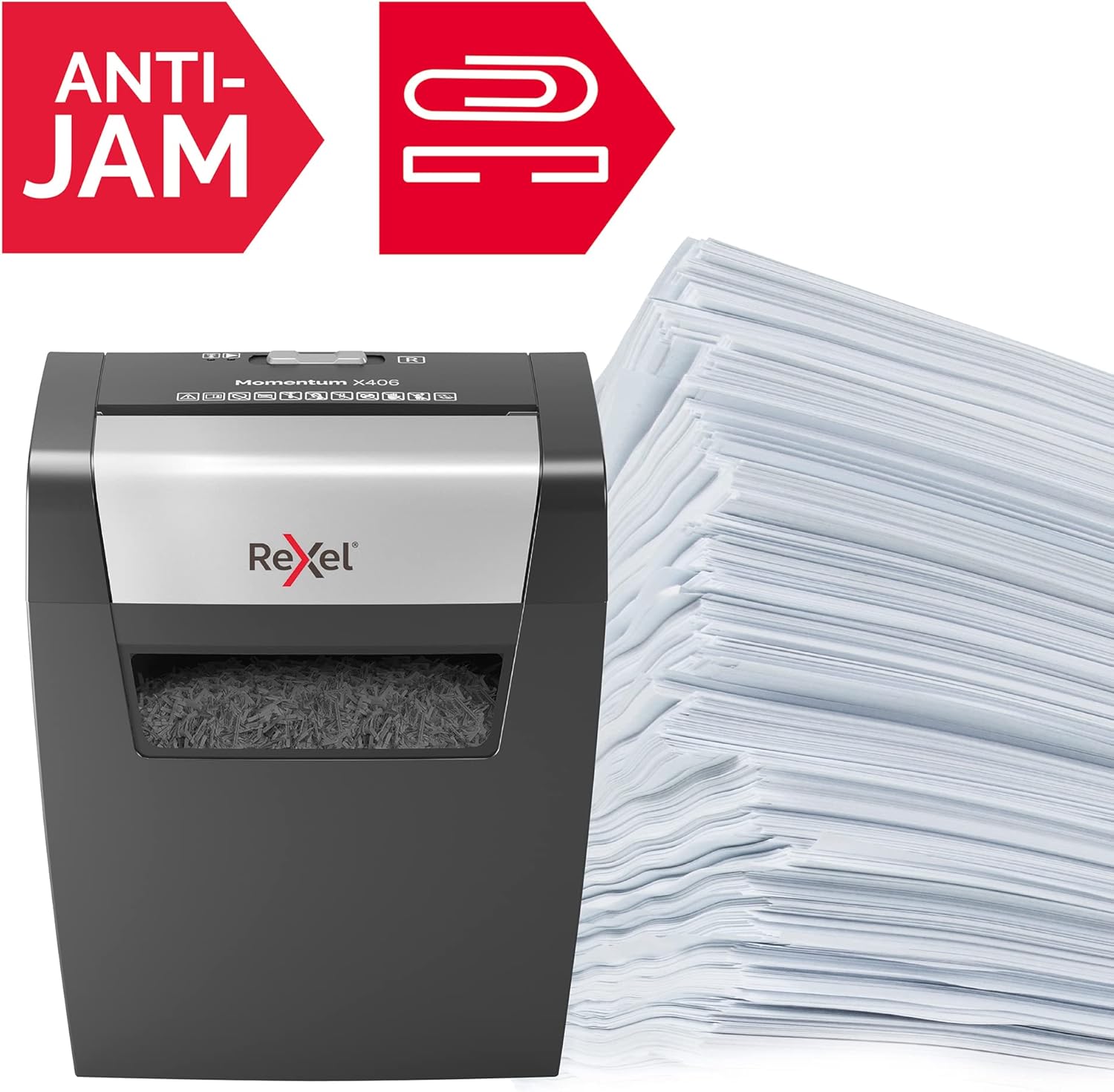
Image: The Rexel Momentum X406 paper shredder next to a large stack of paper, with "ANTI-JAM" and a paper clip icon prominently displayed, highlighting its jam prevention and paper clip compatibility features.

Image: A close-up of the shredded paper output from the Rexel Momentum X406, showing small cross-cut particles. A graphic indicates "P4" security level and "4 x 28 mm" particle size.
Maintenance
- Emptying the Waste Bin: Regularly check and empty the 15-liter waste bin to prevent paper jams and ensure optimal performance. Always unplug the shredder before removing the bin.
- Cleaning:
- Exterior: Wipe the exterior of the shredder with a soft, dry cloth. Do not use abrasive cleaners or solvents.
- Shredder Blades: For cross-cut shredders, it is recommended to oil the blades periodically (e.g., every 30 minutes of cumulative shredding or after emptying the bin 2-3 times) using shredder oil sheets or liquid shredder oil applied to a sheet of paper. This helps maintain cutting performance and extends the life of the shredder.
Troubleshooting
| Problem | Possible Cause | Solution |
|---|---|---|
| Shredder does not operate. |
|
|
| Paper jam. |
|
|
| Shredder stops during operation. |
|
|
Specifications
- Model: Rexel Momentum X406
- Item Model Number: 2104569EU
- Shred Type: Cross-Cut
- Security Level: P4 (4 x 28 mm particles)
- Sheet Capacity: Up to 6 sheets (A4, 80gsm)
- Waste Bin Capacity: 15 Liters
- Continuous Run Time: 3 minutes
- Cool-down Time: Approximately 30 minutes
- Product Dimensions: 9.02 x 12.8 x 13.5 inches (229 x 325 x 343 mm)
- Item Weight: 7.7 pounds
- Color: Blue with Grey accents
- Recommended Use: Shredding Paper

Image: The Rexel Momentum X406 paper shredder with overlaid measurements indicating its height (343 mm), width (325 mm), and depth (229 mm), providing precise dimensional information.


