
1. Introduction
The EACHPAI X100 Dual Dash Cam is designed to record both the road ahead and the interior of your vehicle simultaneously. It features Full HD 1080P video recording, a Sony IMX323 sensor, GPS logging, and infrared night vision for enhanced safety and documentation.
2. Package Contents
Verify that all items are present in the package:
- 1x EACHPAI X100 Dash Camera
- 1x 32GB SD card
- 1x GPS logger
- 1x In-car charging cable
- 2x Bracket (suitable for different size cars)
- 2x Spare 3M Stickers
- 1x User manual
- 1x CD (for GPS playback software)

Image: Contents of the EACHPAI X100 Dash Cam package, including the camera, SD card, GPS logger, charging cable, brackets, 3M stickers, user manual, and CD.
3. Setup
3.1 Mounting the Dash Cam
- Clean the area on your windshield where you intend to mount the dash cam.
- Attach the chosen bracket to the dash cam.
- Securely attach the dash cam with the bracket to the windshield using the provided 3M adhesive stickers or suction mount. Ensure it does not obstruct your view.
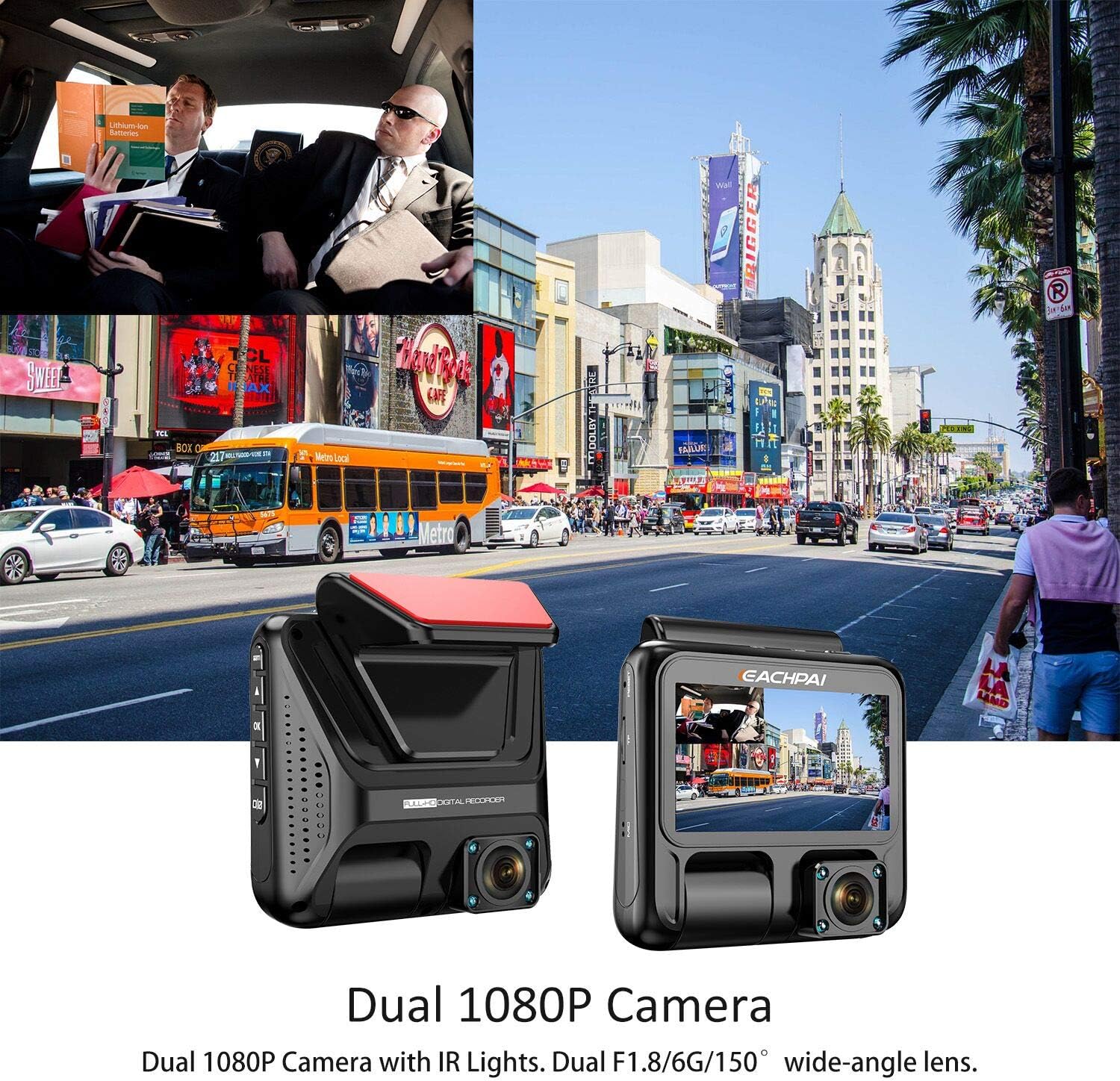
Image: The EACHPAI X100 Dual Dash Cam mounted on a car windshield, illustrating its dual camera design for recording both the road and the vehicle interior.
3.2 Inserting the SD Card
Insert a Class 10 micro SD memory card (Max 128GB) into the designated slot on the dash cam. Ensure the card is formatted before first use.
3.3 Connecting Power
Connect the in-car charging cable to the dash cam and plug it into your vehicle's 12V/24V socket. The camera will automatically power on and begin recording when the car starts, and stop when the engine is switched off.
3.4 GPS Logger Setup
Connect the GPS logger to the dash cam. This allows the recording of coordinates, date, time, and speed. The journey can be played back on a map using the supplied PC playback software from the CD.

Image: A computer screen displaying the GPS playback software, showing a vehicle's recorded route on a map alongside video footage from the dash cam.
4. Operating the Dash Cam
4.1 Power On/Off
The dash cam powers on automatically when connected to the car's power supply and the engine starts. It powers off automatically when the engine is turned off.
4.2 Recording Modes
- Loop Recording: Footage is stored in segments (3/5/10 minutes). When the memory card reaches its storage limit, the oldest files will be overwritten, except for emergency files.
- G-Sensor: The G-sensor automatically detects sudden collisions or impacts. In such events, it locks the current footage to prevent it from being overwritten, ensuring important video evidence is protected.
- Motion Detection: When enabled, the camera will automatically record for 10 seconds if it detects motion near the front of the vehicle or an object, and locks the associated footage.
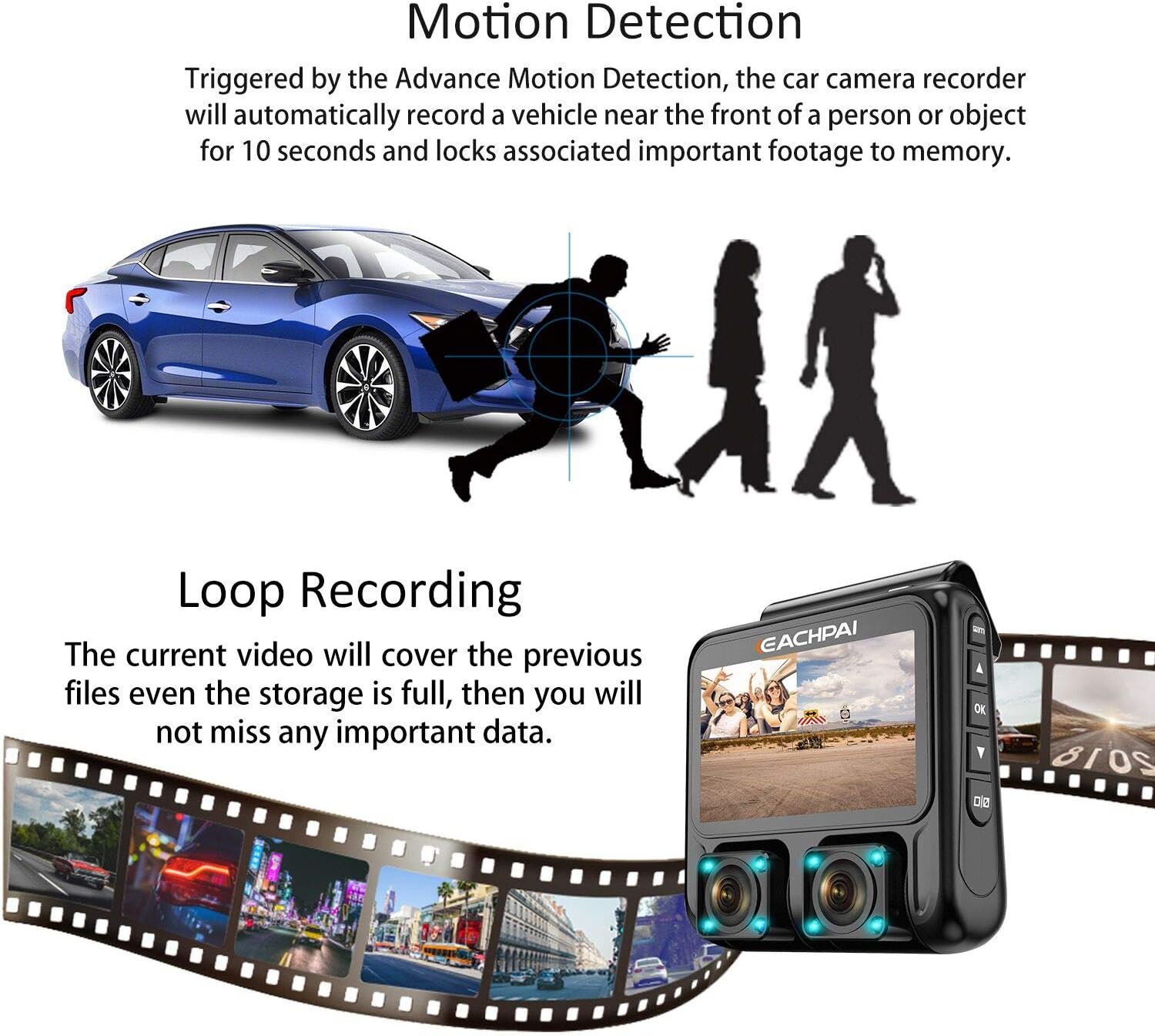
Image: A visual representation of the dash cam's motion detection and loop recording capabilities, showing how it captures and manages video files.
4.3 Super Night Vision
The EACHPAI X100 features a Sony IMX323 sensor and F1.8 6-layer glass lens, along with 8 infrared (IR) lights (4 for each camera). This technology enhances night vision in low-light environments, providing clear video footage both outside and inside the vehicle.

Image: A demonstration of the dash cam's super night vision, showing clear video capture of both the exterior road conditions and the interior of the vehicle in low light.
4.4 Dual 180° Rotary Lens Design
The dual 180° rotary lens design allows you to adjust the recording angle of both the front and interior cameras, providing flexibility to capture different perspectives as needed.
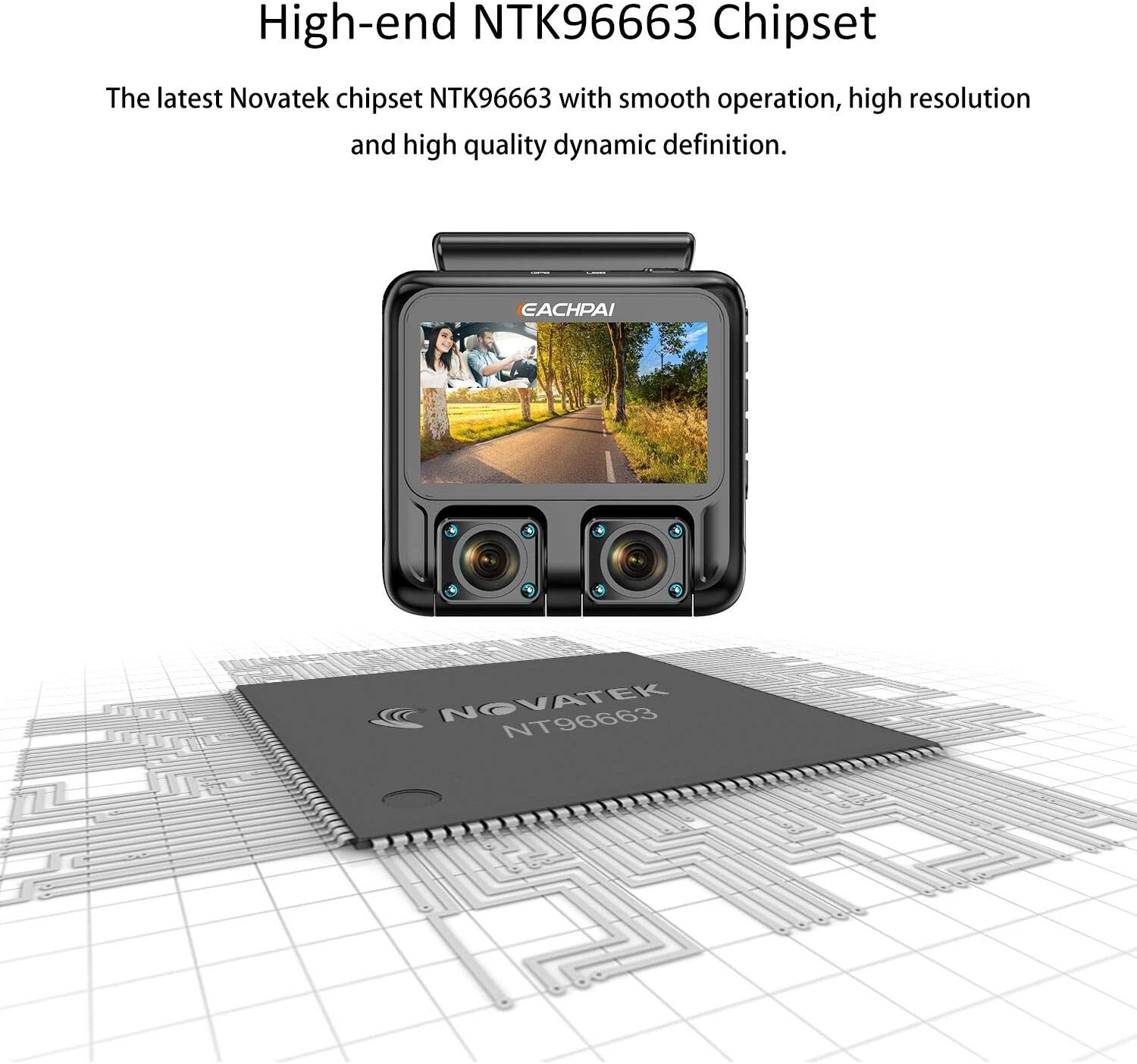
Image: An illustration highlighting the high-end Novatek NTK96663 chipset within the EACHPAI X100 dash cam, emphasizing its advanced processing capabilities.
4.5 Parking Monitor & 24/7 Protection
To utilize the Parking Monitor and 24/7 Protection functions, an OBD power connection is required (not included in the standard package). This feature allows the dash cam to monitor your vehicle even when parked.
5. Maintenance
5.1 SD Card Management
Always use a Class 10 micro SD memory card for optimal performance. It is recommended to format the SD card regularly to ensure reliable recording and prevent data corruption.
5.2 Super Capacitor Technology
The EACHPAI X100 is powered by a super capacitor instead of a lithium battery. This provides enhanced reliability and a longer lifespan, especially in high-temperature conditions, as it eliminates the risk of spontaneous combustion associated with lithium batteries.
6. Troubleshooting
- Camera not powering on: Ensure the charging cable is securely connected to both the dash cam and the car's 12V/24V socket. Verify the car's socket is functional.
- Recording issues: Check if the SD card is properly inserted and formatted. Ensure it is a Class 10 card. Replace the SD card if issues persist.
- GPS not connecting: Ensure the GPS logger is correctly connected to the dash cam. Verify the vehicle is in an open area with clear sky for satellite signal acquisition.
- Video playback on PC: Use the provided PC playback software from the CD for optimal viewing of GPS data alongside video.
7. Specifications
| Feature | Detail |
|---|---|
| Product Dimensions | 3.15 x 3.15 x 1.57 inches |
| Item Weight | 1.19 pounds |
| Item Model Number | 8523724998 |
| Connectivity Technologies | USB, Wireless |
| Vehicle Service Type | Car, Truck |
| Video Capture Resolution | 1080p |
| Mounting Type | Suction Mount |
| Control Method | Touch |
| Screen Size | 3 Inches |
| Optical Sensor Technology | CMOS |
| Flash Memory Type | SD |
8. Warranty and Support
The EACHPAI X100 Dual Dash Cam comes with a 12-month warranty. For any customer service or technical questions, please contact EACHPAI support directly.
9. Product Videos
9.1 Dash Cam Overview
Video: An overview of the EACHPAI X100 Dash Cam, demonstrating its features and functionality.
9.2 Driving Footage Example
Video: Example footage captured by the dash cam during a drive, showcasing video quality.
9.3 Dash Cam in Use
Video: A demonstration of the dash cam's operation and display while installed in a vehicle.
9.4 Detailed Product Review
Video: A detailed review of the dash cam's features and performance.
9.5 Camera Features Highlight
Video: A short video highlighting key features of the EACHPAI X100 Dash Cam.