
GUESS W0870G4
GUESS W0870G4 Men's Quartz Analog Watch Instruction Manual
Model: W0870G4
1. Introduction
Thank you for choosing the GUESS W0870G4 Men's Quartz Analog Watch. This manual provides essential information for the proper setup, operation, maintenance, and troubleshooting of your timepiece. Please read these instructions carefully to ensure optimal performance and longevity of your watch.

Front view of the GUESS W0870G4 watch, showcasing its blue multi-function dial with Roman numerals, three sub-dials, and a brown genuine leather strap.
2. Setup
2.1 Initial Inspection
Upon unboxing, inspect the watch for any visible damage. Ensure the crown is pushed in completely to prevent moisture ingress. The watch is powered by a quartz movement and includes one product-specific battery.
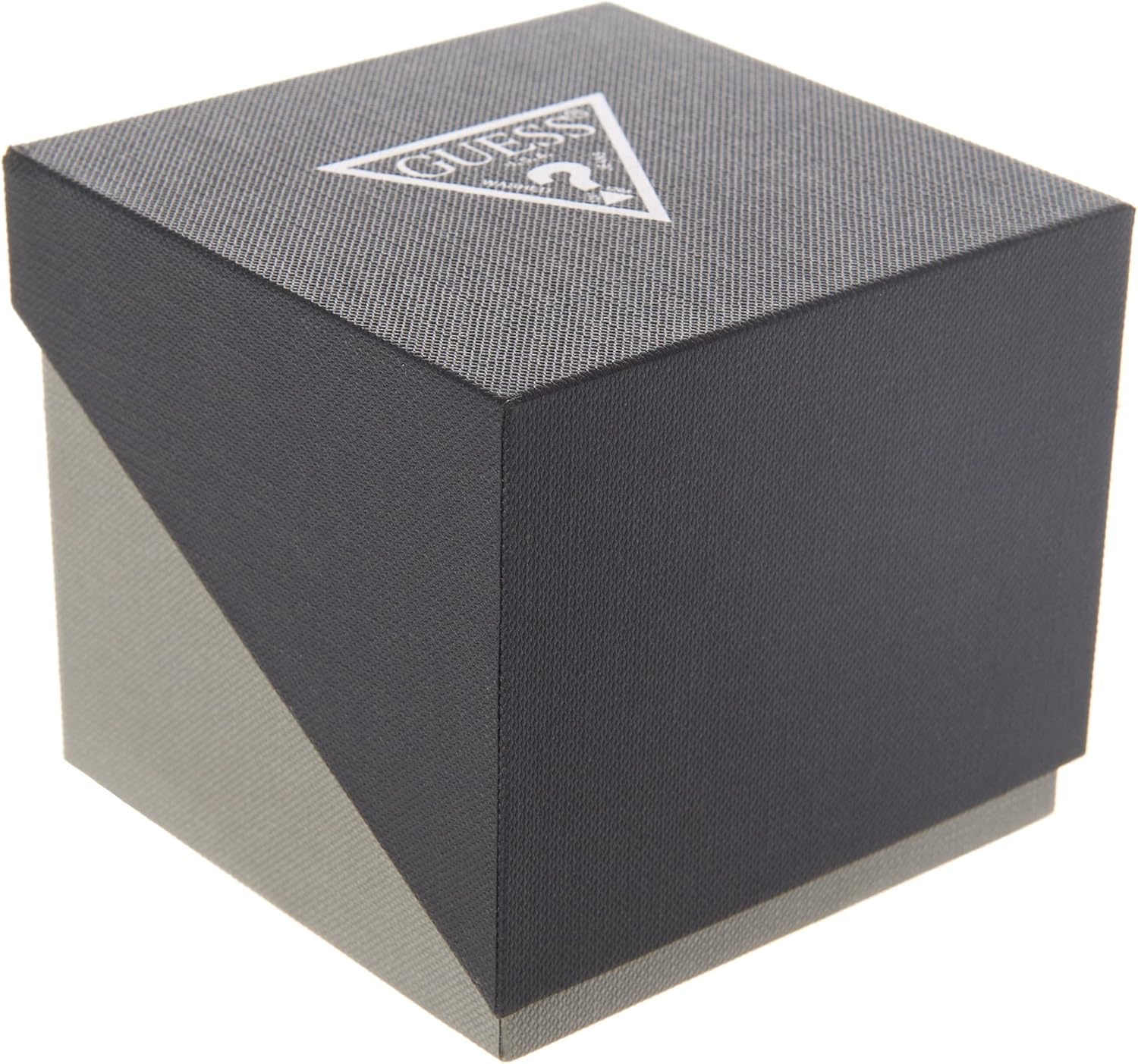
The black and grey packaging box for the GUESS W0870G4 watch, featuring the GUESS logo on the top surface.
2.2 Setting the Time
- Pull the crown (located on the right side of the watch case) out to the second click position.
- Rotate the crown to move the hour and minute hands clockwise until the desired time is set.
- Push the crown back into its normal position to start the watch.
2.3 Setting the Sub-dials (Day, Date, Moon Phase)
The GUESS W0870G4 features three sub-dials:
- Left Sub-dial: Day of the week indicator (S, M, T, W, T, F, S).
- Right Sub-dial: Date of the month indicator (1-31).
- Bottom Sub-dial: Moon phase indicator.
To adjust these:
- Pull the crown out to the first click position.
- Rotate the crown clockwise or counter-clockwise to adjust the day and date indicators. The specific direction for each may vary; observe the sub-dials as you turn the crown.
- The moon phase indicator typically advances with the main time. To set it, advance the main time until the correct moon phase is displayed.
- Once set, push the crown back into its normal position.
Note: Avoid setting the date or day between 9 PM and 3 AM, as this can interfere with the automatic date change mechanism and potentially damage the movement.
3. Operating the Watch
3.1 Reading the Time
The watch displays time using traditional hour, minute, and second hands on an analog dial with Roman numeral markers.
3.2 Using the Sub-dials
- The Day of the Week sub-dial indicates the current day.
- The Date of the Month sub-dial indicates the current date.
- The Moon Phase sub-dial displays the current phase of the moon, which changes gradually over approximately 29.5 days.
4. Maintenance
4.1 Cleaning
Wipe the watch case and crystal with a soft, dry cloth. For the genuine leather strap, avoid prolonged exposure to water, direct sunlight, and harsh chemicals. Clean the leather strap with a slightly damp cloth and allow it to air dry completely.
4.2 Water Resistance
While the watch is designed for daily wear, its specific water resistance rating is not provided. It is generally recommended to avoid submerging the watch in water, showering, or swimming with it to prevent damage. Always ensure the crown is fully pushed in.
4.3 Battery Replacement
When the watch stops or the second hand begins to jump erratically (indicating a low battery), it is time for a battery replacement. This should be performed by a qualified watch technician to ensure the watch's integrity and water resistance are maintained.
4.4 Storage
When not in use, store your watch in a cool, dry place, away from direct sunlight and strong magnetic fields, which can affect the quartz movement's accuracy.
5. Troubleshooting
- Watch Not Running:
Check if the crown is fully pushed in. If the watch still does not run, the battery may need replacement. - Incorrect Time:
Reset the time as described in Section 2.2. If the time consistently runs fast or slow, the movement may require servicing. - Condensation Inside Crystal:
This indicates moisture has entered the watch. Immediately take the watch to a qualified technician for inspection and repair to prevent further damage to the movement. - Sub-dials Not Advancing:
Ensure the crown is fully pushed in after setting. If the issue persists, professional inspection is recommended.
6. Specifications
| Feature | Detail |
|---|---|
| Model Number | W0870G4 |
| Movement | Quartz |
| Case Material | Stainless Steel |
| Strap Material | Genuine Leather (Brown) |
| Dial Color | Blue |
| Display Type | Analog with Multi-function Sub-dials |
| Dimensions | 10 x 10 x 5 cm |
| Weight | 100 g |
| Battery | 1 Product Specific battery (included) |
| Manufacturer | GUESS |
| Country of Origin | China |
7. Warranty and Support
Your GUESS watch is covered by a limited warranty against manufacturing defects. Please refer to the warranty card included with your purchase for specific terms and conditions, including the warranty period and coverage details. For technical support, service, or warranty claims, please contact GUESS customer service through their official website or authorized service centers.
Related documentsW0870G4


Ask a question about this manual
Ask about setup, troubleshooting, compatibility, parts, safety, or missing instructions. Manuals+ will review the question and use this page’s manual context to help answer it.