Introduction
Thank you for choosing the Medisana 48435 Body Analysis Glass Scale. This scale is designed to provide comprehensive body composition measurements, including weight, body fat, body water, muscle mass, and bone mass. With a maximum capacity of 150 kg and a durable tempered glass surface, it offers a reliable and convenient way to monitor your health and fitness progress. Please read this manual carefully before first use to ensure proper operation and maintenance.
Product Overview
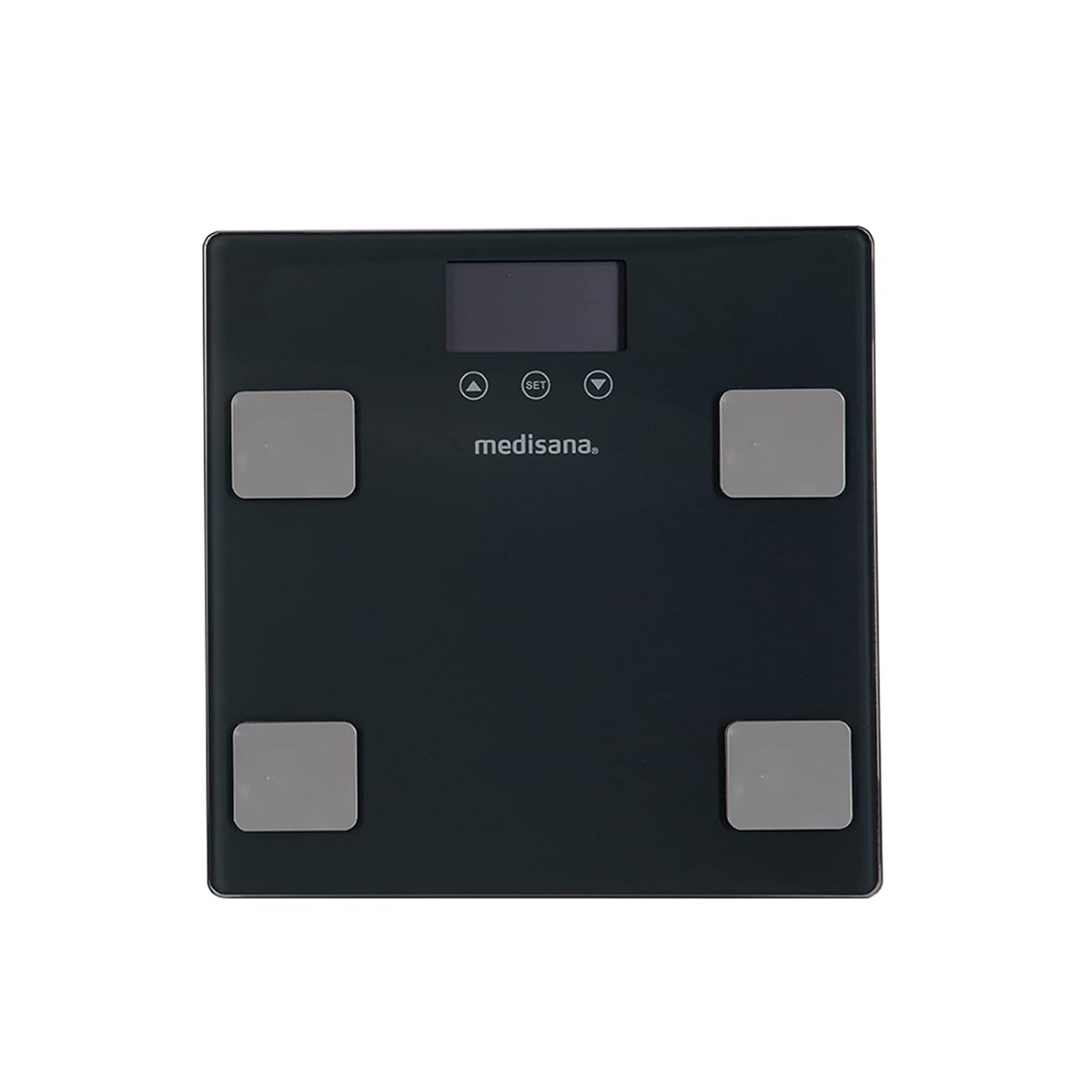
Image 1: Top view of the Medisana 48435 Body Analysis Scale, showing the display, control buttons (up, set, down), and four silver electrode pads for body composition analysis. The Medisana logo is visible below the display.

Image 2: Angled front view of the Medisana 48435 Body Analysis Scale, highlighting its sleek black tempered glass surface and the metallic electrode pads. This perspective shows the slim profile of the scale.
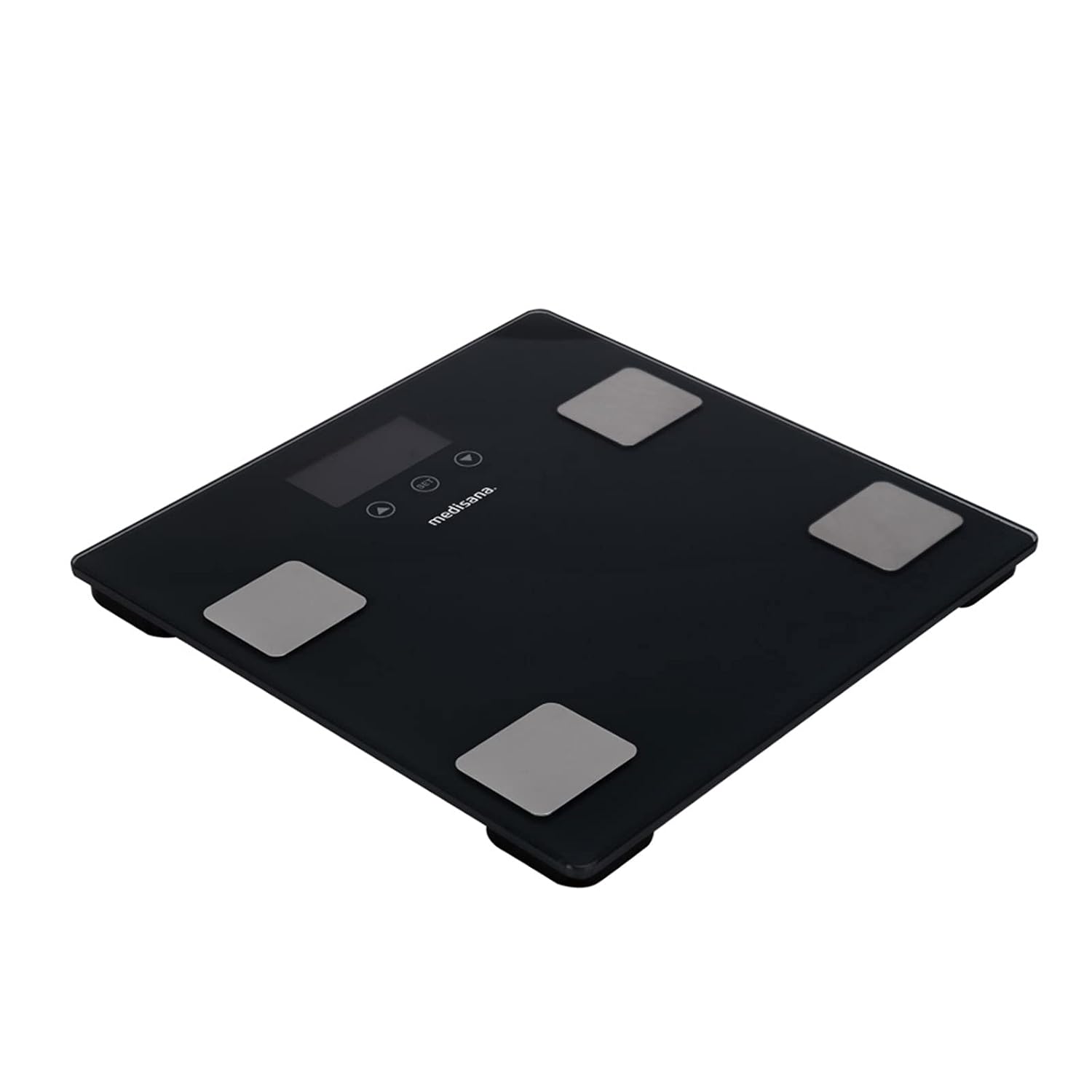
Image 3: Three-quarter view of the Medisana 48435 Body Analysis Scale, providing a comprehensive look at its design, including the display, control buttons, electrode pads, and the overall compact form factor.
Setup
- Unpacking: Carefully remove the scale from its packaging. Inspect for any damage.
- Battery Installation: Open the battery compartment on the underside of the scale. Insert the required batteries (typically AAA, check the compartment for specific type and polarity). Close the compartment securely.
- Placement: Place the scale on a hard, flat, and stable surface. Avoid carpets or uneven floors, as this can affect accuracy.
- Initial Power On: The scale should power on automatically when stepped on, or by pressing a button if available. The display will show "0.0" or similar.
- User Profile Setup (for Body Analysis):
- Press the "SET" button to enter user profile setup mode.
- Use the "UP" and "DOWN" arrows to select a user number (e.g., P1, P2). Press "SET" to confirm.
- Enter personal data:
- Gender: Select male or female.
- Height: Enter your height in cm or inches.
- Age: Enter your age.
- Activity Level: Select your activity level (e.g., sedentary, moderately active, very active). Refer to the manual for definitions.
- Confirm all settings by pressing "SET" after each input. The scale is now ready for use with your profile.
Operating Instructions
Taking a Weight Measurement:
- Ensure the scale is on a flat, hard surface.
- Gently tap the scale with your foot to activate it. Wait for "0.0" to appear on the display.
- Step onto the scale barefoot, standing still with your weight evenly distributed.
- Your weight will be displayed. The scale will automatically turn off after a few seconds.
Taking a Body Analysis Measurement:
- Activate the scale as described above.
- Select your user profile by pressing the "UP" or "DOWN" arrow until your user number appears. Press "SET" to confirm.
- Step onto the scale barefoot, ensuring your feet are positioned on the electrode pads. Stand still.
- The scale will first display your weight, then cycle through your body composition readings (body fat percentage, body water percentage, muscle mass percentage, bone mass).
- The readings will be displayed sequentially. Note them down if desired. The scale will turn off automatically.
Changing Measurement Units:
On the underside of the scale, there is usually a small button or switch to change between measurement units (e.g., kg/lb/st). Press or slide this to select your preferred unit before taking a measurement.
Maintenance
- Cleaning: Wipe the scale surface with a slightly damp cloth and mild detergent. Do not use abrasive cleaners or immerse the scale in water. Ensure the surface is dry before storage or next use.
- Battery Replacement: When the display shows a low battery indicator (e.g., "Lo"), replace all batteries with new ones of the specified type. Dispose of old batteries responsibly.
- Storage: Store the scale in a cool, dry place, away from direct sunlight and extreme temperatures. Do not place heavy objects on the scale when not in use.
- Calibration: If the scale is moved frequently, it is recommended to recalibrate it by stepping on it briefly to turn it on, then stepping off and waiting for "0.0" before taking a measurement.
Troubleshooting
| Problem | Possible Cause | Solution |
|---|---|---|
| "Lo" displayed | Low battery. | Replace all batteries with new ones. |
| "Err" displayed / Inaccurate readings | Overload, unstable surface, or incorrect usage. | Ensure weight is within capacity (max 150 kg). Place scale on a hard, flat surface. Step on steadily. Recalibrate by stepping on and off. |
| No body analysis readings | Not barefoot, feet not on electrodes, or user profile not set up. | Ensure you are barefoot and standing correctly on all four electrode pads. Set up or select your user profile. |
| Scale does not turn on | Dead batteries or incorrect battery installation. | Check battery polarity and ensure they are new. Reinstall batteries. |
Specifications
| Feature | Detail |
|---|---|
| Brand | Medisana |
| Model Number | 48435 (Manufacturer Reference: MES-48435) |
| ASIN | B07HKYZFVB |
| Weight Limit | 150 Kilograms |
| Material | Tempered Glass |
| Key Feature | Body Fat, Body Water, Muscle Mass, Bone Mass Measurement |
| Recommended Use | Adults, Weight Information |
| First Available Date | September 21, 2018 |
Warranty and Support
Medisana products are manufactured with high quality standards. For information regarding warranty coverage, please refer to the warranty card included with your product or visit the official Medisana website. For technical support, spare parts, or service inquiries, please contact Medisana customer service through their official channels. Keep your purchase receipt as proof of purchase for warranty claims.
You can often find more information and contact details on the Medisana Official Website.


