
1. Introduction
The Ryze Tech Tello is a compact and user-friendly mini drone, powered by DJI, designed for beginners and educational purposes. It features a 5MP camera capable of recording HD720 video and offers intuitive controls via a smartphone app. This manual provides essential information for setting up, operating, and maintaining your Tello drone.
2. What's Included
Upon unboxing your Ryze Tech Tello, you should find the following components:
- 1x Ryze Tech Tello Drone
- 4x Propellers (2 pairs)
- 1x Set of Propeller Guards
- 1x Flight Battery
- 1x Micro USB Cable
- 1x Propeller Removal Tool
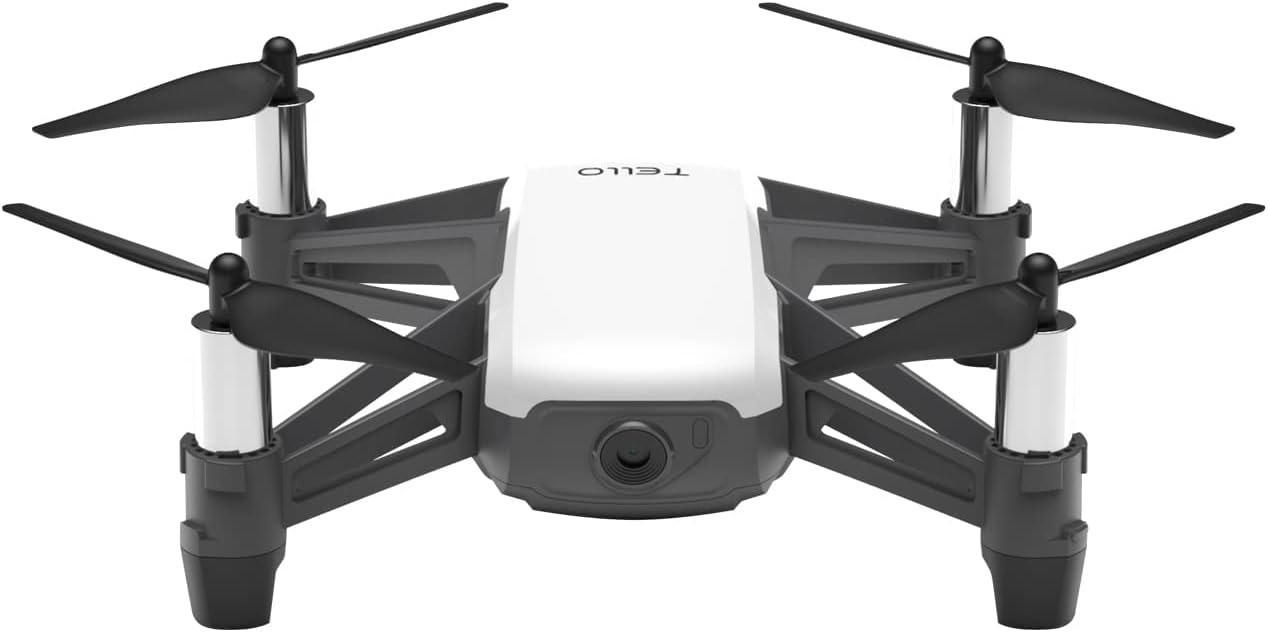
Image 1: Front view of the Ryze Tech Tello Mini Drone.
3. Setup
3.1 Battery Charging and Installation
- Connect the provided Micro USB Cable to the Tello Flight Battery.
- Plug the other end of the Micro USB Cable into a USB power adapter (not included). The battery indicator lights will show charging status.
- Once fully charged, slide the battery into the battery compartment on the rear of the Tello drone until it clicks securely into place.
3.2 Propeller and Propeller Guard Installation
- Attach the propeller guards to the motor arms by snapping them into place. Ensure they are securely fastened.
- If propellers need replacement, use the propeller removal tool to carefully detach old propellers. Match new propellers to the correct motor (indicated by markings on the propeller and motor base) and press down firmly to install.
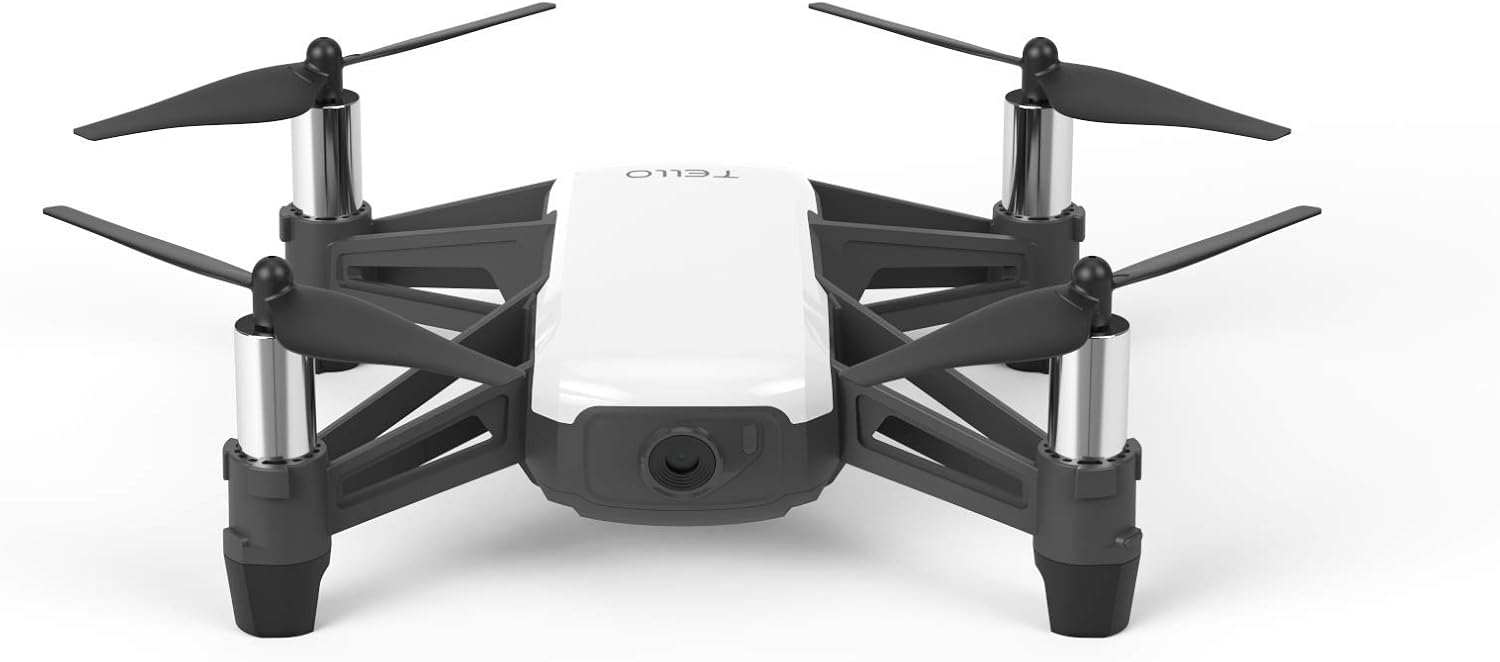
Image 2: Ryze Tech Tello with propeller guards for enhanced safety.
3.3 App Download and Connection
- Download the official Tello app from your smartphone's app store (available for iOS and Android).
- Power on the Tello drone by pressing the power button once. The indicator lights will flash.
- On your smartphone, go to Wi-Fi settings and connect to the Tello's Wi-Fi network (usually named


