
Introduction
This manual provides essential instructions for the safe and efficient use of your itel it2160 dual SIM mobile phone. Please read this guide thoroughly before operating the device and retain it for future reference.
Package Contents
Verify that all items are present in your product package:
- itel it2160 Mobile Phone
- Battery
- Charger
- User Manual (this document)
Device Layout
Familiarize yourself with the key components of your itel it2160 phone.

Image: Front view of the itel it2160 mobile phone, showing the display, keypad, and navigation buttons.
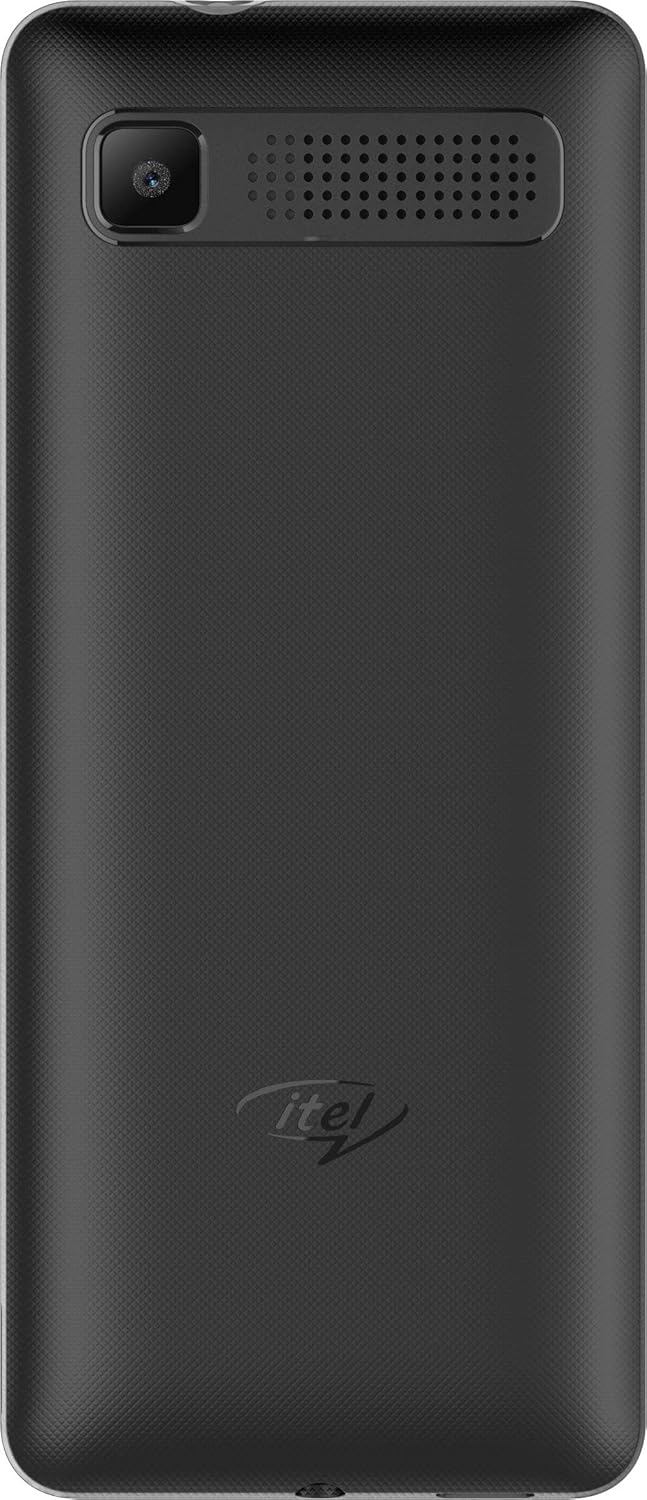
Image: Rear view of the itel it2160 mobile phone, showing the camera and speaker grille.
- Display: 1.77-inch screen for viewing information.
- Keypad: Alphanumeric keys for dialing and text input.
- Navigation Keys: For menu navigation and selection.
- Call/End Keys: To initiate and terminate calls.
- Rear Camera: Located on the back for capturing photos.
- Speaker: For audio output.
Setup
1. Installing SIM Cards and Battery
- Remove the back cover of the phone by gently prying it open from the notch.
- Insert your SIM card(s) into the designated SIM slots. Ensure the gold contacts face downwards. This phone supports dual SIM cards.
- If applicable, insert a microSD card into the memory card slot for expanded storage.
- Insert the battery, aligning the contacts correctly.
- Replace the back cover until it clicks securely into place.
2. Charging the Battery
- Connect the charger to the charging port on your phone.
- Plug the charger into a power outlet.
- Allow the phone to charge completely before first use. The battery indicator on the screen will show charging status.
3. Powering On/Off
- To Power On: Press and hold the Power/End key until the screen lights up.
- To Power Off: Press and hold the Power/End key until the power-off options appear, then select "Power off".
Operating Instructions
1. Making and Receiving Calls
- To Make a Call: Enter the phone number using the keypad and press the Call key. If using dual SIM, select the desired SIM for the call.
- To Receive a Call: Press the Call key when the phone rings.
- To End a Call: Press the End key.
2. Sending and Receiving SMS
- To Send SMS: Go to "Menu" > "Messages" > "Write message". Enter your message and the recipient's number, then send.
- To Read SMS: New messages will be indicated on the screen. Go to "Menu" > "Messages" > "Inbox" to view.
3. Using the Camera
- Navigate to "Menu" > "Camera".
- Frame your shot using the display.
- Press the center navigation key or a designated camera key to capture the image.
4. FM Radio
- Connect headphones to the phone's audio jack (headphones act as an antenna).
- Go to "Menu" > "FM Radio".
- Use the navigation keys to scan for stations or tune manually.
Maintenance
- Battery Care:
- Avoid extreme temperatures.
- Do not overcharge or completely drain the battery frequently.
- Use only the original charger provided with the device.
- Cleaning:
- Wipe the phone with a soft, dry cloth.
- Avoid using liquid cleaners or aerosols.
- Storage:
- Store the phone in a cool, dry place away from direct sunlight.
- Keep out of reach of children and pets.
Troubleshooting
| Problem | Possible Solution |
|---|---|
| Phone does not power on. | Ensure the battery is correctly inserted and charged. Connect the charger and try again. |
| No network signal. | Check if SIM cards are properly inserted. Move to an area with better network coverage. Contact your service provider. |
| Cannot make or receive calls. | Verify network signal. Check if call barring is active. Ensure sufficient balance on your SIM card. |
| Battery drains quickly. | Reduce screen brightness. Close unused applications. Limit background activities. |
Specifications
| Feature | Detail |
|---|---|
| Model Name | IT2160 |
| Display Size | 1.77 inches |
| Display Resolution | 128 x 160 pixels |
| Rear Camera | 1.3 Megapixels |
| Front Camera | None |
| System RAM | 4 Megabytes |
| Storage Capacity | 256 Gigabytes (Expandable) |
| Operating System | Proprietary Feature Phone OS |
| CPU Model | Basic Feature Phone Processor |
| CPU Speed | 260 MHz |
| Product Dimensions | 11.2 x 4.8 x 1.43 cm; 80 grams |
Warranty Information
Your itel it2160 mobile phone comes with a warranty. Please review the following conditions:
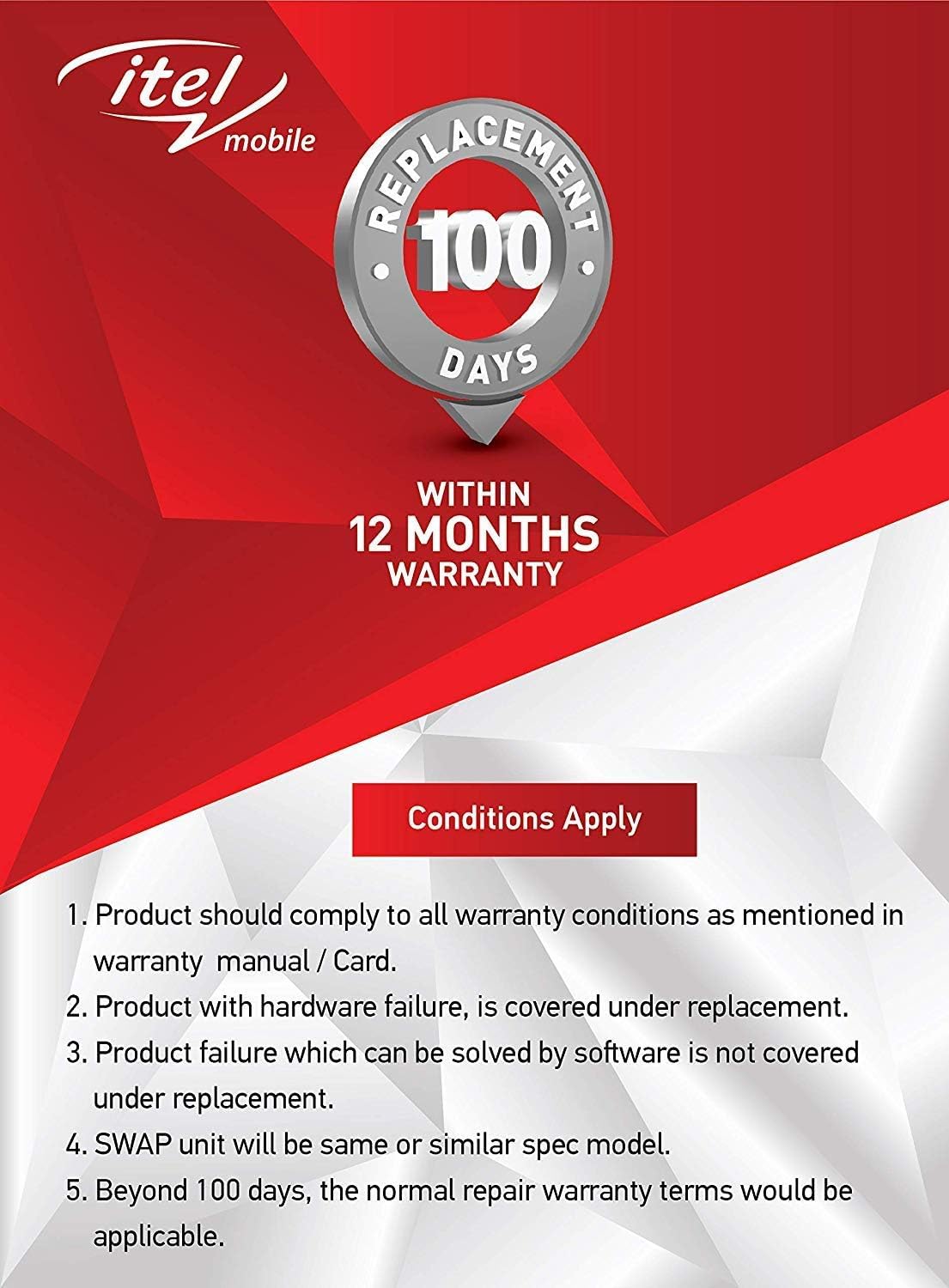
Image: Warranty details for itel mobile products, indicating 100 days replacement and 12 months warranty.
- Product must comply with all warranty conditions as mentioned in the warranty manual/card.
- Product with hardware failure is covered under replacement.
- Product failure which can be solved by software is not covered under replacement.
- A SWAP unit will be the same or a similar spec model.
- Beyond 100 days, the normal repair warranty terms would be applicable.
- The warranty period is typically 12 months from the date of purchase.
For detailed warranty terms and conditions, refer to the warranty card included in your package or contact itel customer support.
Support
For further assistance, technical support, or service inquiries, please contact itel customer service. Contact details can typically be found on the official itel website or on your warranty card.
Online Resources: You may find additional support and FAQs on the official itel brand store.


