
Fosmon C-10733US
Fosmon Outdoor Light Timer Outlet with Remote Control
User Instruction Manual
Introduction
This manual provides comprehensive instructions for the installation, operation, and maintenance of your Fosmon Outdoor Light Timer Outlet with Remote Control. This device is designed to automate your outdoor lighting and electrical fixtures with convenience and reliability. Please read this manual thoroughly before use to ensure proper function and safety.

The Fosmon Outdoor Light Timer Outlet with its accompanying remote control.
Safety Information
WARNING: To reduce the risk of electric shock, fire, or injury, always follow these basic safety precautions:
- Do not immerse the timer in water. It is rainproof, not submersible.
- Ensure the timer is securely plugged into a grounded outdoor outlet.
- Do not exceed the maximum electrical rating of 15A, 1/2HP.
- Keep children away from the timer and connected devices.
- Unplug the timer from the outlet before performing any maintenance or when not in use for extended periods.
- Do not use if the timer or cord is damaged.
- This product is UL Listed, conforming to UL 60730-1 certified safety standards.
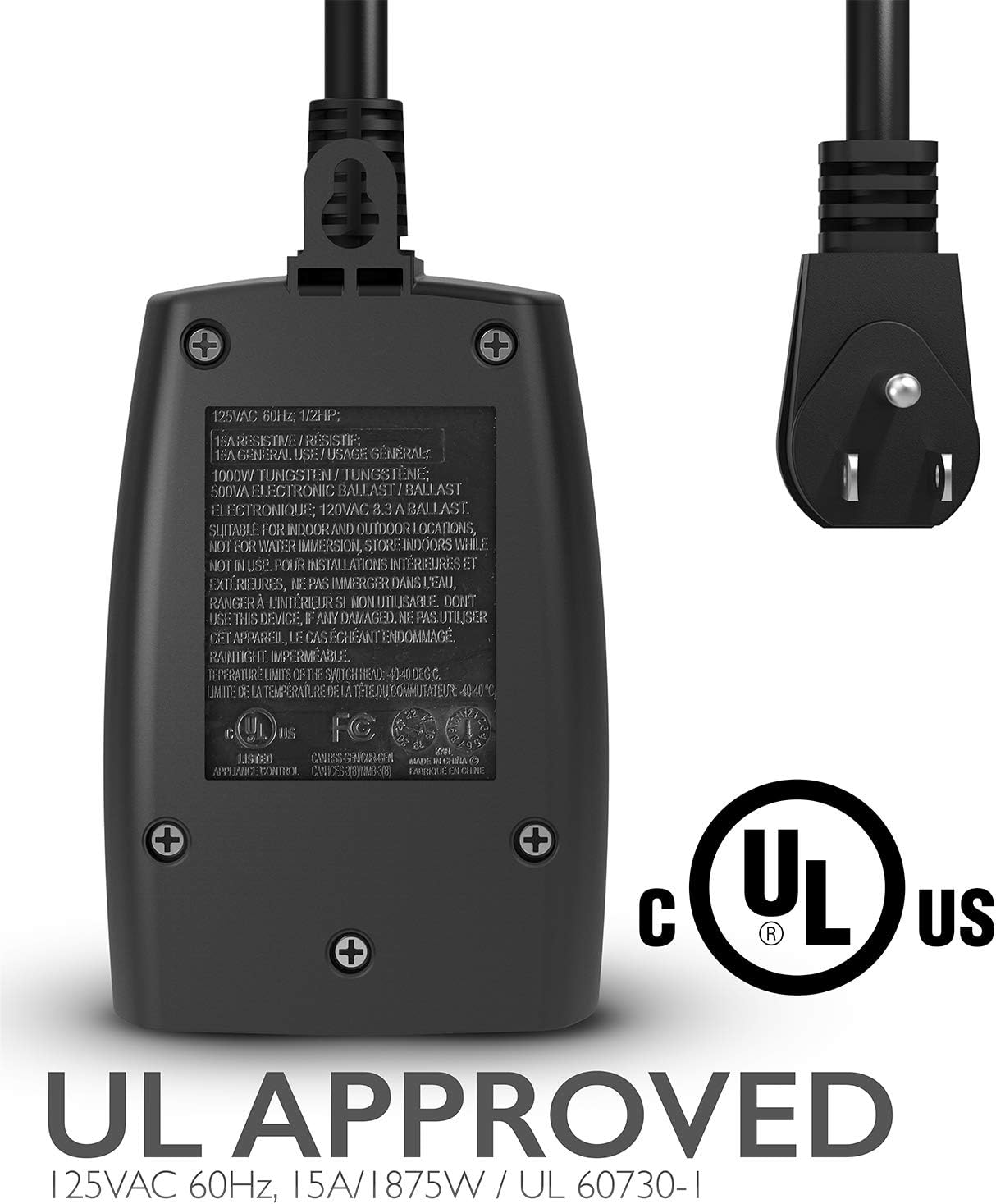
The timer outlet is UL Approved for safety and reliability.
Package Contents
- 1 x Fosmon Outdoor Light Timer Outlet
- 1 x Wireless Remote Control (with 12V 23A battery included)
Setup
- Choose a Location: Select a suitable outdoor location for the timer, ensuring it is protected from direct heavy rain and snow, despite its rainproof design. The flexible cord allows for easy placement in hard-to-reach angles.
- Plug In the Timer: Insert the timer's plug into a grounded 110-125V outdoor electrical outlet.
- Connect Devices: Plug your outdoor lights or electrical fixtures into the two grounded outlets on the timer.
- Remote Battery: The remote control comes with a pre-installed 12V 23A battery. If needed, replace the battery by opening the remote's battery compartment.

The flexible cord allows for easy connection in various outdoor outlet configurations.
Operating Instructions
The Fosmon Outdoor Light Timer offers multiple operating modes, controllable directly from the unit or via the wireless remote.
Timer Unit Operation:
Press the large gray button on the timer unit to cycle through the modes:
- ON: Keeps the connected devices continuously on.
- 2 Hrs / 4 Hrs / 6 Hrs / 8 Hrs: Turns devices on at dusk and automatically turns them off after the selected duration.
- Dusk to Dawn (Sensor): Turns devices on at dusk and off at dawn, utilizing the built-in photocell sensor.
- OFF: Keeps the connected devices continuously off.
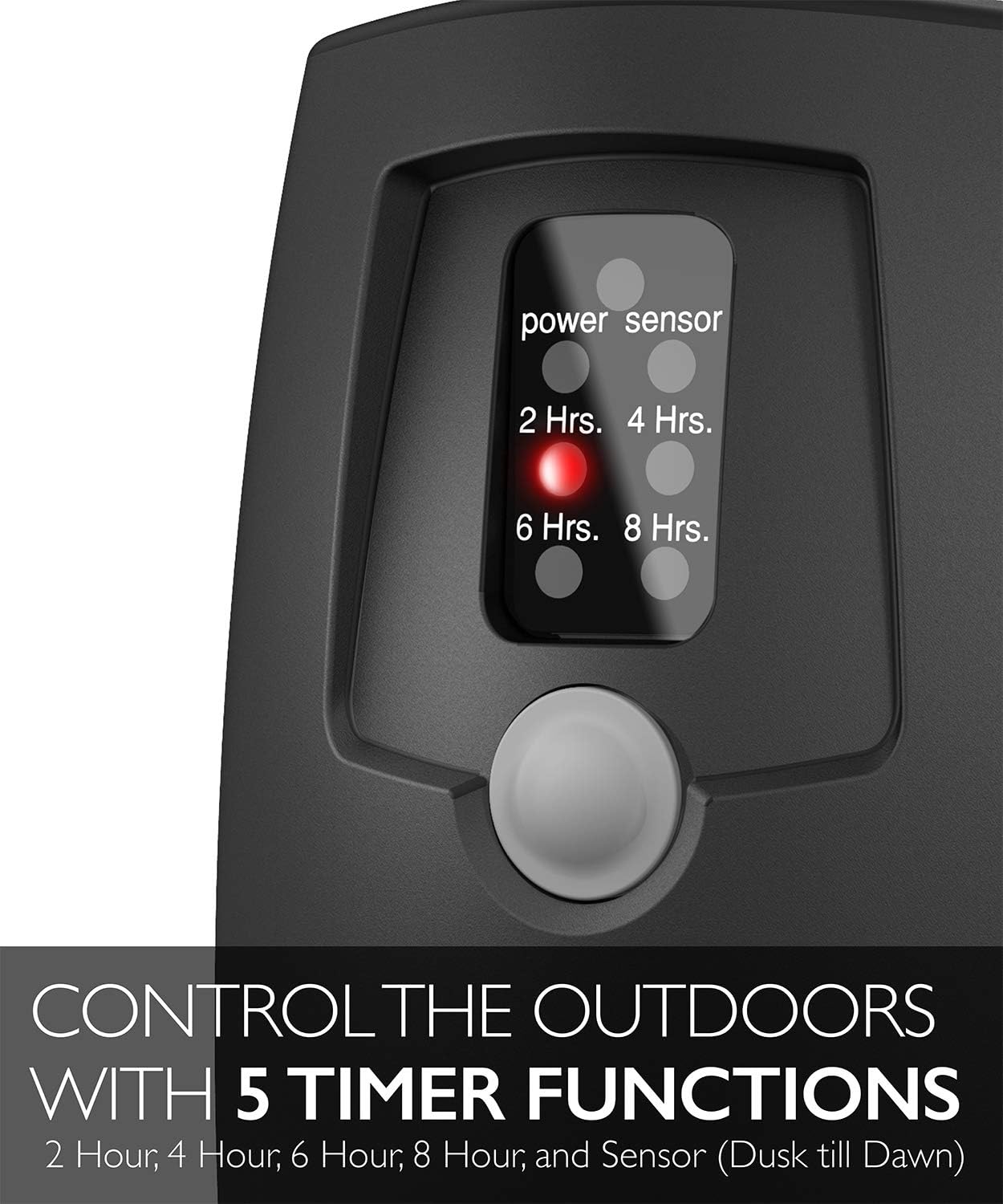
The timer unit features a button to cycle through various time settings and the photocell sensor mode.
Remote Control Operation:
The wireless remote control allows you to manage your devices from up to 100 feet away, even through obstructions like walls.
- ON Button: Turns the connected devices continuously on.
- OFF Button: Turns the connected devices continuously off.
- 2H / 4H / 6H / 8H Buttons: Activates the timer for the specified duration, starting from dusk.
- Sensor Button (Sun/Moon icon): Activates the Dusk to Dawn mode.
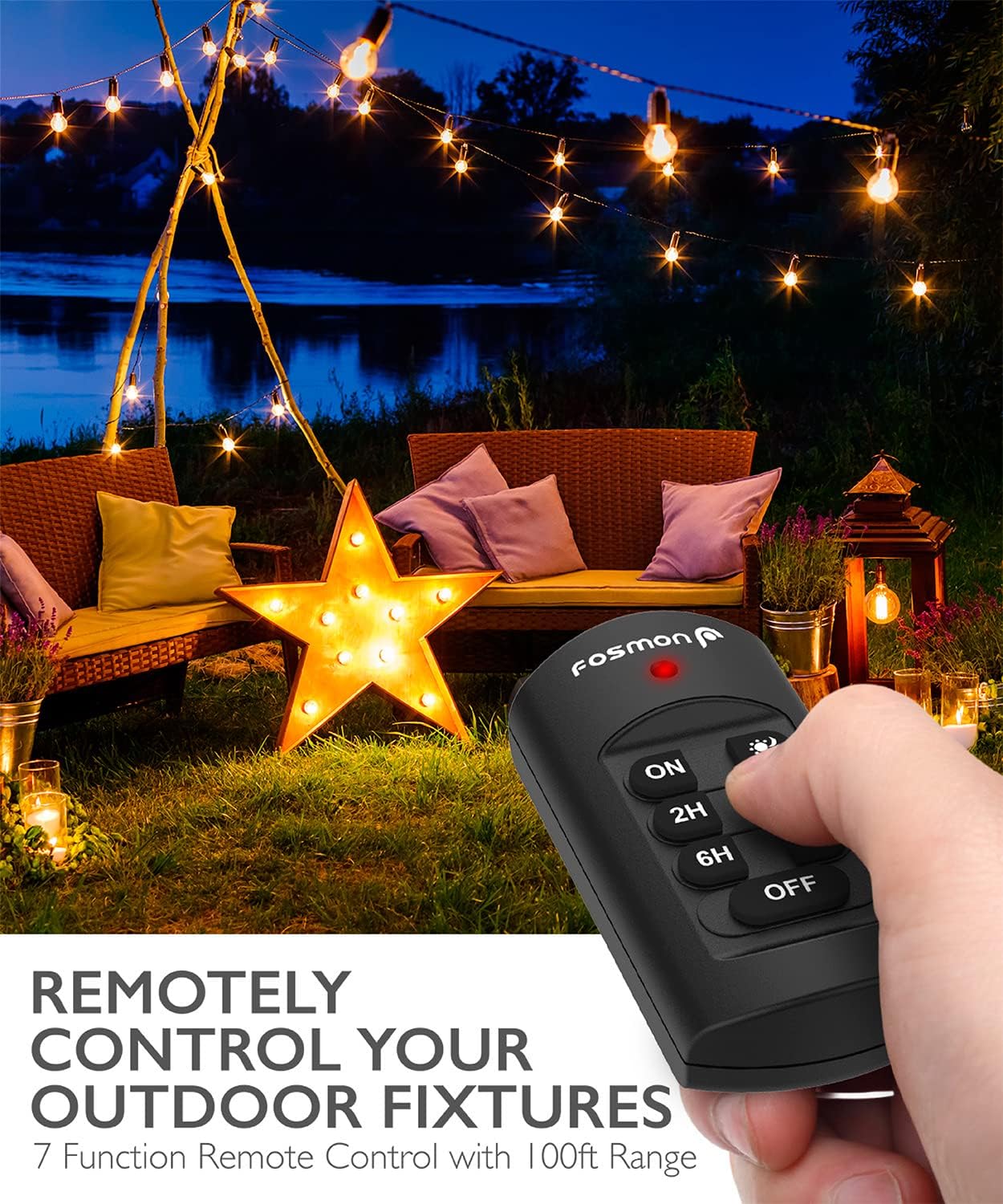
Control your outdoor fixtures remotely with the included wireless remote.
Photocell Sensor Functionality:
The built-in photocell sensor detects ambient light levels to automatically activate or deactivate your devices.
- When the sensor detects low light (dusk), it will turn on the connected devices.
- When the sensor detects sufficient light (dawn), it will turn off the connected devices.

The photocell sensor automates lighting based on ambient light, turning on at dusk and off at dawn.
Official Product Video:
This video demonstrates the functionality of the outdoor light sensor timer, including its various settings and remote control capabilities.
Maintenance
- Cleaning: Wipe the timer and remote with a soft, damp cloth. Do not use harsh chemicals or abrasive cleaners.
- Storage: When not in use for extended periods, unplug the timer and store it in a cool, dry place away from direct sunlight.
- Inspection: Periodically inspect the power cord and outlets for any signs of damage, fraying, or corrosion. Discontinue use if any damage is found.
- Weather Resistance: The timer features a rugged, rainproof casing (IP32 rating) designed to operate in rain, wind, or snow. However, avoid prolonged submersion or extreme weather conditions.
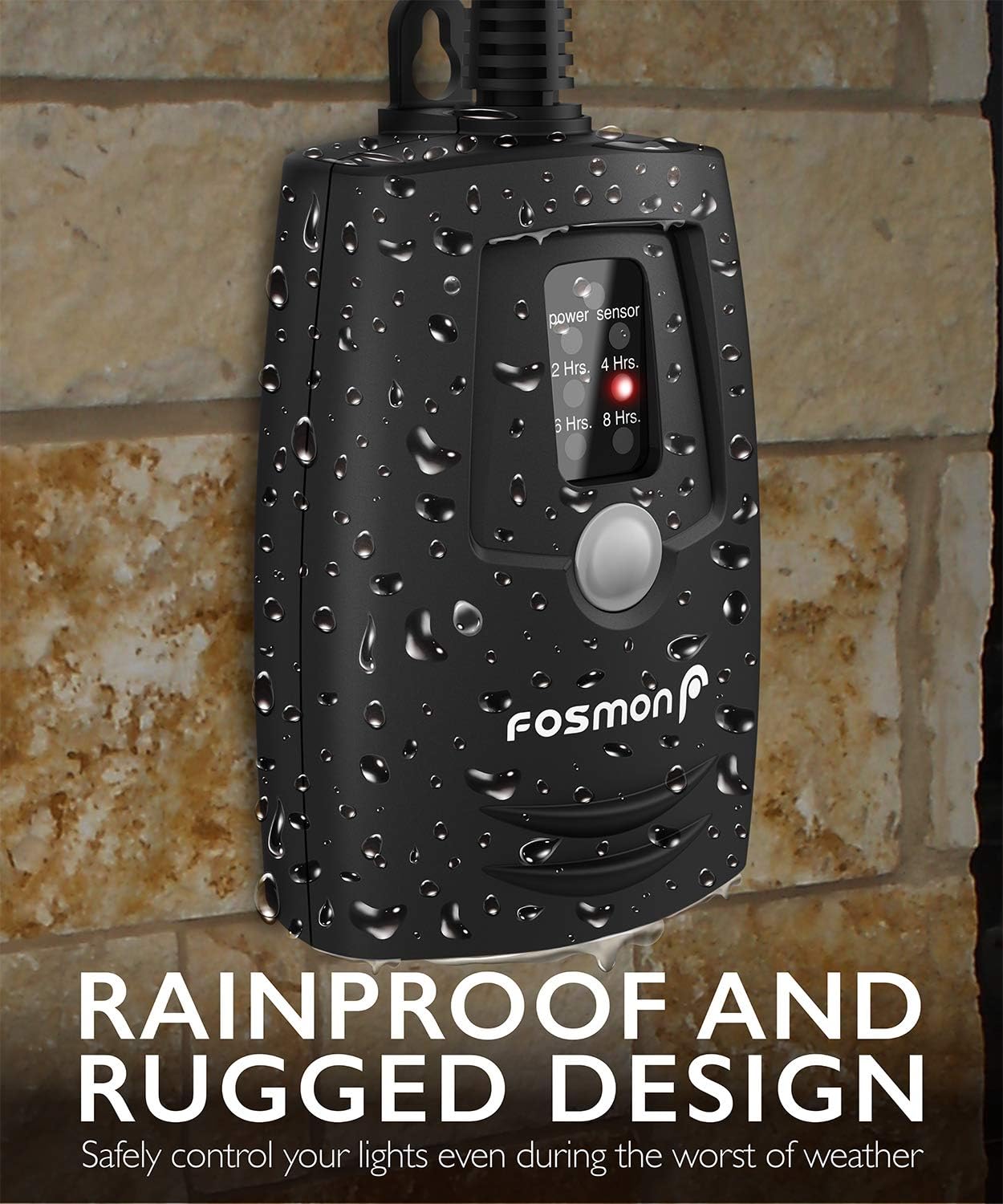
The timer's robust design ensures durability in various outdoor weather conditions.
Troubleshooting
| Problem | Possible Cause | Solution |
|---|---|---|
| Devices not turning on. | Timer not plugged in; power outage; incorrect mode; remote battery low. | Ensure timer is plugged in and outlet has power. Check timer mode. Replace remote battery. |
| Timer not responding to remote. | Remote battery low/dead; remote out of range; signal obstruction. | Replace remote battery. Move closer to the timer (within 100ft). Remove obstructions. |
| Dusk to Dawn mode not working correctly. | Photocell sensor obstructed; insufficient light for activation/deactivation. | Ensure photocell sensor is clean and unobstructed. Relocate timer if necessary to an area with proper light exposure. |
Specifications
- Model: C-10733US
- Operation Mode: Automatic / Manual
- Current Rating: 15 Amps
- Operating Voltage: 110-125V, 60Hz
- Horsepower Capacity: 1/2 HP
- Connector Type: Plug In (2 Outlets)
- International Protection Rating: IP32 (Rainproof)
- Remote Control Range: 100 ft (RF)
- Cord Length: 7 inches (SJTW 14-3)
- Dimensions (L x W x H): 1.73 x 2.88 x 4.27 inches
- Weight: 9.2 ounces
- Certifications: UL Listed (UL 60730-1)

Detailed specifications of the timer's cable and construction materials.
Warranty and Support
Fosmon products are backed by a limited lifetime warranty. For warranty claims or technical support, please visit the official Fosmon website or contact their customer service directly. Keep your purchase receipt as proof of purchase.
Related documentsC-10733US


Ask a question about this manual
Ask about setup, troubleshooting, compatibility, parts, safety, or missing instructions. Manuals+ will review the question and use this page’s manual context to help answer it.