
Retevis RT27 (FA9133DX6-C9059D)
Retevis RT27 Walkie Talkies User Manual
Model: RT27 (FA9133DX6-C9059D) | Brand: Retevis
Heavy Duty Two Way Radios with Six-Way Charger
1. Introduction and Overview
The Retevis RT27 walkie talkies are designed for robust and reliable communication in various demanding environments, including schools, construction sites, manufacturing facilities, and restaurants. This manual provides comprehensive instructions for setting up, operating, and maintaining your RT27 radios to ensure optimal performance and longevity.

Figure 1: Retevis RT27 Walkie Talkies with Six-Way Charger Base, ideal for multi-unit charging in various settings.
2. What's in the Box
Your Retevis RT27 package includes the following items:
- 6 x Retevis RT27 2-way radios
- 6 x Rechargeable Lithium-Ion Batteries (1100mAh)
- 1 x Six-way gang charger and adapter
- 1 x User's manual
- 6 x Belt Clips

Figure 2: All components included in the Retevis RT27 6-pack, showing radios, batteries, charger, manual, and belt clips.
3. Product Features
3.1 Six-Way Charger Station
The included six-way charger station allows for faster and more convenient charging of multiple radios simultaneously, eliminating the need for individual charging bases. It also supports charging of spare batteries directly.

Figure 3: The six-way charger station provides efficient charging for up to six RT27 radios or batteries at once.
3.2 Heavy-Duty and Rugged Design
Constructed from durable materials, the RT27 walkie talkies are built to withstand harsh environments and accidental drops, ensuring excellent durability and reliability in demanding work conditions.
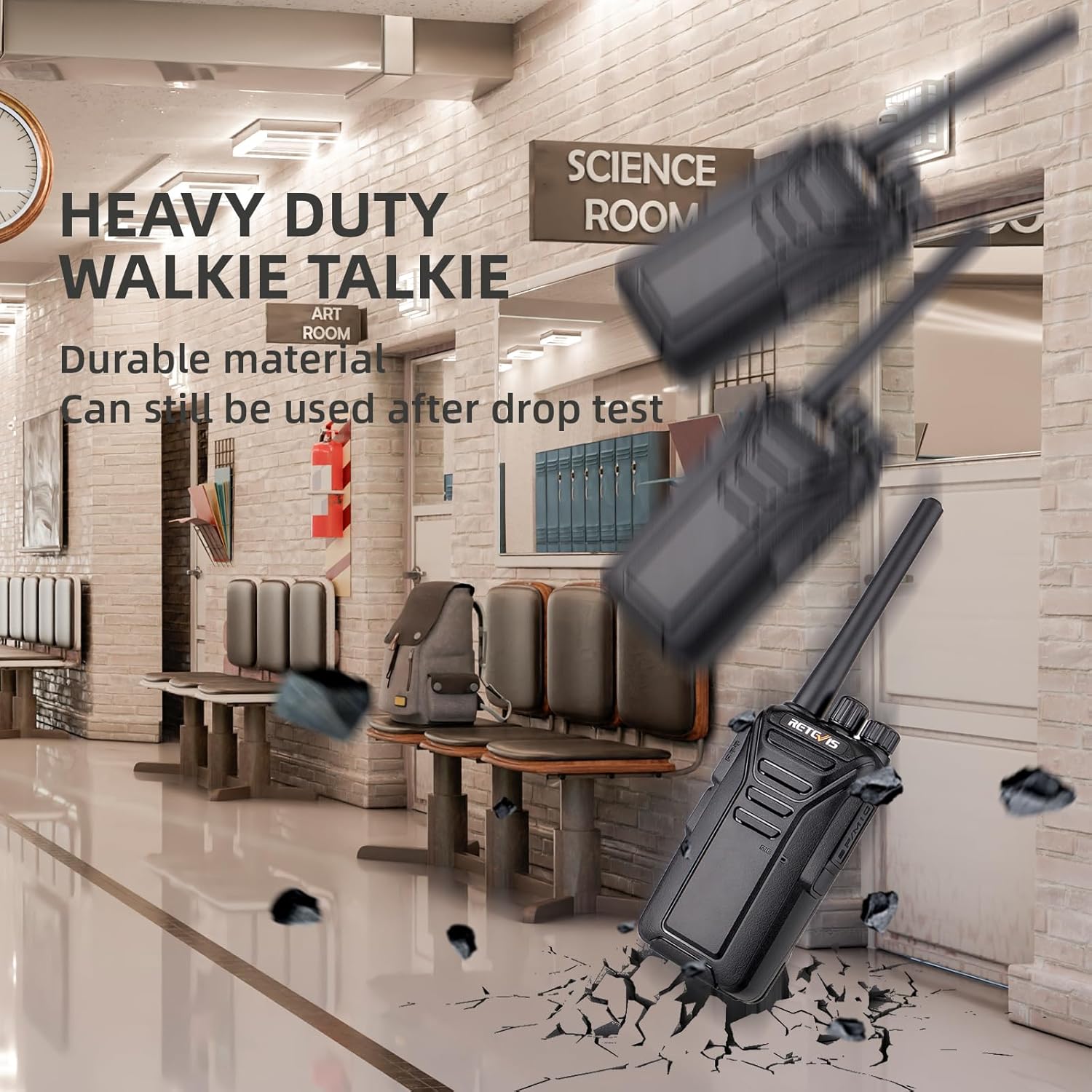
Figure 4: The rugged design of the RT27 ensures it can withstand impacts and continue functioning.
3.3 Long Working Time
Equipped with 1100mAh rechargeable lithium batteries, these two-way radios offer long standby times, allowing you to stay in communication throughout the day. Charging time is approximately 3-4 hours, providing 8-10 hours of working time.

Figure 5: The 1100mAh battery provides extended operational hours for continuous use.
3.4 VOX (Voice Operated Exchange) Function
The VOX function enables hands-free communication. Voice will be emitted automatically after voice activation, eliminating the need to press the PTT (Push-to-Talk) button, similar to a hands-free mobile phone conversation.

Figure 6: VOX allows for convenient hands-free operation, ideal for busy environments.
3.5 Crystal Clear Sound
The RT27 features 0-9 levels of squelch to improve communication quality, ensuring clear audio even in noisy environments.

Figure 7: Advanced audio technology provides clear sound for effective communication.
4. Setup
4.1 Battery Installation
To install the battery, align the battery pack with the back of the radio and slide it into place until it clicks securely. To remove, press the release button and slide the battery out.

Figure 8: Rear view of the RT27 radio, indicating the battery slot and release mechanism.
Video 1: Demonstrates the unboxing process, including battery installation and initial setup of the Retevis RT27 walkie talkie.
4.2 Charging the Radios
Place the walkie talkies or spare batteries into the slots of the six-way charger station. The indicator light will show the charging status (typically red for charging, green for fully charged). Ensure the charger is connected to a power source.
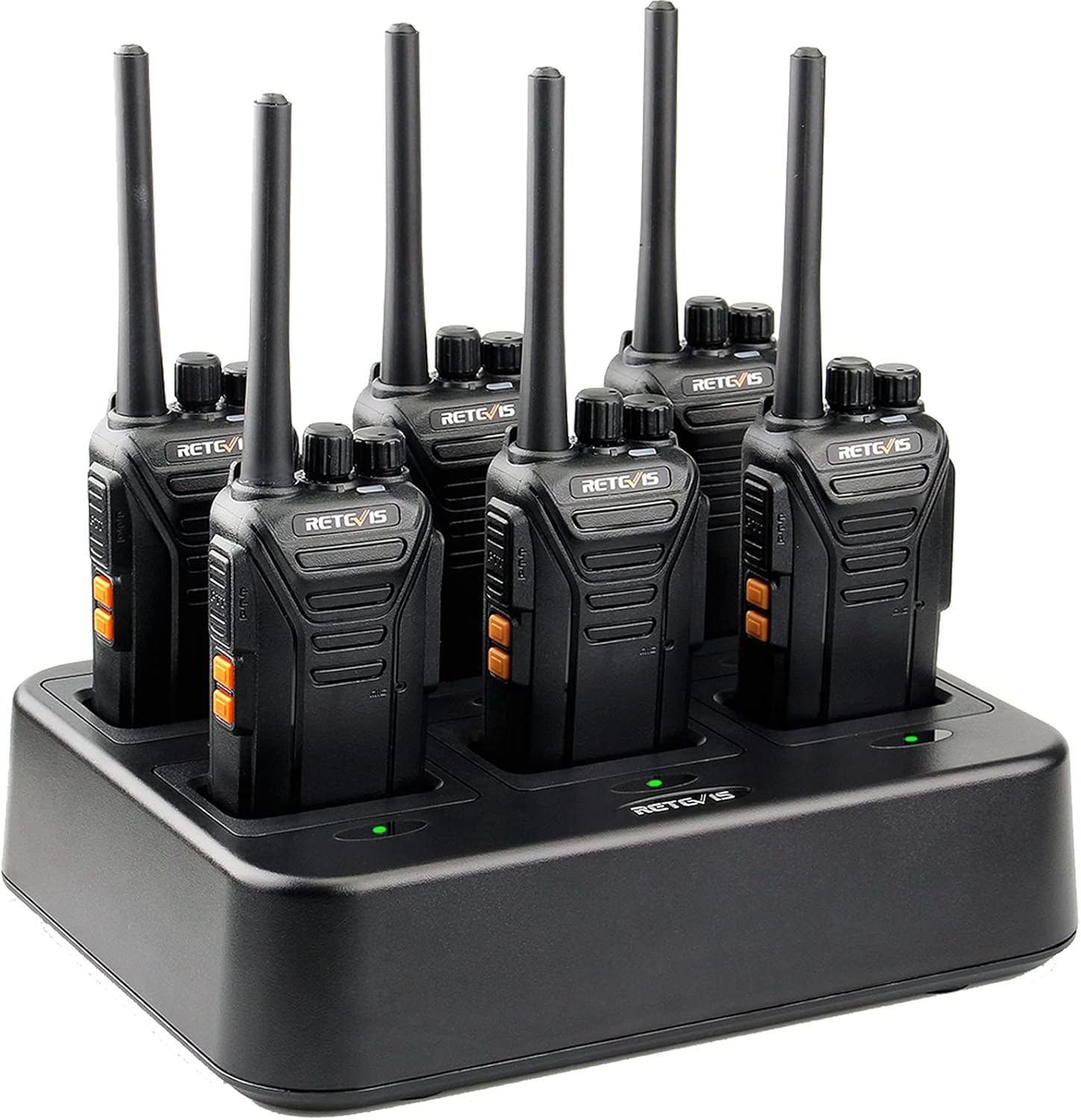
Figure 9: Multiple RT27 radios securely placed in the six-way charging station.
5. Operating Instructions
5.1 Power On/Off and Volume Control
To power on the radio, rotate the power/volume knob clockwise until you hear a click and a voice prompt. Continue rotating to adjust the volume. To power off, rotate the knob counter-clockwise until it clicks off.
5.2 Channel Selection
The RT27 features 22 channels. Rotate the channel selector knob (typically the knob next to the power/volume knob) to select your desired channel. A voice prompt will announce the selected channel number.
5.3 Push-to-Talk (PTT) Button
To transmit, press and hold the large PTT button located on the side of the radio. Speak clearly into the microphone. Release the PTT button to listen for incoming transmissions.
5.4 VOX Function Activation
To activate the VOX function, press and hold side key 2 while turning on the radio. You will hear three beeps. Then, press side key 2 again to select the voice control level (1-9) or turn it off. Press the PTT button to confirm your selection.
Video 2: Detailed instructions on how to use the VOX and local alarm functions of the RT27 radio.
Video 3: A quick guide demonstrating the steps to turn on the VOX function for hands-free communication.
5.5 Local Alarm Function
After turning on the power knob, long press side key 1 to turn on and off the local alarm function. A short press will turn it off.
5.6 Squelch Adjustment
The squelch function filters out weak signals and background noise. The RT27 offers 0-9 levels of squelch. Higher levels filter more noise but may block weaker legitimate signals. Adjust as needed for your environment.
6. Range and Performance
The Retevis RT27 walkie talkies offer significant range, capable of covering up to 300,000 square feet or approximately 25 floors in typical building environments. Actual range may vary based on terrain, obstacles, and atmospheric conditions.

Figure 10: Visual representation of the RT27's effective range in typical indoor settings.
Video 4: Explains the various factors that affect two-way radio range, providing insights into optimal usage.
Video 5: A practical range test of the Retevis RT27 walkie talkies in an outdoor environment.
Tips to Extend Further Distance:
- Increase Transmission Power: In theory, if the transmission power is doubled, the communication distance can be expanded to approximately 1.4 times the original distance.
- Improve Receiving Sensitivity: Adjust the squelch threshold of the walkie-talkie and use a high-gain antenna to correspondingly improve the receiving sensitivity of the walkie-talkie.
- Keep Launching from a Higher Location: Elevating your position can significantly improve signal reach by reducing obstacles.
- Keep your battery charged: A fully charged battery ensures optimal power output for transmission.
7. Maintenance
To ensure the longevity and optimal performance of your Retevis RT27 walkie talkies, follow these maintenance guidelines:
- Cleaning: Use a soft, damp cloth to clean the radio's exterior. Avoid using harsh chemicals or abrasive cleaners.
- Battery Care: Store batteries in a cool, dry place when not in use. Avoid overcharging or completely draining the batteries to prolong their lifespan.
- Storage: When storing the radios for extended periods, remove the batteries.
- Avoid Extreme Conditions: Do not expose the radios to extreme temperatures, direct sunlight for prolonged periods, or excessive moisture.
8. Troubleshooting
If you encounter issues with your Retevis RT27 walkie talkies, refer to the following common troubleshooting steps:
- No Power: Ensure the battery is properly installed and fully charged. Check the power/volume knob is turned on.
- No Sound/Weak Sound: Adjust the volume knob. Ensure both radios are on the same channel. Check the squelch level; a high squelch level might block weak signals.
- Cannot Transmit/Receive: Verify both radios are on the same channel and within range. Ensure the PTT button is fully pressed when transmitting.
- Static or Interference: Move to a different location to avoid obstacles or sources of interference. Adjust the squelch level.
If the problem persists, please contact Retevis customer support for assistance.
9. Specifications
| Feature | Specification |
|---|---|
| Item Weight | 4.9 pounds (for 6-pack) |
| Product Dimensions | 1.3 x 2.16 x 7.9 inches (per radio) |
| Item Model Number | FA9133DX6-C9059D |
| Batteries | 6 Lithium Ion batteries required (included) - 1100mAh |
| Manufacturer | Retevis |
| Country of Origin | China |
| Color | Black |
| Number of Channels | 22 |
| Special Feature | Voice Operated Transmission, Rechargeable, Charge 6 walkie talkies at the same time |
| Frequency Range | FRS |
| Talking Range Maximum | 2 Mile (typical, varies by terrain) |
| Water Resistance Level | Not Water Resistant |
10. Warranty and Support
Retevis provides lifetime customer support for your RT27 walkie talkies. The product comes with a 2-year warranty for the radio body and a 1-year warranty for accessories. If you have any issues or require assistance, please contact Retevis customer support on Amazon. They aim to reply within 12 hours.
Additionally, a 30-day no-reason return policy is offered. Beyond the warranty period, maintenance services are still available, with buyers responsible for corresponding costs.
11. Safety Information
Please note that our walkie talkies FCC ID is: 2AAR8RETEVISRT27. Our walkie talkies meet FCC rule part 95. Always operate the device in accordance with local regulations and safety guidelines.
Related documentsRT27 (FA9133DX6-C9059D)


Ask a question about this manual
Ask about setup, troubleshooting, compatibility, parts, safety, or missing instructions. Manuals+ will review the question and use this page’s manual context to help answer it.