
Introduction
This instruction manual provides essential information for the installation, operation, and maintenance of your ANNKE 8-Channel Wireless Surveillance Camera System. This system includes an 8-channel WiFi NVR with a 1TB hard drive and eight 2.0MP 1080P outdoor IP cameras, offering 30M IR night vision for comprehensive security. Please read this manual thoroughly before using the product to ensure proper functionality and safety.

Figure 1: ANNKE 8-Channel Wireless Surveillance Camera System Overview
What's in the Box
Verify that all components are present and in good condition upon unpacking. If any items are missing or damaged, please contact customer support.

Figure 2: Package Contents
- 1x NVR (Network Video Recorder)
- 8x Cameras
- 1x 1TB HDD (Hard Disk Drive)
- 1x Network Cable
- 1x HDMI Cable
- 9x Power Adapters (1 for NVR, 8 for cameras)
- 1x USB Mouse
- 8x Warning Stickers
- 1x Quick Start Guide
- 8x Screw Packs for camera mounting
- 2x Antenna Extension Cables
Setup Instructions
Follow these steps to set up your ANNKE Wireless Surveillance Camera System.
- Camera Activation: Connect each camera to its respective power adapter. Ensure the antennas are securely attached for optimal wireless signal.
- NVR Connection:
- Connect the NVR to its power adapter.
- Connect the NVR to a monitor using the provided HDMI cable.
- Plug in the USB mouse to the NVR's USB port.
- Connect the NVR to your router using an Ethernet cable for internet access and remote viewing capabilities.
- System Initialization: Once all connections are made, the NVR will power on and initialize. The cameras should automatically connect to the NVR.
- Camera Placement: Position your cameras in desired outdoor locations, ensuring they have a clear line of sight and are within range of the NVR's WiFi signal. Use the provided screw packs for secure mounting.

Figure 3: Connecting power to a camera. Ensure all connections are secure.

Figure 4: NVR connections for power, display, input, and network.

Figure 5: System initialization in progress.
Operating Instructions
Video Recording and Quality
The system records in 2K 3MP Super HD, providing clear and detailed footage. The cameras offer up to 30 meters of IR night vision, ensuring visibility even in complete darkness.

Figure 6: 2K Day and Night Vision. The system provides clear images in both conditions.
Audio Recording and Two-Way Communication
Each camera features a built-in microphone for 1-way hi-fi audio recording, capturing sound in the surveillance area. This enhances overall security coverage.

Figure 7: Two-Way Audio. Communicate directly through the camera using the mobile app.
Intelligent Person Recognition
Advanced AI algorithms enable the system to accurately recognize human figures, reducing false alarms from pets or inanimate objects. You will receive push notifications and email alerts only when a person triggers the alarm.

Figure 8: Human Motion Detection. The system highlights detected individuals.
Remote Access and Smart Home Integration
Access your live camera feeds and recordings remotely via the dedicated mobile app (iOS/Android) or desktop software (Windows). The system is compatible with Amazon Alexa, allowing for voice-controlled live streaming.

Figure 9: Remote Access. View your cameras from anywhere on various devices.
24/7 All-Weather Protection
The outdoor IP66 waterproof cameras are designed to operate reliably in various weather conditions, providing continuous surveillance.
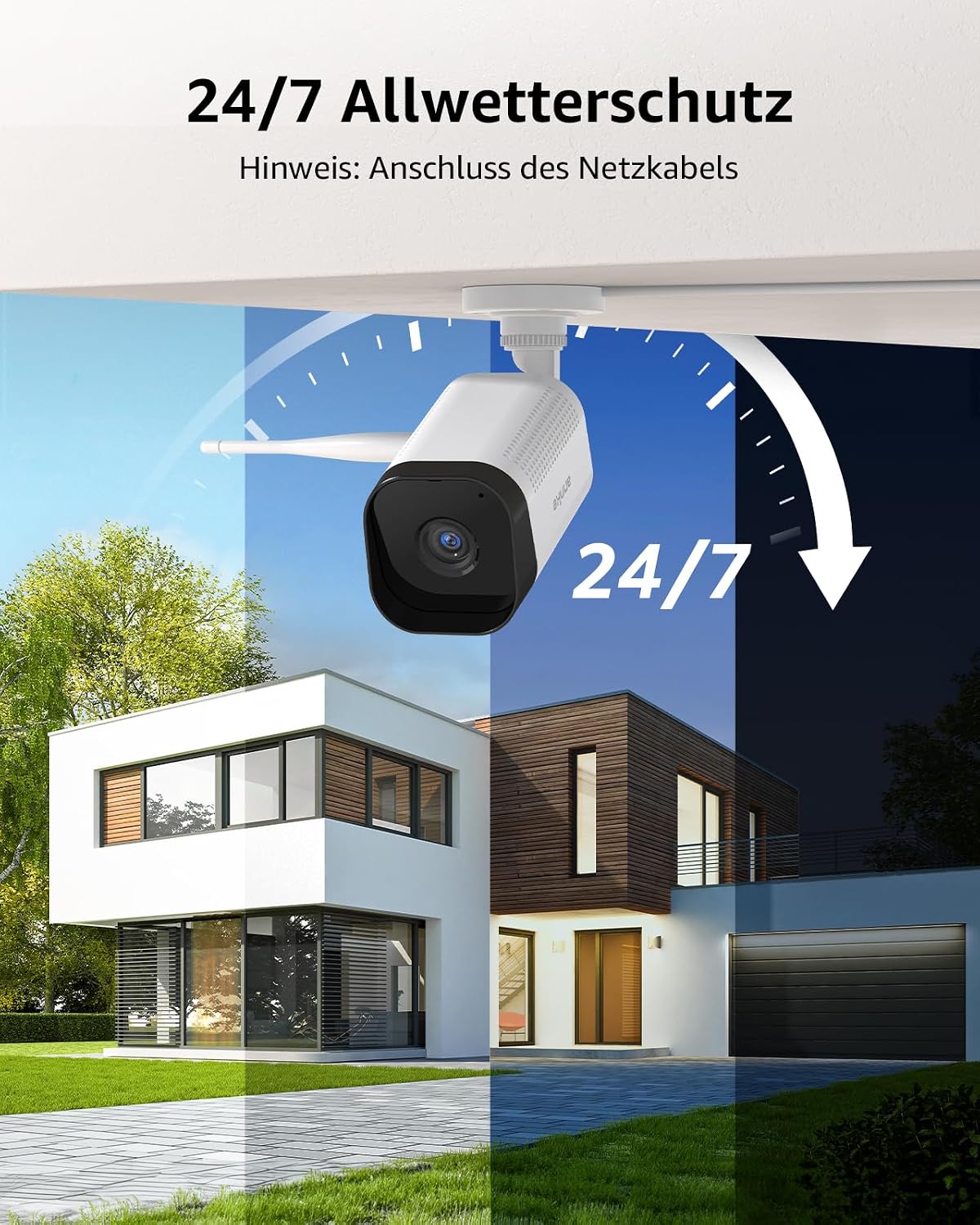
Figure 10: All-Weather Protection. Cameras are built to withstand outdoor elements.
Maintenance
- Regular Cleaning: Periodically clean camera lenses and housings to ensure clear image quality. Use a soft, damp cloth.
- Software Updates: Check for and install firmware updates for the NVR and cameras to ensure optimal performance and security. Refer to the ANNKE website or app for update notifications.
- Hard Drive Management: The 1TB HDD provides ample storage. The system typically overwrites the oldest footage when full. Regularly back up important recordings if needed.
- Cable Inspection: Periodically inspect all cables for wear or damage, especially outdoor power and network cables.
Troubleshooting
- No Video Feed:
- Check power connections for both NVR and cameras.
- Ensure HDMI cable is securely connected to the monitor and NVR.
- Verify cameras are within WiFi range of the NVR.
- Poor Image Quality:
- Clean camera lenses.
- Check for obstructions in the camera's field of view.
- Ensure sufficient lighting for optimal night vision performance.
- No Remote Access:
- Verify the NVR is connected to the internet via Ethernet cable.
- Check your router's internet connection.
- Ensure the mobile app or desktop software is updated to the latest version.
- False Motion Alerts:
- Adjust motion detection sensitivity settings in the NVR or app.
- Define specific detection zones to exclude areas with frequent non-human movement (e.g., trees swaying).
Specifications
| Feature | Specification |
|---|---|
| Brand | ANNKE |
| Model Number | AE-N98WHR1-78GK-V4-OP |
| Product Dimensions | 32 x 18 x 27 cm; 5.26 kg |
| Color | 1 TB - 8 cameras |
| Pattern | 3 MP |
| Power Source | DC (DC) |
| Voltage | 12 Volt |
| Number of Items in Package | 1 |
| Plug Type | C - Two Round Pins French Type |
| Special Features | WLAN surveillance camera, 8 channels, 3 MP, 8 x 2 MP, WiFi, 1 TB, wireless NVR surveillance system, remote access |
| Included Components | Cover |
| Batteries Included? | No |
| Batteries Required? | No |
| Connectivity Technology | Wired, Wireless |
| Video Capture Resolution | 1080p |
| Number of Channels | 16 (NVR capacity, system includes 8 cameras) |
| Memory Storage Capacity | 1 TB |
| Operating System | Linux, Windows, iOS, Android |
Warranty and Support
ANNKE products typically come with a manufacturer's warranty. Please refer to the warranty card included in your package or visit the official ANNKE website for detailed warranty information and terms. For technical support, troubleshooting assistance, or any product-related inquiries, please contact ANNKE customer service through their official channels.