
1. Product Overview
The LAMPAOUS intekit S2-12-35 is an LED inground pool light bulb designed to provide multi-color illumination for swimming pools. This kit includes the S2 LED bulb and a control system for managing light colors and modes. It features 7 solid colors and 7 color shows with adjustable speed, synchronization capabilities for multiple S2 bulbs, and multiple control solutions including a remote control, control panel, and power switch.
This product is compatible with various inground fixtures such as Hayward Astrolite TMSP058 Series, Jacuzzi Full Moon, Pentair Amerilite 784 Series, and Sta-Rite SwimQuip Series 0508.

Image 1.1: LAMPAOUS intekit S2 LED Inground Pool Light Bulb and Control Kit.
2. Important Safety Information
- Voltage Requirement: This LED pool bulb requires a 12VAC input. Do NOT connect to a 120VAC input. Verify your power supply voltage before installation.
- Waterproofing: The pool bulb itself is not waterproof. It must be installed within a sealed fixture with a new gasket to prevent water ingress. Failure to do so will result in product damage and void the warranty.
- Professional Installation: Electrical installation should be performed by a qualified professional to ensure safety and compliance with local electrical codes.
- Power Disconnection: Always disconnect power to the pool light circuit at the breaker before attempting any installation, maintenance, or troubleshooting.
- Gasket Integrity: Ensure the fixture's gasket is new and properly seated to maintain a watertight seal.
3. Package Contents
Verify that all components are present and undamaged upon opening the package:
- S2-12-35 LED Pool Bulb
- Control Box (C2-12 for 12VAC systems)
- Remote Control (R2)
- User Manual (this document)
4. Specifications
| Feature | Specification |
|---|---|
| Brand | LAMPAOUS |
| Model Name | S2-12-35 |
| Light Type | LED |
| Special Feature | Color Changing |
| Wattage | 35 watts |
| Bulb Base | E26 |
| Specific Uses For Product | Pool and spa lighting |
| Light Color | White, Multi-color (RGBW) |
| Voltage | 12 Volts (AC) |
| Connectivity Technology | Infrared |
| Indoor/Outdoor Usage | Outdoor |
| Controller Type | Remote control |
| Power Source | AC |
| White Brightness | 525 Lumens |
| Efficiency | Energy-efficient |
5. Installation Guide
Step 1: Prepare the Fixture
- Turn off power to the pool light circuit at the main breaker.
- Remove the existing pool light bulb from its fixture. Carefully inspect the fixture for any damage or corrosion.
- Replace the old gasket with a new one to ensure a watertight seal. This is critical for preventing water damage to the new LED bulb.

Image 5.1: Installing the LED pool bulb into a fixture, ensuring a new gasket is used.
Step 2: Install the LED Bulb
- Carefully screw the LAMPAOUS S2-12-35 LED bulb into the E26 base of the pool light fixture. Do not overtighten.
- Secure the fixture back into the pool wall, ensuring the new gasket creates a tight, waterproof seal.
Step 3: Connect the Control Box
- Connect the control box (C2-12) to the 12VAC power supply. Ensure the control box is rated for 12VAC.
- Connect the pool light bulb to the control box. For multiple bulbs, ensure they are connected to the same control box or synchronized as per the synchronization instructions.

Image 5.2: Example wiring for the LAMPAOUS intekit S2 pool light system. Ensure all connections are secure and waterproof.
For a visual guide on installation and connection, please refer to the video below:
Video 5.1: This video demonstrates the installation process and control system setup for the SignalPro Pool Lighting System, which is similar to the intekit S2. It shows how to install the bulbs and connect the control box.
6. Operation Instructions
The intekit S2 LED pool light offers multiple ways to control its functions:
6.1. Using the Remote Control (R2)
The included R2 remote control allows for convenient adjustment of colors and modes.

Image 6.1: The R2 Remote Control for LAMPAOUS intekit S2 pool lights.
- ON/OFF: Press to turn the lights on or off.
- Color Selection: Buttons labeled R (Red), G (Green), B (Blue), YE (Yellow), CY (Cyan), PU (Purple), WHT (White) allow direct selection of 7 fixed colors.
- Color Shows: Buttons like '7 color JUMP', 'RGB JUMP', 'BGR JUMP', '7 color Gradual', 'GB Gradual', 'RWB JUMP', 'AUTO' activate various dynamic color changing modes.
- Speed Adjustment: Use 'SPEED+' and 'SPEED-' buttons to increase or decrease the speed of the color changing shows.
6.2. Using the Control Box Panel (C2-12)
The control box also features a panel with buttons for basic control, providing an alternative to the remote.

Image 6.2: The control box offers multiple control options, including a physical panel.
6.3. Synchronization Feature
Multiple S2 pool or spa bulbs can be synchronized to display the same color or color show. This is typically achieved by connecting all bulbs to the same control box or by cycling the power to all bulbs simultaneously until they are in sync.

Image 6.3: The synchronization feature allows multiple S2 bulbs to display the same lighting effects.
6.4. Color Recall Memory Function
The S2 system includes a memory function. When the bulb is turned off and then turned back on within 3 seconds, it will recall the last selected color program. This allows you to retain your preferred lighting setting.

Image 6.4: Example of the blue light setting in a pool.
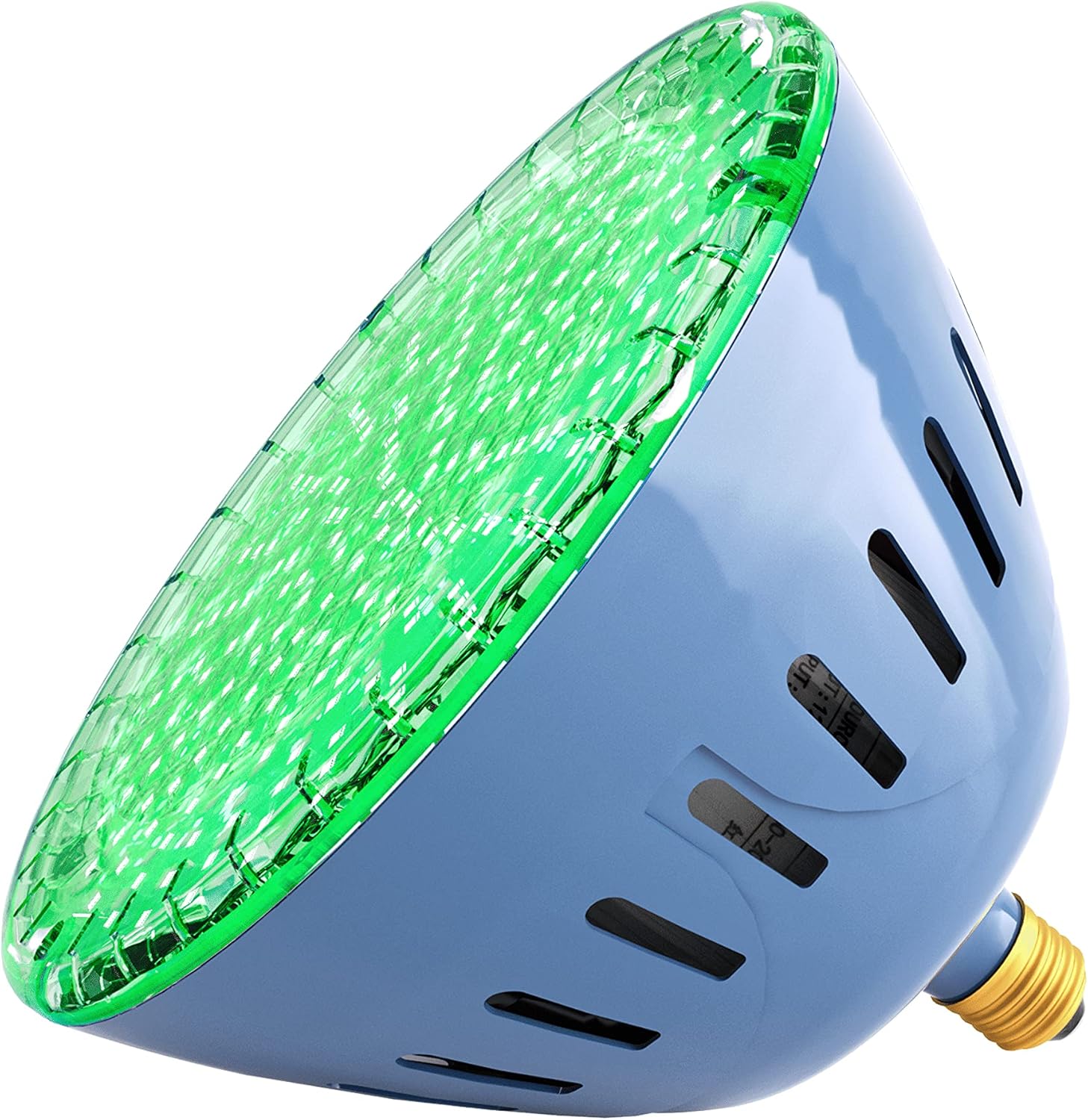
Image 6.5: Example of the green light setting in a pool.

Image 6.6: Example of the red light setting in a pool.
7. Troubleshooting
- Light Not Turning On:
- Check the power supply at the breaker.
- Ensure the bulb is securely screwed into the fixture.
- Verify the control box is properly connected and receiving power.
- Confirm the remote control has a working battery (12V A23 battery, not included) and is within range.
- Colors Not Changing/Synchronizing:
- Ensure all bulbs are connected to the same control box or power circuit for synchronization.
- Cycle the power (turn off for 10 seconds, then on) to reset and attempt synchronization.
- Check for obstructions between the remote and the control box/bulb.
- Water Inside Fixture:
- Immediately disconnect power.
- Remove the fixture and inspect the gasket. Replace with a new, properly installed gasket.
- Ensure the fixture housing is not cracked or damaged.
- Remote Control Not Responding:
- Replace the 12V A23 battery in the remote.
- Ensure the remote is pointed towards the control box or light sensor.
8. Maintenance
- Regular Inspection: Periodically inspect the pool light fixture and gasket for signs of wear, cracking, or damage. Replace the gasket as needed to maintain a watertight seal.
- Cleaning: Gently clean the light's lens with a soft cloth and mild pool-safe cleaner to remove any buildup that might obstruct light output. Do not use abrasive cleaners.
- Storage: If removing the light for extended periods, store it in a dry, cool place away from direct sunlight.
9. Warranty and Customer Support
For warranty information, technical support, or replacement parts, please contact LAMPAOUS customer service. Keep your purchase receipt and product model number (S2-12-35) handy for faster service.
Contact information can typically be found on the LAMPAOUS official website or through your retailer.