
BN-LINK BND-60/U57R
Contents
BN-LINK Outdoor Light Timer with Remote User Manual
Model: BND-60/U57R
Introduction
Thank you for choosing the BN-LINK Outdoor Light Timer with Remote. This manual provides detailed instructions for the safe and efficient operation of your new timer. Designed for outdoor use, this waterproof timer offers convenient control over your lighting, featuring multiple operating modes and a remote control for ease of use. Please read this manual thoroughly before installation and operation, and keep it for future reference.

Important Safety Information
To ensure safe operation, please adhere to the following guidelines:
- This timer is ETL listed and conforms to UL Std No. 60730-1, 60730-2-1.
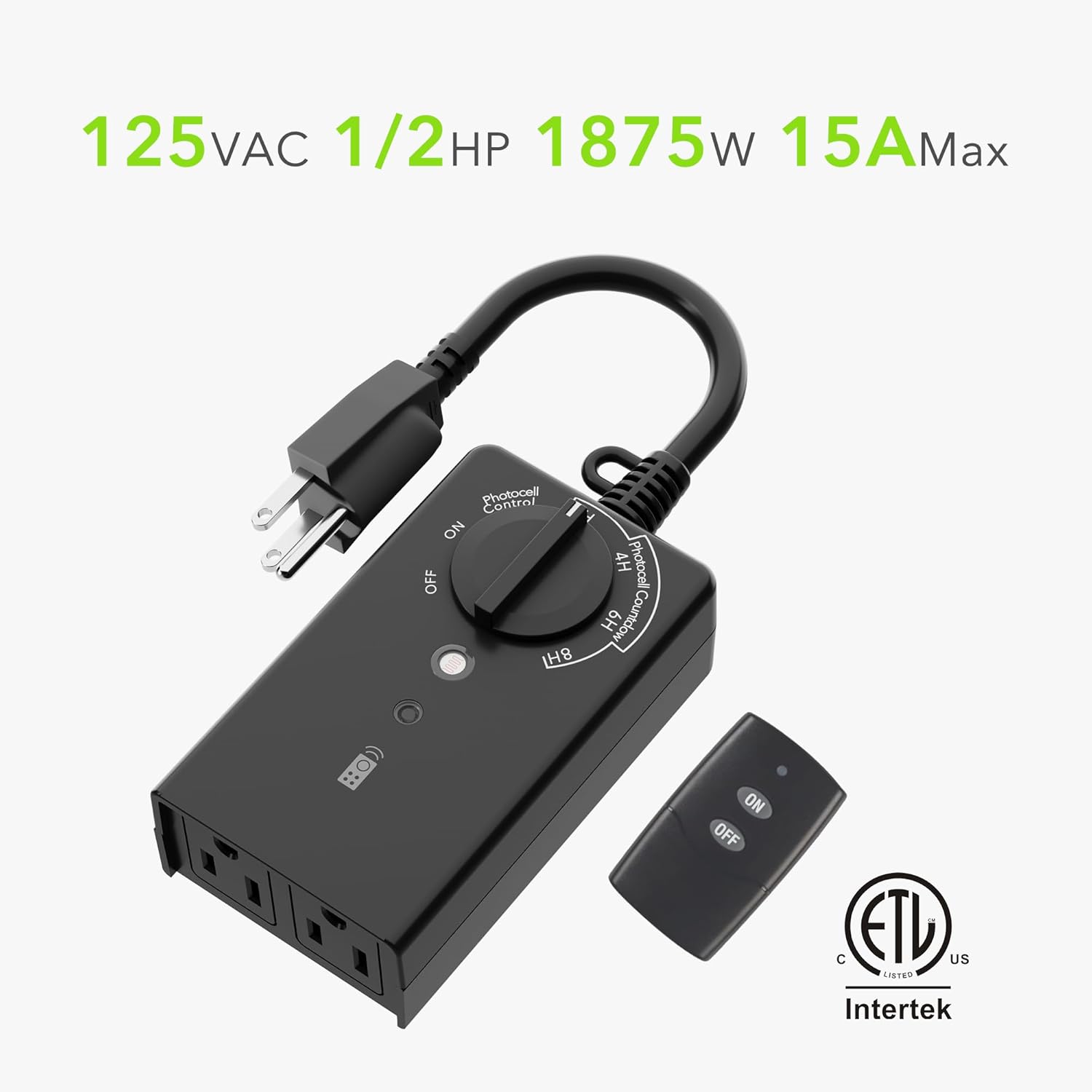
- Rated 125V, 60Hz, 1875W, 15A Resistive & General Purpose 5A Tungsten. Do not exceed these electrical ratings.
- For outdoor use, ensure the timer is mounted in a vertical position with the receptacles facing downward, at least 2 feet (0.6 meters) above the ground, to prevent water ingress.
- Keep the photocell sensor clean and unobstructed for accurate dusk/dawn detection.
- Do not immerse the timer in water or expose it to direct water jets.
- Operating temperature range: 14°F to 122°F (-10°C to 50°C).
Product Features
- Raintight & Weatherproof Outdoor Control: Smart photocell senses dusk/darkness and automatically turns lights on/off.
- Easy-to-Use & Convenient: Choose from dusk-dawn, 2h, 4h, 6h, or 8h after dusk settings.
- 2 Grounded Outlets with Remote Control: Features a 6-inch cord and two grounded outlets. Remote signals can travel through walls up to 100 ft thick.
- Save Money & Save Energy: Automatic, repeating settings eliminate the need to manually turn lights on/off.
- Safe & Reliable: ETL listed and rigorously tested for quality control and safety.

Package Contents
- BN-LINK Outdoor Light Timer Unit
- Remote Control (with 1 x 12V battery included)
- User Manual (this document)
Setup
Initial Setup
- Mounting: Plug the timer into a grounded outdoor outlet. Ensure it is mounted vertically with the outlets facing downwards and at least 2 feet above the ground.
- Connect Devices: Plug your outdoor lights or other devices into the two grounded outlets on the timer.
- Remote Battery: The remote control comes with a 12V battery. Ensure it is properly inserted.
Operating Modes
The timer features a rotary dial to select different operating modes:

1. ON Mode
Turn the dial to ON. In this mode, the connected devices will remain continuously powered, regardless of light conditions. This mode responds immediately after setting.
2. OFF Mode
Turn the dial to OFF. In this mode, the connected devices will remain continuously unpowered. This mode responds immediately after setting.
3. Photocell Control (Dusk-Dawn) Mode
Turn the dial to Photocell Control. The timer's smart photocell sensor will detect darkness (dusk) and automatically turn on the connected lights. The lights will remain on until the sensor detects light again (dawn), at which point they will turn off. Allow approximately 40 seconds for the light sensor to take effect when changing to this mode. Ensure the light sensor faces sunlight and avoid direct artificial light sources.
4. Photocell Countdown Mode (2H, 4H, 6H, 8H)
Turn the dial to your desired countdown duration: 2H, 4H, 6H, or 8H. In these modes, the timer's photocell sensor will turn on the connected lights at dusk. The lights will then remain on for the selected duration (2, 4, 6, or 8 hours) and automatically turn off after the countdown. Allow approximately 40 seconds for the light sensor to take effect when changing to this mode. If the sensor is exposed to other light sources for 40 seconds during the countdown, the timer will stop; upon returning to a dark state, the countdown will restart from the beginning.
Remote Control Operation
The included remote control provides convenient manual override for the timer's functions, especially useful for turning lights on or off without physically accessing the timer unit.
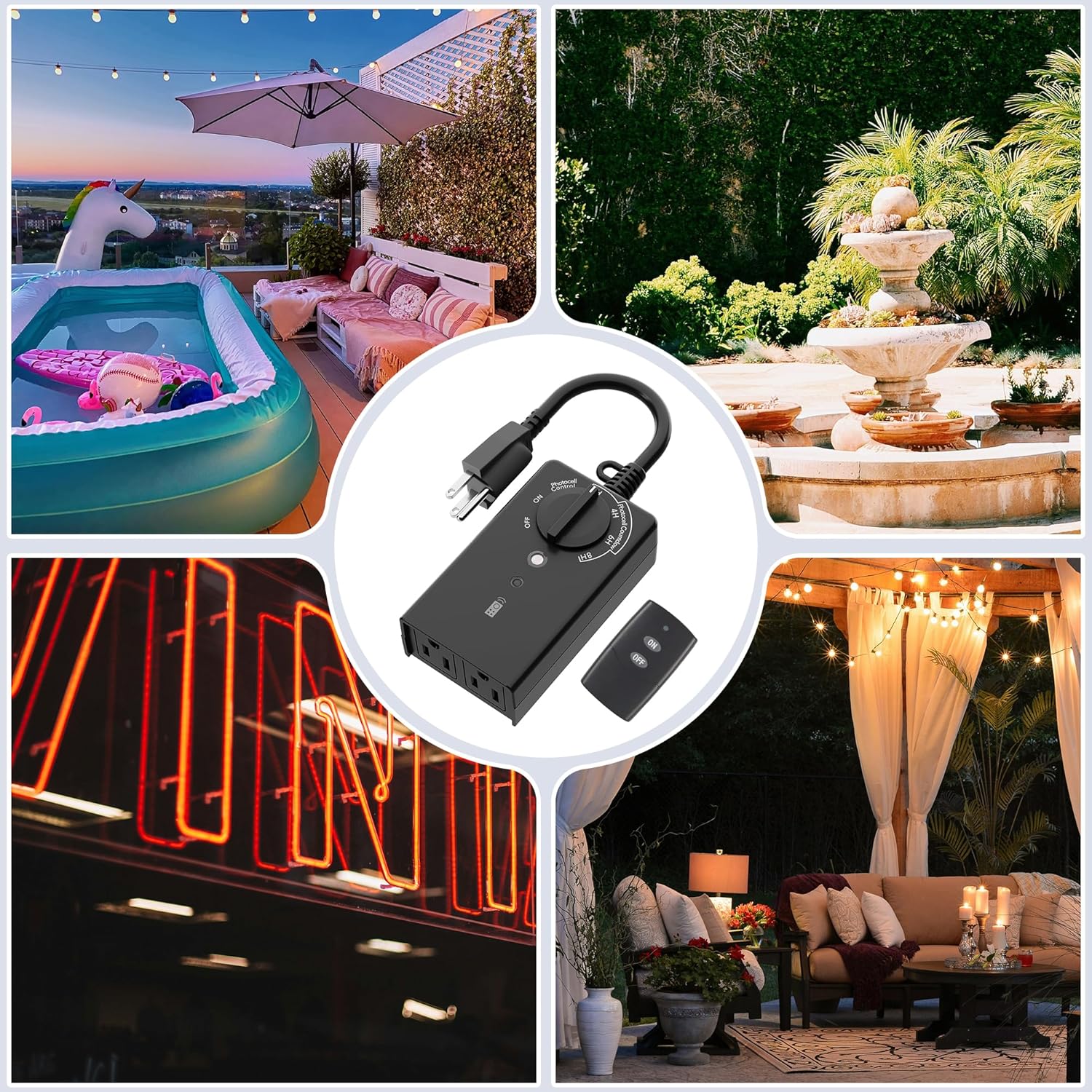
- ON Button: Press the ON button to manually turn on the connected devices.
- OFF Button: Press the OFF button to manually turn off the connected devices.
- Range: The remote signals can travel through walls up to 100 feet (30 meters) thick, offering flexibility in control location.
Note: Manual ON/OFF operations via the remote control will override any programmed timer settings until the next scheduled ON/OFF cycle or until the timer is manually reset.
Maintenance
- Cleaning: Periodically wipe the timer and photocell sensor with a soft, damp cloth to remove dirt and debris. Do not use harsh chemicals or abrasive cleaners.
- Storage: When not in use for extended periods, store the timer in a cool, dry place away from direct sunlight and extreme temperatures.
- Battery Replacement: The remote control uses a 12V battery. If the remote's range or responsiveness decreases, replace the battery.
Troubleshooting
| Problem | Possible Cause | Solution |
|---|---|---|
| Lights do not turn on at dusk. | Photocell sensor is obstructed or exposed to artificial light. Timer is in OFF mode. | Ensure photocell is clear and facing natural light. Set dial to Photocell Control or a countdown mode. |
| Lights stay on continuously. | Timer is in ON mode. Photocell sensor is not detecting enough light. | Set dial to a countdown mode or Photocell Control. Check photocell for obstructions or insufficient light. |
| Remote control not working. | Remote battery is dead or improperly inserted. Out of range. | Replace or reinsert remote battery. Move closer to the timer unit. |
| Timer not receiving power. | Outlet is not functioning. Timer is unplugged. | Test the outlet with another device. Ensure the timer is securely plugged in. |
Technical Specifications
| Specification | Value |
|---|---|
| Model Number | BND-60/U57R |
| Operation Mode | ON-OFF-ON (Manual, Photocell Control, Photocell Countdown) |
| Current Rating | 15 Amps |
| Operating Voltage | 125 Volts (AC) |
| Power Rating | 1875W Max |
| Tungsten Rating | 5A Tungsten |
| Connector Type | Plug In |
| Product Dimensions | 2.74 x 1.8 x 5.34 inches; 9.7 ounces |
| Lower Temperature Rating | 14 Degrees Fahrenheit (-10°C) |
| Upper Temperature Rating | 122 Degrees Fahrenheit (50°C) |
| Remote Battery | 1 x 12V battery (included) |
Warranty and Support
BN-LINK products are designed and manufactured to the highest quality standards. For warranty information or technical support, please contact BN-LINK customer service. You can also refer to the official user manual PDF for additional details and support resources.
Official User Manual (PDF): Download Here
Ask a question about this manual
Ask about setup, troubleshooting, compatibility, parts, safety, or missing instructions. Manuals+ will review the question and use this page’s manual context to help answer it.