
1. Introduction
Thank you for purchasing the VQ Monty HD Digital Radio. This manual provides essential information for setting up, operating, and maintaining your device. Please read these instructions carefully before use and retain them for future reference.
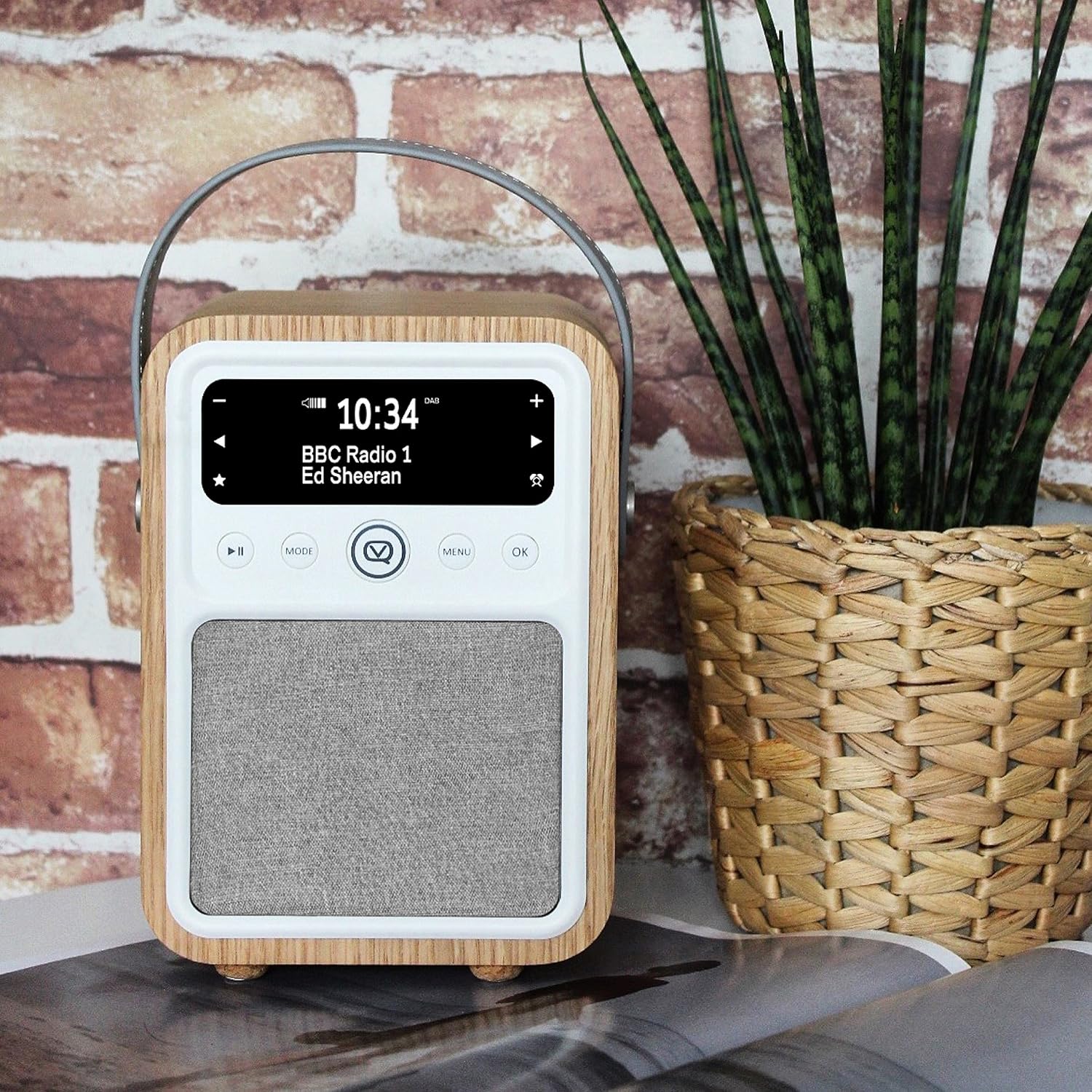
Figure 1: VQ Monty HD Digital Radio, front view.
2. Safety Information
- Do not expose the unit to rain or moisture to prevent fire or electric shock.
- Ensure proper ventilation; do not block ventilation openings.
- Use only attachments/accessories specified by the manufacturer.
- Unplug the unit during lightning storms or when unused for long periods.
- Refer all servicing to qualified service personnel.
3. Package Contents
Verify that all items are present in the package:
- VQ Monty HD Digital Radio
- Power Adapter
- USB Cable
- User Manual (this document)
4. Product Features
- Bluetooth Connectivity: Seamlessly connect your phone, tablet, or other devices for audio streaming.
- Extensive Radio Choice: Access AM/FM radio stations, including subscription-free programs.
- Premium Audio Quality: Equipped with a 10W speaker and British acoustic design for clear sound.
- Multi-Functionality: Features a dual alarm clock and a USB power port for charging external devices.
- Superior Quality Finish: Crafted with a real wood case (Oak finish) for enhanced aesthetics and acoustics.

Figure 2: Digital Radio certification for quality assurance.
5. Product Overview
Familiarize yourself with the main components and controls of your VQ Monty radio.

Figure 3: Front and top controls of the VQ Monty radio.
Front Panel:
- Display Screen: Shows time, date, station information, and menu options.
- Control Buttons: Play/Pause, Mode, Menu, OK, Navigation (left/right/up/down).
- Speaker Grille: Audio output.
Rear Panel:
- Power Input: Connects to the power adapter.
- USB Power Port: For charging external devices.
- Auxiliary Input: For connecting external audio sources.
6. Setup
6.1 Power Connection
- Connect the provided power adapter to the DC input port on the rear of the radio.
- Plug the power adapter into a wall outlet.
- The radio will power on or enter standby mode.
6.2 Antenna
For optimal AM/FM reception, extend the telescopic antenna fully. Adjust its position for the best signal quality.
7. Operating Instructions
7.1 Power On/Off
Press the Power button (usually located on the top panel) to turn the radio on or off.
7.2 Radio Tuning (AM/FM)
- Press the Mode button to select FM or AM radio mode.
- Use the Navigation buttons (left/right) to manually tune to a station or press and hold to auto-scan for the next available station.
- Adjust the volume using the dedicated volume control knob or buttons.
7.3 Bluetooth Pairing
- Press the Mode button to select Bluetooth mode. The display will indicate 'Bluetooth Pairing'.
- On your mobile device, enable Bluetooth and search for 'VQ Monty'.
- Select 'VQ Monty' from the list of available devices to pair. A confirmation sound will indicate successful pairing.
- You can now stream audio from your device to the radio.
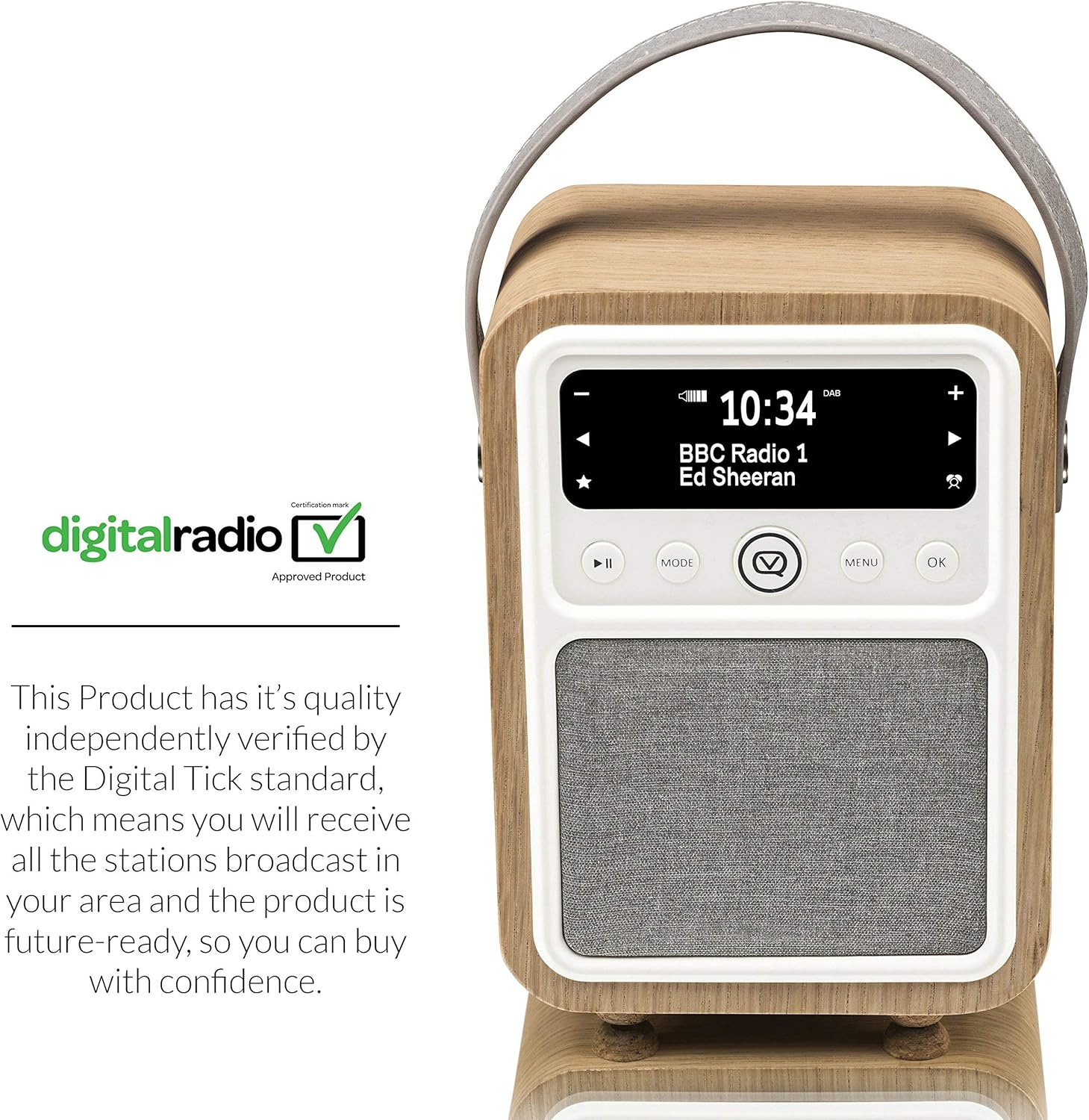
Figure 4: Bluetooth streaming capability.
7.4 Alarm Clock Setup
- Press the Menu button and navigate to the 'Alarm' settings.
- Select 'Alarm 1' or 'Alarm 2' to configure.
- Set the desired alarm time, source (e.g., FM, Buzzer), and volume.
- Confirm settings to activate the alarm.
7.5 USB Charging
Connect your mobile device's USB charging cable to the USB power port on the rear of the radio to charge your device.
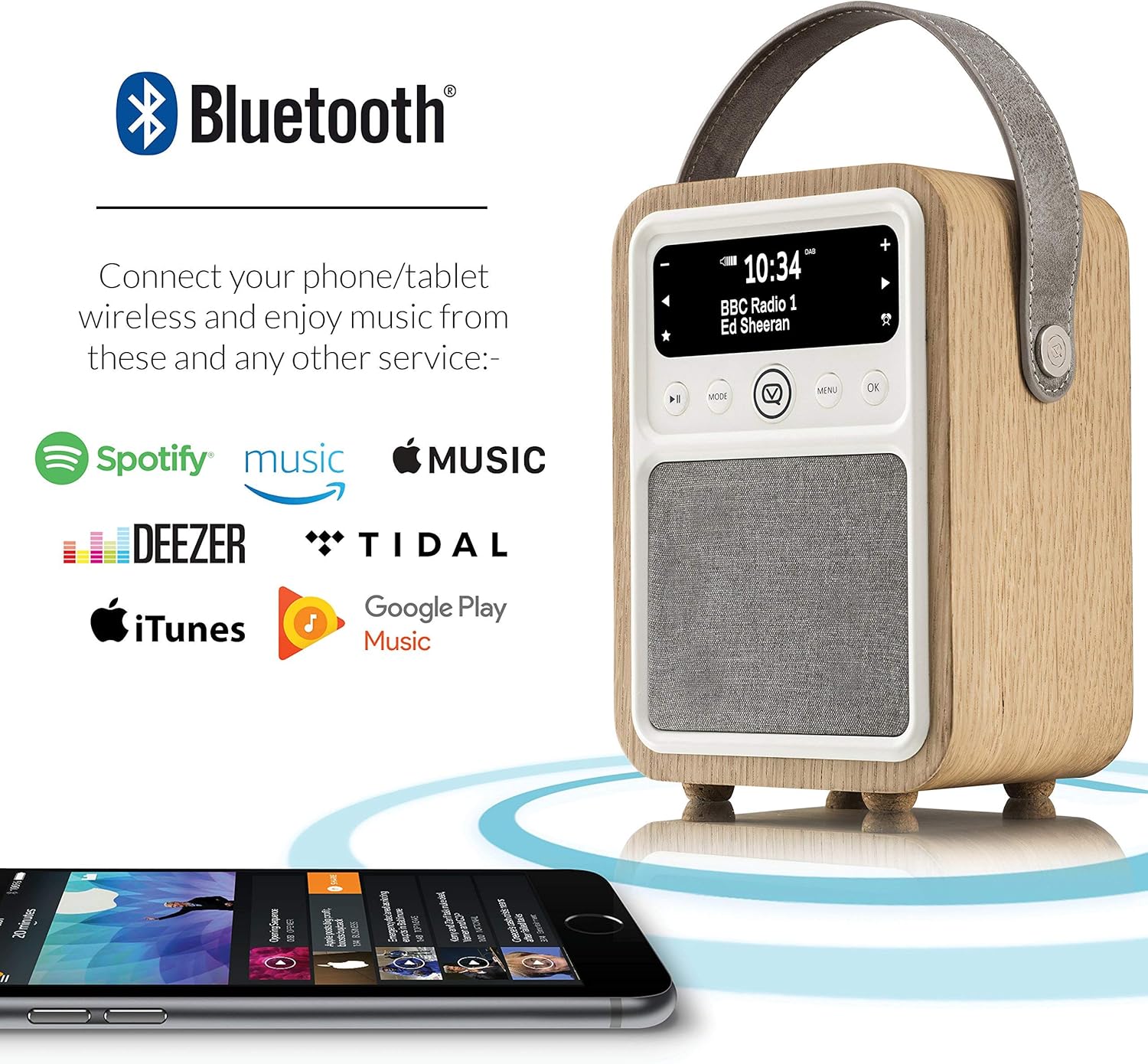
Figure 5: USB charging port in use.
8. Maintenance
- Clean the radio with a soft, dry cloth. Do not use abrasive cleaners or solvents.
- Keep the unit away from direct sunlight, heat sources, and excessive dust.
- Ensure proper ventilation around the unit.
9. Troubleshooting
| Problem | Possible Cause | Solution |
|---|---|---|
| No power | Power adapter not connected or faulty outlet. | Check power connections; try a different outlet. |
| Poor radio reception | Antenna not extended or poor signal area. | Extend and adjust the antenna; relocate the radio. |
| Bluetooth not pairing | Radio not in Bluetooth mode or device too far. | Ensure radio is in Bluetooth mode; move device closer. |
| Alarm not sounding | Alarm not set or volume too low. | Verify alarm settings and volume level. |
10. Specifications
- Brand: VQ
- Model Number: 11080
- Product Dimensions: 5.12 x 3.94 x 7.32 inches
- Item Weight: 3.09 pounds
- Color: Oak
- Connectivity Technology: Auxiliary, Bluetooth, USB
- Tuner Technology: AM, FM
- Power Source: Corded Electric
- Special Features: Alarm, Built-In Clock
11. Warranty and Support
For warranty information and technical support, please refer to the documentation provided with your purchase or visit the official VQ website. Keep your proof of purchase for any warranty claims.


