
1. Introduction
This user manual provides essential information for the safe and efficient operation of your new Candy MIC20GDFN Combination Built-in Microwave Oven. Please read these instructions carefully before using the appliance and retain them for future reference. Proper use and maintenance will ensure optimal performance and extend the lifespan of your microwave oven.
2. Important Safety Instructions
When using electrical appliances, basic safety precautions should be followed, including the following:
- Read all instructions before using the appliance.
- Do not operate the oven if the door or door seals are damaged. Contact qualified service personnel for repair.
- Do not heat liquids or other foods in sealed containers as they are liable to explode.
- Only allow children to use the oven without supervision when adequate instructions have been given so that the child is able to use the oven in a safe way and understands the hazards of improper use.
- Use only utensils that are suitable for use in microwave ovens.
- When heating food in plastic or paper containers, keep an eye on the oven due to the possibility of ignition.
- If smoke is observed, switch off or unplug the appliance and keep the door closed in order to stifle any flames.
- Do not overcook food.
- Do not use the oven for storage purposes. Do not leave paper products, cooking utensils, or food in the oven when not in use.
- The microwave oven is intended for heating food and beverages. Drying of clothing and heating of warming pads, slippers, sponges, damp cloth and similar may lead to risk of injury, ignition or fire.
- The appliance must be earthed. Connect only to a properly earthed outlet.
3. Product Overview
The Candy MIC20GDFN is a 20-liter combination built-in microwave oven designed for modern kitchens. It offers efficient microwave cooking with multiple functions, integrated seamlessly into your cabinetry.

Figure 3.1: Front view of the Candy MIC20GDFN built-in microwave oven, showcasing its sleek black finish and control panel on the right side.

Figure 3.2: The Candy MIC20GDFN microwave oven seamlessly integrated into a white kitchen cabinet, with the door closed and the digital display showing the time.

Figure 3.3: The Candy MIC20GDFN microwave oven with its door open, revealing a dish of food placed on the turntable inside, demonstrating its operational state within a kitchen setting.
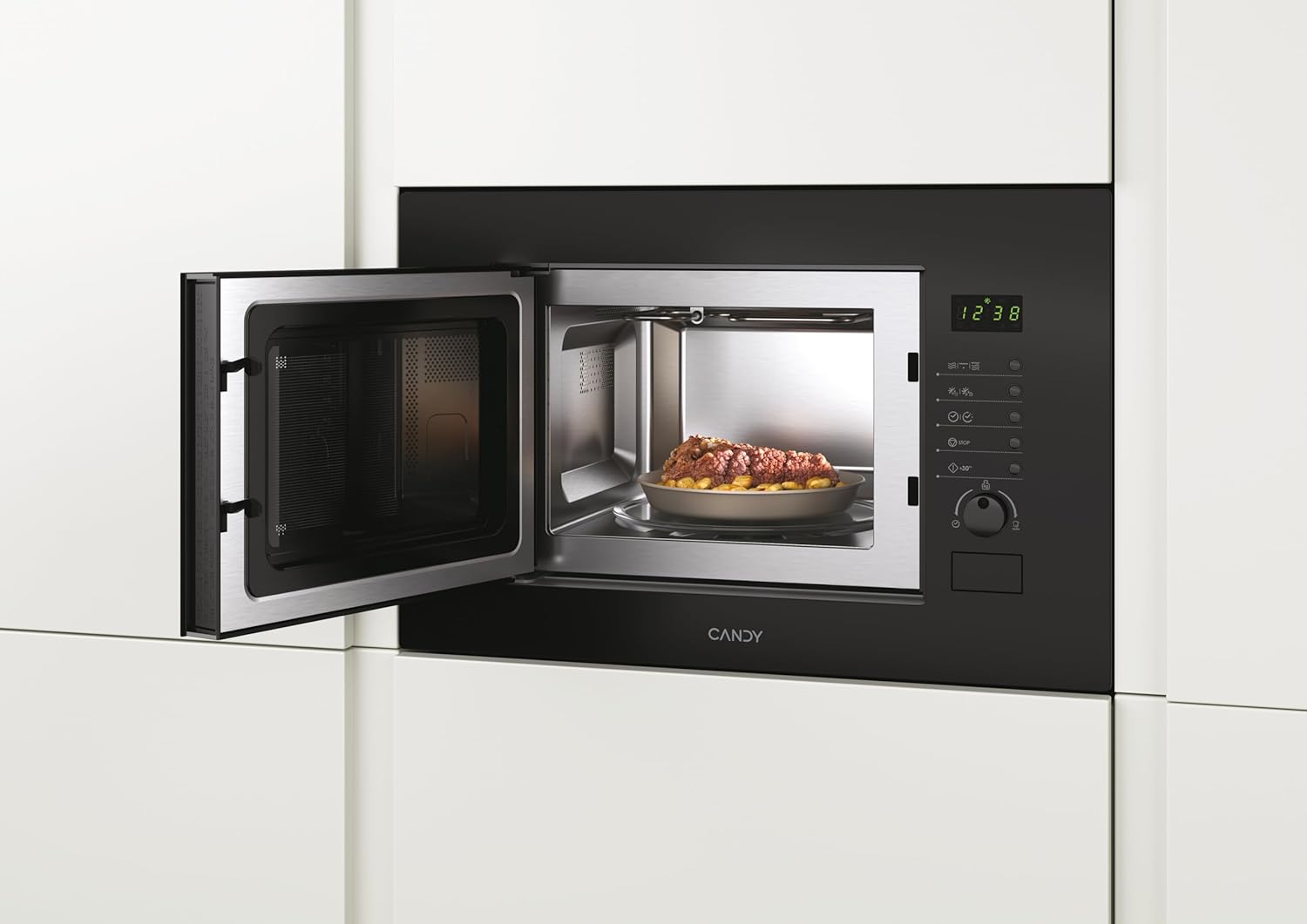
Figure 3.4: A closer interior view of the Candy MIC20GDFN microwave oven with the door open, showing the stainless steel cavity and the glass turntable, ready for use.
4. Setup and Installation
This appliance is designed for built-in installation. Ensure that the installation is carried out by a qualified technician in accordance with the provided installation template and local regulations.
4.1 Unpacking
- Carefully remove all packaging materials.
- Check the oven for any damage, such as dents or a misaligned door. Do not operate if damaged.
- Ensure all accessories, including the turntable and roller ring, are present.
4.2 Placement and Ventilation
- The microwave oven must be placed in a cabinet opening that meets the specified dimensions.
- Ensure adequate ventilation space around the appliance as per the installation guide to prevent overheating.
4.3 Electrical Connection
- Connect the appliance to a properly earthed electrical outlet.
- Verify that the voltage and frequency match the specifications on the rating plate of the appliance.
5. Operating Instructions
The Candy MIC20GDFN offers various cooking functions. Familiarize yourself with the control panel for optimal use.
5.1 Control Panel Overview
The control panel typically features a digital display, function buttons, and a rotary knob for setting time and power levels. Refer to Figure 3.1 for a visual representation.
5.2 Basic Microwave Cooking
- Place food in a microwave-safe container on the turntable.
- Close the oven door securely.
- Select the desired microwave power level using the appropriate button or rotary knob.
- Set the cooking time.
- Press the Start button to begin cooking.
5.3 Grill Function
The grill function is ideal for browning and crisping food.
- Place food on the grill rack (if provided) or a heat-resistant dish.
- Select the grill function.
- Set the grilling time.
- Press the Start button.
5.4 Combination Cooking
Combination cooking combines microwave and grill functions for faster cooking and browning results.
- Place food in a suitable container.
- Select the desired combination mode (e.g., Microwave + Grill).
- Set the cooking time and power levels as required.
- Press the Start button.
5.5 Defrost Function
The defrost function allows for quick and efficient thawing of frozen foods.
- Place frozen food in a microwave-safe dish.
- Select the defrost function (by weight or time).
- Enter the weight of the food or the desired defrosting time.
- Press the Start button.
6. Maintenance and Cleaning
Regular cleaning and maintenance will ensure the longevity and hygiene of your microwave oven.
- Exterior: Clean the exterior surface with a soft, damp cloth. Do not use abrasive cleaners or solvents.
- Interior: Wipe the interior cavity with a damp cloth after each use. For stubborn stains, place a bowl of water with lemon juice inside and microwave for a few minutes to loosen residue, then wipe clean.
- Door and Seals: Clean the door, door seals, and control panel with a soft, damp cloth to remove any spills or splatters.
- Turntable and Roller Ring: The glass turntable and roller ring can be removed and washed in warm soapy water or in a dishwasher. Ensure they are dry before placing them back in the oven.
- Never use steam cleaners.
7. Troubleshooting
If you encounter any issues with your microwave oven, refer to the table below for common problems and solutions. If the problem persists, contact customer support.
| Problem | Possible Cause | Solution |
|---|---|---|
| Oven does not start | Power cord not plugged in; Door not closed properly; Fuse blown or circuit breaker tripped. | Plug into outlet; Close door securely; Check fuse or reset circuit breaker. |
| Food not heating | Incorrect power level or cooking time set; Microwave-safe dish not used. | Adjust settings; Use appropriate cookware. |
| Turntable not rotating | Turntable not properly placed; Roller ring dirty or damaged. | Ensure turntable is correctly seated; Clean or replace roller ring. |
| Unusual noise during operation | Food container touching oven walls; Turntable or roller ring misaligned. | Reposition food container; Adjust turntable and roller ring. |
8. Specifications
Technical specifications for the Candy MIC20GDFN Combination Built-in Microwave Oven:
- Brand: CANDY
- Model: MIC20GDFN
- Capacity: 20 Liters
- Product Dimensions: 24 x 69 x 2.5 cm (Height x Width x Depth)
- Weight: 15 kg
- Colour: Black
- Special Features: INF Programmable
- Manufacturer: Candy
- Language: English
9. Warranty and Support
Your Candy MIC20GDFN Combination Built-in Microwave Oven comes with a manufacturer's warranty. Please refer to the warranty card included with your purchase for specific terms and conditions. For technical support, service, or spare parts, please contact your local Candy service center or authorized dealer. Ensure you have your model number (MIC20GDFN) and purchase details available when contacting support.


