
TCL L32D2900
TCL L32D2900 32-inch HD Ready LED TV User Manual
Model: L32D2900
Introduction
This user manual provides essential information for the safe and efficient operation of your TCL L32D2900 32-inch HD Ready LED TV. Please read this manual thoroughly before using the television and retain it for future reference.
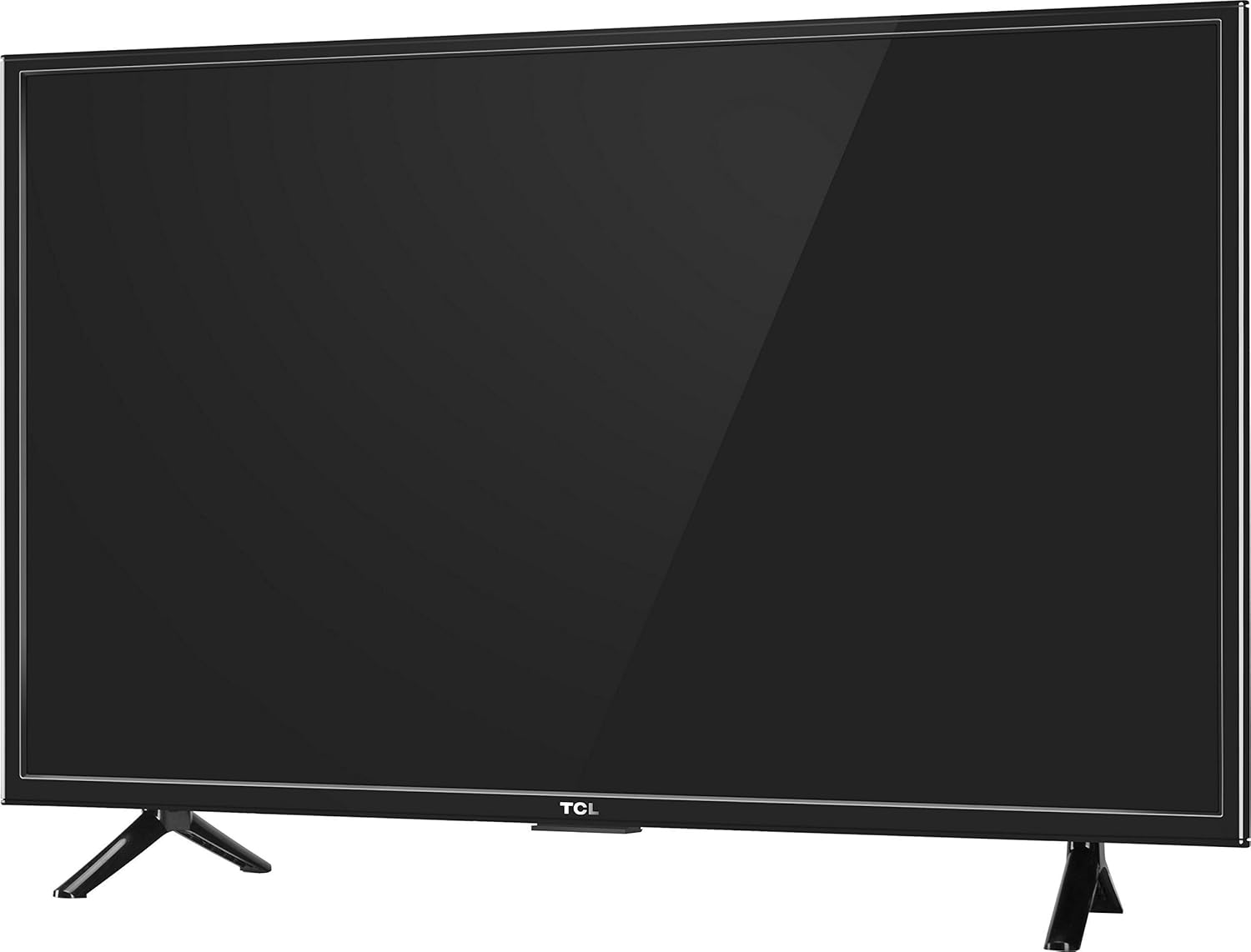
Figure 1: Front view of the TCL L32D2900 LED TV with its table-top stand.
What's in the Box
Upon unpacking, please ensure all the following items are present:
- 1 x TCL L32D2900 LED TV
- 1 x Table Top Stand
- 1 x Wall Mount Bracket
- 1 x User Manual (this document)
- 1 x Warranty Card
- 1 x Remote Control
- 2 x AAA Batteries (for remote control)
- 1 x Power Cable / Power Supply Adapter
Setup Instructions
1. Installing the Table Top Stand
- Carefully place the TV screen-down on a soft, flat surface to prevent damage.
- Align the stand bases with the corresponding slots on the bottom of the TV.
- Secure the stand bases using the provided screws. Ensure they are tightened firmly.
2. Wall Mounting (Optional)
A wall mount bracket is included. For wall mounting, it is recommended to seek professional installation to ensure safety and proper setup. Refer to the separate wall mount installation guide for detailed instructions.
3. Connecting Power
- Connect the power cable to the TV's power input port.
- Plug the other end of the power cable into a suitable electrical outlet.
4. Initial Power On
After connecting the power, press the power button on the TV or the remote control to turn on the television. Follow the on-screen instructions for initial setup, including language selection and channel scanning.
Operating Your TV
Remote Control Functions
The remote control allows you to access all TV functions. Insert the two AAA batteries into the remote control, ensuring correct polarity.
- Power Button: Turns the TV on or off.
- Input/Source: Selects input sources (HDMI, USB, AV, etc.).
- Volume Up/Down: Adjusts the volume level.
- Channel Up/Down: Changes TV channels.
- Menu: Accesses the main menu for settings adjustments.
- Navigation Buttons (Up/Down/Left/Right/OK): Navigates through menus and confirms selections.
Picture and Sound Settings
Access the main menu to adjust picture settings (brightness, contrast, color, sharpness) and sound settings (equalizer, sound mode).

Figure 2: Recommended viewing distance for optimal experience with a 32-inch HD Ready TV.
Connectivity
Your TCL L32D2900 TV offers various ports for connecting external devices.
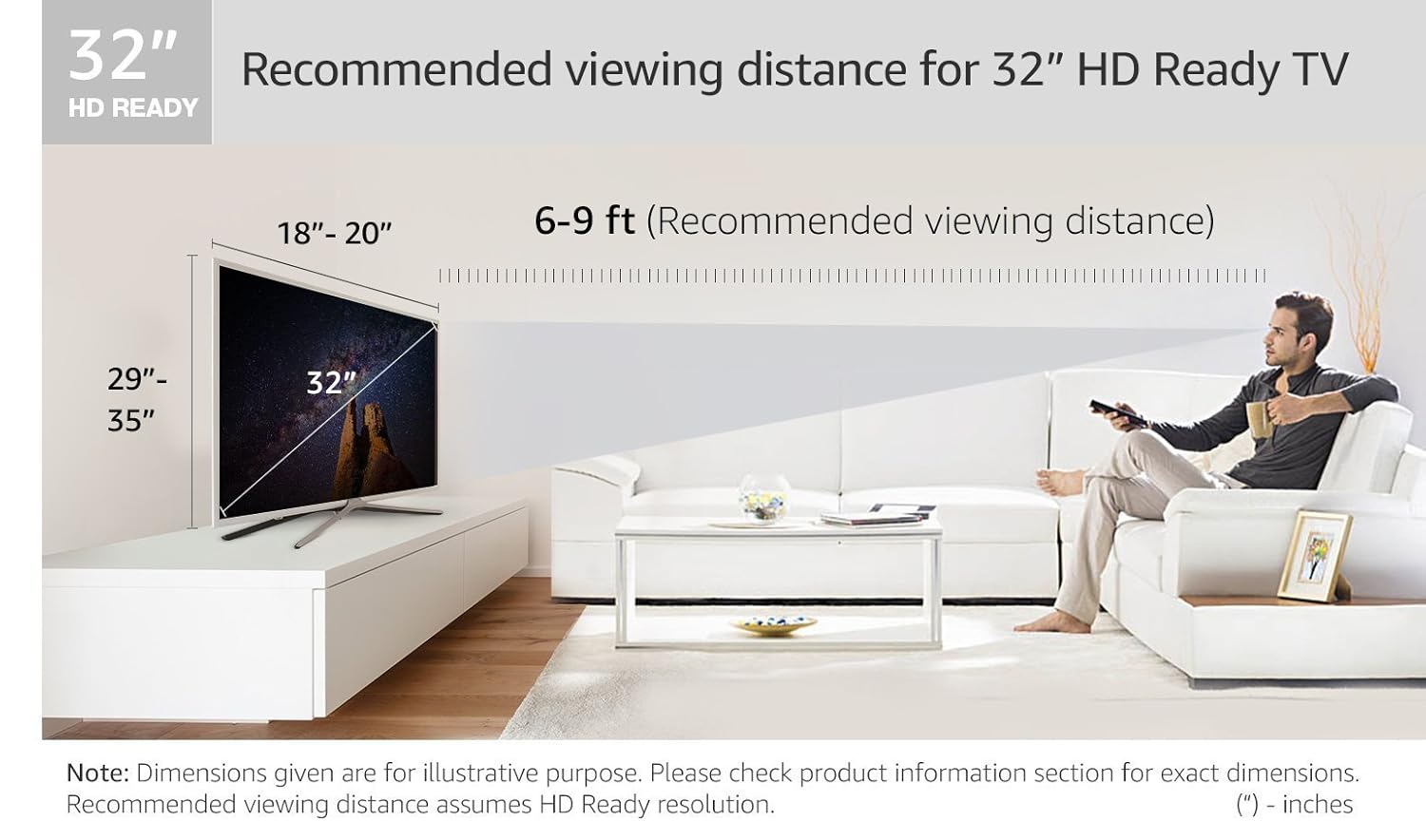
Figure 3: Rear panel connectivity ports.

Figure 4: Side-mounted connectivity ports.
- HDMI Ports (x2): Connect high-definition devices such as Blu-ray players, gaming consoles, and set-top boxes.
- USB Ports (x2): Connect USB storage devices to play media files (photos, music, videos).
- AV Input: Connect older devices using composite video and stereo audio cables.
- Antenna/Cable Input: Connect an antenna or cable TV signal.
- Audio Output: Connect external audio systems or headphones.
Specifications
| Feature | Detail |
|---|---|
| Brand | TCL |
| Model Name | L32D2900 |
| Screen Size | 32 Inches (81.28 cm) |
| Display Technology | LED |
| Resolution | HD Ready (1366 x 768 pixels) |
| Refresh Rate | 60 Hz |
| Aspect Ratio | 16:9 |
| Viewing Angle | 178 Degrees |
| Image Contrast Ratio | 3000:1 |
| Connectivity | 2 HDMI, 2 USB |
| Audio Output | 10 Watts (5 W x 2) Stereo |
| Power Source | AC |
| Wattage | 45 Watts |
| Product Dimensions (LxWxH) | 73 x 18 x 48 cm |
| Item Weight | 6 kg |
| Mounting Type | Wall Mount / Table Top |
Troubleshooting
If you encounter issues with your TV, refer to the following common problems and solutions:
- No Power:
- Ensure the power cable is securely connected to both the TV and the electrical outlet.
- Check if the power outlet is functioning by plugging in another device.
- Press the power button on the TV itself, not just the remote.
- No Picture, But Has Sound:
- Check the input source. Press the "Input" or "Source" button on your remote to cycle through inputs.
- Ensure all video cables (HDMI, AV) are securely connected to both the TV and the external device.
- No Sound, But Has Picture:
- Check the volume level and ensure the TV is not muted.
- Verify audio cable connections if using external speakers.
- Check audio settings in the TV menu.
- Remote Control Not Working:
- Replace the batteries with new AAA batteries, ensuring correct polarity.
- Ensure there are no obstructions between the remote control and the TV's IR sensor.
If the problem persists after trying these solutions, please contact customer support.
Warranty and Support
Your TCL L32D2900 TV comes with a warranty. Please refer to the included Warranty Card for details on coverage, terms, and conditions. For technical support, service requests, or further inquiries, please visit the official TCL support website or contact their customer service helpline.
As this is a renewed product, specific warranty terms may apply. Please consult the Amazon Renewed program details or the provided warranty card for precise information.
Related documentsL32D2900


Ask a question about this manual
Ask about setup, troubleshooting, compatibility, parts, safety, or missing instructions. Manuals+ will review the question and use this page’s manual context to help answer it.