
Introduction
Thank you for choosing the MOMOHO Mini Bluetooth Speaker. This compact and powerful speaker delivers exceptional sound quality, features TWS pairing for stereo sound, and includes a built-in microphone for hands-free calls and remote shutter functionality. This manual provides detailed instructions to help you get the most out of your new speaker.

Image: The MOMOHO Mini Bluetooth Speaker, demonstrating its ultra-compact size as it is held easily between two fingers.
What's in the Box
Please check the package contents to ensure all items are present:
- MOMOHO Mini Bluetooth Speaker
- USB-C Charging Cable
- Lanyard
- User Manual (this document)

Image: The MOMOHO Mini Bluetooth Speaker, its charging cable, lanyard, and user manual laid out next to its clear plastic packaging.
Product Overview
Familiarize yourself with the speaker's components and controls.
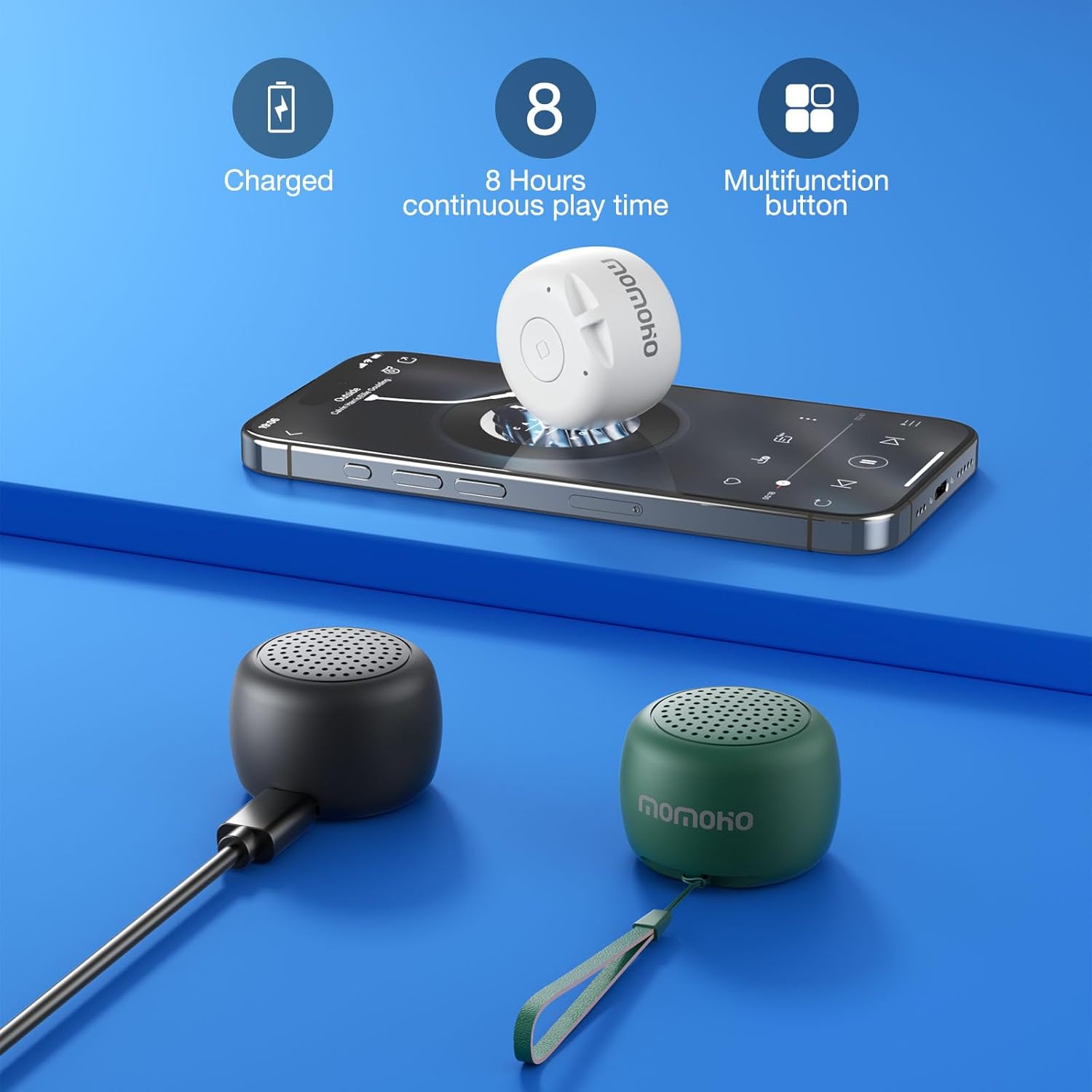
Image: An exploded diagram of the MOMOHO Mini Bluetooth Speaker, illustrating its internal components including the speaker driver, battery, and circuit board, highlighting its premium stereo sound design.
Controls and Indicators:
- Multi-function Button: Controls power, playback, calls, and remote shutter.
- USB-C Charging Port: For charging the speaker.
- LED Indicator: Shows charging status and connection status.
- Microphone: For hands-free calling.
Setup
1. Charging the Speaker
Before first use, fully charge the speaker. Connect the provided USB-C cable to the speaker's charging port and the other end to a USB power adapter (not included) or a computer's USB port. The LED indicator will show charging status.
- Charging Time: Approximately 20 minutes for a full charge.
- Battery Life: Up to 8 hours of continuous play time.

Image: A MOMOHO Mini Bluetooth Speaker charging, with visual indicators for full charge, 8 hours of continuous playtime, and the multifunction button.
2. Powering On/Off
- Power On: Long press the Multi-function Button for 3 seconds.
- Power Off: Long press the Multi-function Button for 3 seconds.
Operating Instructions
1. Bluetooth Pairing
To connect your speaker to a device:
- Ensure the speaker is powered on and in pairing mode (LED indicator will flash).
- On your device (smartphone, tablet, laptop), enable Bluetooth.
- Search for available Bluetooth devices and select "MOMOHO BTS0011" (or similar name).
- Once connected, the LED indicator will stop flashing and remain solid.
The speaker will automatically attempt to reconnect to the last paired device when powered on.
2. TWS (True Wireless Stereo) Pairing
For an immersive 360° stereo sound experience, you can pair two MOMOHO Mini Bluetooth Speakers together:
- Ensure both speakers are powered on and not connected to any other Bluetooth device.
- Double-press the Multi-function Button on one of the speakers. It will enter TWS pairing mode.
- The two speakers will automatically connect to each other. Once connected, one speaker will act as the master (left channel) and the other as the slave (right channel).
- Now, connect your device to the master speaker via Bluetooth as described in "Bluetooth Pairing" above.

Image: Two MOMOHO Mini Bluetooth Speakers wirelessly connected via TWS technology, positioned next to a laptop playing music, illustrating simultaneous connection for stereo sound.
3. Hands-free Calling
When connected to your smartphone, the speaker can be used for hands-free calls:
- Answer Call: Single press the Multi-function Button.
- End Call: Single press the Multi-function Button during a call.
- Reject Call: Long press the Multi-function Button when a call comes in.
4. Remote Shutter Function
Use the speaker as a remote shutter for your smartphone camera:
- Ensure the speaker is connected to your smartphone via Bluetooth.
- Open your smartphone's camera application.
- Single press the Multi-function Button on the speaker to take a photo.
5. Basic Playback Controls
While playing music:
- Play/Pause: Single press the Multi-function Button.
- Volume Up: Single press the Multi-function Button (Note: This speaker has a single button for multiple functions, volume control might be limited or controlled via the connected device).

Image: A visual guide to the MOMOHO Mini Bluetooth Speaker's single-button operation, detailing actions for power on/off, remote shutter, volume adjustment, and call management.
Maintenance
To ensure the longevity and optimal performance of your MOMOHO Mini Bluetooth Speaker, follow these maintenance guidelines:
- Cleaning: Wipe the speaker with a soft, dry cloth. Do not use abrasive cleaners, alcohol, or chemical solvents.
- Storage: Store the speaker in a cool, dry place away from direct sunlight and extreme temperatures.
- Water Resistance: The speaker is designed with an ABS plastic shell that is anti-dust and anti-fingerprint. While it has some water resistance, it is not fully waterproof. Avoid submerging it in water or exposing it to heavy rain.
- Charging: Use only the provided USB-C cable for charging. Do not attempt to disassemble or modify the speaker.

Image: A MOMOHO Mini Bluetooth Speaker with water droplets, illustrating its splash-resistant design, suitable for light exposure to moisture.
Troubleshooting
If you encounter issues with your speaker, refer to the following common problems and solutions:
| Problem | Possible Solution |
|---|---|
| Speaker does not power on. | Ensure the speaker is fully charged. Connect it to a power source and try again. |
| Cannot pair with Bluetooth device. |
|
| No sound or low volume. |
|
| TWS pairing fails. |
|
| Remote shutter not working. |
|
Specifications
| Feature | Detail |
|---|---|
| Model Name | BTS0011 |
| Brand | MOMOHO |
| Connectivity Technology | Wireless (Bluetooth 5.2) |
| Speaker Type | Built-In |
| Speaker Maximum Output Power | 5 Watts |
| Audio Output Mode | Surround (4.2 Channel Configuration) |
| Signal-to-Noise Ratio | 95 dB |
| Power Source | Battery Powered (1 Lithium Ion battery included) |
| Battery Capacity | 140 mAh |
| Charging Time | 20 minutes |
| Item Weight | 0.74 Ounces |
| Product Dimensions | 1.4"D x 1.4"W x 1.57"H |
| Material | ABS Plastic |
| Color | White (for this variant) |
| Maximum Range | 30 Feet (Bluetooth Range: 50 Feet) |
| Control Method | Touch (Multi-function Button) |
| Special Features | Bass Boost, Dustproof, Portable, Waterproof (splash-resistant), Auto Speaker Setup, Built-in Mic, TWS Pairing, Remote Shutter |
Warranty and Support
Warranty Information
The MOMOHO Mini Bluetooth Speaker comes with a limited or full warranty. Please refer to the warranty card included in your package for specific terms and conditions. Generally, a 30-day refund/replacement policy is available through the retailer.
Customer Support
For any questions, technical assistance, or warranty claims, please contact MOMOHO customer support. You can often find contact information on the manufacturer's official website or through your purchase platform.
Visit the official MOMOHO Store for more information: MOMOHO Store on Amazon