AVANTEK Sleep White Noise Machine User Manual
Model: B07F8PWXT4
Introduction
The AVANTEK Sleep White Noise Machine is designed to create a peaceful environment conducive to sleep, relaxation, and concentration. It features 20 soothing sounds, including white noise, fan sounds, and nature sounds, to help mask distractions and improve overall well-being. This manual provides essential information for the safe and effective operation of your device.

Image: The AVANTEK Sleep White Noise Machine, a compact white square device with a grey speaker grille on top and control buttons along the front edge.
Safety Information
Please read and understand all safety instructions before using this product. Failure to follow these instructions may result in injury or damage to the device.
- Power input: 100-240V ~ 50/60Hz, 0.5A.
- For indoor use only.
- Do not immerse in water or other liquids.
- This product is not a toy. Keep out of reach of children.
- Prolonged use of this device at high volume may cause damage to hearing.
Package Contents
Verify that all items are present and in good condition upon opening the package:
- AVANTEK Sleep White Noise Machine
- USB Power Cable
- User Manual

Image: The AVANTEK Sleep White Noise Machine, its retail box, a USB power cable, and the user manual, laid out to show the package contents.
Product Features
- Excellent Sound Quality: Equipped with a high-quality speaker for clear, rich, and natural sound.
- 20 Soothing Sounds: Includes 6 types of white noise, 6 fan sounds, and 8 nature sounds (ocean waves, rain, wind, stream, birds, campfire, cricket, and clock).
- Wide Volume Range: 30 adjustable volume levels to suit various environments and preferences.
- Timer Function: Auto-off timer settings for 1 to 7 hours, or continuous play.
- Memory Function: Automatically restores previous volume, sound, and timer settings upon restart.
- Compact & Portable: Small and lightweight design, ideal for home, office, or travel.
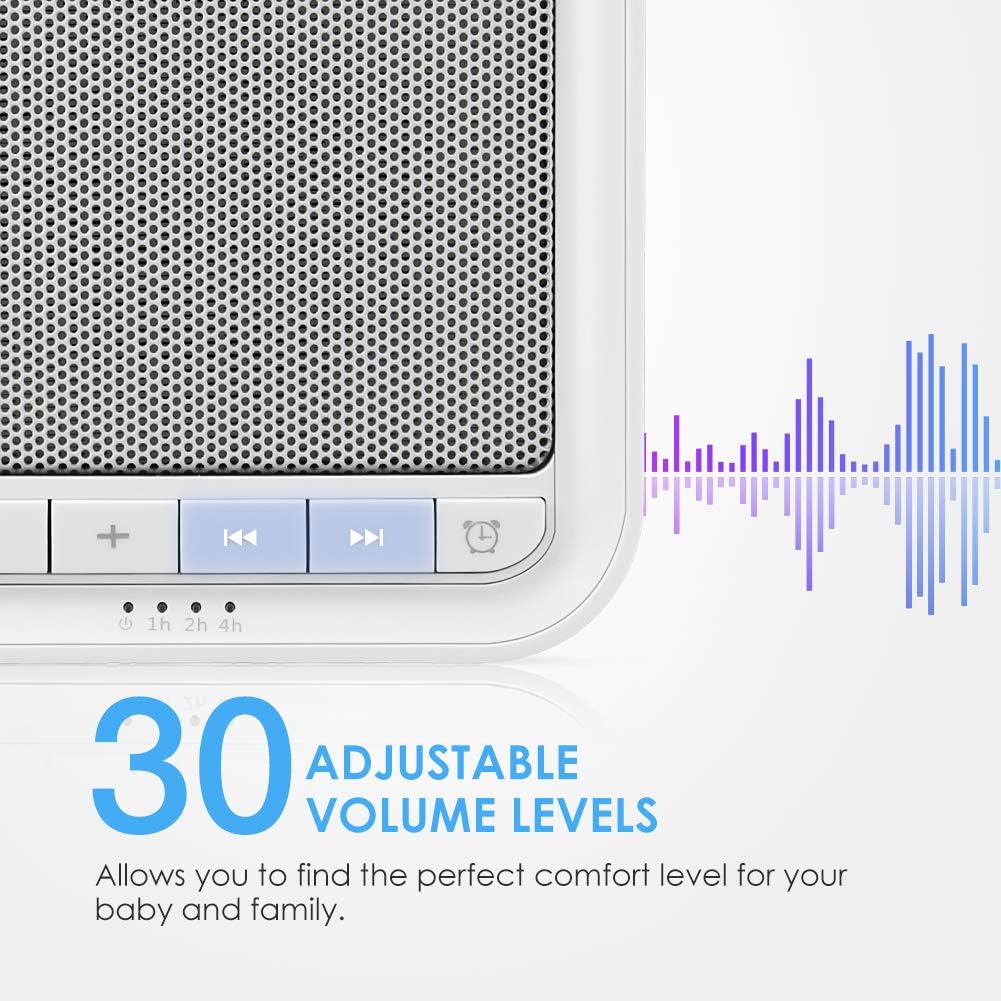
Image: A cutaway view illustrating the high-quality speaker component within the AVANTEK Sleep White Noise Machine, emphasizing its sound capabilities.
Setup
Follow these steps to set up your AVANTEK Sleep White Noise Machine:
- Power Connection: Connect the provided USB power cable to the machine. Plug the other end into a 5V power adapter (not included) or a USB charging port.
- Placement: Place the machine on a stable, flat surface away from direct sunlight, heat sources, and moisture.
Operating Instructions
The AVANTEK Sleep White Noise Machine is designed for simple operation. The control buttons are located on the top panel of the device.

Image: A detailed view of the control buttons on the AVANTEK Sleep White Noise Machine, illustrating the volume adjustment and sound selection controls.
Power On/Off
- Press the Power button to turn the device on or off.
Sound Selection
- Press the Previous Sound or Next Sound buttons to cycle through the 20 available sounds.
Volume Adjustment
- Press the Volume Down or Volume Up buttons to adjust the volume. There are 30 levels of volume.
Timer Settings
- Press the Timer button to set the auto-off timer. Available settings are 1, 2, 3, 4, 5, 6, or 7 hours. The sound will gradually fade out when the timer expires.
- To disable the timer and enable continuous play, press the Timer button until no timer indicator lights are illuminated.
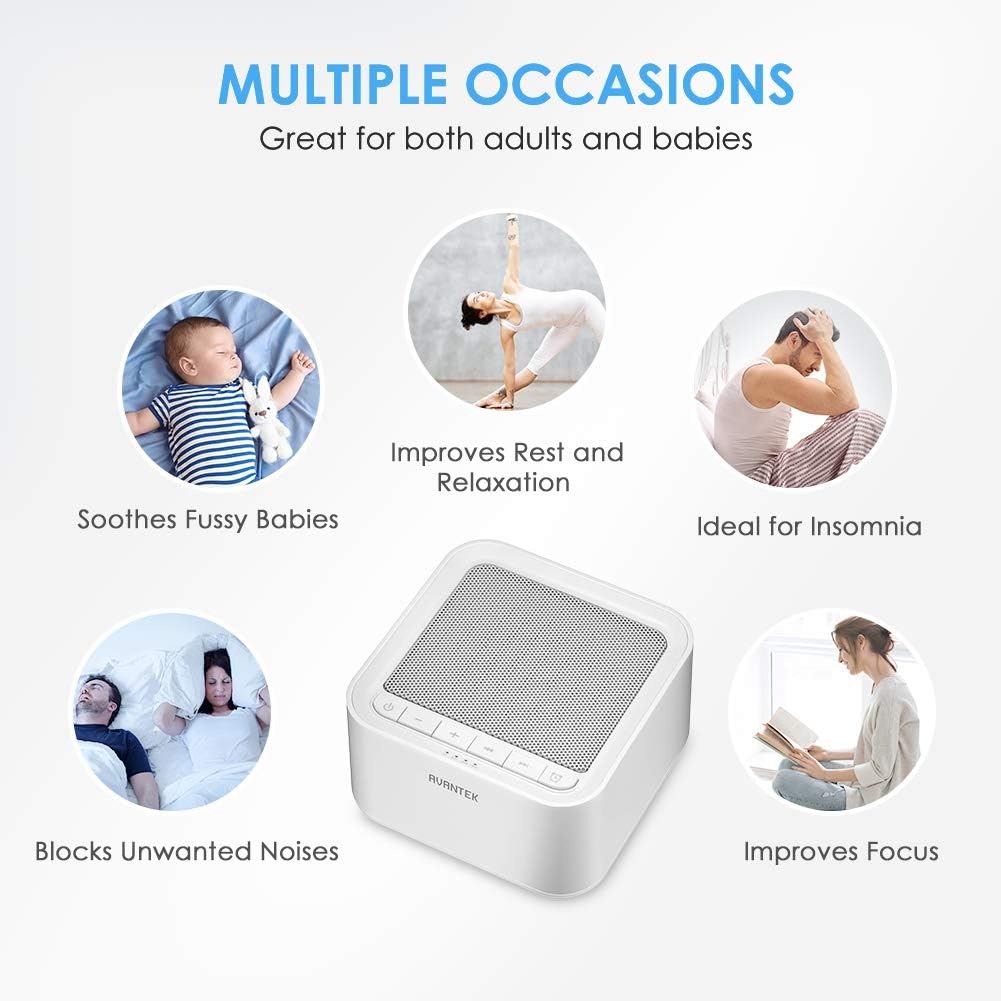
Image: A detailed view of the timer settings on the AVANTEK Sleep White Noise Machine, indicating the 1-7 hour auto-off options.
Available Sounds
The AVANTEK Sleep White Noise Machine offers 20 unique sounds to choose from:
White Noise (6 types)
- White Noise 1
- White Noise 2
- White Noise 3
- White Noise 4
- White Noise 5
- White Noise 6
Fan Sounds (6 types)
- Fan Sound 1
- Fan Sound 2
- Fan Sound 3
- Fan Sound 4
- Fan Sound 5
- Fan Sound 6
Nature Sounds (8 types)
- Ocean Waves
- Rain
- Wind
- Stream
- Birds
- Campfire
- Cricket
- Clock

Image: A visual representation of the 20 distinct soothing sounds offered by the AVANTEK Sleep White Noise Machine, categorized for easy understanding.
Maintenance
To ensure the longevity and optimal performance of your white noise machine, follow these maintenance guidelines:
- Cleaning: Wipe the exterior of the device with a soft, dry cloth. Do not use abrasive cleaners, solvents, or harsh chemicals.
- Storage: When not in use for extended periods, store the machine in a cool, dry place, away from direct sunlight and extreme temperatures.
- Handling: Avoid dropping the device or subjecting it to strong impacts.
Troubleshooting
If you encounter any issues with your AVANTEK Sleep White Noise Machine, please refer to the following common problems and solutions:
| Problem | Possible Cause | Solution |
|---|---|---|
| No power/Device does not turn on. | Not properly connected to power source; Faulty power adapter/USB cable. | Ensure the USB cable is securely connected to both the machine and a working 5V power adapter or USB port. Try a different power adapter or USB port. |
| No sound. | Volume is too low; Sound is paused or muted. | Increase the volume using the Volume Up button. Ensure the device is not muted (if applicable, though this model doesn't have a mute button). |
| Sound quality is poor or distorted. | Volume set too high; Device placed on an uneven surface; Interference. | Reduce the volume. Ensure the device is on a flat, stable surface. Move the device away from other electronic devices that might cause interference. |
| Timer not working as expected. | Incorrect timer setting. | Press the Timer button repeatedly to cycle through the desired timer settings (1-7 hours) or to disable the timer for continuous play. |
Specifications
| Feature | Detail |
|---|---|
| Brand | AVANTEK |
| Model Name | AVANTEK Sleep White Noise Machine |
| ASIN | B07F8PWXT4 |
| Color | White |
| Material | ABS Plastic |
| Power Source | Corded Electric, USB |
| Connector Type | USB |
| Number of Sounds | 20 |
| Timer Settings | 1-7 hours, Continuous Play |
| Volume Levels | 30 |
| Package Dimensions | 13.2 x 13 x 9.4 cm |
| Weight | 520 g |
Warranty and Support
AVANTEK products are designed and manufactured to the highest quality standards. For information regarding warranty coverage, technical support, or customer service, please refer to the contact details provided on the product packaging or visit the official AVANTEK website.
Please retain your proof of purchase for warranty claims.


