
Retevis RT21
Retevis RT21 Two-Way Radio Instruction Manual
Model: RT21
Product Overview
The Retevis RT21 is a robust and reliable two-way radio system designed for effective long-range communication in demanding environments such as manufacturing, education, and retail. This package includes multiple RT21 radios, each equipped with an 1100mAh battery, and a convenient 6-way multi-charger for efficient power management. The radios feature a durable metal interior construction, ensuring resilience against harsh conditions. They operate on FRS frequencies, making them ready for use out of the box without requiring a license, and are FCC Part 95 compliant. Key features include clear audio, VOX functionality, squelch control, and an emergency alarm.
Setup
1. Unpacking and Initial Inspection
Carefully unpack all components. Verify that all items listed in the 'What's in the Box' section are present and undamaged. The package typically includes: 6 x Retevis RT21 two-way radios, 6 x Li-ion batteries, 6 x Belt Clips, 6 x Slings, 1 x User manual, and 1 x 6-Way multi-gang charger.
2. Battery Installation
Each RT21 radio requires one 1100mAh Li-ion battery. To install, align the battery with the contacts on the back of the radio and slide it into place until it clicks securely. Ensure the battery is firmly seated to maintain proper contact and power supply.
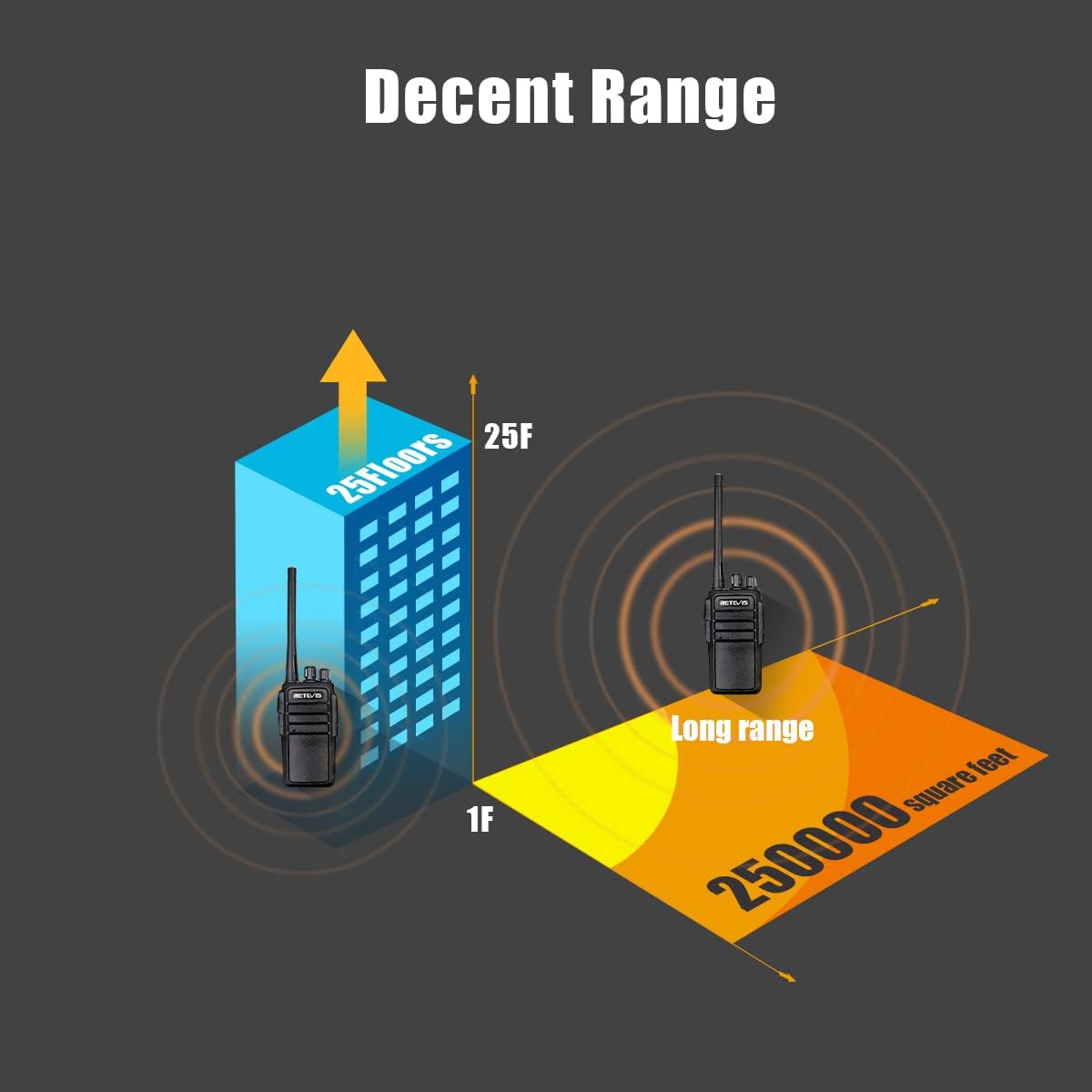
Image: The Retevis RT21 radio highlighting its 1100mAh battery, which provides approximately 10-12 hours of usage time.
3. Charging the Batteries
The included 6-way multi-gang charger allows for simultaneous charging of up to six radios or individual batteries. Place the radios or batteries into the designated slots on the charger. Connect the power adapter to the charger and plug it into a standard electrical outlet. The charging indicator light will typically show red during charging and turn green when fully charged. The 1100mAh battery provides approximately 10-12 hours of operating time.
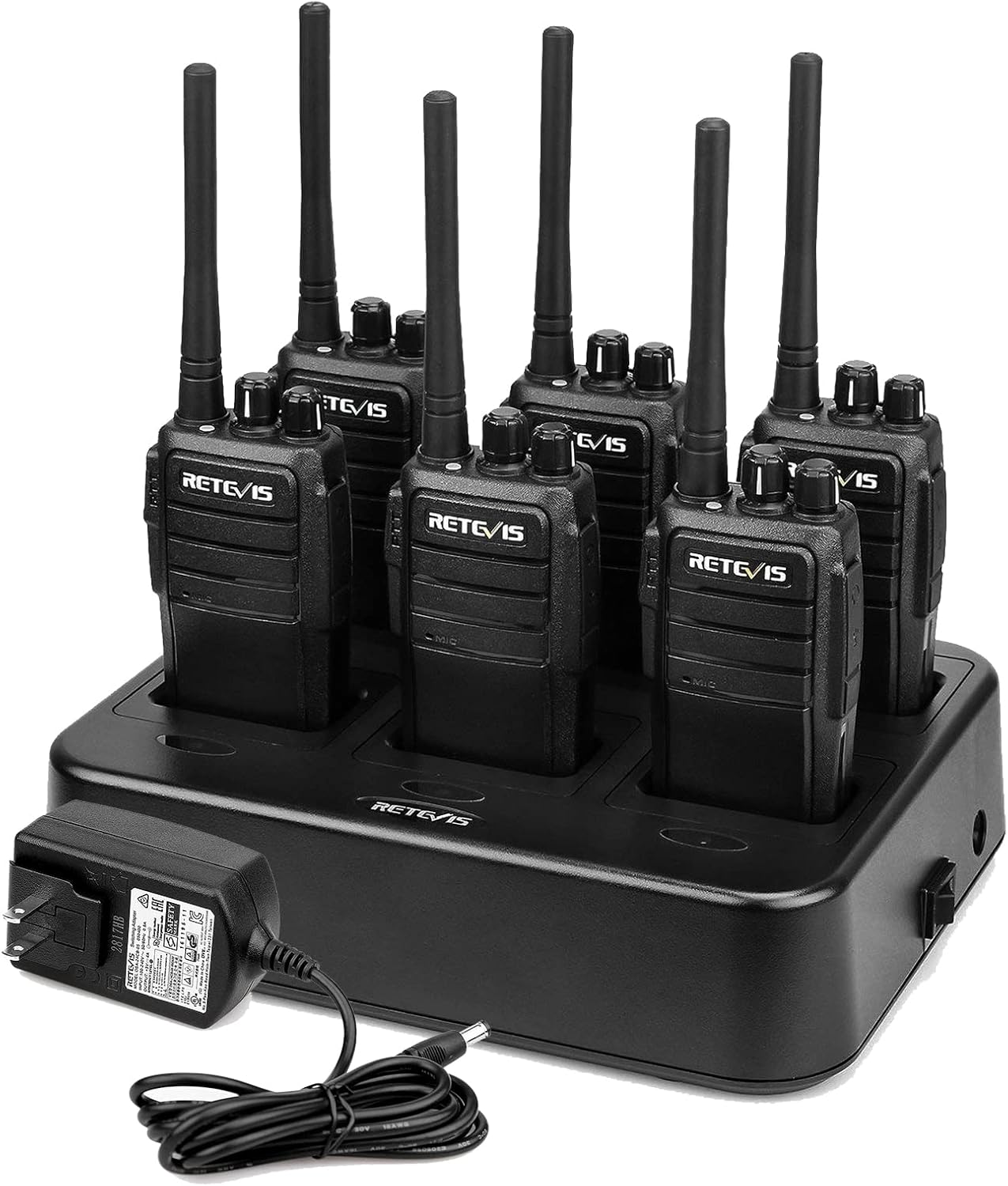
Image: Six Retevis RT21 two-way radios docked in their 6-way multi-gang charger, ready for charging.

Image: A visual representation of the safe charging capabilities of the 6-way multi-gang charger, emphasizing its multiple protection features.
Operating
1. Power On/Off and Volume Control
To power on the radio, rotate the left knob clockwise until you hear a click. Continue rotating to increase the volume. To power off, rotate the knob counter-clockwise until it clicks off.
2. Channel Selection
The RT21 radios come pre-programmed with 16 channels. To select a channel, rotate the right knob. A voice prompt will announce the selected channel number. For optimal communication, ensure all radios in your group are set to the same channel.

Image: A graphic depicting the high-quality sound output of the Retevis RT21 radio, designed to provide clear audio even in noisy environments.
3. Transmitting and Receiving (PTT)
To transmit, press and hold the Push-to-Talk (PTT) button located on the side of the radio. Speak clearly into the microphone. Release the PTT button to receive. Ensure the channel is clear before transmitting.
4. VOX Function (Voice Operated Exchange)
The RT21 supports VOX, allowing for hands-free transmission when using a compatible earpiece. When VOX is enabled, the radio will automatically transmit when it detects your voice, eliminating the need to press the PTT button. This feature can be programmed via software.
Video: An audio test of the Retevis RT21 walkie-talkie, demonstrating its sound clarity and the functionality of its scrambler feature. This video provides an example of the radio's audio performance and the effect of the scrambler on voice transmission.
5. Squelch Function
Squelch automatically mutes the speaker when no signal is present, reducing background noise. The RT21 features adjustable squelch levels, which can be configured via programming software to optimize reception in various noise environments.
6. Emergency Alarm
The radio includes an emergency alarm feature designed to enhance user safety, particularly when working alone. This function can be activated to send an alert signal to other radios on the same channel. Consult the programming software for details on how to activate and customize this feature.
Maintenance
1. Cleaning
To clean the radio, use a soft, damp cloth. Do not use harsh chemicals, cleaning solvents, or strong detergents, as these can damage the radio's casing and internal components. Ensure the radio is powered off and disconnected from any power source before cleaning.
2. Storage
Store the radio in a cool, dry place away from direct sunlight and extreme temperatures. If storing for extended periods, remove the battery to prevent leakage and damage. Fully charge the battery before storage and periodically recharge it during long storage periods to maintain battery health.
3. Antenna Care
The antennas on all RT21 walkie-talkies are fixed and not detachable. Do not attempt to twist or remove the antenna, as this can cause permanent damage to the radio and void the warranty. Handle the radio carefully to avoid bending or breaking the antenna.

Image: The Retevis RT21 radio showcasing its rugged design, built to withstand daily wear and tear in commercial environments.
Troubleshooting
| Problem | Possible Cause | Solution |
|---|---|---|
| Radio does not power on | Battery is low or not installed correctly. | Ensure battery is fully charged and properly seated. |
| No sound or distorted sound | Volume too low, squelch level too high, or radio out of range. | Increase volume, adjust squelch level via software, or move closer to other radios. |
| Short communication range | Obstructions (buildings, terrain), low battery, or interference. | Move to an open area, fully charge battery, or change channels to avoid interference. |
| Cannot communicate with other radios | Different channels, CTCSS/DCS codes, or out of range. | Verify all radios are on the same channel and have matching CTCSS/DCS settings. |
Specifications
| Feature | Detail |
|---|---|
| Model Number | RT21 |
| Item Weight | 5.3 ounces |
| Product Dimensions | 1.18 x 2.12 x 8.85 inches |
| Batteries | 6 Lithium Ion batteries required (included) |
| Manufacturer | Retevis |
| Color | Black |
| Number of Channels | 16 |
| Frequency Range | FRS |
| Voltage | 3.7 Volts |
| Water Resistance Level | Not Water Resistant |
| FCC ID | 2AAR8RETEVISRT21 (FCC Part 95 compliant) |
Warranty and Customer Support
Retevis provides a 3-year warranty for the radio body and a 1-year warranty for accessories. In addition, lifetime customer support is offered. For any inquiries or assistance, please contact Retevis customer service via Amazon. They aim to reply within 12 hours to address your concerns and provide support. Beyond the warranty period, maintenance services are still available, with buyers responsible for associated costs.
Related documentsRT21


Ask a question about this manual
Ask about setup, troubleshooting, compatibility, parts, safety, or missing instructions. Manuals+ will review the question and use this page’s manual context to help answer it.