
APUNOL T66RS
APUNOL Head Torch User Manual
Model: T66RS
Introduction
Welcome to the user manual for your APUNOL Head Torch. This rechargeable, waterproof LED headlamp is designed for various outdoor activities such as camping, hiking, running, and reading. It features super bright 800LM illumination, 8 lighting modes, and a convenient motion sensor switch. Please read this manual thoroughly to ensure proper use and maintenance of your device.
What's in the Box
- APUNOL Head Torch (2 units)
- USB Charging Cable
- Adjustable Head Band (pre-attached)

This image displays the two APUNOL headlamps included in the package, along with the essential USB charging cable for recharging the built-in batteries.
Key Features
- Super Bright & Rechargeable: Built-in 1200-mAh battery, 4-hour charge provides up to 30-hour constant use of light. Features 800LM brightness.
- 8 Lighting Modes: Includes white light (High, Medium, Low, SOS Stroboscope) and red light (Continuous, Flashing).
- Motion Sensor Switch: Allows for hands-free operation; turn on/off by waving your hand.
- Waterproof Design: Withstands exposure to rain, snow, and other wet conditions (IPX4 rated).
- Lightweight & Comfortable: Weighs less than 70g (2.46 ounces), features an adjustable ergonomic headband, and a 45° light angle adjustment.
- Durable Construction: Made from ABS material for robust performance.

This visual summary highlights the main advantages of the headlamp, including its powerful 800-lumen output, convenient USB recharging, hands-free motion sensor, and IPX4 waterproof rating.

This image details the various lighting options available, including different brightness levels for white light and continuous or flashing modes for red light, alongside the motion sensor functionality.
Setup
Initial Charge
Before first use, fully charge the headlamp to ensure optimal performance.
- Locate the USB charging port on the headlamp.
- Connect the provided USB cable to the headlamp and a compatible USB power source (e.g., computer, wall adapter).
- The charging indicator light will show the charging status (e.g., red for charging, green for full).
- A full charge takes approximately 4 hours and provides up to 30 hours of constant use depending on the selected mode.
Adjusting the Headband
The elastic headband is adjustable to fit various head sizes comfortably.
- Slide the buckles on the headband to loosen or tighten for a secure and comfortable fit.
- Ensure the headlamp is centered on your forehead for balanced illumination.

This image demonstrates the headlamp's ability to tilt downwards by 45 degrees, which is useful for directing the light precisely where needed, such as when running or reading.
Operating Instructions
Power Button Operation
The main power button controls the white and red light modes.
- Press once to turn on the white light (High mode).
- Subsequent presses cycle through white light modes: High > Medium > Low > SOS Stroboscope > Off.
- To activate red light, press and hold the power button for 2 seconds.
- Once in red light mode, press again to cycle: Continuous Red > Flashing Red > Off.
Motion Sensor Mode
The motion sensor allows for convenient hands-free operation.
- With the headlamp on, press the dedicated motion sensor button (usually indicated by a hand icon).
- The sensor indicator light will illuminate, confirming the mode is active.
- Wave your hand within 10-15 cm (4-6 inches) in front of the headlamp to turn the light on or off.
- To deactivate the motion sensor, press the motion sensor button again.

This visual guide illustrates how to use the motion sensor: a simple wave of the hand in front of the headlamp activates or deactivates the light, providing convenient hands-free control.

This detailed diagram identifies the various parts of the headlamp, such as the main power switch, motion sensor components, and the primary white and red LED lights, aiding in understanding its functionality.
Maintenance
Cleaning
Wipe the headlamp with a soft, damp cloth. Do not use abrasive cleaners or solvents, as these can damage the surface or internal components.
Storage
Store the headlamp in a cool, dry place when not in use, away from direct sunlight or extreme temperatures.
For long-term storage, charge the battery every 3-6 months to maintain battery health and prevent deep discharge.
Battery Care
The headlamp contains a built-in rechargeable Lithium Polymer battery. Do not attempt to replace the battery yourself, as this may void the warranty and cause damage.
Avoid fully discharging the battery frequently to prolong its lifespan and maintain optimal performance.
Troubleshooting
| Problem | Possible Cause | Solution |
|---|---|---|
| Headlamp does not turn on | Battery is depleted | Charge the headlamp fully using the provided USB cable. |
| Light is dim | Low battery or incorrect mode selected | Recharge the battery. Cycle through the lighting modes to select a brighter setting. |
| Motion sensor not responding | Sensor is off or obstructed | Ensure motion sensor mode is activated by pressing its dedicated button. Clear any obstructions in front of the sensor. |
| Headlamp gets wet | Exposure to water beyond IPX4 rating | The headlamp is waterproof (IPX4) for splashes. If submerged or exposed to high-pressure water, allow it to dry completely before further use. |
Specifications
| Feature | Detail |
|---|---|
| Model Number | T66RS |
| Brightness | 800 Lumens |
| Power Source | Battery Powered |
| Battery Type | 1 x Lithium Polymer (included) |
| Battery Capacity | 1200 mAh |
| Charging Time | Approx. 4 hours |
| Runtime | Up to 30 hours (low mode) |
| Light Source | LED |
| Lighting Modes | 8 (White: High, Medium, Low, SOS; Red: Continuous, Flashing) |
| Special Features | Adjustable, Lightweight, Rechargeable, Waterproof, Motion Sensor |
| Waterproof Rating | IPX4 |
| Material | ABS (Acrylonitrile Butadiene Styrene) |
| Dimensions (L x W x H) | 2.56"D x 1.57"W x 1.77"H |
| Weight | 2.46 ounces (approx. 70g) |
Warranty and Support
For warranty information or technical support, please refer to the product packaging or contact APUNOL customer service. Keep your purchase receipt for any warranty claims.
For further assistance, visit the official APUNOL website or contact their support team directly.

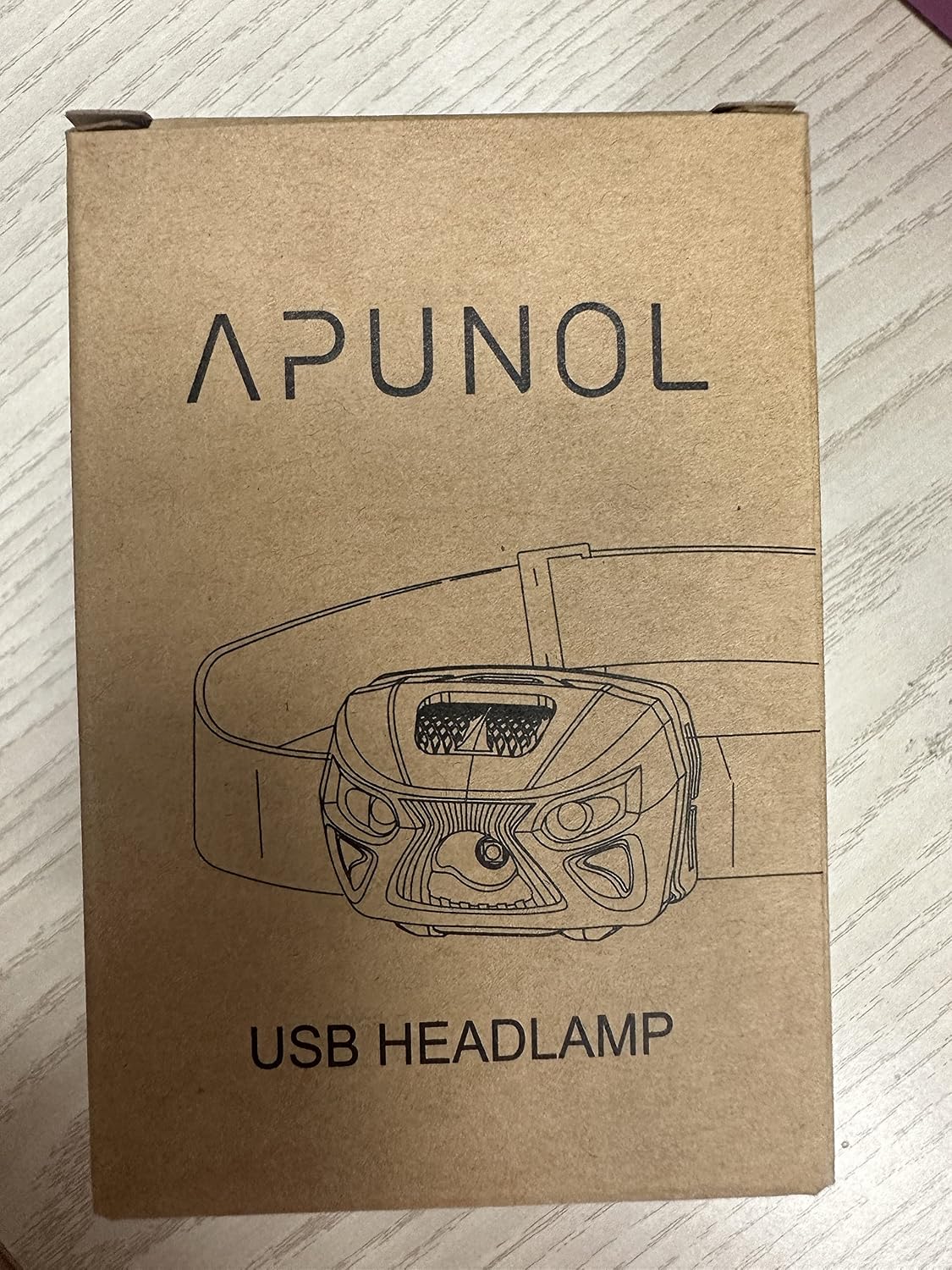
This image displays the front of the product packaging, featuring the APUNOL brand name and an illustration of the headlamp, which can be useful for identifying the product.

This image shows the back of the product box, which contains important manufacturer contact details, representative information for UK and EC regions, and various regulatory compliance symbols.
This image shows a side of the product box with a barcode and a product identifier (X000V7224H), which can be used for tracking or support inquiries.
Ask a question about this manual
Ask about setup, troubleshooting, compatibility, parts, safety, or missing instructions. Manuals+ will review the question and use this page’s manual context to help answer it.