
Introduction
This manual provides comprehensive instructions for the Cirbic Talking Clock Keychain, Model TK001. This device is designed to assist individuals with visual impairments by audibly announcing the time and date. Please read this manual thoroughly to ensure proper use and maintenance of your talking clock keychain.
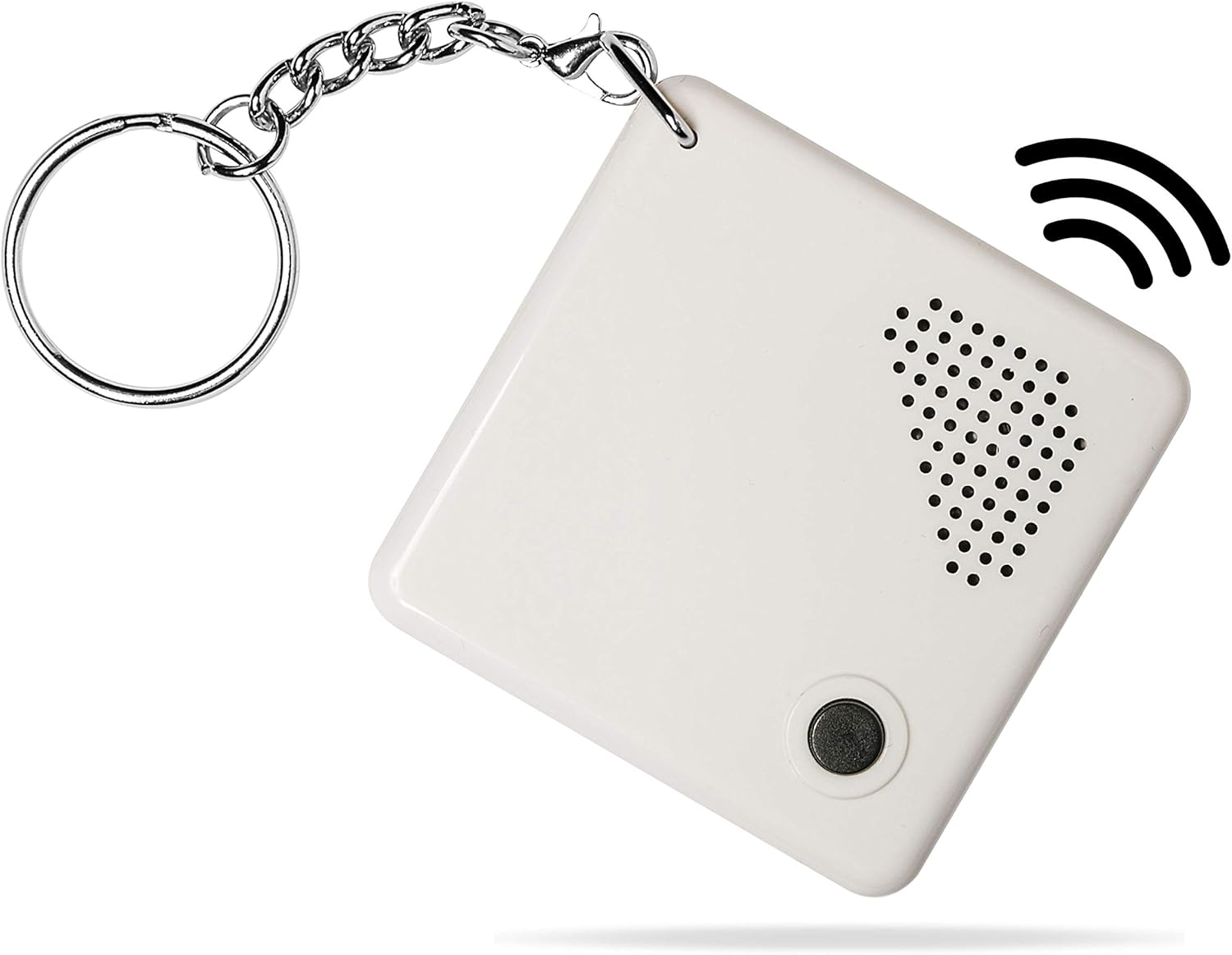
Figure 1: Front view of the Cirbic Talking Clock Keychain.
Setup
1. Battery Installation
The Cirbic Talking Clock Keychain requires one CR2032 battery, which is included. To install or replace the battery:
- Locate the battery compartment cover on the back of the device.
- Gently slide the cover open.
- Insert the CR2032 battery with the positive (+) side facing upwards.
- Close the battery compartment cover securely.

Figure 2: Battery compartment with CR2032 battery.
2. Setting Time, Date, and Alarm
The device features two small setting buttons on the back, typically labeled 'M' (Mode) and 'S' (Set) or similar. The setting process is guided by audio instructions.

Figure 3: Back view with setting buttons.
- To enter setting mode, press and hold both small setting buttons on the back simultaneously until you hear an audio prompt.
- The device will announce the current setting item (e.g., "Set Hour").
- Use one of the small buttons (e.g., 'S' or 'Adjust') to change the value (e.g., hour, minute).
- Use the other small button (e.g., 'M' or 'Mode') to confirm the value and move to the next setting item (e.g., "Set Minute").
- Repeat this process for Hour, Minute, Year, Month, Day, Day of the Week, Alarm Hour, and Alarm Minute.
- Once all settings are adjusted, the device will typically exit setting mode automatically, or you may need to press the large front button to save and exit.
Operating Instructions
1. Announcing the Time
To hear the current time announced:
- Press the large button located on the front of the keychain once.
- The device will announce the time in a clear North American English voice (e.g., "The time is 3:40 PM").
2. Announcing the Date
To hear the current date announced:
- Press the large button on the front of the keychain twice in quick succession.
- The device will announce the date, including the year, month, day, and day of the week (e.g., "The date is September 6th, Friday").
3. Alarm Function
The talking clock keychain includes an alarm function. Once the alarm time is set during the setup process, the alarm will sound at the designated time. Refer to the 'Setting Time, Date, and Alarm' section for instructions on how to set the alarm.
Maintenance
1. Battery Replacement
When the audio announcements become faint or the device stops responding, it is likely time to replace the CR2032 battery. Follow the steps outlined in the 'Battery Installation' section under Setup.
2. Cleaning
To clean your talking clock keychain, gently wipe the surface with a soft, dry cloth. Avoid using harsh chemicals or abrasive materials, as these can damage the device. Do not immerse the device in water.
Troubleshooting
- No Sound or Faint Sound: Check the battery. Replace the CR2032 battery if necessary.
- Incorrect Time or Date: Re-enter the setting mode and adjust the time and date as described in the 'Setting Time, Date, and Alarm' section.
- Buttons Unresponsive: Ensure the battery is correctly installed and has sufficient power. If the issue persists, the device may require service.
Specifications
- Brand: Cirbic
- Model Number: TK001
- Color: White
- Display Type: Analog (Audible)
- Special Feature: Loud Alarm
- Power Source: Battery Powered (1 x CR2032, included)
- Material: Plastic
- Item Weight: 1.13 ounces (approximately 0.03 Kilograms)
- Package Dimensions: 2.76 x 2.6 x 0.87 inches
- Voice: North American English, Male Voice

Figure 4: Size comparison of the talking clock keychain.
Warranty Information
Specific warranty details for the Cirbic Talking Clock Keychain Model TK001 are not provided in this manual. For information regarding product warranty, please refer to the packaging or contact the manufacturer directly.
Support
For further assistance, technical support, or inquiries about your Cirbic Talking Clock Keychain, please contact Cirbic customer service through their official website or the contact information provided with your purchase.