
Introduction
Thank you for choosing the XLeader SoundAngel BTS-02PK Bluetooth Speaker. This manual provides essential information for the safe and efficient use of your device. Please read it thoroughly before operation and retain it for future reference.
Safety Information
- Do not expose the speaker to extreme temperatures or direct sunlight.
- Avoid dropping or subjecting the speaker to strong impacts.
- Keep the speaker away from water and liquids, unless specifically designed for waterproof use (refer to specifications).
- Do not attempt to disassemble or repair the speaker yourself. Contact qualified service personnel.
- Use only the provided charging cable or a certified equivalent.
Package Contents
- XLeader SoundAngel BTS-02PK Bluetooth Speaker
- Charging Cable
- EVA Protective Case
- User Manual
Product Overview
Familiarize yourself with the speaker's components and controls.

Image: Top view of the XLeader SoundAngel speaker, illustrating the smart touch control panel. The rose gold speaker features intuitive icons for play/pause, volume adjustment, and track navigation.

Image: An exploded view of the XLeader SoundAngel speaker, highlighting its internal components, including the speaker driver and circuit board, designed for clear sound and bass.
Control Panel (Touch Sensitive)
- Power Button: Press and hold to power on/off.
- Play/Pause Button: Tap to play or pause music.
- Volume Up (+): Tap to increase volume. Press and hold for next track.
- Volume Down (-): Tap to decrease volume. Press and hold for previous track.
- Mode Button (M): Tap to switch between Bluetooth, TF Card, and AUX modes.
- Call Button: Tap to answer/end calls. Press and hold to reject calls.
Ports and Indicators
- Micro USB Charging Port: For charging the speaker.
- TF Card Slot: For playing music directly from a MicroSD card.
- AUX Input: For wired connection to audio devices.
- LED Indicator: Shows power status, charging status, and Bluetooth pairing status.
Setup
Charging the Speaker
- Connect the Micro USB end of the charging cable to the speaker's charging port.
- Connect the USB-A end to a USB power adapter (not included) or a computer's USB port.
- The LED indicator will show charging status (e.g., red for charging, off when fully charged).
- A full charge typically takes approximately 2-3 hours.
Bluetooth Pairing
- Ensure the speaker is fully charged.
- Press and hold the Power button to turn on the speaker. The LED indicator will flash, indicating it's in pairing mode.
- On your device (smartphone, tablet, computer), enable Bluetooth and search for available devices.
- Select "SoundAngel" from the list of devices.
- Once paired, the LED indicator will stop flashing and remain solid, and you will hear a confirmation tone.
- The speaker will automatically connect to the last paired device when powered on, if within range.
Operating Instructions
Power On/Off
- To power on, press and hold the Power button until the LED indicator lights up.
- To power off, press and hold the Power button until the LED indicator turns off.
Music Playback (Bluetooth Mode)
- Play/Pause: Tap the Play/Pause button.
- Volume Up: Tap the '+' button.
- Volume Down: Tap the '-' button.
- Next Track: Press and hold the '+' button.
- Previous Track: Press and hold the '-' button.
Call Handling
- Answer/End Call: Tap the Call button.
- Reject Call: Press and hold the Call button.
Mode Switching
The speaker supports Bluetooth, TF Card, and AUX input modes.
- Tap the 'M' (Mode) button to cycle through available modes.
- TF Card Mode: Insert a MicroSD card with music files into the TF card slot. The speaker will automatically switch to TF card mode and begin playback.
- AUX Mode: Connect an audio device using a 3.5mm AUX cable (not included) to the AUX input port. The speaker will automatically switch to AUX mode.
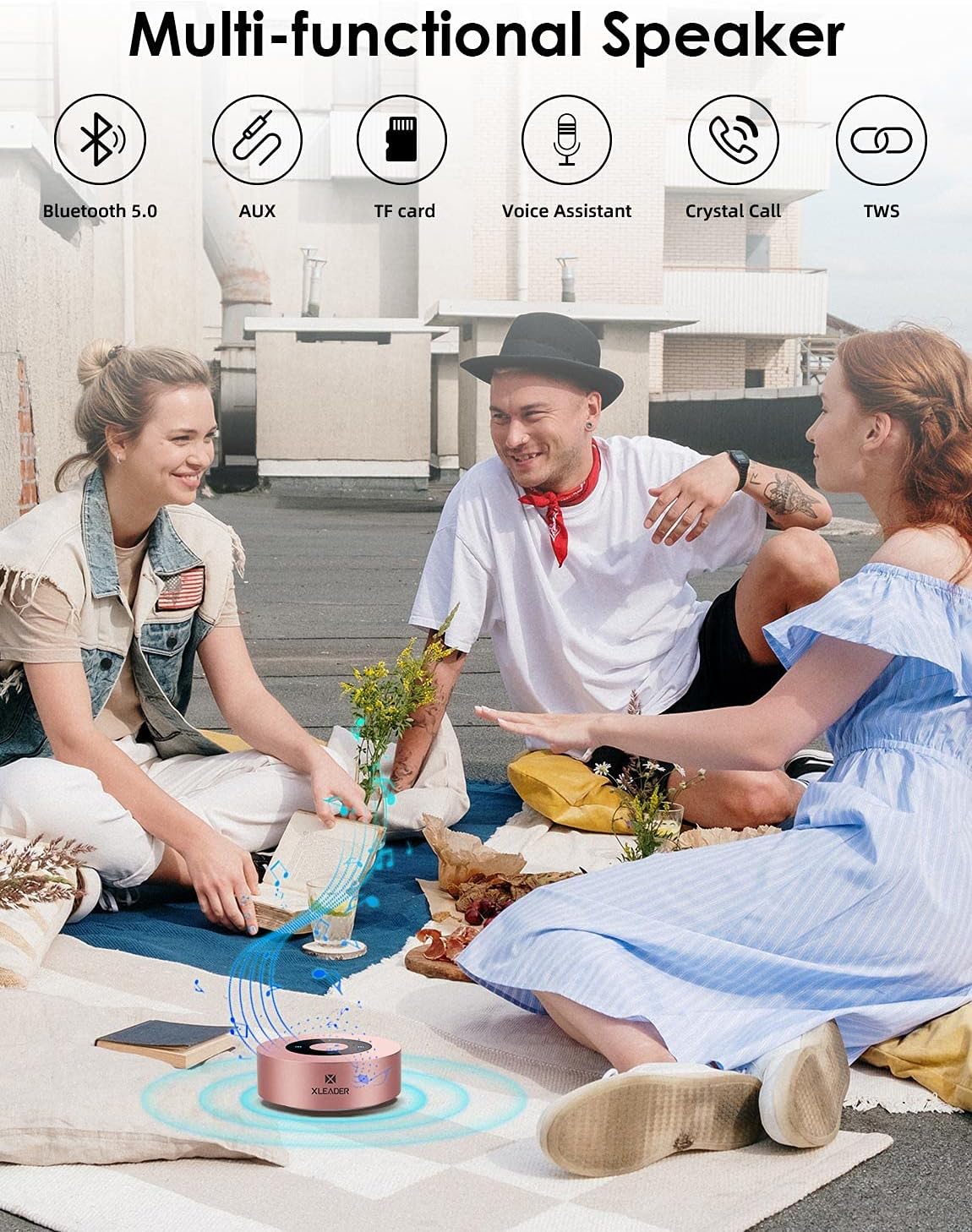
Image: The XLeader SoundAngel speaker in an outdoor setting, demonstrating its multi-functional capabilities including Bluetooth 5.0, AUX input, TF card support, Voice Assistant, Crystal Call, and TWS (True Wireless Stereo) functionality.
Maintenance
- Cleaning: Use a soft, dry cloth to clean the speaker's surface. Do not use abrasive cleaners or solvents.
- Storage: Store the speaker in a cool, dry place away from direct sunlight and extreme temperatures. When not in use for extended periods, charge the battery at least once every three months to prolong its lifespan.
- Water Resistance: While the speaker is designed to be waterproof, ensure all ports are securely closed before exposure to water. Do not submerge the speaker for prolonged periods or expose it to high-pressure water jets.

Image: The XLeader SoundAngel speaker shown with its waterproof EVA case, emphasizing its ultra-portable design suitable for outdoor activities like beach trips.
Troubleshooting
| Problem | Possible Cause | Solution |
|---|---|---|
| Speaker does not turn on. | Low battery. | Charge the speaker fully. |
| Cannot pair with Bluetooth device. | Speaker not in pairing mode; device Bluetooth off; too far from speaker. | Ensure speaker is in pairing mode (flashing LED). Turn on Bluetooth on your device. Move device closer to speaker (within 10 meters). |
| No sound or low volume. | Volume too low on speaker or device; incorrect mode selected. | Increase volume on both speaker and connected device. Ensure correct mode (Bluetooth, TF, AUX) is selected. |
| Sound distortion. | Volume too high; weak Bluetooth signal. | Reduce volume. Move device closer to speaker. |
Specifications
| Feature | Detail |
|---|---|
| Brand | XLeader |
| Model Number | BTS-02PK |
| Connectivity Technology | Bluetooth |
| Bluetooth Version | 5.0 |
| Speaker Max Output | 3 Watts |
| Control Method | Touch |
| Battery Average Life | 15 Hours |
| Waterproof | Yes |
| Item Dimensions (D x W x H) | 8.5 x 8.5 x 3 cm |
| Item Weight | 190 grams |
| Compatible Devices | Android Phones, Tablets, Computers, Laptops, Echo Dot, Kindle, MP3 Players, PSP, TV, iPhone, iPad, iPod, Mac Book |
| Included Items | Charging cable, EVA case |
| UPC | 603404286003 |

Image: The XLeader SoundAngel speaker in use, demonstrating its compact size and long 15-hour playtime, suitable for extended listening sessions.
Warranty and Support
XLeader is committed to providing high-quality products and customer satisfaction.
- 30-Day Money-Back Guarantee: If you are not satisfied with your purchase for any reason, you may return it within 30 days for a full refund.
- 3-Year Quality Issue Warranty: The speaker is covered by a 3-year warranty against manufacturing defects and quality-related issues.
- Lifetime Technical Support: XLeader provides permanent technical support for the SoundAngel BTS-02PK speaker.
For warranty claims or technical assistance, please contact XLeader customer support through the retailer where you purchased the product or visit the official XLeader website.

