Introduction
The Logicool G G304 LIGHTSPEED Wireless Gaming Mouse is engineered to deliver exceptional performance for gamers. Featuring the advanced HERO 12K sensor and LIGHTSPEED wireless technology, it offers a responsive and precise gaming experience without the constraints of wires. This manual provides essential information for setting up, operating, maintaining, and troubleshooting your G304 mouse.

Key Features
LIGHTSPEED Wireless Technology
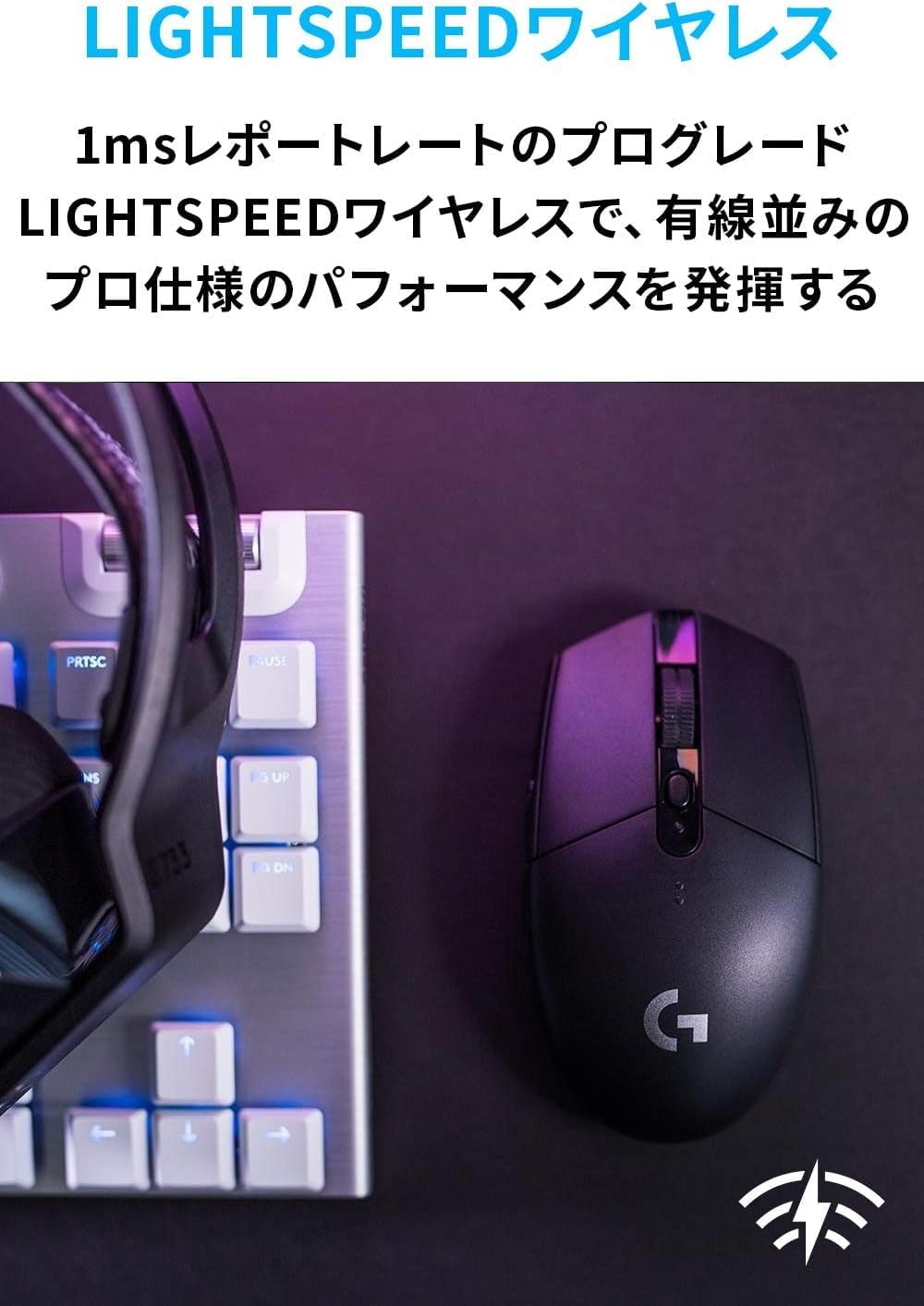
The G304 utilizes Logicool G's exclusive LIGHTSPEED wireless technology, providing a 1ms report rate for professional-grade performance that rivals wired mice. This technology ensures stable, low-latency, and reliable connectivity, crucial for competitive gaming.
HERO 12K Sensor
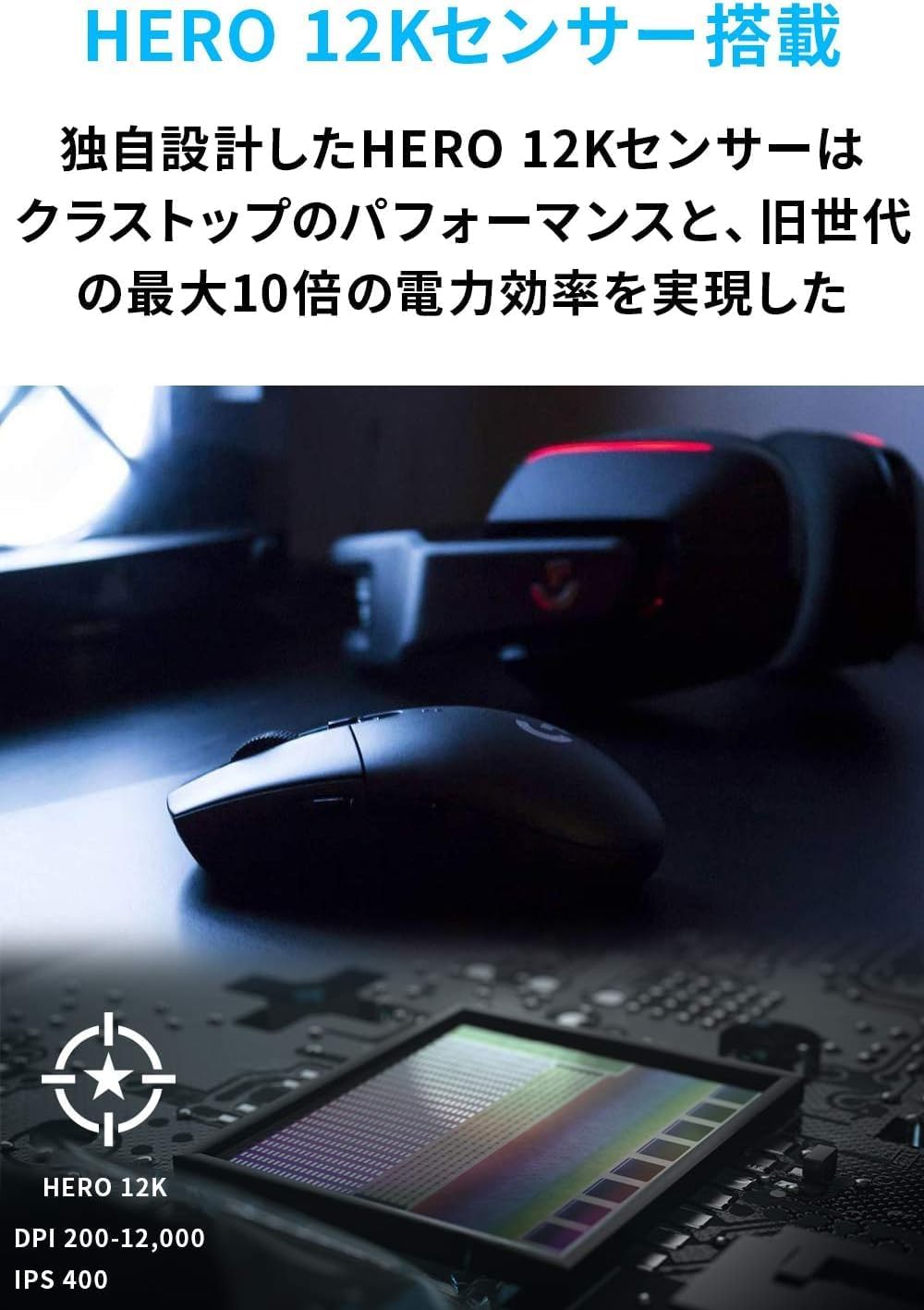
Equipped with the groundbreaking HERO 12K optical sensor, the G304 delivers class-leading performance with up to 10 times the power efficiency of previous generations. It offers consistent performance with zero smoothing, filtering, or acceleration across its entire 200-12,000 DPI range, ensuring exceptional accuracy.
Extended Battery Life
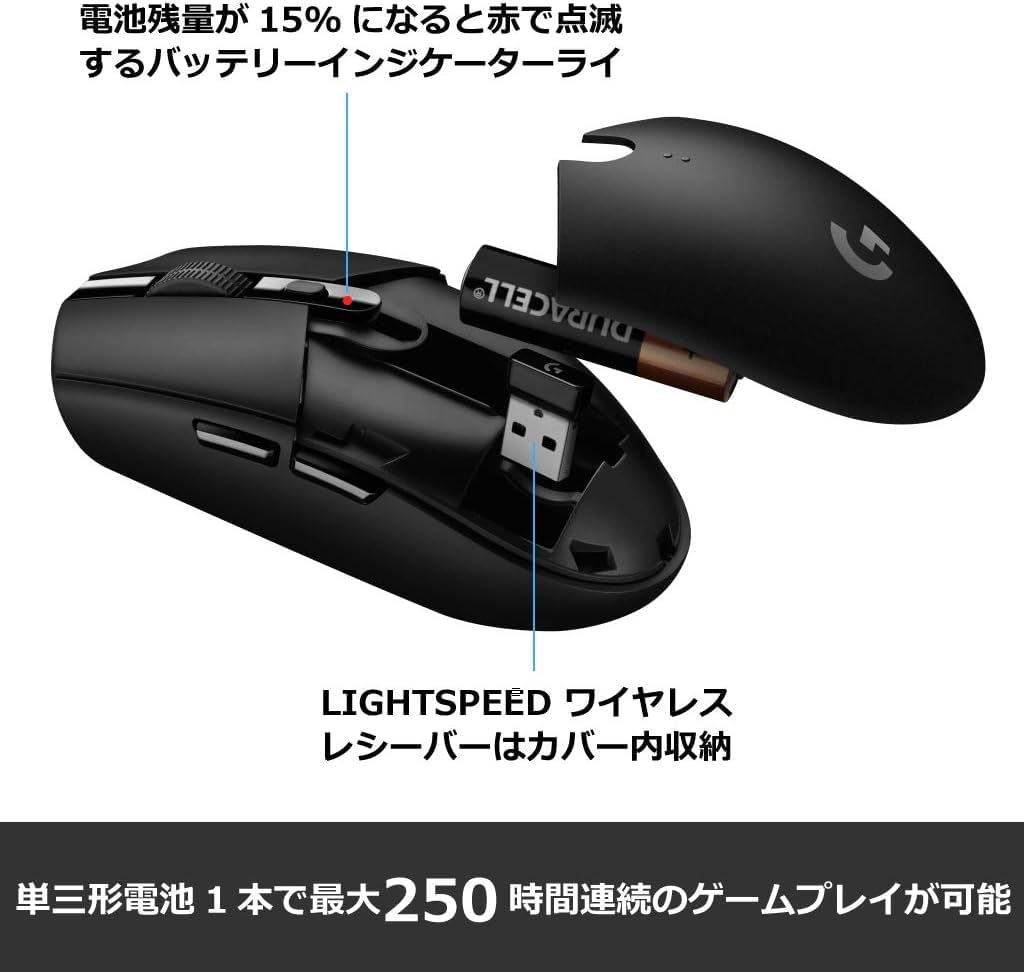
The combination of the HERO sensor and LIGHTSPEED wireless technology provides unparalleled power efficiency. The G304 can operate for up to 250 hours of continuous use on a single AA battery. In endurance mode, enabled via Logicool G gaming software, the battery can last up to 9 months under typical use. A 15% battery level notification is provided through the software and the mouse's indicator light.

Programmable Buttons
The G304 features six programmable buttons, including the left and right mouse buttons, scroll wheel button, DPI button, and two side buttons. These can be customized to your preference using the Logicool G HUB software.

Portable Design
Designed for portability, the G304 features a compact, durable, and lightweight body (99g). It includes a convenient internal storage compartment for the USB nano receiver, making it ideal for travel.
Package Contents
- Logicool G G304 Mouse
- LIGHTSPEED Wireless Receiver
- Receiver Extension Cable
- 1 AA Battery
- Quick Start Guide
- 2-Year Free Warranty Card
- Warranty Terms
Setup
Initial Setup
- Open the battery compartment cover on the top of the mouse.
- Insert the included AA battery, ensuring correct polarity.
- Remove the LIGHTSPEED wireless receiver from its storage compartment inside the mouse.
- Plug the LIGHTSPEED wireless receiver into an available USB port on your computer. For optimal signal strength, use the receiver extension cable to position the receiver closer to the mouse.
- Turn on the mouse using the power switch located on the bottom of the mouse.
Software Installation
For full customization and advanced features, download and install the Logicool G HUB software from the official Logicool G website. This software allows you to customize DPI settings, program buttons, and manage profiles.
Operating Instructions
DPI Adjustment
The G304 has a dedicated DPI button located behind the scroll wheel. Press this button to cycle through preset DPI levels. You can customize these DPI levels and add more using the Logicool G HUB software.
Customizing Buttons
Use the Logicool G HUB software to assign custom commands, macros, or keybinds to any of the six programmable buttons. This allows for personalized control tailored to your gaming style or productivity needs.
Battery Status
The G304 features an indicator light that notifies you when the battery level reaches 15%. You can also monitor the precise battery percentage through the Logicool G HUB software.
Maintenance
- Cleaning: Regularly clean the mouse surface with a soft, dry cloth. For stubborn dirt, a slightly damp cloth can be used, but ensure no moisture enters the internal components.
- Sensor Care: Keep the optical sensor on the bottom of the mouse clean and free from dust or debris to ensure accurate tracking.
- Battery Replacement: Replace the AA battery when the low battery indicator appears or when performance degrades.
- Storage: When not in use for extended periods, turn off the mouse to conserve battery life. Store the USB receiver in its dedicated compartment to prevent loss.
Troubleshooting
| Problem | Possible Solution |
|---|---|
| Mouse not responding | Ensure the mouse is turned on. Check if the AA battery is inserted correctly and has sufficient charge. Verify the USB receiver is securely plugged into a working USB port. Try a different USB port. |
| Lag or intermittent connection | Ensure the receiver is close to the mouse, ideally using the extension cable. Avoid placing the receiver near other wireless devices or sources of interference (e.g., Wi-Fi routers, cordless phones). Update mouse drivers and G HUB software. |
| DPI or button customization not working | Ensure Logicool G HUB software is installed and running. Check for software updates. Restart your computer. |
| Battery drains quickly | Ensure you are using a fresh, high-quality AA battery. Consider enabling endurance mode in G HUB software for extended battery life. |
If you encounter issues not listed here or if the suggested solutions do not resolve the problem, please refer to the Warranty and Support section for further assistance.
Specifications
| Feature | Detail |
|---|---|
| Model Number | G304 |
| Dimensions (H x W x D) | 116.6 mm x 62.15 mm x 38.2 mm |
| Weight | 99 g |
| Battery Life | Up to 250 hours (Performance Mode), Up to 9 months (Endurance Mode with G HUB) |
| Wireless Technology | LIGHTSPEED Wireless |
| Sensor | HERO 12K Optical |
| Resolution | 200 - 12,000 DPI |
| Max Acceleration | > 40G |
| Max Speed | > 400 IPS |
| Buttons | 6 Programmable Buttons |
| Onboard Memory | 1 Profile |
| PC Requirements | Windows 7 or later, macOS 10.13 or later, Chrome OS, USB port |
Warranty and Support
Logicool G G304 products purchased as genuine domestic products in Japan come with a 2-year manufacturer's free warranty. Please note that Logitech G products are overseas parallel imports and are not covered by this warranty.
In case of product failure or for any support inquiries, please contact the Logicool Customer Center:
- Phone Number: 050-3196-5644
- Business Hours: Monday - Friday (excluding holidays & Dec 30 - Jan 3), 9:00 AM - 6:00 PM JST
- Web Inquiry: https://support.logi.com/hc/ja/requests/new?ticket_form_id=360000621393
