
Introduction
The Laney MINI-ST-SUPERG is a compact, battery-powered stereo guitar amplifier designed for portability and versatile performance. It features a clean and drive channel, integrated digital delay, and the unique Laney Smartphone Insert (LSI) for seamless integration with guitar tone-generating apps. This manual provides essential information for setting up, operating, and maintaining your amplifier.
Safety Information
- Read all instructions before operating the amplifier.
- Do not expose this appliance to rain or moisture.
- Ensure proper ventilation; do not block any ventilation openings.
- Use only the power supply specified in this manual or on the product.
- Do not attempt to service this product yourself. Refer all servicing to qualified service personnel.
- Dispose of batteries responsibly according to local regulations.
Product Overview
The MINI-ST-SUPERG is styled after the iconic Laney SUPERGROUP, offering a super compact solution for guitar tone and performance anywhere. It delivers full, wide tones from its ultra-compact cabinet.
Front Panel Controls

This image displays the amplifier's front panel, featuring all control knobs and input/output jacks. From left to right, you can see the Input jack, Gain, Level, Tone, and Delay control knobs, followed by the Aux In and LSI (Laney Smartphone Insert) jacks, and finally the Volume knob, Power indicator, and Headphone jack.
Rear Panel

The rear panel of the amplifier houses the battery compartment, which requires 6 x AA batteries for portable operation. It also includes the DC input for an optional power adapter.
Side View
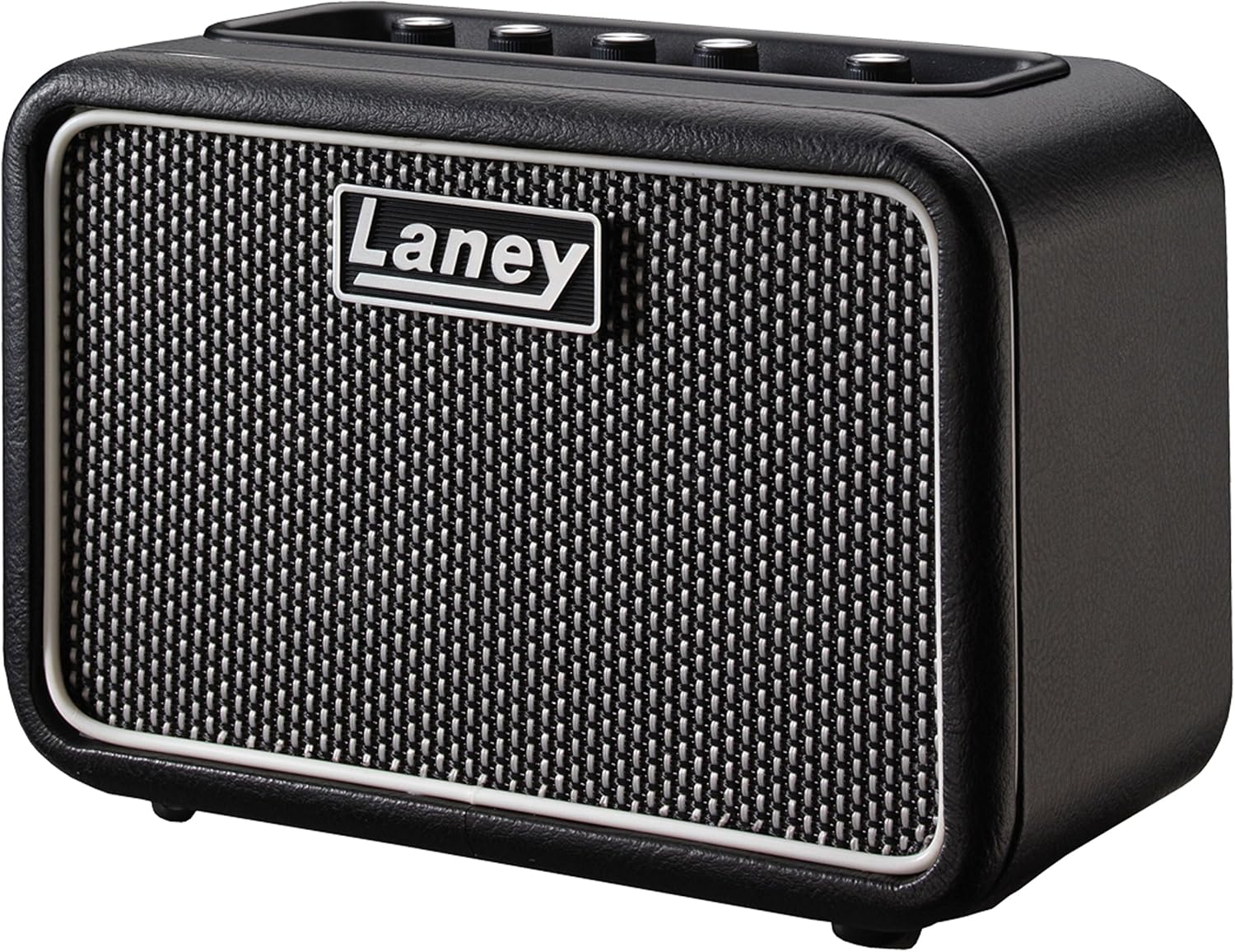
This image provides a side view of the amplifier, highlighting its compact design and the textured finish of its casing.
Setup
Powering the Amplifier
- Battery Power: Insert 6 x AA batteries into the battery compartment located on the rear of the amplifier. Ensure correct polarity.
- Power Adapter (Optional): Connect a compatible 12V DC power adapter (minimum 750mA, center positive) to the DC input jack on the rear panel.
Connecting Your Instrument
- Plug your guitar into the INPUT jack using a standard 1/4-inch instrument cable.
Connecting a Smartphone (LSI)
- Connect your smartphone or tablet to the LSI (Laney Smartphone Insert) jack using the supplied LSI cable. This allows you to integrate with guitar tone-generating apps.
- For external audio playback, connect your device to the AUX IN jack using a 3.5mm audio cable.
Operation
Controls
- GAIN: Adjusts the input sensitivity and the amount of overdrive/distortion in the Drive channel.
- LEVEL: Controls the output level of the pre-amp section.
- TONE: Shapes the overall tonal character, from darker to brighter.
- DELAY: Adjusts the level of the built-in digital delay effect.
- VOLUME: Master volume control for the amplifier's output.
- DRIVE Button: Toggles between the Clean and Drive channels.
- POWER Button: Turns the amplifier on/off. The LED indicates power status.
- HEADPHONE Jack: For silent practice, connect headphones here. This mutes the main speakers.
Using the LSI (Laney Smartphone Insert)
The LSI feature allows you to connect your smartphone or tablet and use guitar tone-generating apps, such as the Tonebridge app by Ultimate Guitar. This expands your tonal possibilities significantly.
- Connect your device to the LSI jack using the provided cable.
- Launch your preferred guitar app.
- The app will process your guitar signal and send it back through the MINI-ST-SUPERG, allowing you to hear various effects and tones.
- Ensure your device's volume is appropriately set to avoid signal clipping or low output.
Product Video
This video demonstrates the features and sound capabilities of the Laney MINI-ST amplifier, including its controls and integration with smartphone apps for various guitar tones.
Specifications
| Feature | Specification |
|---|---|
| Output Wattage | 6 Watts |
| Power Source | Battery Powered (6 x AA) or Optional 12V DC Adapter |
| Channels | Clean & Drive |
| Effects | Digital Delay with Level Control |
| Inputs | 1/4-inch Guitar Input, 3.5mm Aux In, LSI (Laney Smartphone Insert) |
| Outputs | 3.5mm Headphone Output |
| Speakers | Stereo Speakers |
| Dimensions | 39.37 x 80.71 x 55.91 inches |
| Weight | 2.2 pounds |
| Material | Wood |
Maintenance
- Cleaning: Use a soft, dry cloth to clean the amplifier's exterior. Avoid abrasive cleaners or solvents.
- Storage: Store the amplifier in a cool, dry place away from direct sunlight and extreme temperatures.
- Battery Care: Remove batteries if the amplifier will not be used for an extended period to prevent leakage.
Troubleshooting
- No Power: Check if batteries are correctly inserted and charged, or if the power adapter is securely connected and functional.
- No Sound: Ensure your guitar is plugged in, volume knobs are turned up, and headphones are not connected (unless intended for silent practice). Check all cable connections.
- Poor Sound Quality: Verify that your instrument cable is not faulty. Adjust the GAIN, LEVEL, and TONE controls. If using LSI, check app settings and device volume.
Warranty and Support
For warranty information and technical support, please refer to the official Laney website or contact your local dealer. Keep your proof of purchase for any warranty claims.


