
1. Introduction
This manual provides essential information for the safe and effective use of your Roscoe Medical Probasics Heavy Duty Aluminum Bariatric Rollator. Please read all instructions carefully before assembly and operation. This rollator is designed to provide mobility assistance for individuals requiring robust support, accommodating users up to 400 lbs.
Video 1: An overview demonstrating the features and use of the Probasics Heavy Duty Aluminum Bariatric Rollator.

Figure 1: The Probasics Heavy Duty Aluminum Bariatric Rollator in Burgundy, showcasing its overall design and components.
2. Key Features
- Heavy-Duty Bariatric Design: Constructed from lightweight aluminum, this rollator provides robust support for users weighing up to 400 lbs.
- Customizable Fit: Features height-adjustable arms to ensure a comfortable and ergonomic fit for various user heights.
- Deluxe Loop Lock Brakes: Easy-to-use ergonomic brakes provide a firm hold for enhanced safety and control.
- Lightweight, Foldable & Portable: Designed for convenience, it folds compactly for easy transport and storage, including a removable, curved, padded backrest that folds up or down.
- Comfort & Storage: Equipped with a seamless padded seat and a practical nylon pouch for personal belongings. A zippered pouch underneath the seat offers added privacy and security.
- Smooth Rolling Wheels: Features 8-inch non-marring wheels with soft grip tires, suitable for both indoor and outdoor use.

Figure 2: The rollator featuring adjustable handles and a comfortable padded seat.
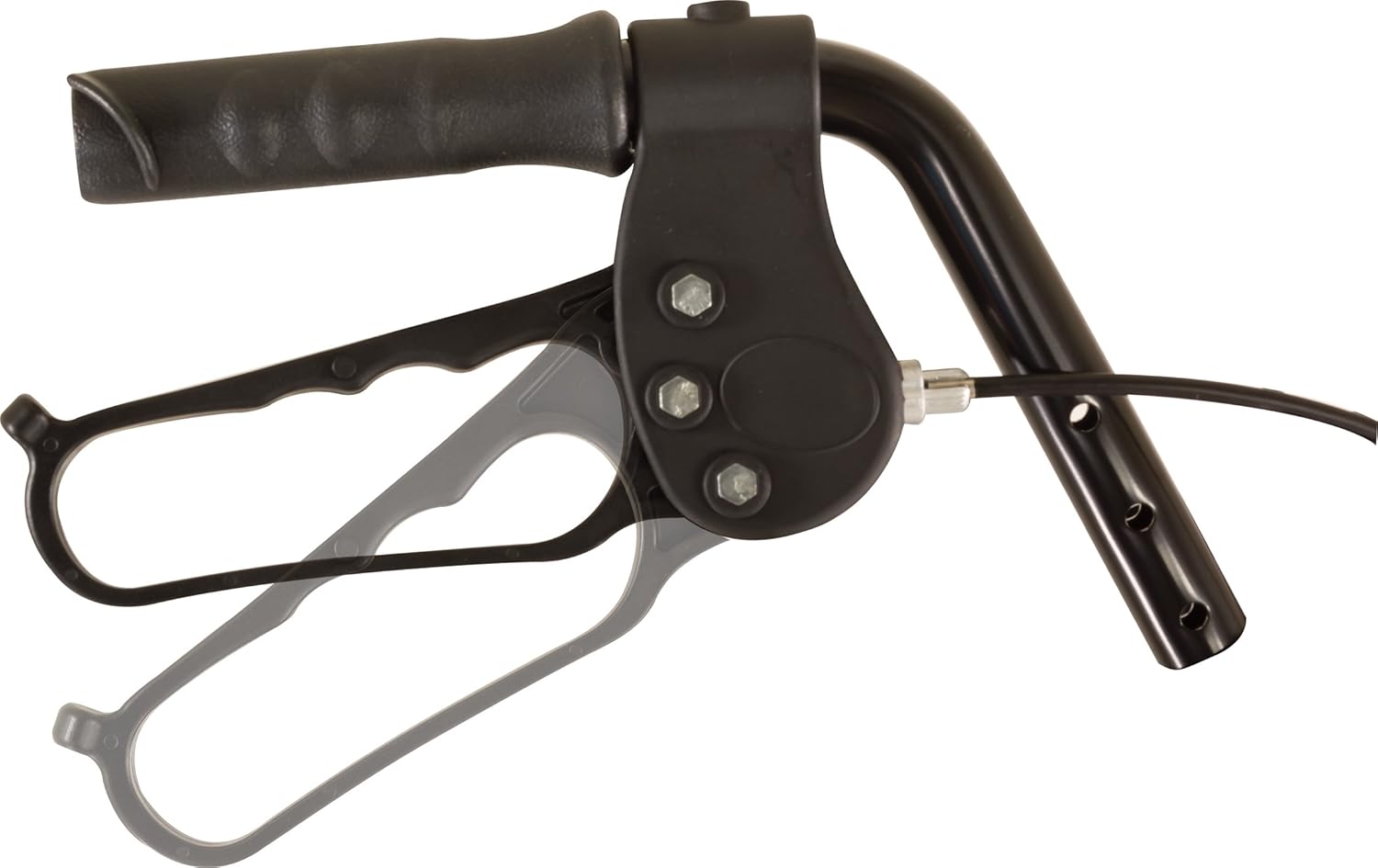
Figure 3: A close-up view of the ergonomic loop lock brake system.
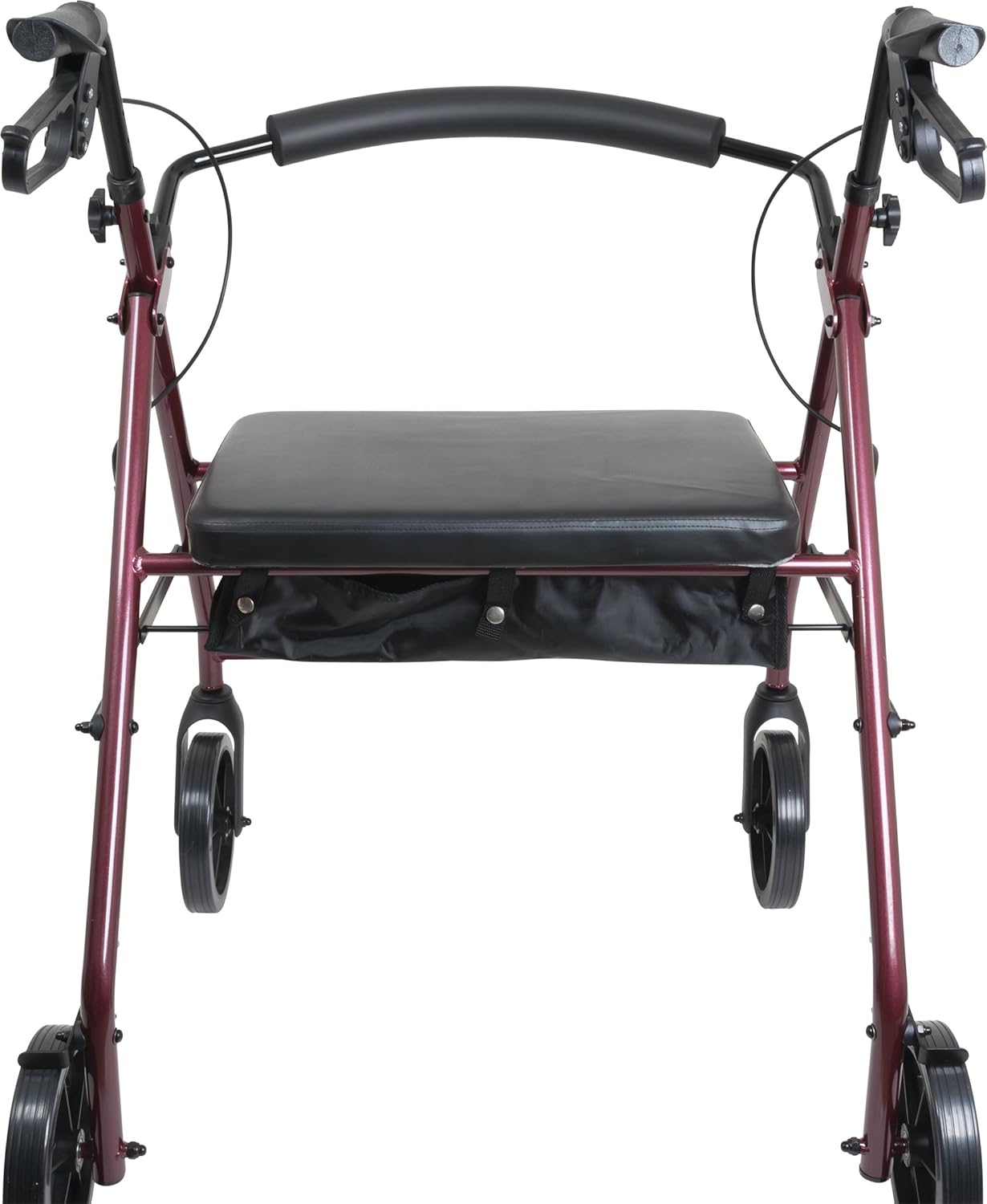
Figure 4: Front view highlighting the padded seat and convenient under-seat storage pouch.
3. Assembly Instructions
Assembly of the Probasics Bariatric Rollator is designed to be straightforward. Follow these steps carefully:
3.1 Unpacking
- Carefully remove all components from the packaging.
- Verify that all parts are present according to the packing list.
3.2 Handle Installation
- Slide the handle tubes into the designated slots on the rollator frame.
- Adjust the handles to your desired height (refer to Section 4.1 for height adjustment).
- Secure the handles by tightening the lug nut sets or locking pins provided. Ensure they are firmly in place and do not wobble.
3.3 Backrest Attachment
- Snap the removable, curved, padded backrest into its designated position on the frame.
- Ensure the backrest is securely attached before use.
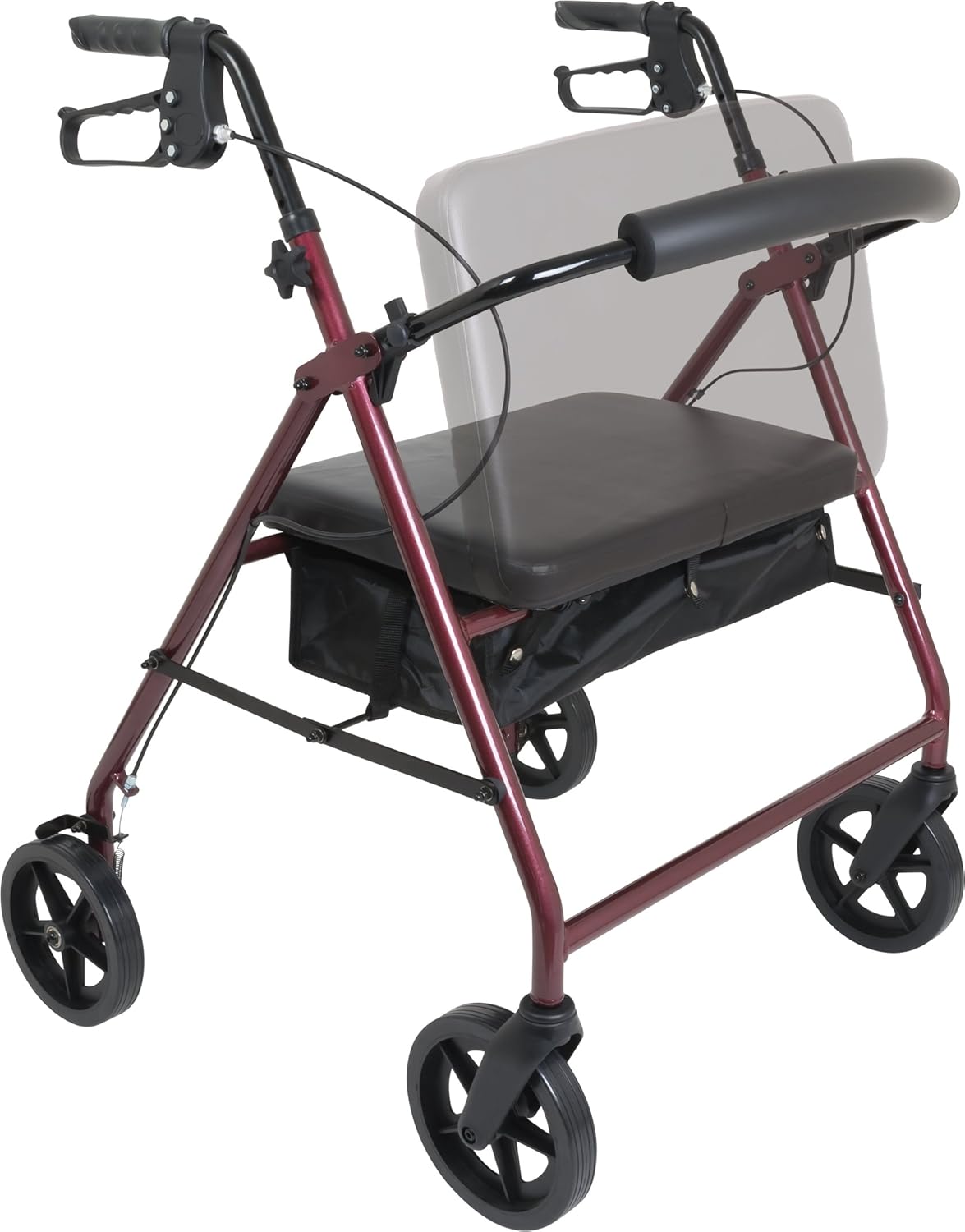
Figure 5: The rollator with the backrest in the upright position.
4. Operating Instructions
4.1 Adjusting Handle Height
- Loosen the adjustment knobs or release the locking pins on the handle tubes.
- Raise or lower the handles until they are at a comfortable height, allowing you to stand upright with a slight bend in your elbows.
- Ensure both handles are at the same height.
- Tighten the adjustment knobs or re-engage the locking pins securely.

Figure 6: Side view illustrating the adjustable handle height feature.
4.2 Using the Brakes
- To Slow Down or Stop: Squeeze the brake levers towards the handles. The harder you squeeze, the more braking force is applied.
- To Lock the Brakes (Parking Brake): Push the brake levers down until they click into the locked position. This will prevent the rollator from moving. Always engage the parking brake when sitting on the seat or when the rollator is stationary.
- To Release the Parking Brake: Pull the brake levers up until they release from the locked position.
4.3 Using the Seat and Storage
- Ensure the parking brakes are engaged before attempting to sit on the rollator's seat.
- The padded seat provides a comfortable resting spot.
- The nylon pouch under the seat is for carrying personal belongings. For added privacy and security, utilize the zippered pouch.
4.4 Folding the Rollator
- Remove any items from the storage pouch.
- Lift the seat or pull the folding mechanism (if applicable, refer to specific model design).
- Push the sides of the frame together until the rollator is fully folded.
- The removable backrest can be folded up or down for compact storage.
5. Maintenance
Regular maintenance ensures the longevity and safe operation of your rollator.
- Cleaning: Wipe down the frame, seat, and handles with a damp cloth and mild detergent. Avoid abrasive cleaners.
- Wheel Inspection: Periodically check the 8-inch wheels for wear and tear. Ensure they roll smoothly and are free of debris.
- Brake Check: Regularly test the brakes to ensure they engage and disengage properly. If brakes feel loose or ineffective, consult a qualified technician.
- Fastener Check: Ensure all screws, bolts, and locking mechanisms are tight and secure. Do not overtighten.
- Storage: Store the rollator in a dry place away from extreme temperatures.
6. Troubleshooting
If you encounter any issues with your rollator, refer to the following common problems and solutions:
- Rollator is unstable or wobbly: Ensure all assembly fasteners (lug nuts, locking pins) are securely tightened. Verify that the handle heights are evenly adjusted.
- Brakes are not engaging or are too loose: Check the brake cable tension. If adjustment is needed, or if the issue persists, contact customer support or a qualified technician.
- Wheels are not rolling smoothly: Inspect wheels for debris (hair, lint) and remove if present. Ensure wheel axles are not bent or damaged.
- IMPORTANT SAFETY CAUTION: The back bar is designed for support, not for leaning back with significant force. Applying excessive pressure against the back bar may cause it to break, leading to a fall. Always use caution and avoid leaning heavily on the backrest.
7. Specifications
| Feature | Detail |
|---|---|
| Product Dimensions | 30 x 9 x 37 inches |
| Item Weight | 23 Pounds |
| Weight Capacity Maximum | 400 Pounds |
| Minimum Height (Handles) | 33.5 Inches |
| Maximum Height (Handles) | 38.5 Inches |
| Seat-to-Floor Height | 22 Inches |
| Color | Burgundy |
| Material Type | Aluminum |
| Walker Type | Rollator Walker |
| Is Foldable | Yes |
| Model Number | B07DLQ9MZX |
| UPC | 815067071746 |
| Manufacturer | Roscoe Medical |
8. Warranty and Support
8.1 Warranty Information
This product is covered by a Manufacturer Warranty Only. For specific details regarding the warranty period and coverage, please refer to the documentation included with your purchase or contact Roscoe Medical directly.
8.2 Customer Support
For technical assistance, replacement parts, or any questions not covered in this manual, please contact Roscoe Medical customer support. Contact information can typically be found on the product packaging or the official Roscoe Medical website.
