1. Introduction
The uxcell AC/DC 110V Yellow LED Indicator Light is designed for use in various electrical applications to provide visual indication of equipment status. These lights feature high-brightness LED chips, ensuring clear visibility and long operational life. They are suitable for monitoring and alarming operational status in circuits, machinery, switch cabinets, and electrical control panels.
This manual provides essential information for the safe and effective installation, operation, and maintenance of your indicator light.
2. Product Features
- Rated Voltage: AC/DC 110V
- Light Color: Yellow LED
- Mounting: Flush Panel Mount, 22mm (7/8 Inch) hole diameter
- Connection: Screw-clamp terminals
- Durability: Tested over 20,000 hours of using time
- Application: Suitable for electric power, telecommunications, machine tools, motors, and home appliances.

Image: uxcell Yellow LED Indicator Light highlighting key features like AD16-22D/S model, LED chips, high brightness, and 22mm mounting hole.
3. Setup and Installation
Follow these steps for proper installation of the indicator light:
- Prepare Mounting Hole: Drill a 22mm (7/8 inch) diameter hole in the desired panel. Ensure the panel thickness is suitable for the indicator light's mounting depth.
- Insert Light: Insert the indicator light into the drilled hole from the front of the panel.
- Secure with Screw Ring: From the back of the panel, secure the indicator light using the provided screw ring. Tighten firmly but do not overtighten to avoid damage.
- Wire Connection: Connect the AC/DC 110V power supply to the screw-clamp terminals at the rear of the indicator light. Ensure correct polarity if applicable, though these AC/DC lights typically do not require strict polarity for basic function. Use appropriate gauge wire (not included).
- Verify Connection: Double-check all connections to ensure they are secure and properly insulated to prevent short circuits.
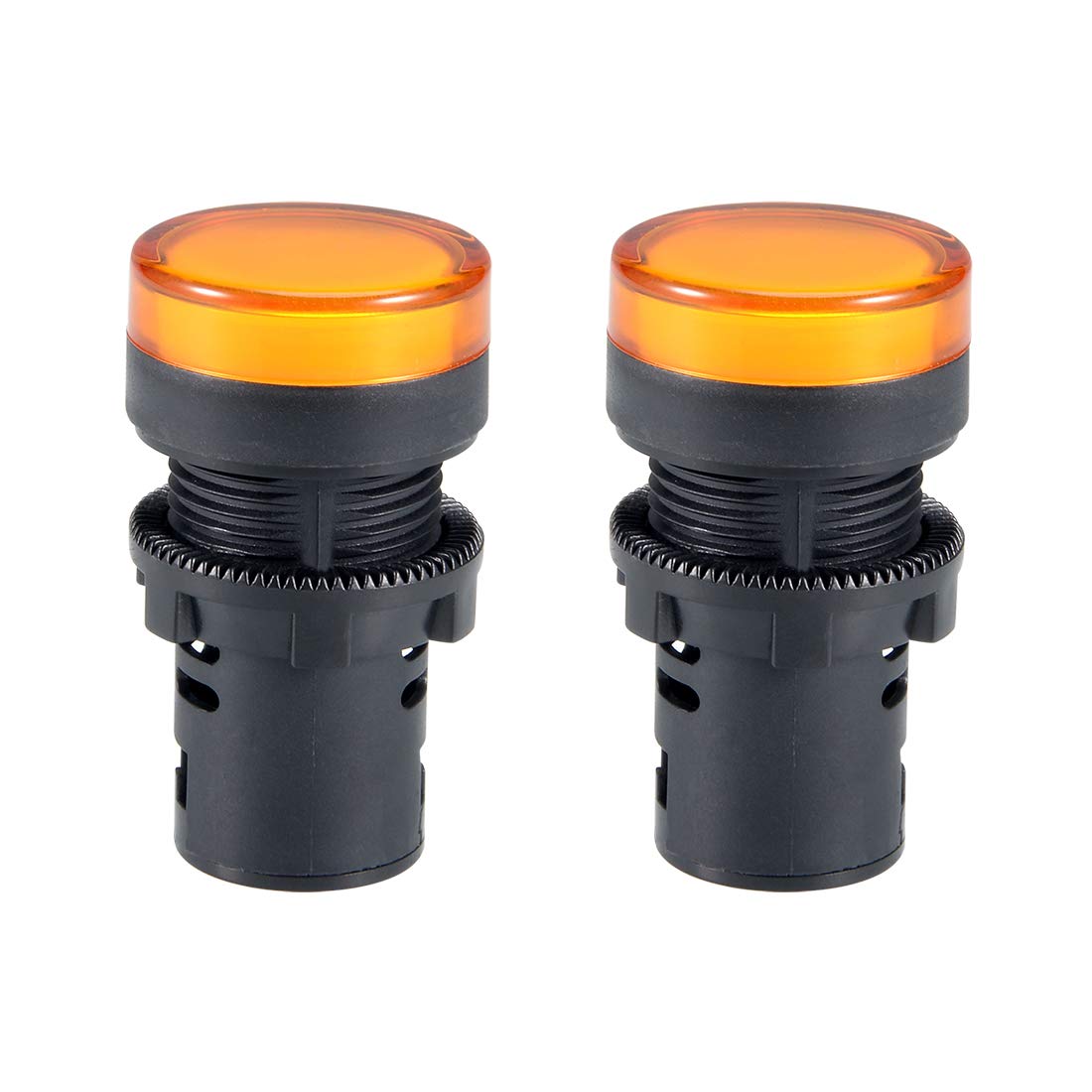
Image: Detailed dimensions of the indicator light, showing a 22mm (7/8") mounting hole diameter, 28mm (1.1") head diameter, and 51mm (2.01") total length.

Image: Rear view of the indicator light with the dust cap removed, revealing the screw-clamp terminals for wiring connections.
4. Operating Instructions
Once properly installed and wired, the uxcell AC/DC 110V Yellow LED Indicator Light operates automatically with the connected circuit.
- Power On: When the connected circuit receives AC/DC 110V power, the yellow LED will illuminate, indicating the circuit is active or the monitored equipment is in operation.
- Power Off: When power to the connected circuit is interrupted or turned off, the yellow LED will extinguish, signaling that the circuit is inactive or the equipment is off.
The high-brightness LED ensures clear visibility of the indicator status in various lighting conditions.
5. Maintenance
The uxcell LED indicator light requires minimal maintenance. Follow these guidelines to ensure optimal performance and longevity:
- Cleaning: Periodically wipe the surface of the indicator light with a soft, dry cloth to remove dust and dirt. Avoid using abrasive cleaners or solvents, as these can damage the lens or housing.
- Dust Cap: The indicator light includes a dust cap to protect the internal components and wiring terminals from dust and debris. Ensure the dust cap is securely in place after installation and any maintenance to prevent hazards caused by dust accumulation.
- Inspection: Regularly inspect the wiring connections for any signs of loosening or corrosion. Re-tighten screw terminals if necessary, ensuring power is disconnected before inspection.
Image: The dust cap component of the indicator light, designed to protect the wiring terminals from dust.
6. Troubleshooting
If you encounter issues with your indicator light, refer to the following troubleshooting steps:
| Problem | Possible Cause | Solution |
|---|---|---|
| Light does not illuminate. | No power to the circuit; incorrect wiring; loose connection; faulty LED. | Verify power supply to the circuit. Check all wiring connections for security and correctness. Ensure the rated voltage (AC/DC 110V) is supplied. If all checks pass, the LED may be faulty and require replacement. |
| Light flickers or is dim. | Unstable power supply; loose wiring connection; voltage fluctuation. | Check power supply stability. Secure all wiring connections. Ensure the voltage is consistently within the rated AC/DC 110V range. |
| Light turns off slowly (fades). | Normal characteristic for some LED indicator designs. | This is often a design characteristic and not a malfunction. If the light eventually extinguishes, it is functioning as intended. |
| Loose terminal connections. | Insufficient tightening during installation; vibration. | WARNING: Disconnect power before performing any work on terminals. Re-tighten screw-clamp terminals securely. Consider using wire ferrules for stranded wires to improve connection reliability. |
7. Specifications
| Attribute | Detail |
|---|---|
| Model Number | a18033000ux0435 |
| Rated Voltage | AC/DC 110V |
| Light Source Type | LED |
| Light Color | Yellow |
| Mounting Type | Panel Mount |
| Mounting Hole Diameter | 22mm (7/8 Inch) |
| Product Dimensions (L x W x H) | 2.01" x 1.1" x 1.1" (51mm x 28mm x 28mm approx.) |
| Material | Glass (Shade Material) |
| Item Weight | 2.25 ounces |
| Brand | uxcell |
8. Warranty and Support
Specific warranty information for this product is not provided in the available data. For warranty details, technical support, or further inquiries, please contact uxcell directly or refer to their official website.
Manufacturer: uxcell
ASIN: B07D9DJ58Z
