
HUAHAT HuaHat U912
Contents
U912 Tire Pressure Monitoring System User Manual
Model: U912
Brand: HUAHAT HuaHat
Introduction
This manual provides comprehensive instructions for the installation, operation, and maintenance of your HUAHAT HuaHat U912 Tire Pressure Monitoring System (TPMS). The U912 TPMS is designed to dynamically monitor your vehicle's tire pressure and temperature in real-time, enhancing driving safety and tire longevity. Please read this manual thoroughly before using the product.
Product Overview
Key Features:
- Real-time monitoring of tire pressure and temperature.
- Equipped with Freescale Chipset for reliable performance.
- Designed for installation in reserved blind holes in compatible vehicles (Toyota, Honda, Nissan, Mazda).
- Data updated every 3 seconds.
- Supports PSI/BAR for pressure display and Celsius (℃) for temperature.
- IP5K4K water-proof displayer.
- Pre-warning for leaks and abnormal pressure/temperature with audible beeps and flashes.
- Sensors feature anti-theft locking and intelligent power-saving mode (shuts down after 10 minutes of no movement, wakes up at 20km/h).
Components:
The U912 TPMS typically includes the following components:
- 1 x U912 Monitor Display Unit
- 4 x External Tire Pressure Sensors
- 1 x Power Cable / Charger Line
- 1 x Spanner (Wrench)
- 4 x Anti-theft Nuts
- Fuses

Image: The U912 monitor display unit, showing real-time pressure and temperature readings.
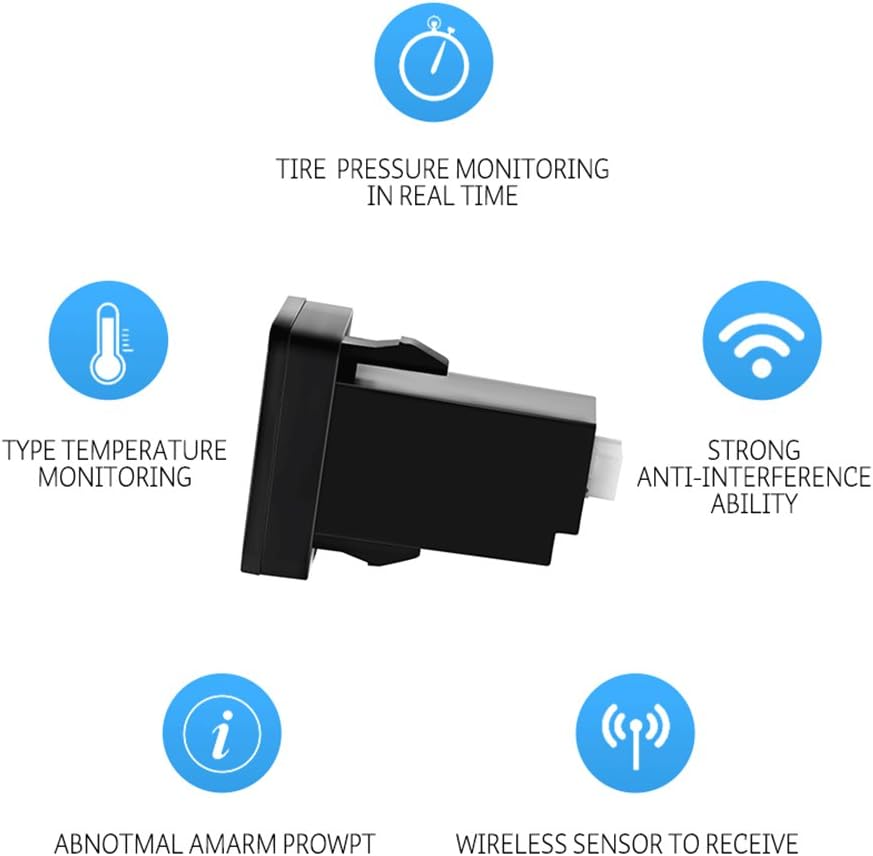
Image: A complete set of U912 TPMS components, including the monitor, external sensors, power cable, spanner, anti-theft nuts, and fuses.
Installation Guide
1. Verify Compatibility and Slot Measurement:
The U912 monitor is designed to fit into specific blind slots in Toyota, Honda, Nissan, and Mazda vehicles. Before installation, measure your vehicle's blind slot to ensure proper fit.
- Toyota: 0.93 x 1.33 inches (23.5 x 34 mm)
- Honda: 0.99 x 1.75 inches (25.3 x 44.6 mm) or 0.93 x 1.45 inches (23.8 x 37 mm) (with attached outside frame)
- Nissan: 0.82 x 1.41 inches (21 x 36 mm)
- Mazda: 0.94 x 1.53 inches (24 x 39 mm)

Image: Diagram showing the dimensions of the U912 monitor and various vehicle-specific blind slot sizes for Toyota, Honda, Nissan, and Mazda.
2. Wiring the Monitor:
Connect the monitor's power cable to your vehicle's electrical system. It is recommended to hardwire it to a fuse block that provides power when the ignition is on. Ensure correct polarity (positive and negative leads).

Image: The U912 monitor with its attached wiring harness, ready for electrical connection.
3. Installing the Monitor Display Unit:
Once wired, carefully insert the monitor display unit into the designated blind slot in your vehicle's dashboard or console. Ensure it is seated flush and securely.

Image: The U912 monitor seamlessly integrated into a vehicle's dashboard blind slot, showing its display.
4. Installing External Sensors:
The U912 uses external sensors. Each sensor is labeled for a specific tire (e.g., FL for Front Left, FR for Front Right, RL for Rear Left, RR for Rear Right). Follow these steps for each tire:
- Remove the original valve cap from the tire valve stem.
- Screw an anti-theft nut onto the valve stem.
- Screw the corresponding external sensor onto the valve stem until it is hand-tight.
- Using the provided spanner, tighten the anti-theft nut against the sensor to secure it and prevent theft.
It is recommended to power up the monitor before installing the sensors. The monitor may beep initially, but should stop once all sensors are installed and begin transmitting data.
Operating Instructions
Real-time Monitoring:
Once installed and the vehicle is in motion (above 20 km/h), the sensors will automatically wake up and transmit real-time tire pressure and temperature data to the monitor. The display will show the current readings for all four tires.

Image: The U912 monitor displaying real-time tire pressure and temperature readings for all four tires.
Alerts and Warnings:
The system is pre-configured with default alert thresholds. If tire pressure or temperature deviates from these thresholds, the monitor will issue an audible beep and flash a warning indicator. This alerts the driver to potential issues such as:
- Low pressure
- High pressure
- High temperature
- Rapid air leakage
The alert data can be customized by the user. Refer to the on-screen menu or specific button functions on the monitor for adjustment.
Display Modes:
The monitor allows switching between PSI and BAR units for pressure display. Temperature is displayed in Celsius (℃) only. Consult the monitor's buttons (e.g., "SET" button) for navigating display options.
Maintenance
- Sensor Battery Life: The external sensors are designed for long battery life and will automatically enter a power-saving mode when the vehicle is stationary. Replace sensor batteries as needed (CR2 batteries are included and required).
- Cleaning: Wipe the monitor display and sensors with a soft, dry cloth. Avoid using harsh chemicals or abrasive cleaners.
- Sensor Inspection: Periodically check the external sensors for any signs of damage or looseness. Ensure the anti-theft nuts are securely tightened.
- Software Updates: Check the manufacturer's website for any available firmware updates for the monitor.
Troubleshooting
| Problem | Possible Cause | Solution |
|---|---|---|
| Monitor not powering on. | Incorrect wiring; blown fuse; no power to the connected circuit. | Check power connections and polarity. Inspect the fuse in the power line and replace if necessary. Ensure the circuit receives power when the ignition is on. |
| Constant beeping/alerts. | Tire pressure/temperature outside set thresholds; sensors not paired or faulty. | Check actual tire pressure with a reliable gauge and adjust if needed. Verify all sensors are correctly installed and transmitting. If issues persist, refer to pairing instructions (if applicable) or contact support. |
| Inaccurate pressure readings. | Sensor not properly seated; sensor battery low; interference. | Ensure sensors are tightly screwed onto valve stems. Replace sensor batteries. Minimize electronic interference near the monitor. |
| No signal from one or more sensors. | Sensor not installed; sensor battery dead; vehicle speed too low; distance too far. | Confirm sensor installation. Replace sensor battery. Drive above 20 km/h for sensors to activate. If distance from sensor to monitor exceeds 26 ft, a signal repeater may be needed. |
Specifications
| Brand: | HUAHAT HuaHat |
| Model Number: | U912 |
| Input Voltage: | DC 8V - 16V |
| Working Temperature: | -20℃ to 80℃ |
| Monitor Size (L*W*H): | 32mm x 32mm x 58mm |
| Monitor Weight: | 33g |
| Pressure Measuring Range: | 0~116 psi |
| Measurement Accuracy: | +/- 1 psi |
| Sensing Distance: | 26 Feet |
| Batteries: | 4 CR2 batteries required (included) |
| UPC: | 738920150498 |
Warranty and Support
For warranty information and technical support, please refer to the documentation included with your product packaging or visit the official HUAHAT HuaHat website. Keep your purchase receipt for warranty claims.
You can also visit the HUAHAT HuaHat Store on Amazon for more information and contact options.
Ask a question about this manual
Ask about setup, troubleshooting, compatibility, parts, safety, or missing instructions. Manuals+ will review the question and use this page’s manual context to help answer it.