
1. Introduction
Thank you for purchasing the Nobsound NS-01G Pro Bluetooth 5.0 HiFi Power Amplifier. This compact yet powerful amplifier is designed to deliver high-fidelity audio from various sources to your passive speakers. Please read this manual carefully before using the product to ensure proper operation and to maximize your listening experience.
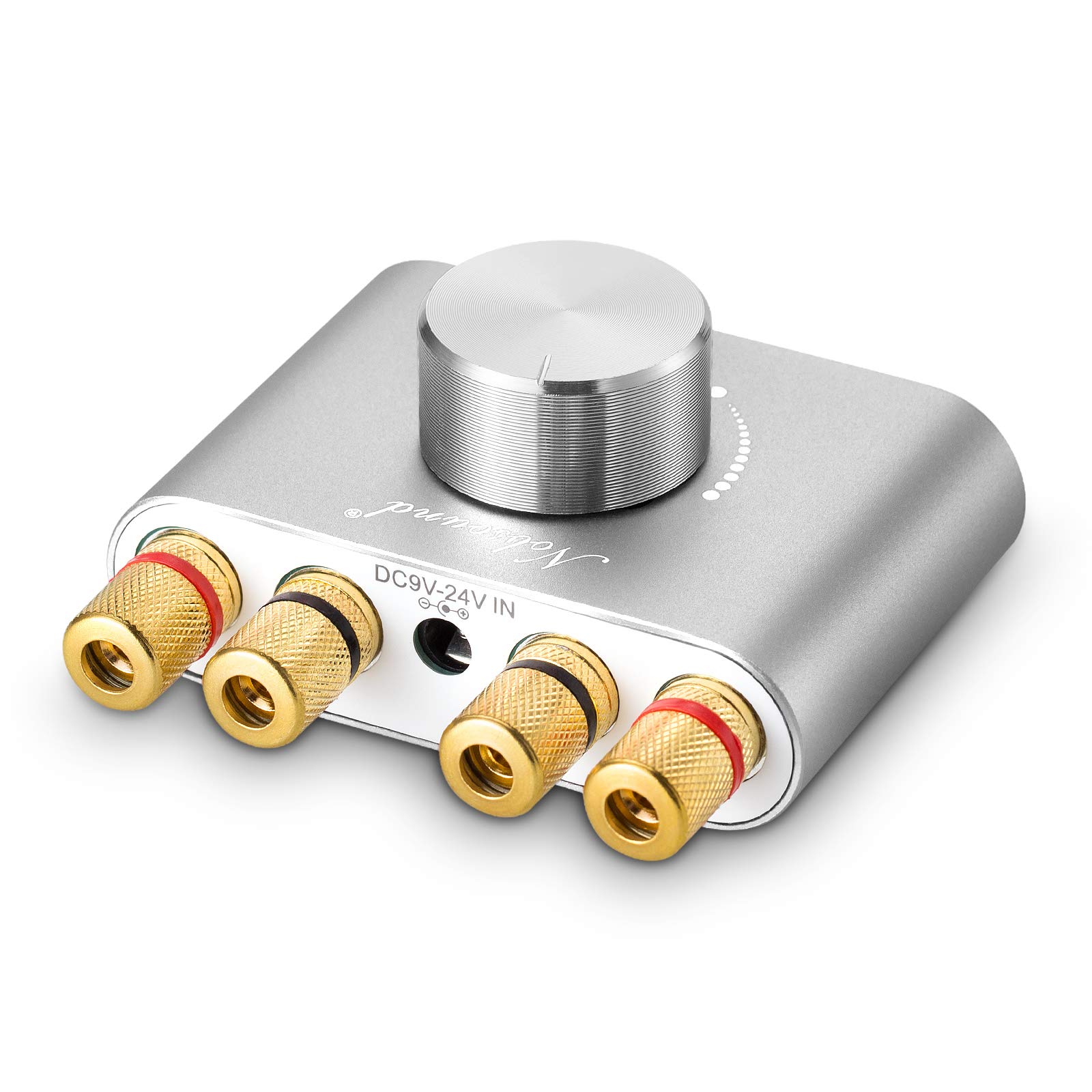
The Nobsound NS-01G Pro Power Amplifier in silver, showcasing its compact design with the central volume knob and front panel inputs.
2. Package Contents
Please check the package for the following items:
- 1 x Nobsound NS-01G Pro Amplifier
- 1 x DC 19V Power Adapter
- 1 x 3.5mm to RCA Cable
- 1 x USB Cable
- 1 x User Manual

A detailed diagram outlining the physical dimensions of the amplifier and its included accessories.
3. Product Overview
3.1 Front Panel

Close-up view of the amplifier's front panel, highlighting the USB input, AUX input, power ON/OFF switch, Bluetooth indicator light, and the main volume control knob.
- Volume Knob: Rotates to adjust the output volume.
- Bluetooth Indicator: Lights up when Bluetooth is active and connected.
- USB Sound Input: Connects to a computer for USB audio playback.
- AUX Input: 3.5mm stereo input for analog audio sources.
- ON/OFF Switch: Toggles the amplifier's power.
3.2 Rear Panel

View of the amplifier's rear panel, showing the DC 9V-24V power input port and the speaker output terminals for connecting passive speakers.
- DC 9V-24V IN: Power input port. Connect the provided power adapter here.
- Speaker Output Terminals (R+ / R- / L+ / L-): Connect your passive speakers here. Ensure correct polarity (+ to + and - to -).
4. Setup
Follow these steps to set up your Nobsound NS-01G Pro amplifier:
- Connect Speakers: Connect your passive speakers to the speaker output terminals on the rear panel. Ensure the positive (+) terminal of the amplifier connects to the positive (+) terminal of the speaker, and the negative (-) terminal connects to the negative (-) terminal. The amplifier supports both banana plugs and bare speaker wire.

This diagram demonstrates the correct method for connecting speakers to the amplifier, supporting both banana plugs and bare speaker wire connections.
- Connect Audio Source: Choose your desired input method:
- Bluetooth: No physical connection needed initially.
- AUX: Connect your audio device (e.g., smartphone, MP3 player, CD player) to the 3.5mm AUX input on the front panel using the provided 3.5mm to RCA cable (or a standard 3.5mm audio cable).
- USB: Connect the amplifier to your computer's USB port using the provided USB cable. For best performance, use a USB port on the back of your PC.
- Connect Power: Plug the DC 19V power adapter into the 'DC 9V-24V IN' port on the rear panel, then plug the adapter into a wall outlet.
5. Operating Instructions

An illustration highlighting the three versatile audio input options: Bluetooth 5.0 for wireless streaming, AUX for wired analog connections, and USB for digital audio from computers.
- Power On/Off: Flip the ON/OFF switch on the front panel to the 'ON' position to power on the amplifier. Flip it to 'OFF' to power off.
- Volume Control: Rotate the volume knob on the front panel clockwise to increase volume and counter-clockwise to decrease volume. Start with a low volume level before playing audio.
- Bluetooth Operation:
- Ensure the amplifier is powered on.
- The Bluetooth indicator light will blink, indicating it's in pairing mode.
- On your smartphone or Bluetooth device, search for