
Giandel PS-4000QAR/24V
GIANDEL 24V 4000W Pure Sine Wave Power Inverter User Manual
Model: PS-4000QAR/24V
1. Introduction
This manual provides detailed instructions for the safe and efficient operation, installation, and maintenance of your GIANDEL 24V 4000W Pure Sine Wave Power Inverter. Please read this manual thoroughly before using the inverter and keep it for future reference.

Figure 1.1: GIANDEL 24V 4000W Pure Sine Wave Power Inverter and included accessories, including battery cables, remote control, and hardwire block.
2. Safety Information
Your safety and the safety of others are extremely important. This manual contains important safety messages. Please read them carefully.
General Safety Precautions:
- Ensure the battery voltage matches the inverter's input voltage (24V).
- Do not expose the inverter to rain, moisture, or extreme temperatures.
- Operate the inverter in a well-ventilated area to prevent overheating.
- Do not open the inverter casing. There are no user-serviceable parts inside.
- Always disconnect the battery before performing any maintenance or wiring.
Built-in Safety Protections:
- Over Voltage Protection: Automatically shuts down if input voltage exceeds safe limits.
- Low Voltage Protection: Prevents battery over-discharge by shutting down when input voltage is too low.
- Overload Protection: Protects the inverter and connected devices from excessive current draw.
- Short Circuit Protection: Safeguards against damage from short circuits in the output.
- Over Heat Protection: Activates cooling fans and shuts down if internal temperature becomes too high.
- Polarity Reverse Protection (Fuse): Protects against damage from incorrect battery connection.
- GND Protection: Provides protection from leakage of electricity.
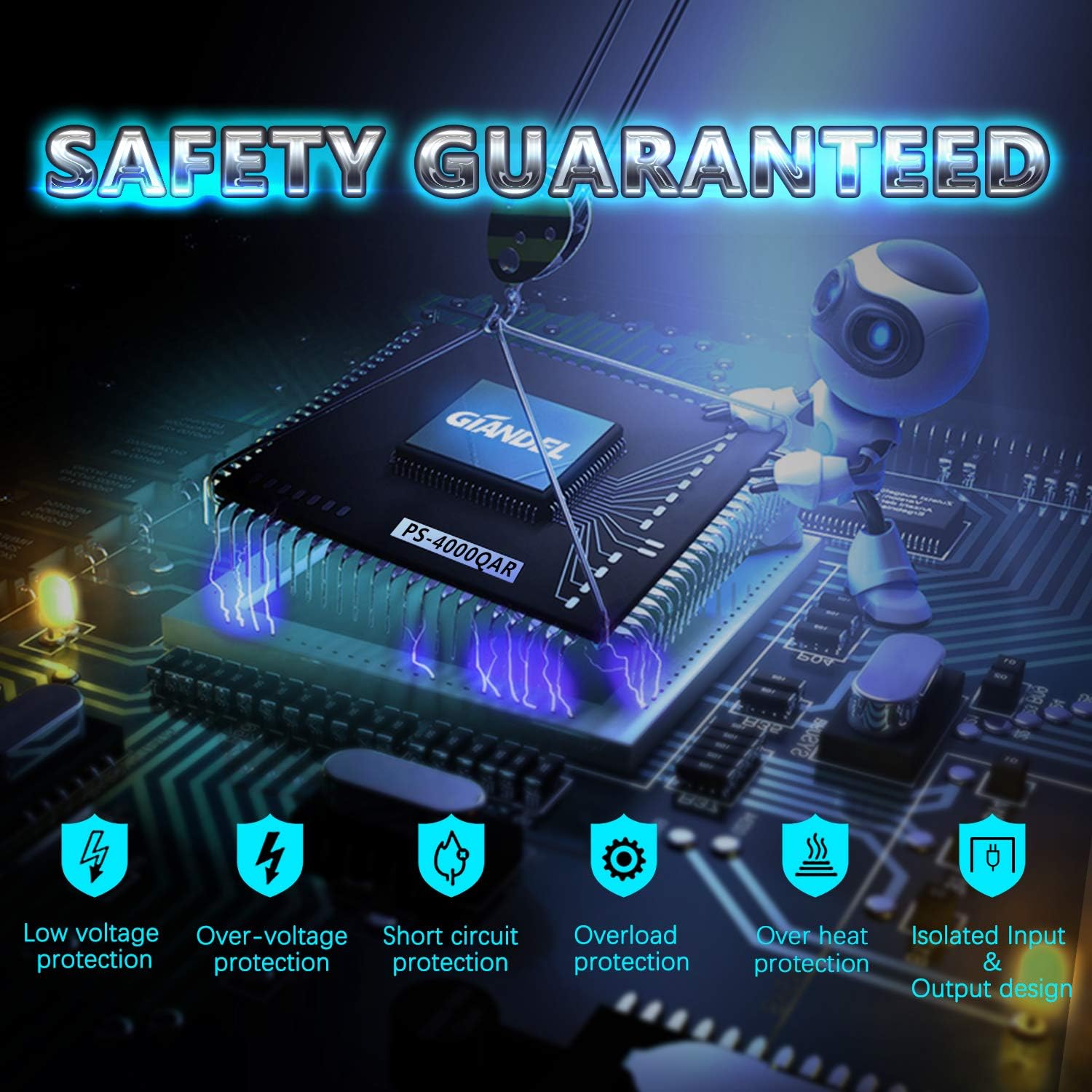
Figure 2.1: Visual representation of the inverter's seven safety protection features.
This inverter is ETL approved to UL 458 standard, ensuring compliance with North American safety standards.

Figure 2.2: ETL approval certificate, confirming the inverter meets UL 458 and CSA C22.2 standards.
3. Product Features
- True Sine Wave Output: Provides clean and stable AC power, suitable for sensitive electronics.
- High Continuous Power: 4000W continuous power output, heavy-duty version.
- Input/Output: DC 24V input, AC 120V output.
- Multiple AC Outlets: Equipped with four standard AC outlets.
- Hardwire Terminal Block: Includes a 40 Amps hardwire terminal block for direct wiring.
- USB Charging Port: One 2.4A USB port for charging mobile devices.
- LED Display: Integrated LED display shows input voltage, output wattage, and status.
- Remote Control: Comes with a 30FT wired remote for convenient ON/OFF control, ideal for RVs, trucks, cars, and solar systems.
- Durable Construction: Big and durable aluminum alloy housing provides advanced protection from drops and bumps.
- Intelligent Cooling Fan: Helps reduce heat, energy-saving, and prevents shortages.
- Isolated Input/Output Design: Enhances safety and performance.
- Soft Start Technology: Reduces inrush current during startup, protecting both the inverter and connected appliances.

Figure 3.1: Detailed view of the inverter's front and back panels, highlighting input/output ports, display, and controls.
Applications:
The GIANDEL 4000W Pure Sine Wave Inverter is versatile and suitable for a wide range of applications, including:
- RVs and recreational vehicles
- Boats and marine applications
- Trucks and commercial vehicles
- Off-grid solar systems
- Emergency backup power during outages (e.g., hurricanes, storms)
- Powering various household and outdoor appliances such as laptops, LED TVs, cameras, refrigerators, electric ovens, water pumps, and electric saws.
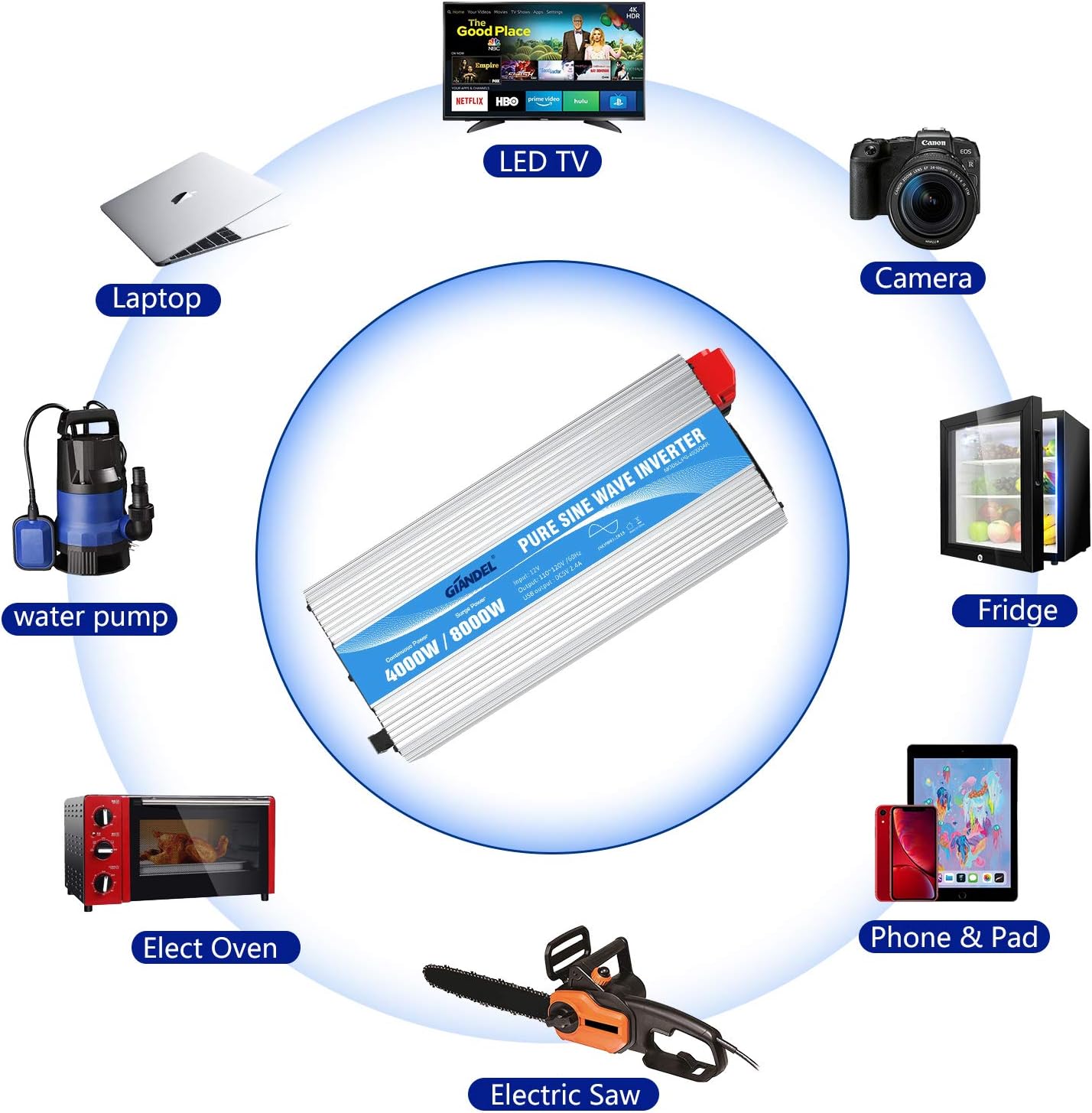
Figure 3.2: Examples of devices and appliances compatible with the inverter.

Figure 3.3: The pure sine wave output provides clean power with low interference, suitable for diverse environments.
4. Setup
Unpacking and Inspection:
Upon receiving your inverter, carefully unpack all components and inspect for any shipping damage. The package should include:
- GIANDEL 24 Volt 4000 Watt Pure Sine Wave Inverter
- Two pairs of 2 ft 4AWG battery cables (one red, one black)
- Mounting pads
- 30FT wired remote control
Mounting the Inverter:
Choose a dry, cool, and well-ventilated location for mounting the inverter. Ensure there is sufficient space around the unit for proper airflow. Use the provided mounting pads and secure the inverter firmly to a stable surface.
DC Connections (Battery):
Warning: This is a 24V inverter. Ensure your battery system is 24V and fully charged before connecting. Incorrect voltage can damage the inverter.
- Connect the positive (+) red battery cable to the positive (+) terminal on the inverter.
- Connect the negative (-) black battery cable to the negative (-) terminal on the inverter.
- Connect the other end of the positive (+) red cable to the positive (+) terminal of your 24V battery bank.
- Connect the other end of the negative (-) black cable to the negative (-) terminal of your 24V battery bank.
- Ensure all connections are tight and secure to prevent arcing and overheating.
- Connect the earth wire to a proper ground point.

Figure 4.1: Proper 24V DC battery connection points on the inverter.
Remote Control Connection:
Plug the 30FT wired remote control cable into the designated remote port on the inverter. This allows for convenient power control from a distance.
AC Output Connections:
You can connect devices directly to the four AC outlets or utilize the 40 Amps hardwire terminal block for permanent installations.
- AC Outlets: Plug your 120V AC appliances directly into the outlets. Ensure the total wattage of connected devices does not exceed the inverter's continuous power rating (4000W) and individual outlet limits (e.g., Max 1500W per outlet).
- Hardwire Terminal Block: For higher power applications or fixed wiring, use the hardwire terminal block. Consult a qualified electrician for proper installation if you are unsure.
5. Operating Instructions
Turning the Inverter On/Off:
Once all connections are secure, press the "Power" button on the inverter's front panel or on the wired remote control to turn the unit on. The LED display will illuminate, showing the input voltage and output wattage.
Monitoring the Display:
The LED display provides real-time information:
- Input (V): Displays the current DC input voltage from your battery bank.
- Output (kW): Shows the current AC power output in kilowatts.
- Output (W): Shows the current AC power output in watts.
- Status Indicators: Green light for normal operation, yellow/red for warnings/faults.
Connecting Appliances:
Plug your AC appliances into the inverter's outlets or hardwire them to the terminal block. Always ensure the total power consumption of all connected devices does not exceed the inverter's rated capacity (4000W continuous).
USB Charging:
Use the 2.4A USB port to charge compatible USB-powered devices.
6. Maintenance
Regular maintenance ensures optimal performance and longevity of your inverter.
- Cleaning: Periodically clean the exterior of the inverter with a dry, soft cloth. Ensure ventilation openings are free from dust and debris. Do not use liquid cleaners.
- Connection Checks: Regularly inspect battery cable connections for tightness and corrosion. Clean terminals if necessary.
- Ventilation: Ensure the inverter's cooling fans and vents are not obstructed. The intelligent cooling fan system will activate as needed to maintain optimal operating temperature.
- Storage: If storing the inverter for an extended period, disconnect it from the battery and store it in a cool, dry place.
7. Troubleshooting
This section addresses common issues you might encounter with your inverter.
| Problem | Possible Cause | Solution |
|---|---|---|
| Inverter does not turn on. |
|
|
| No AC output / Inverter shuts down. |
|
|
| Alarm sounds. |
|
|
If the problem persists after attempting these solutions, please contact GIANDEL customer support.
8. Specifications
| Feature | Specification |
|---|---|
| Model Name | PS-4000QAR |
| Item Model Number | PS-4000QAR/24V |
| Continuous Power | 4000 Watts |
| Input Voltage | 24V DC |
| Output Waveform | Pure Sine Wave |
| USB Output | 5V DC, 2.4A |
| Product Dimensions | 18.9 x 7.8 x 6.1 inches |
| Item Weight | 24.3 pounds |
| Recommended Uses | Vehicle, Marine, Home |
| Certifications | ETL approval UL 458 standard |
9. Warranty and Support
GIANDEL provides comprehensive support for its products.
- Warranty: This product comes with an 18-Months Warranty.
- Customer Support: For any inquiries or assistance, GIANDEL offers online real-time response service and US-based phone support.
- Additional Resources:
Related documentsPS-4000QAR/24V


Ask a question about this manual
Ask about setup, troubleshooting, compatibility, parts, safety, or missing instructions. Manuals+ will review the question and use this page’s manual context to help answer it.