Introduction
The Care Touch Slim Blood Pressure Wrist Monitor (Model SSW2.1) is designed for convenient and accurate measurement of blood pressure and pulse rate at the wrist. This device features a slim, lightweight design, a back-lit screen for clear visibility, USB charging, memory for 2 users with 60 readings each, and an irregular heartbeat indicator. Please read this manual thoroughly before using the device to ensure proper operation and accurate readings.
Package Contents
Verify that all components are present in your package:
- One (1) Care Touch Slim Blood Pressure Wrist Monitor (Model SSW2.1)
- One (1) USB Charging Cord
- One (1) Comprehensive User Manual
Safety Information
Please observe the following safety precautions:
- Consult your physician before using this device if you have any medical conditions or are taking medications.
- This device is intended for adult use only.
- Do not use this device on infants, children, or individuals who cannot express consent.
- Do not use this device for purposes other than measuring blood pressure and pulse rate.
- Avoid taking measurements in a moving vehicle or during physical activity.
- Do not attempt to repair or modify the device yourself. Contact customer support for assistance.
- Keep the device away from strong electromagnetic fields, such as those emitted by mobile phones or microwave ovens.
- If you experience discomfort during a measurement, press the START/STOP button to immediately deflate the cuff.
- Regularly compare readings with those taken by a healthcare professional to ensure accuracy.
Product Features
- Slim and Lightweight Design: Easy to carry and use anywhere.
- USB Rechargeable: Convenient charging without the need for disposable batteries.
- Back-lit Screen: Ensures clear visibility of readings in various lighting conditions.
- Quick Response: Provides fast and efficient blood pressure measurements.
- Time and Date Display: Records measurement time and date for tracking.
- 60 Reading Memory x 2 Users: Stores up to 60 readings for two separate users (120 total memory).
- Automatic On/Off: Powers on with a button press and automatically shuts off after inactivity.
- Irregular Heartbeat Indicator: Alerts the user to the detection of an irregular heartbeat during measurement.

Image: Key features of the Care Touch Slim Blood Pressure Wrist Monitor, including USB charging, automatic power, irregular heartbeat detection, and time/date display.
Setup
1. Charging the Device
The monitor is equipped with a rechargeable battery. Before first use, or when the battery indicator appears on the display, charge the device using the provided USB charging cord.
- Connect the small end of the USB charging cord to the charging port on the side of the monitor.
- Connect the larger end of the USB charging cord to a standard USB power adapter (not included) or a computer USB port.
- The charging indicator on the display will show the charging status. A full charge typically takes a few hours.
- Once fully charged, disconnect the USB cable.

Image: The Care Touch monitor connected to its USB charging cable.
2. Setting Date and Time
Accurate date and time settings are crucial for tracking your readings. Refer to the detailed instructions in the included manual for specific steps on setting the date and time using the 'SET' button.
3. Applying the Wrist Cuff
Proper cuff placement is essential for accurate readings.
- Remove any tight clothing or accessories from your left wrist.
- Apply the cuff to your left wrist with the display facing upwards, approximately 1-2 cm (0.4-0.8 inches) from your palm.
- Ensure the cuff is snug but not overly tight. There should be enough space to insert one finger between the cuff and your wrist.
- The monitor should be positioned on the inside of your wrist, directly over your radial artery.
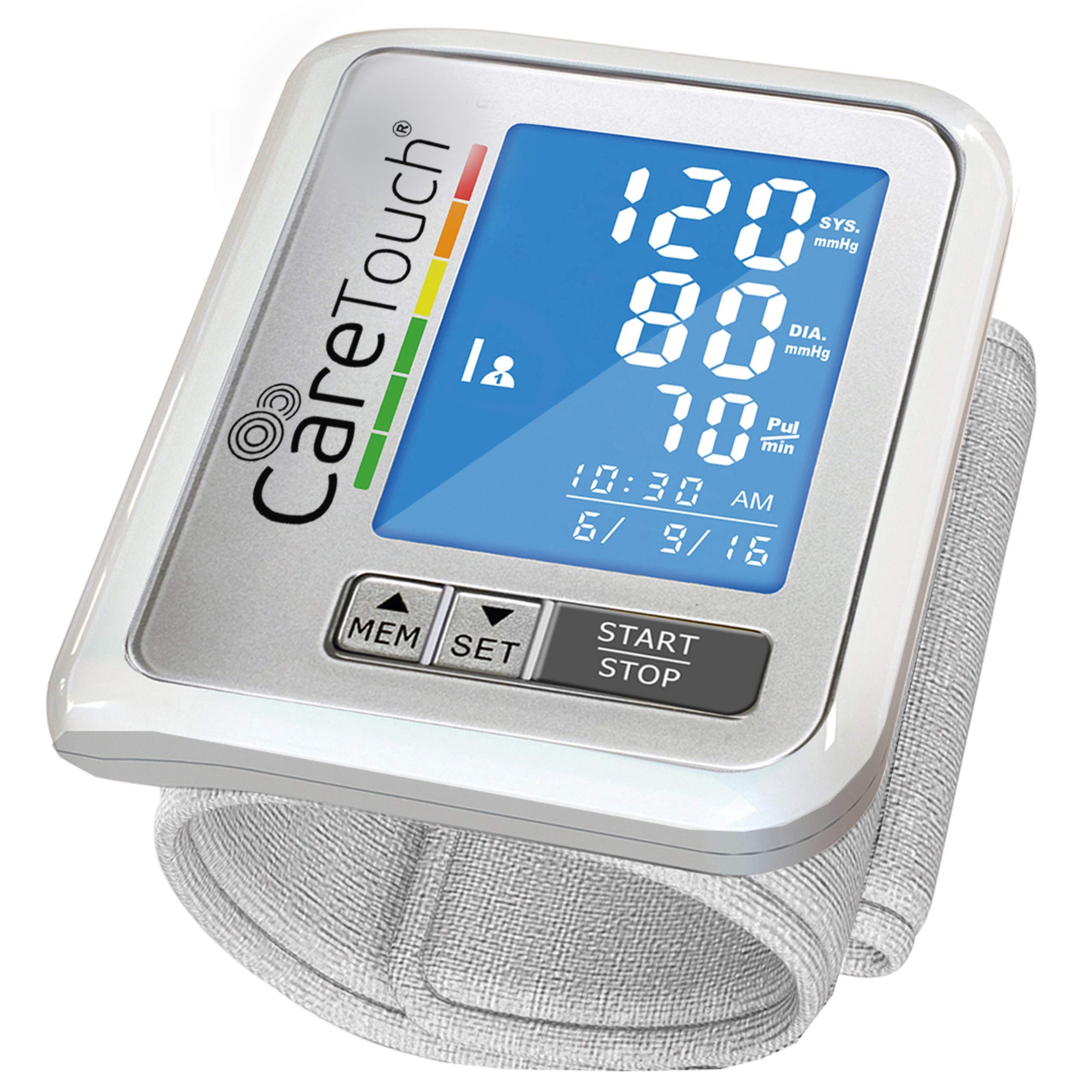
Image: The Care Touch monitor properly positioned on a wrist, ready for a blood pressure measurement.
Operating Instructions
1. Taking a Measurement
For accurate results, follow these steps:
- Sit comfortably with your back supported and feet flat on the floor.
- Rest your arm on a table or flat surface so that the monitor is at the same level as your heart.
- Remain still and silent during the measurement. Avoid talking or moving.
- Press the START/STOP button to begin the measurement. The cuff will inflate automatically.
- Once the measurement is complete, the cuff will deflate, and your systolic pressure, diastolic pressure, and pulse rate will be displayed on the screen.
- The device will automatically store the reading in memory and power off after a period of inactivity.
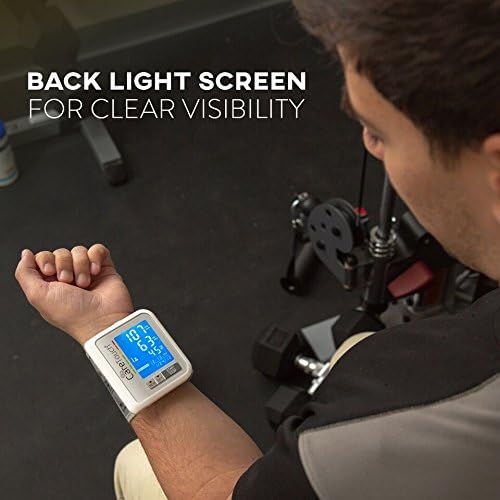
Image: A user taking a blood pressure reading with the Care Touch monitor, highlighting the back-lit screen.
2. Understanding Your Readings
The display shows three main values:
- SYS (Systolic Pressure): The top number, indicating the pressure in your arteries when your heart beats.
- DIA (Diastolic Pressure): The bottom number, indicating the pressure in your arteries between beats.
- PUL (Pulse Rate): Your heart rate, measured in beats per minute.
The monitor also features an Irregular Heartbeat Indicator. If an irregular heartbeat is detected during the measurement, a specific symbol will appear on the display. If this symbol appears frequently, consult your physician.

Image: Close-up of the monitor's display, showing blood pressure readings and a visual guide to normal, high normal, and high blood pressure zones.
3. Memory Function
The device can store up to 60 readings for two users, totaling 120 readings. To access stored readings:
- With the device off, press the MEM button. The most recent reading will be displayed.
- Press the MEM button repeatedly to scroll through older readings.
- To switch between User 1 and User 2 memory, refer to the full manual for specific button combinations.
Maintenance
Cleaning the Device
Clean the monitor and cuff regularly to ensure hygiene and proper function.
- Use a soft, dry cloth to wipe the monitor's display and casing.
- For the cuff, gently wipe with a slightly damp cloth and mild soap, then air dry. Do not immerse the cuff or monitor in water.
- Avoid using abrasive cleaners, solvents, or harsh chemicals.
Storage
Store the device in a clean, dry place, away from direct sunlight, extreme temperatures, and humidity. Keep it out of reach of children and pets.
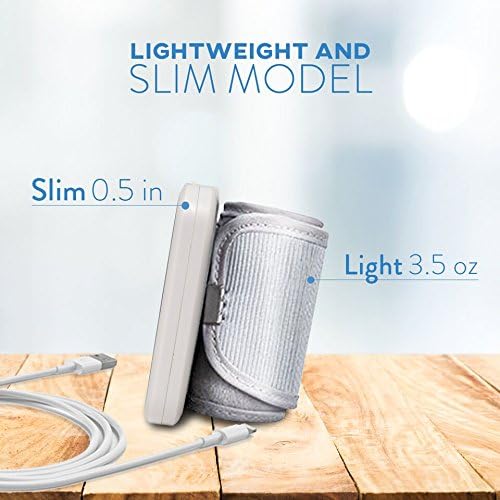
Image: The slim and lightweight design of the Care Touch monitor, ideal for portable storage.
Troubleshooting
| Problem | Possible Cause | Solution |
|---|---|---|
| Device does not turn on. | Low battery. | Charge the device using the USB cable. |
| Inaccurate readings. | Incorrect cuff placement; movement or talking during measurement; improper arm position; recent physical activity. | Ensure cuff is correctly applied and at heart level. Remain still and silent. Wait 5 minutes after activity before measuring. |
| Irregular Heartbeat Indicator appears frequently. | Detection of irregular heart rhythm. | Consult your physician for advice. This device is for screening, not diagnosis. |
| Error message on display. | Cuff not properly inflated/deflated; internal error. | Re-apply cuff and try again. If error persists, contact customer support. |
Specifications
- Model: SSW2.1
- Brand: Care Touch
- Display Type: Digital
- Power Source: Corded Electric (USB Rechargeable)
- Measurement Method: Oscillometric
- Memory: 2 users x 60 readings each
- Irregular Heartbeat Detection: Yes
- Back-light: Yes
- Item Weight: 0.13 Kilograms (approximately 4.58 ounces)
- Manufacturer: Future Diagnostics USA
- UPC: 370393001077
Warranty and Support
For warranty information, technical support, or any questions regarding your Care Touch Slim Blood Pressure Wrist Monitor, please refer to the contact information provided on the product packaging or visit the official Care Touch website. Keep your purchase receipt as proof of purchase for warranty claims.


