
1. Introduction
Thank you for choosing the Aquapro 21847 3.0 GPM 12V Multi-Fixture Water Pump. This pump is designed for reliable water transfer in various applications, featuring an automatic 'on demand' adjustable pressure switch for efficient water flow management across multiple fixtures. Its compact design makes it suitable for installations where space is limited. Please read this manual thoroughly before installation and operation to ensure safe and optimal performance.
2. Product Overview
The Aquapro 21847 pump is engineered for durability and efficiency. Key features include:
- Self-Priming: Capable of drawing water without external priming.
- Run-Dry Safe: Designed to prevent damage if the water supply runs out.
- Quiet Operation: Engineered for reduced noise during use.
- Low Power Draw: Efficient 12V operation minimizes energy consumption.
- Multi-Fixture Capability: Supports water flow to several outlets simultaneously.
- Corrosion Resistant Valves: Ensures longevity and consistent performance.
- Built-in Check Valve: Prevents backflow and allows for city water connection.
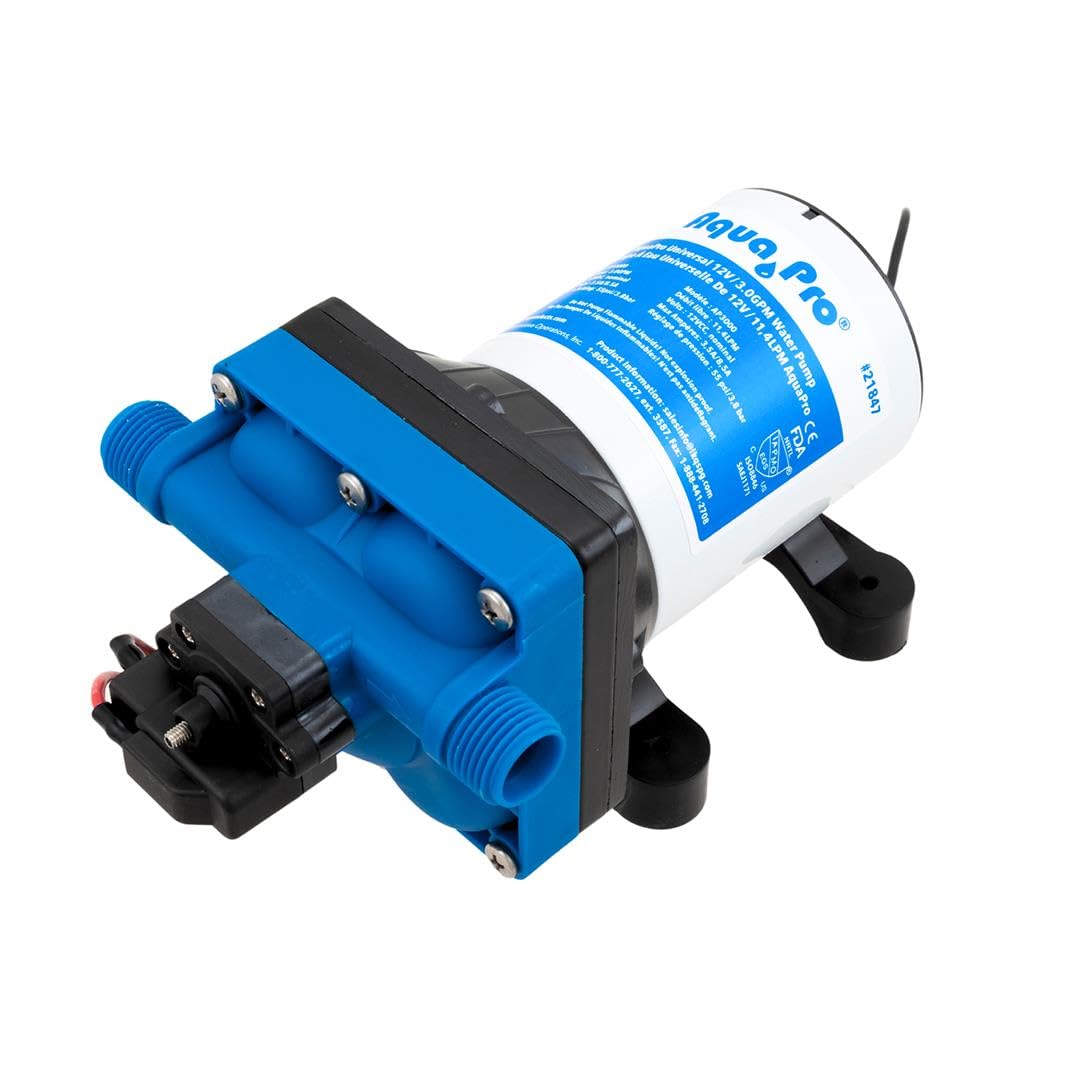
Figure 2.1: The Aquapro 21847 3.0 GPM 12V Multi-Fixture Water Pump. This image shows the compact design of the pump, highlighting its blue and white casing with visible inlet and outlet ports.
3. Safety Information
Always observe the following safety precautions to prevent injury or damage to the pump:
- Disconnect power before performing any service or maintenance.
- Ensure proper ventilation around the pump.
- Do not pump flammable liquids.
- Protect the pump from freezing temperatures.
- Use appropriate wiring and fusing as specified in the electrical requirements.
- Wear appropriate personal protective equipment during installation and maintenance.
4. Package Contents
Verify that all items are present in the package:
- Aquapro 21847 Water Pump
- Inlet Strainer (50 mesh)
- 1/2" Barbed Adapters (2 units)
- Various fittings for different inlet types

Figure 4.1: The Aquapro 21847 pump shown with its included accessories. This image displays the pump alongside a clear inline strainer and two barbed adapters, indicating a complete kit for installation.
5. Specifications
| Specification | Value |
|---|---|
| Brand | Aquapro |
| Model | 21847 |
| Maximum Flow Rate | 3 Gallons Per Minute (GPM) |
| Voltage | 12 Volts |
| Power Source | AC/DC |
| Material | Stainless Steel |
| Product Dimensions | 7.97"L x 4.92"W x 4.37"H |
| Item Weight | 0.01 Ounces |
| Style | Submersible |
6. Setup and Installation
Proper installation is crucial for the pump's performance and longevity. Follow these steps:
- Mounting: Secure the pump in a dry, well-ventilated area, protected from direct sunlight and freezing temperatures. Ensure the mounting surface is stable.
- Inlet Connection: Connect the water source to the pump's inlet port. Use the provided 1/2" MNPS inlet fittings and barbed adapters as needed. Install the 50 mesh inlet strainer on the suction side to prevent debris from entering the pump.
- Outlet Connection: Connect the pump's outlet port to your water distribution system. The pump is equipped with 1/2" MNPS outlet fittings.
- Electrical Connection: Connect the pump to a 12V DC power source. Ensure correct polarity (red wire to positive, black wire to negative). Use appropriate gauge wiring and an inline fuse for protection.
- Leak Check: Once all connections are made, slowly introduce water into the system and check for any leaks before applying full power.

Figure 6.1: Close-up view of the pump's inlet and outlet fittings. This image highlights the 1/2 inch MNPS threaded ports, demonstrating where water lines should be connected.
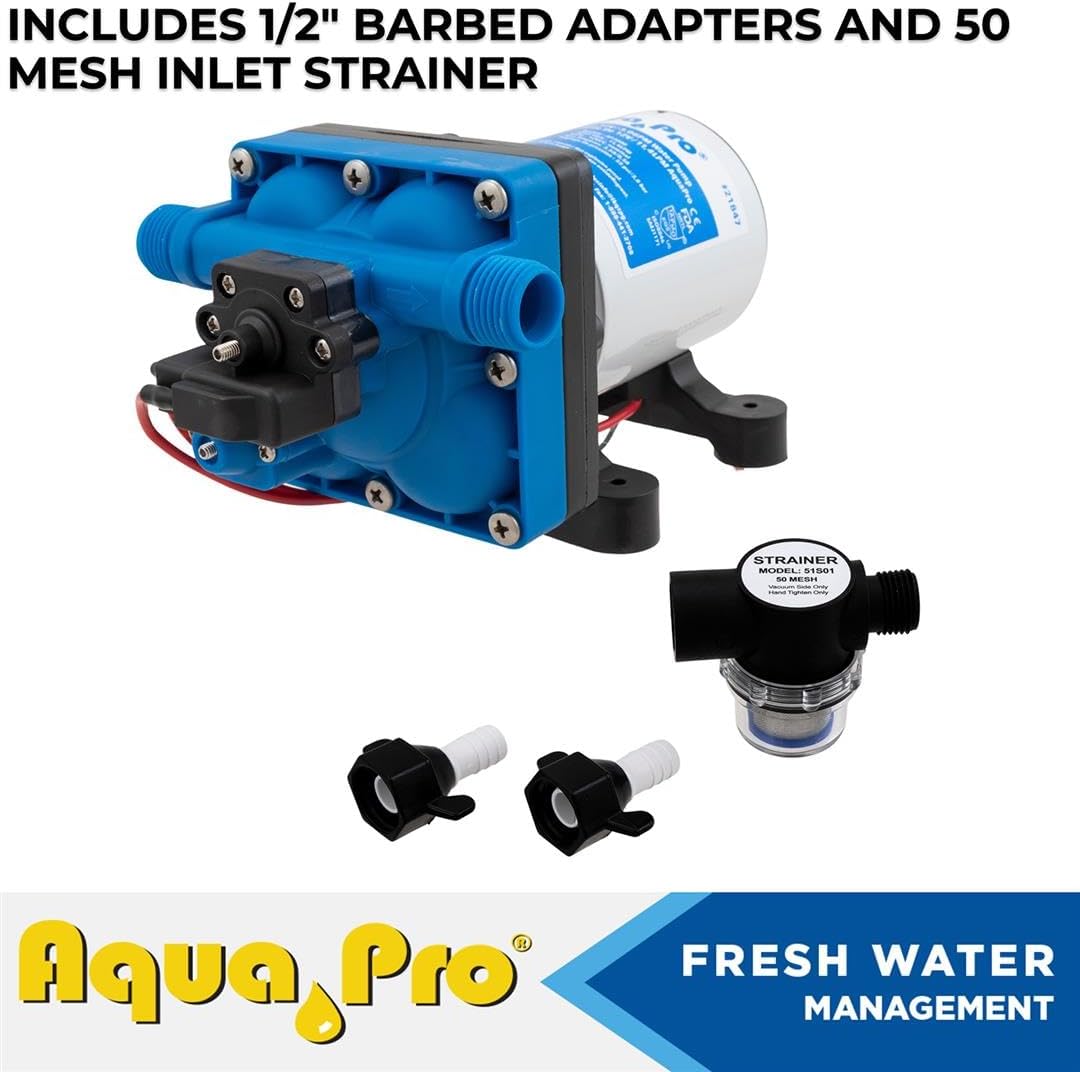
Figure 6.2: The pump shown with its included 1/2 inch barbed adapters and 50 mesh inlet strainer. This image illustrates the accessories provided for flexible connection options and debris filtration.
7. Operating Instructions
The Aquapro 21847 pump is designed for user-friendly operation:
- Initial Start-up: Ensure all connections are secure and the water source is open. Apply 12V DC power to the pump. The pump will self-prime and begin to build pressure.
- Automatic Operation: The pump features an automatic 'on demand' pressure switch. It will turn on when a faucet or fixture is opened and the system pressure drops, and turn off when the fixture is closed and pressure is restored.
- Run-Dry Protection: The pump is designed to be run-dry safe, meaning it can operate without water for short periods without damage. However, prolonged dry running should be avoided.
- Check Valve Function: The built-in check valve prevents water from flowing back into the supply line, maintaining system pressure and allowing for seamless integration with city water connections if applicable.

Figure 7.1: The Aquapro 21847 pump in operation, demonstrating powerful, on-demand water flow. This image visually represents the pump's capability to respond smoothly to varying water demands.

Figure 7.2: The Aquapro 21847 pump emphasizing its self-priming and run-dry safe characteristics. This image reinforces the pump's ability to operate reliably even with intermittent water supply.
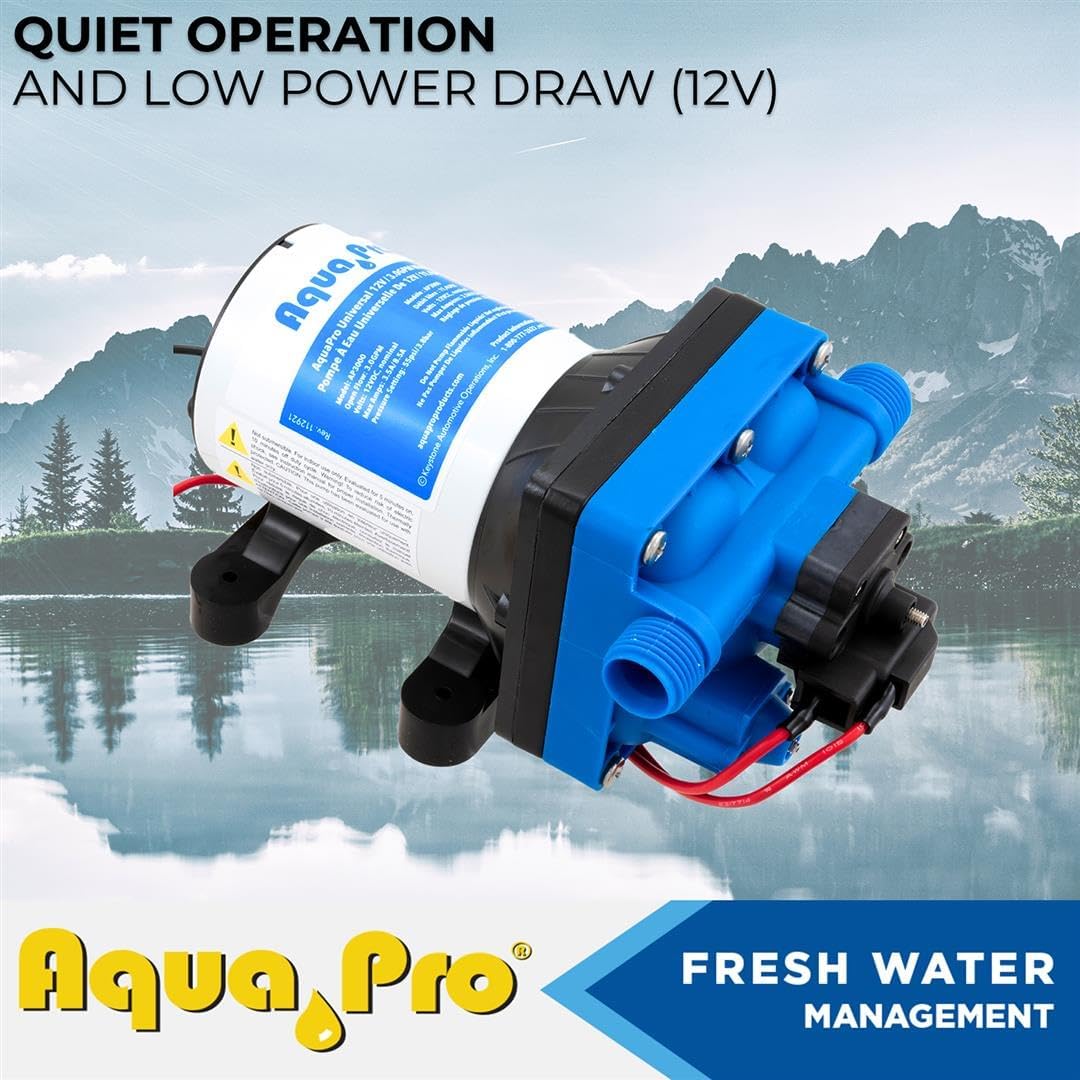
Figure 7.3: The Aquapro 21847 pump illustrating its quiet operation and low 12V power draw. This image suggests the pump is efficient and unobtrusive in various settings.

Figure 7.4: The Aquapro 21847 pump highlighting its built-in check valve. This image demonstrates the component responsible for preventing backflow and enabling city water connections.
8. Maintenance
Regular maintenance ensures the longevity and efficiency of your Aquapro pump:
- Strainer Cleaning: Periodically inspect and clean the inlet strainer to remove any accumulated debris. A clogged strainer can reduce pump performance and potentially cause damage.
- Winterization: In climates where freezing temperatures occur, drain all water from the pump and plumbing system to prevent ice damage.
- Connection Checks: Regularly inspect all water and electrical connections for tightness and signs of wear or corrosion.
9. Troubleshooting
If you encounter issues with your pump, refer to the following common problems and solutions:
| Problem | Possible Cause | Solution |
|---|---|---|
| Pump runs but no water flows | No water in supply, clogged inlet strainer, air in system, kinked hose. | Check water supply, clean strainer, bleed air from system, straighten hoses. |
| Pump cycles on and off frequently | Small leak in system, pressure switch setting too low, partially clogged outlet. | Check for leaks, adjust pressure switch (if adjustable), clear outlet obstruction. |
| Low flow or pressure | Clogged strainer, low voltage, worn pump head. | Clean strainer, verify 12V power supply, inspect pump head for wear. |
| Pump does not turn on | No power, blown fuse, faulty wiring, seized motor. | Check power connections, replace fuse, inspect wiring, contact support if motor is seized. |
10. Warranty and Support
The Aquapro 21847 3.0 GPM 12V Multi-Fixture Water Pump comes with a 2-year warranty from the date of purchase, covering defects in materials and workmanship. This warranty does not cover damage due to improper installation, misuse, neglect, or normal wear and tear.
For technical assistance, warranty claims, or to purchase replacement parts, please refer to the contact information provided on your product packaging or visit the official Aquapro website. Please have your model number (21847) and purchase date available when contacting support.